
Product Overview
The Altec Lansing MZX300-PNK Wireless Over Ear Bluetooth Headphones provide a comfortable and immersive audio experience with the convenience of wireless connectivity. Featuring a built-in microphone, these headphones are ideal for music listening and hands-free calls.

This image displays the Altec Lansing MZX300-PNK Wireless Over Ear Bluetooth Headphones in pink, showcasing their overall design and earcups.
Package Contents
Please verify that all items are present in your package:
- Altec Lansing MZX300-PNK Wireless Headphones
- USB Charging Cable
- User Manual

The product packaging for the Altec Lansing MZX300-PNK headphones, illustrating the box design and key features.
Controls and Indicators
Familiarize yourself with the headphone controls located on the right earcup:

A detailed view of the right earcup, showing the power button, volume controls (+/-), and the LED indicator.
- Power Button: Press and hold to power on/off. Also functions as Play/Pause, Answer/End Call.
- Volume Up (+): Short press to increase volume. Long press for next track.
- Volume Down (-): Short press to decrease volume. Long press for previous track.
- LED Indicator: Shows power, charging, and pairing status.
- Microphone: Built-in for hands-free calls.
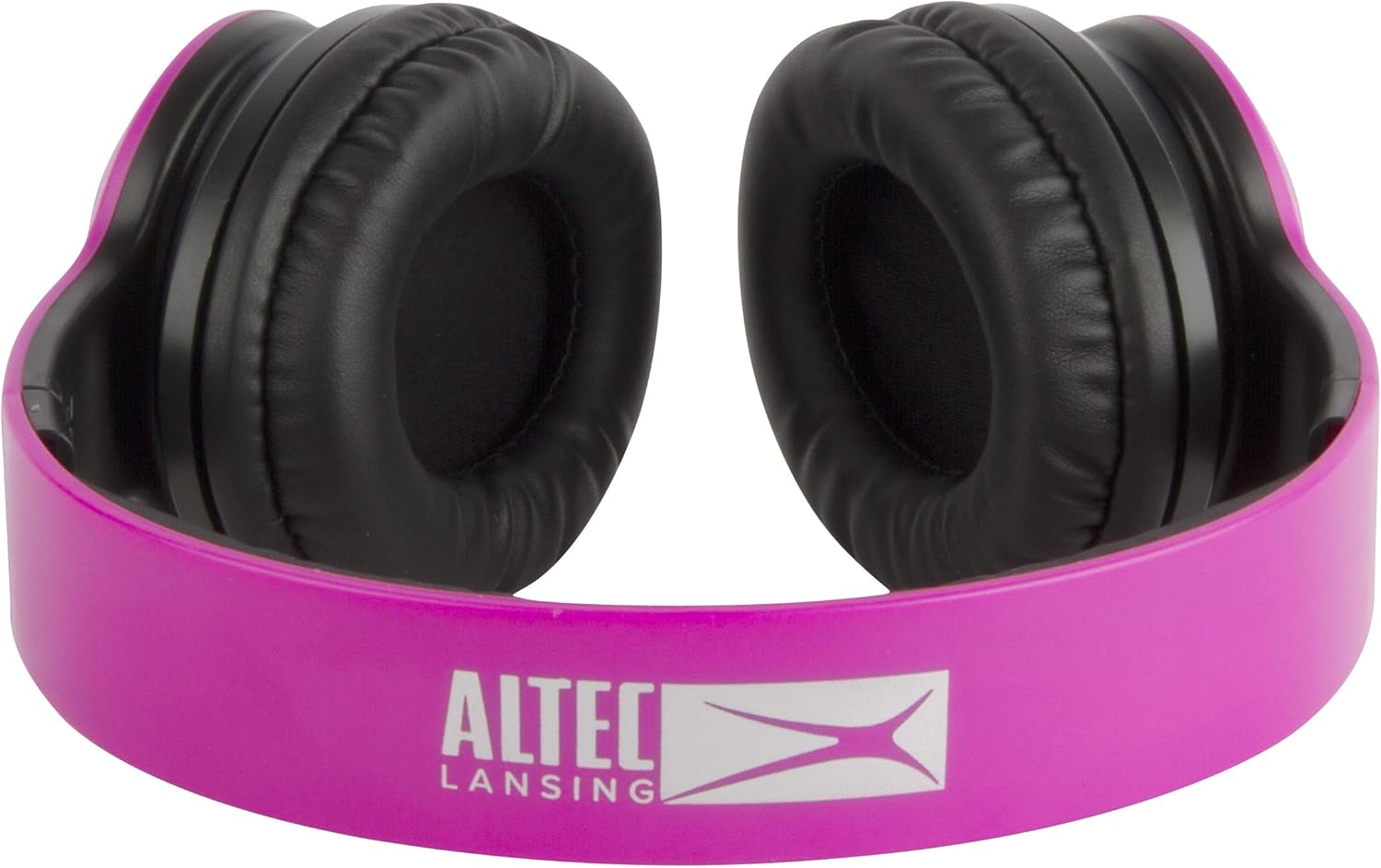
This image provides a side profile of the headphones, highlighting the adjustable headband and the earcups.
Setup
Charging the Headphones
- Connect the small end of the USB charging cable to the charging port on the headphones.
- Connect the larger end of the USB charging cable to a USB power adapter (not included) or a computer's USB port.
- The LED indicator will illuminate during charging and turn off when fully charged.
- A full charge provides approximately 6 hours of play time.
Pairing with a Bluetooth Device
- Ensure the headphones are fully charged.
- Press and hold the Power Button until the LED indicator flashes blue and red, indicating pairing mode.
- On your Bluetooth-enabled device (smartphone, tablet, computer), go to the Bluetooth settings.
- Search for available devices and select "MZX300-PNK" from the list.
- Once connected, the LED indicator will turn solid blue or stop flashing.
- If prompted for a password, enter "0000".
Operating Instructions
Power On/Off
- To Power On: Press and hold the Power Button for 3 seconds.
- To Power Off: Press and hold the Power Button for 3 seconds.
Music Playback
- Play/Pause: Press the Power Button once.
- Next Track: Press and hold the Volume Up (+) button.
- Previous Track: Press and hold the Volume Down (-) button.
- Volume Up: Short press the Volume Up (+) button.
- Volume Down: Short press the Volume Down (-) button.
Phone Calls
- Answer Call: Press the Power Button once.
- End Call: Press the Power Button once during a call.
- Reject Call: Press and hold the Power Button for 2 seconds.
- Redial Last Number: Double-press the Power Button.
Maintenance
Proper maintenance will ensure the longevity of your headphones:
- Clean the headphones with a soft, dry cloth. Do not use abrasive cleaners or solvents.
- Avoid exposing the headphones to extreme temperatures, humidity, or direct sunlight.
- Store the headphones in a cool, dry place when not in use.
- Do not attempt to disassemble or modify the headphones, as this will void the warranty.
Troubleshooting
| Problem | Possible Cause | Solution |
|---|---|---|
| Headphones do not power on. | Battery is low or depleted. | Charge the headphones fully. |
| Cannot pair with Bluetooth device. | Headphones not in pairing mode; device Bluetooth off; too far apart. | Ensure headphones are flashing blue/red; turn on device Bluetooth; move headphones closer to device (within 10 meters). |
| No sound. | Volume too low; headphones not connected; incorrect audio output selected. | Increase headphone and device volume; re-pair headphones; check device audio settings. |
| Poor sound quality. | Interference; low battery. | Move away from other wireless devices; charge headphones. |
Specifications
- Model: MZX300-PNK
- Connectivity: Bluetooth Wireless
- Ear Placement: Over-Ear
- Form Factor: Over-Ear
- Headphones Jack: USB (for charging)
- Driver Size: 40mm
- Frequency Response: 20Hz - 20kHz
- Battery Life: Up to 6 hours of play time
- Microphone: Built-in
Warranty Information
Altec Lansing products are designed and manufactured to the highest standards. For specific warranty details, please refer to the warranty card included with your purchase or visit the official Altec Lansing website. Keep your proof of purchase for warranty claims.
Customer Support
If you encounter any issues or have questions regarding your Altec Lansing MZX300-PNK headphones, please contact Altec Lansing customer support:
- Website: www.alteclansing.com
- Online Resources: Visit the Altec Lansing support page for FAQs and additional resources.
