
ANRAN N20W1425
ANRAN Outdoor Security Camera User Manual
Model: N20W1425
1. Product Overview
The ANRAN Outdoor Security Camera is a 1080P HD WiFi home surveillance camera designed for outdoor use. It features two-way audio, IP66 waterproof rating, night vision, motion detection with instant alerts, and remote access via a mobile application. This manual provides detailed instructions for setting up, operating, and maintaining your camera.
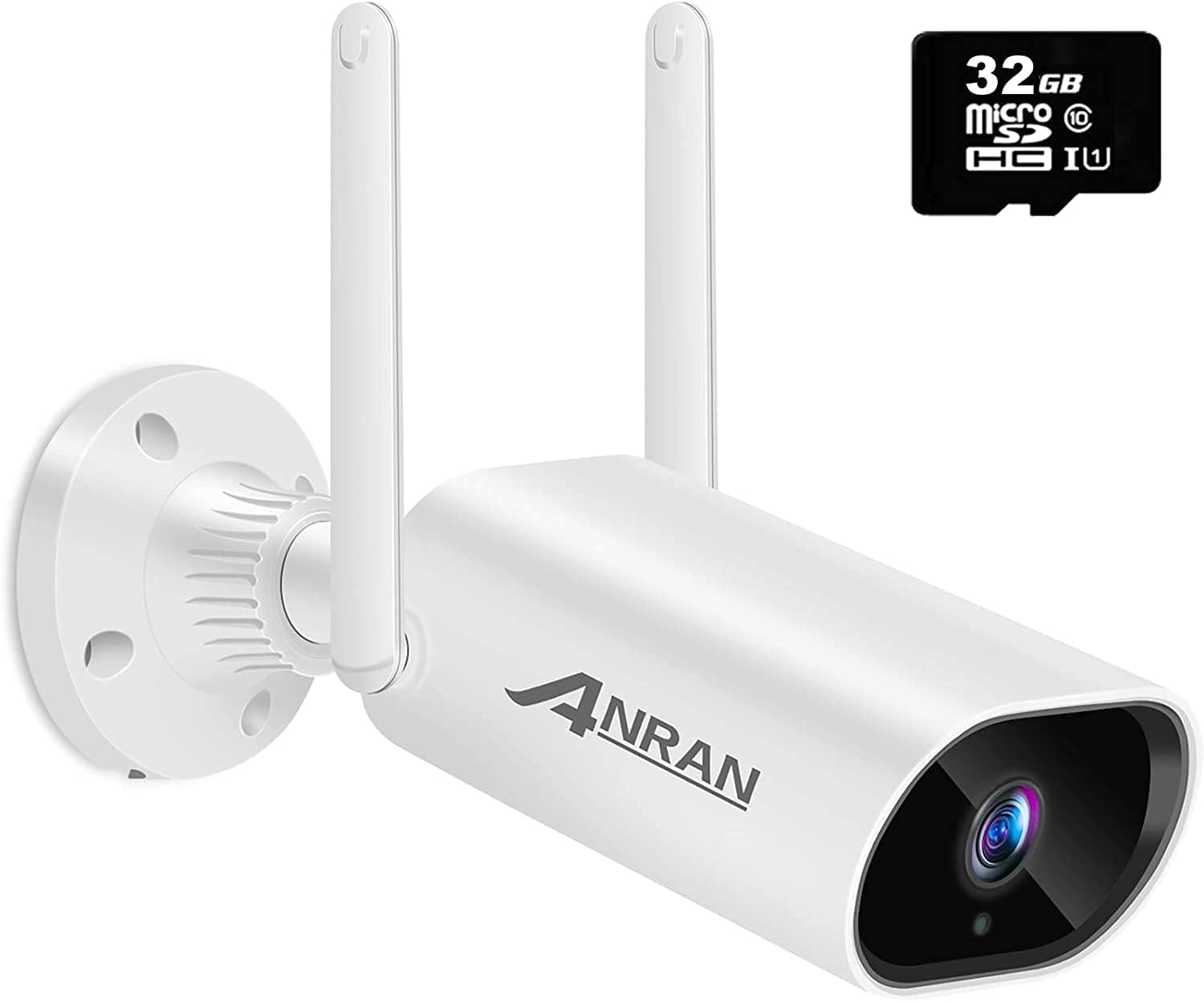
Image: The ANRAN Outdoor Security Camera, a white bullet-style camera with two antennas, shown alongside a 32GB Micro SD card.
2. What's Included
Verify that all components are present in the package before proceeding with installation.
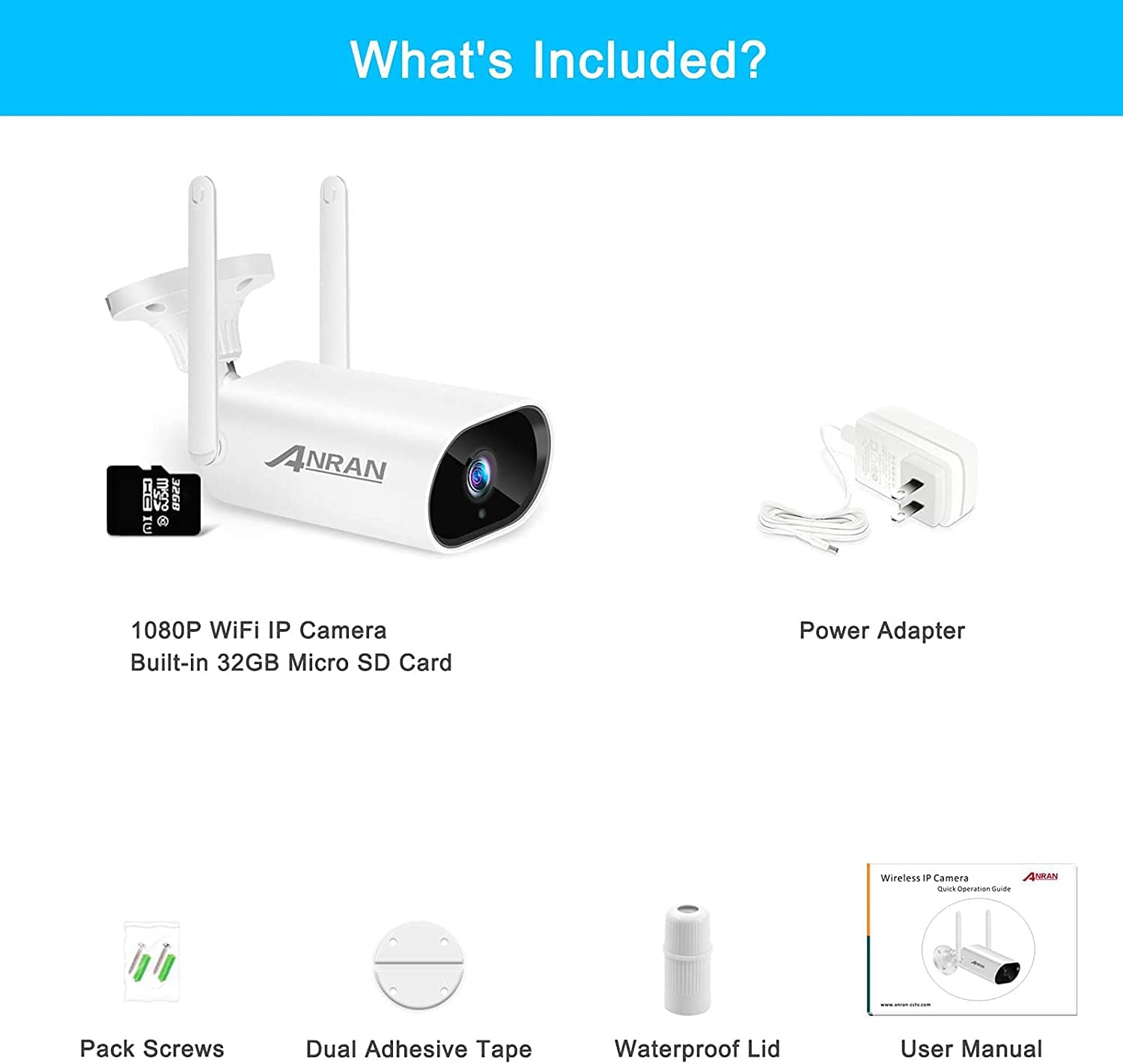
Image: A visual representation of the package contents, including the 1080P WiFi IP Camera with built-in 32GB Micro SD Card, Power Adapter, Pack Screws, Dual Adhesive Tape, Waterproof Lid, and User Manual.
- 1080P WiFi IP Camera (with built-in 32GB Micro SD Card)
- Power Adapter
- Pack Screws
- Dual Adhesive Tape
- Waterproof Lid
- User Manual (this document)
3. Setup Guide
Follow these steps to set up your ANRAN Outdoor Security Camera for the first time.
3.1 Initial Power-On and SD Card Installation
- Connect Power: Connect the camera to the provided power adapter. The camera will power on automatically.
- Wait for Initialization: Allow approximately one minute for the camera to fully start up.
- Install SD Card (if not pre-installed): Locate the SD card slot on the camera. Gently insert the 32GB Micro SD card until it clicks into place. Ensure the waterproof lid is securely closed after installation.
Video: This video demonstrates the process of inserting the Micro SD card into the camera and securing the waterproof cover. It also shows the camera being mounted.

Image: A close-up view of the ANRAN camera's side, highlighting the slot for the Micro SD card and the USB port.
3.2 Mobile App Installation and Camera Pairing
- Download the App: Download the free "CamHipro" application from your mobile device's app store (Google Play for Android or Apple App Store for iOS).
- Connect to Camera's Wi-Fi:
- Open your phone's Wi-Fi settings.
- Search for the camera's Wi-Fi signal, which typically starts with "IPCAM..." (e.g., "IPCAM-506570").
- Connect to this network. The default password is "01234567".
- Ensure your phone remains connected to this Wi-Fi network during the pairing process.
- Add Device in CamHipro App:
- Open the CamHipro application.
- Click the "+" icon to add a new device.
- Select "IP Camera". The app should automatically detect the camera's UID.
- Confirm to add the device.
- Enter your home Wi-Fi network name (SSID) and password when prompted. This will connect the camera to your home network.
- Assign a name to your camera (e.g., "Front Door", "Backyard").

Image: A visual guide showing the three main steps for installation and setup: downloading the CamHipro app, adding the security camera, and viewing live video.
Video: This official ANRAN video provides a step-by-step guide on connecting the camera to power, connecting your phone to the camera's Wi-Fi, and configuring the camera through the CamHipro app.
4. Operating Instructions
4.1 Live View and Remote Access
Once configured, you can access your camera's live feed from anywhere using the CamHipro app on your smartphone or other compatible devices.

Image: The ANRAN camera providing remote access to live video feeds on a smartphone, tablet, and laptop, demonstrating its multi-device compatibility.
4.2 Two-Way Audio Communication
The camera is equipped with a built-in microphone and speaker, enabling two-way communication. To use this feature:
- Open the live view of your camera in the CamHipro app.
- Tap the microphone icon to speak through the camera's speaker.
- Tap the speaker icon to listen to audio from the camera's surroundings.

Image: A graphic illustrating the two-way audio feature, showing a person speaking into a phone and the camera transmitting the audio, along with icons for intercom mode and waterproof speaker.
4.3 Motion Detection and Alerts
The camera features customizable motion detection. When motion is detected, the camera can send instant notifications to your phone.
- Customization: Adjust motion sensitivity settings within the CamHipro app to minimize false alarms.
- Instant Alerts: Receive real-time notifications on your smartphone when motion is detected in the monitored area.

Image: A visual demonstrating smart motion detection, showing a grid over a monitored area and a smartphone receiving a motion detection notification.
Video: This video highlights the motion detection capabilities, two-way audio, and remote viewing features of the ANRAN 1080P Wireless Outdoor Security WiFi Camera.
5. Key Features Explained
5.1 1080P HD & Night Vision
The camera captures video in 1080P HD resolution, providing clear and smooth footage during the day. With 18 infrared LEDs, it automatically switches to night vision mode in low-light conditions, allowing for clear monitoring up to 65 feet in complete darkness.
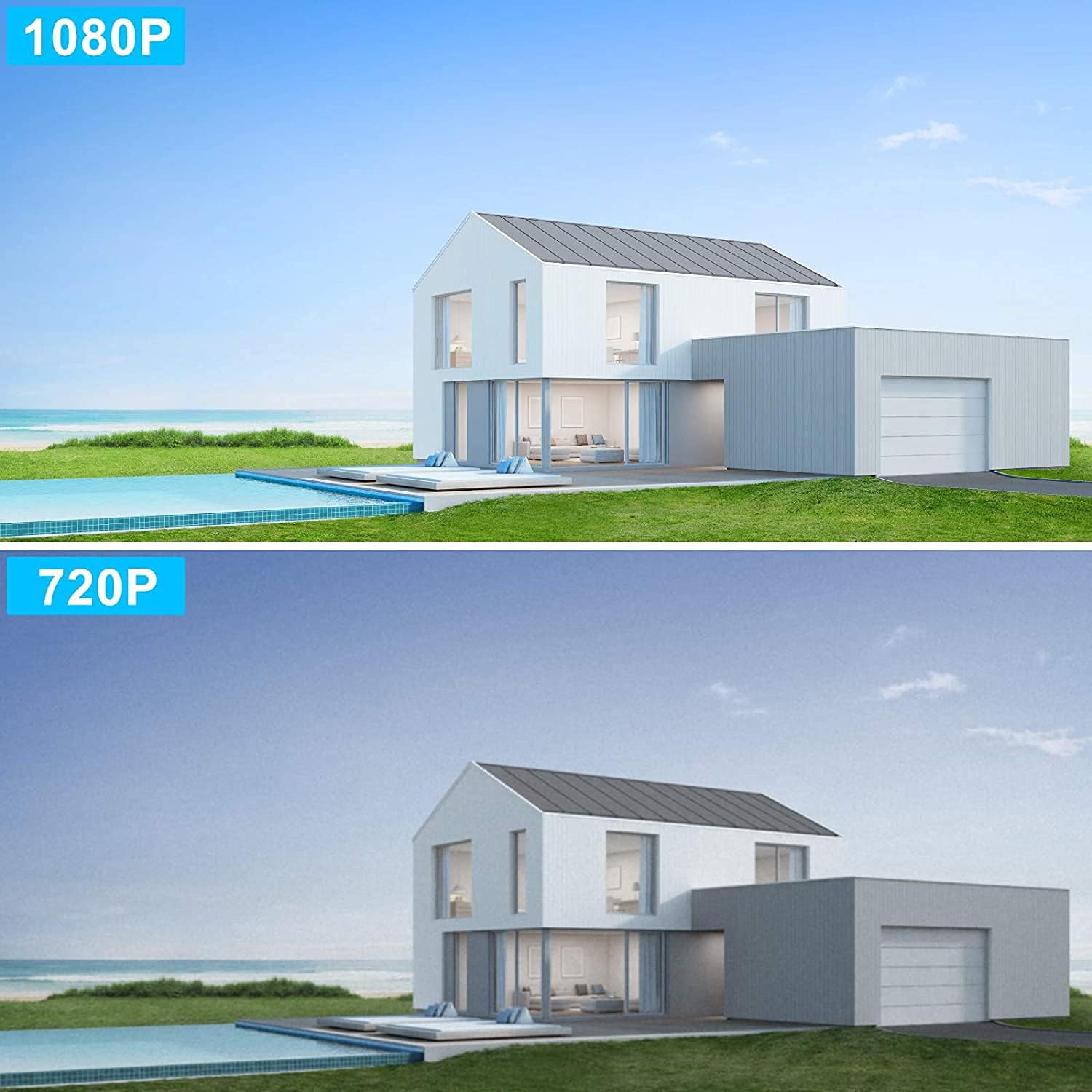
Image: A side-by-side comparison demonstrating the superior clarity of 1080P video resolution compared to 720P.

Image: A comparison showing daytime and night vision views from the ANRAN camera, highlighting its clear night vision with 18 infrared lights.
5.2 IP66 Waterproof Rating
Designed for outdoor environments, the camera boasts an IP66 waterproof rating, ensuring reliable operation in various weather conditions, including rain, snow, and fog. It can withstand temperatures ranging from 14°F to 122°F (-10°C to 50°C).

Image: The ANRAN camera shown in a rainy outdoor setting, emphasizing its IP66 waterproof rating and resilience to shine, snow, and fog.
5.3 Stable 2.4G WiFi Connection
The camera connects to 2.4G WiFi networks (5G WiFi is not supported) and features two enhanced antennas for a stable signal. Financial encryption technology is used to secure your data and privacy.
6. Maintenance
- Cleaning: Regularly wipe the camera lens and body with a soft, damp cloth to remove dust and dirt. Avoid using harsh chemicals or abrasive materials.
- Firmware Updates: Check the CamHipro app periodically for firmware updates to ensure optimal performance and security.
- SD Card Management: The included 32GB SD card provides local storage. Ensure it is properly inserted and consider formatting it periodically through the app to maintain recording efficiency.
7. Troubleshooting
| Problem | Possible Cause / Solution |
|---|---|
| Camera not connecting to Wi-Fi |
|
| No motion detection alerts |
|
| Poor video quality |
|
| Two-way audio not working |
|
For more detailed troubleshooting, please refer to the comprehensive user guide available for download on the ANRAN support website or contact customer support.
8. Specifications
| Feature | Detail |
|---|---|
| Model Name | B04 |
| Item Model Number | N20W1425 |
| Indoor/Outdoor Usage | Outdoor |
| Video Capture Resolution | 1080p, 720p |
| Connectivity Protocol | Wi-Fi (2.4Ghz only) |
| International Protection Rating | IP66 |
| Night Vision Range | Up to 65 Feet |
| Two-Way Audio | Yes (Built-in microphone and speaker) |
| Motion Detection | Yes (Customizable sensitivity, instant alerts) |
| Power Source | Corded Electric |
| Operating Temperature | 14°F to 122°F (-10°C to 50°C) |
| Material | Metal |
| Item Weight | 1.19 pounds |
9. Warranty and Support
ANRAN products are designed for reliability and performance. For specific warranty information, please refer to the documentation included with your product or visit the official ANRAN website.
If you encounter any issues or have questions regarding your ANRAN Outdoor Security Camera, please contact ANRAN customer support for assistance. You can also visit the ANRAN Store on Amazon for more product information and support resources.
Related documentsN20W1425


Ask a question about this manual
Ask about setup, troubleshooting, compatibility, parts, safety, or missing instructions. Manuals+ will review the question and use this page’s manual context to help answer it.