
1. Product Overview
The Durable 179807 Self-Adhesive Logistic Label Holders provide an efficient solution for identification and marking in production and storage environments. These label holders are designed for use on various smooth and rigid surfaces, offering durability and ease of use.
- Identification solution for production and storage.
- Durable blue polypropylene adhesive label holder.
- Allows direct scanning through the pocket.
- Transparent window for quick insertion of customizable labels.
- Dimensions: A4 landscape (297 x 210 mm).
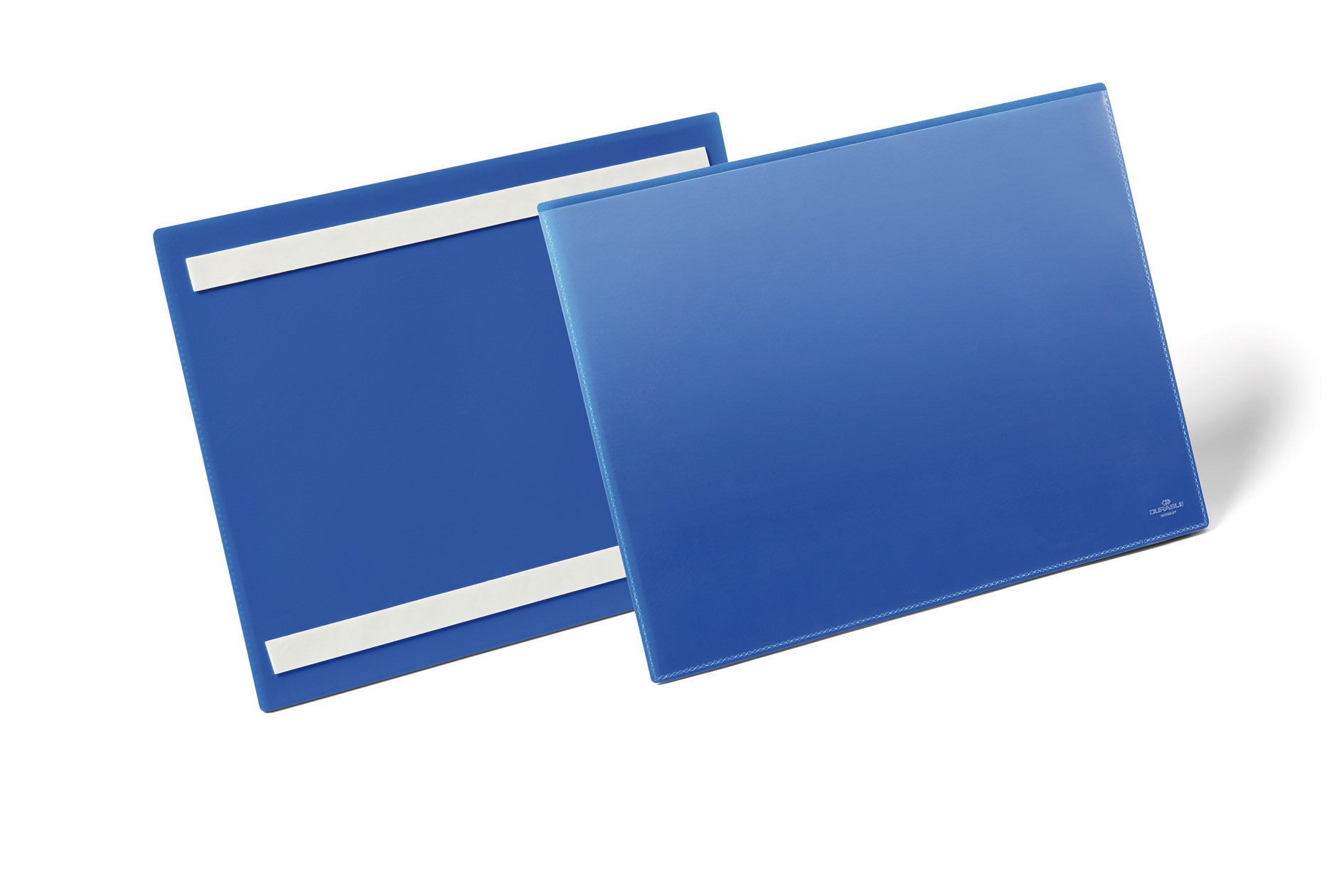
Image 1.1: Durable 179807 label holder applied to a storage box, displaying a material number and logistical information.
2. Setup and Installation
These label holders feature an adhesive backing for easy application. Ensure the surface is clean, dry, and smooth for optimal adhesion.
- Prepare the Surface: Clean the desired application surface (e.g., carton, shelf, door) to remove any dust, grease, or moisture. Ensure the surface is smooth and rigid.
- Peel the Backing: Carefully peel off the protective paper from the adhesive backing of the label holder.
- Apply the Holder: Position the label holder precisely on the prepared surface. Press firmly and evenly across the entire surface of the holder to ensure strong adhesion and remove any air bubbles.
- Allow to Set: For best results, allow the adhesive to set for a few hours before inserting labels or subjecting the holder to stress.
3. Operating Instructions
The label holders are designed for quick and easy label management.
- Inserting Labels: Prepare your A4 landscape label. The transparent window allows for quick insertion. Simply slide the label into the pocket.
- Removing/Changing Labels: Gently slide out the existing label from the transparent pocket and insert a new one as needed.
- Scanning Capability: The transparent material of the label holder allows for direct scanning of barcodes or QR codes printed on the inserted label, eliminating the need to remove the label for scanning.
- Customizing Labels: Utilize the free DURAPRINT application to professionally design and print your labels. This software provides templates and tools for creating clear and effective labels.
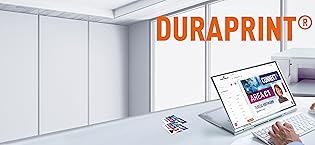
Image 3.1: The DURAPRINT software interface, used for designing and printing custom labels for Durable products.
4. Maintenance
The Durable 179807 label holders require minimal maintenance due to their robust construction.
- Cleaning: If the surface of the label holder becomes dirty, wipe it gently with a soft, damp cloth. Avoid abrasive cleaners or solvents, as these may damage the polypropylene material or the adhesive.
- Durability: The polypropylene material is tear-resistant, ensuring a long service life in demanding environments.
5. Troubleshooting
These label holders are designed for straightforward use. Most issues can be resolved by ensuring proper installation.
- Adhesion Issues: If the label holder does not adhere properly, ensure the surface was thoroughly cleaned and dry before application. The adhesive is designed for single, permanent application; repositioning may reduce its effectiveness.
- Scanning Problems: Ensure the label is inserted correctly and flat within the pocket. Check that the barcode or QR code is clear and not obscured by glare or damage to the label holder's transparent window.
6. Specifications
| Feature | Detail |
|---|---|
| Model Number | 179807 |
| Brand | Durable |
| Material | Polypropylene (PP) |
| Color | Blue (with dark black variant mentioned in specs, main product is blue) |
| Format | A4 Landscape |
| Exterior Dimensions (L x W) | 297 x 210 mm |
| Interior Dimensions (L x W x H) | 311 x 225 x 1.7 mm |
| Attachment Type | Self-Adhesive |
| Capacity | 1 sheet |
| Units per Pack | 50 |
| Recycled Content | 100% (Recyclable material) |
| Country of Origin | Germany |
7. Support
Durable is committed to providing high-quality products and support. For assistance with your label holders or the DURAPRINT software, please refer to the following:
- DURAPRINT Software: Access the free DURAPRINT labeling software online for professional label design and printing. This tool is designed to enhance the functionality of your Durable label holders.
- Quality Assurance: Durable products are manufactured under strict quality standards, with quality and environmental management certified by TÜV (ISO 9001 & 14001).
- Contact: For further inquiries or technical support, please visit the official Durable website or contact their customer service department.