
TP-Link M7350 V4
TP-Link M7350 4G LTE MiFi User Manual
Portable Travel Wi-Fi Hotspot
1. Product Overview
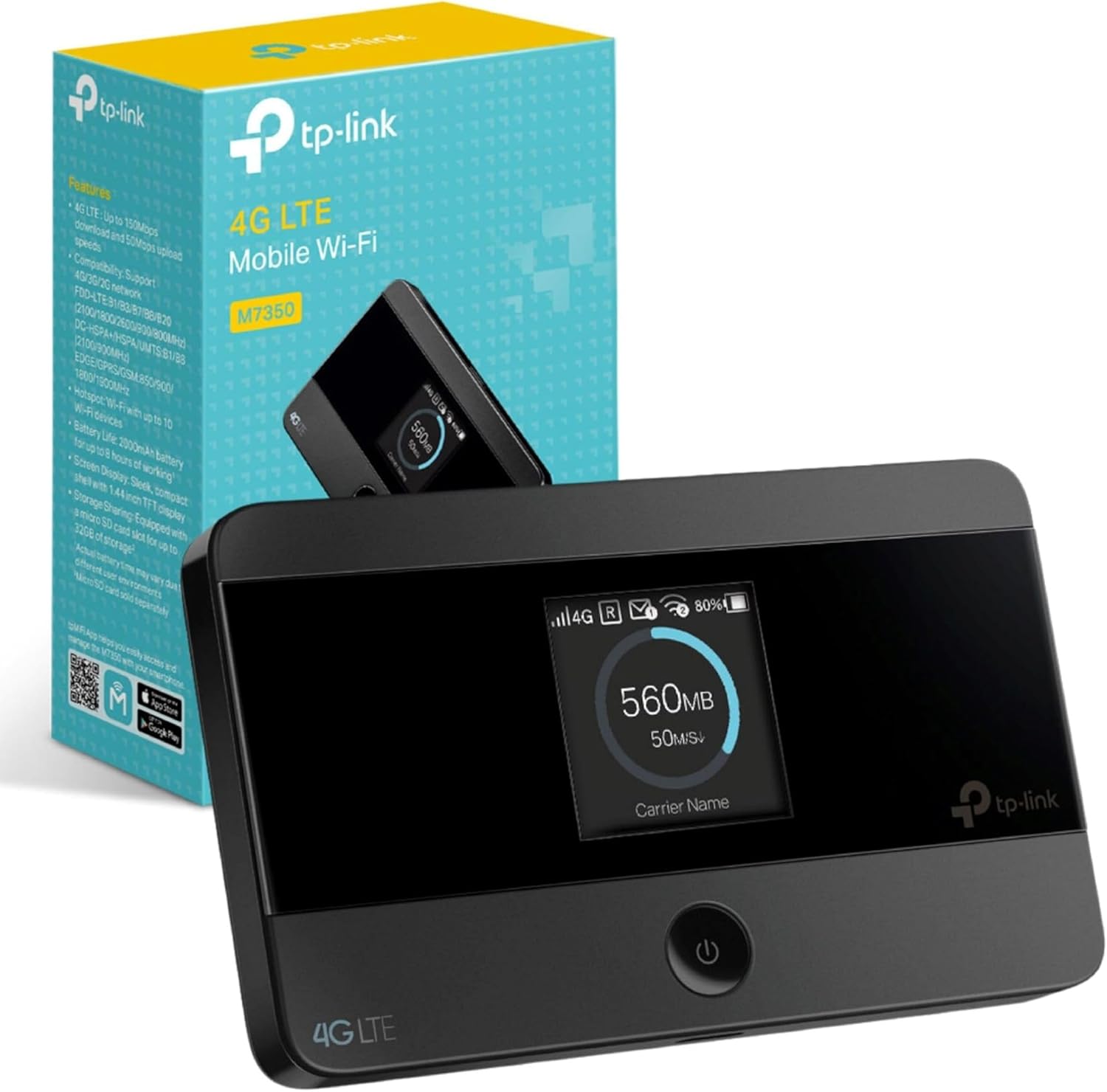
The TP-Link M7350 is a portable 4G LTE MiFi device designed to provide high-speed Wi-Fi connectivity on the go. It supports the latest 4G FDD/TDD-LTE networks, ensuring convenient mobile Wi-Fi in various countries and regions. This device allows you to share a stable Wi-Fi hotspot with multiple devices simultaneously, making it ideal for travel, business trips, outdoor activities, or any situation where you need reliable internet access.
Key Features:
- High-Speed 4G LTE Connectivity: Experience download speeds up to 150 Mbps and upload speeds up to 50 Mbps, enabling smooth HD movie streaming, quick file downloads, and stable video calls.
- Wi-Fi Sharing: Share a 2.4 GHz Wi-Fi connection at 300 Mbps with up to 10 Wi-Fi enabled devices simultaneously.
- Long-Lasting Battery: Equipped with a 2000 mAh rechargeable battery, providing up to 8 hours of 4G sharing and 480 hours of standby time.
- Micro SD Card Slot: Features a micro SD card slot supporting up to 32 GB of optional storage (SD card sold separately) for wireless sharing of photos, music, and videos.
- Intuitive Screen Display: The device's screen displays essential information at a glance, including data usage, battery life, signal strength, Wi-Fi status, and connected users.
- Compact and Portable Design: Its sleek, compact design makes it easy to carry in your pocket or bag, perfect for dynamic lifestyles.
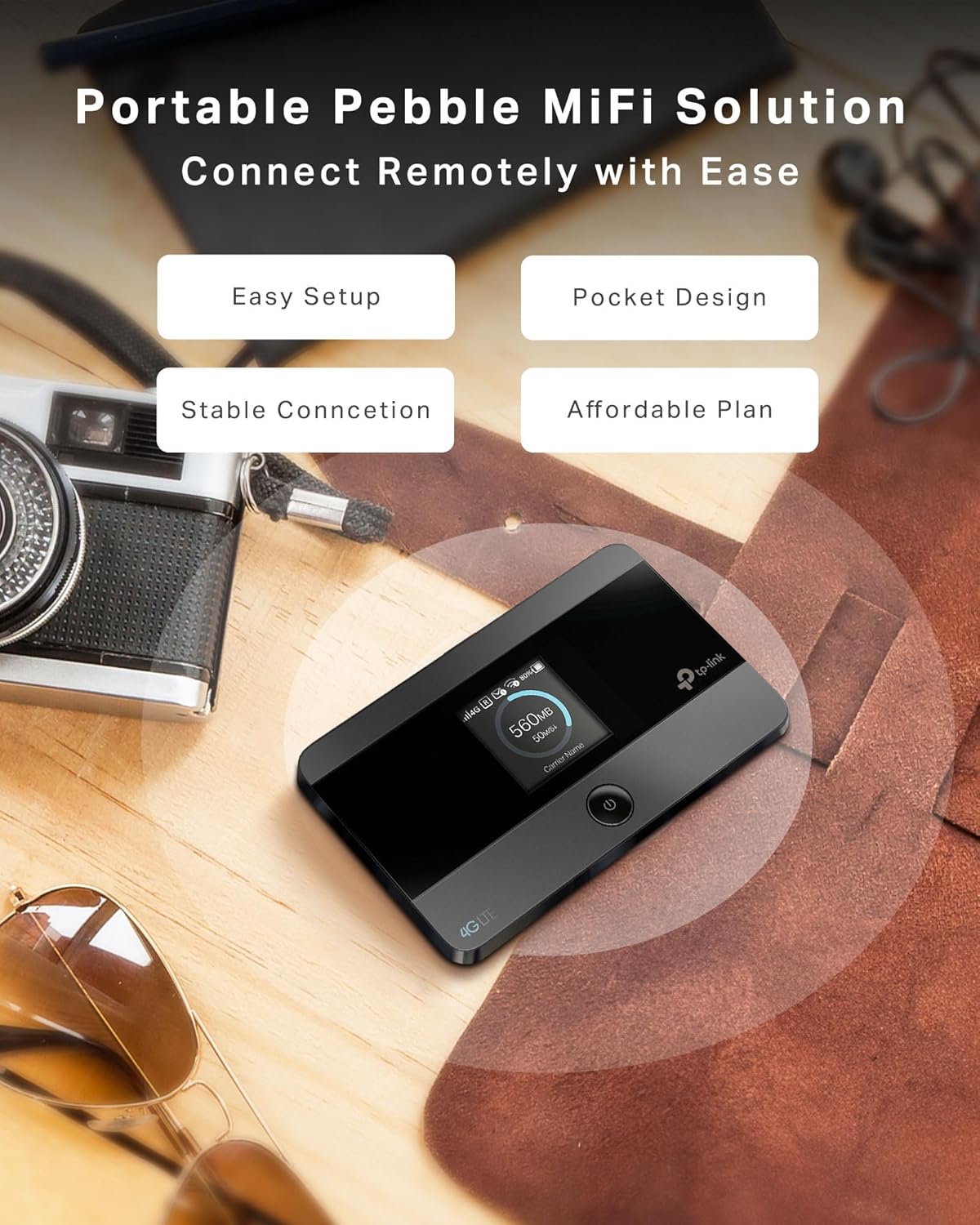
The M7350 offers a portable MiFi solution with easy setup and a pocket-friendly design for stable connectivity.
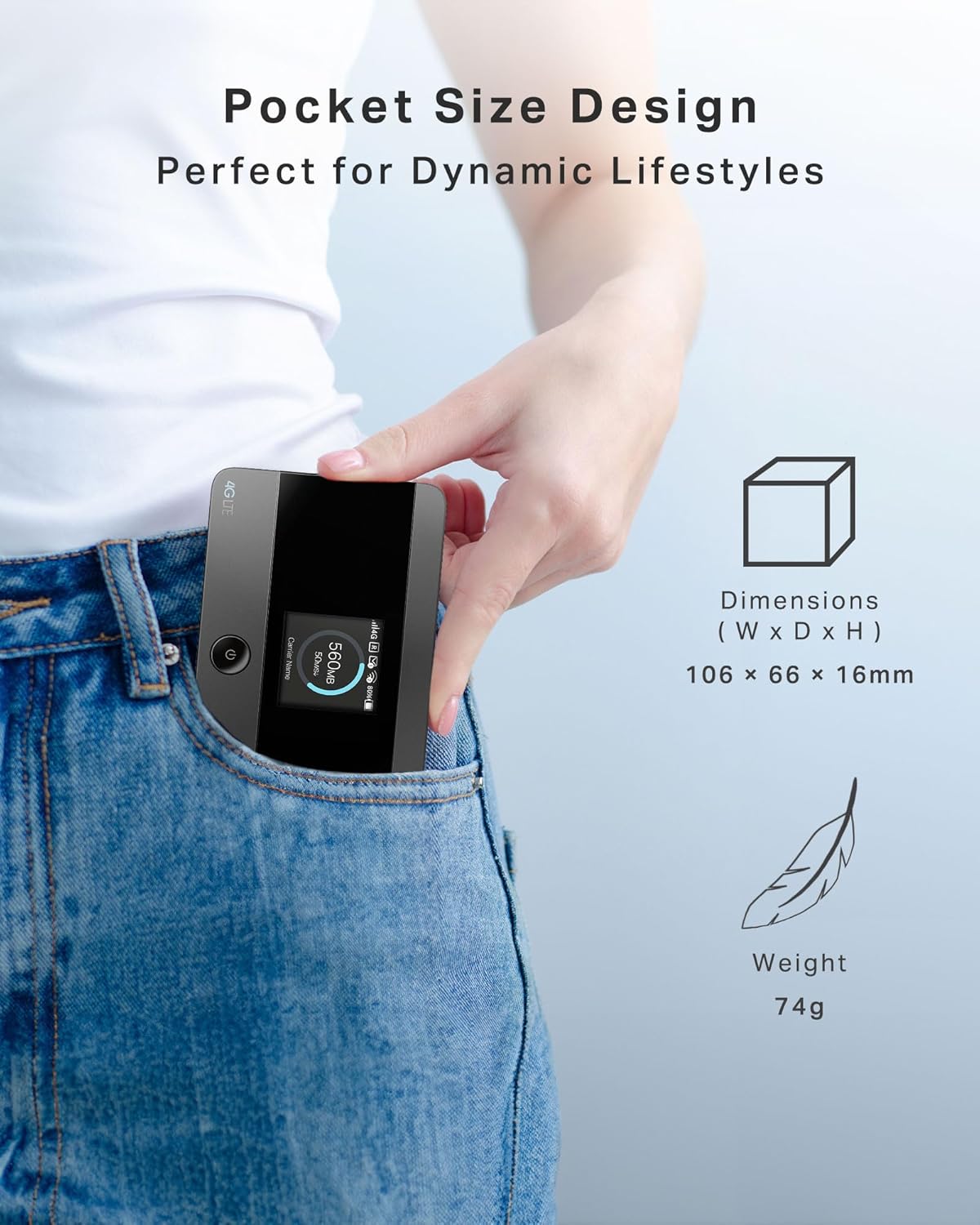
Its pocket-sized design (106 x 66 x 16mm, 74g) makes it perfect for travel.
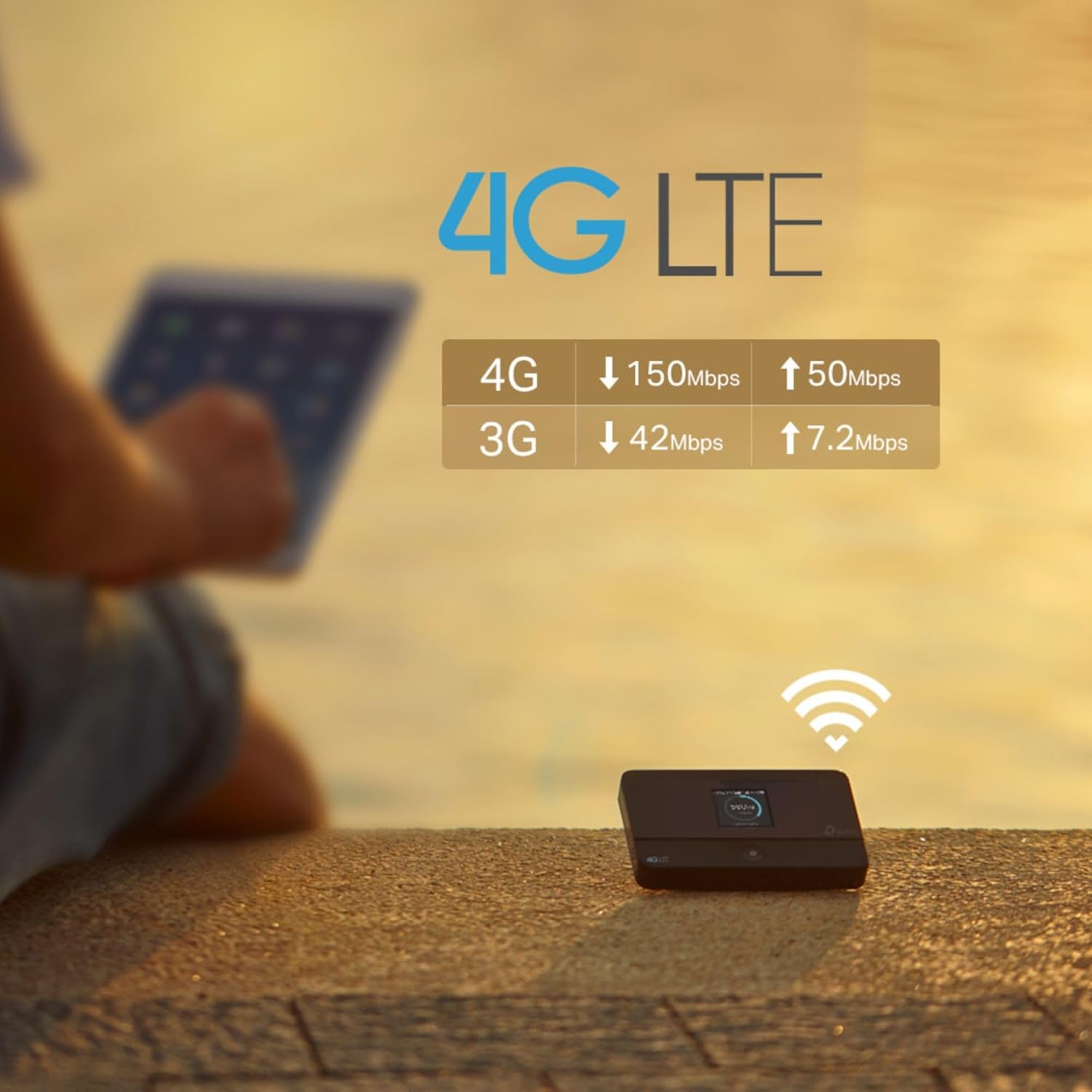
Enjoy fast 4G LTE speeds: up to 150 Mbps download and 50 Mbps upload.
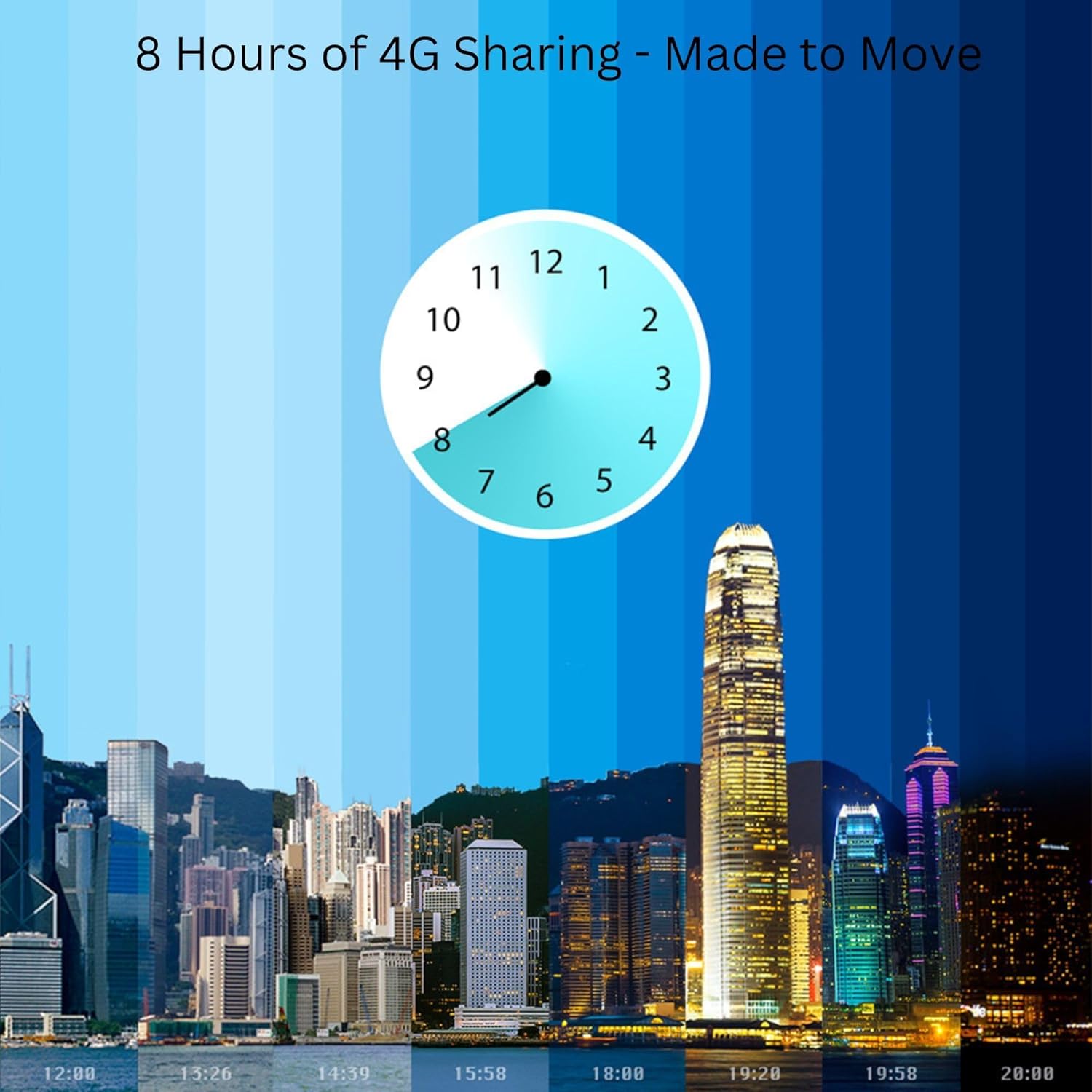
The 2000 mAh battery provides up to 8 hours of continuous 4G sharing.
2. Setup Guide
2.1 Inserting the SIM Card
The M7350 uses a standard SIM card. If your SIM card is a Micro or Nano SIM, use the provided adapters to fit it into the standard SIM slot.
- Remove the back cover of the device.
- Locate the SIM card slot.
- Insert your standard SIM card (or Micro/Nano SIM with adapter) into the slot until it clicks into place. Ensure the gold contacts face downwards.
- Replace the back cover.

The M7350 supports standard SIM cards and includes adapters for Micro and Nano SIMs.
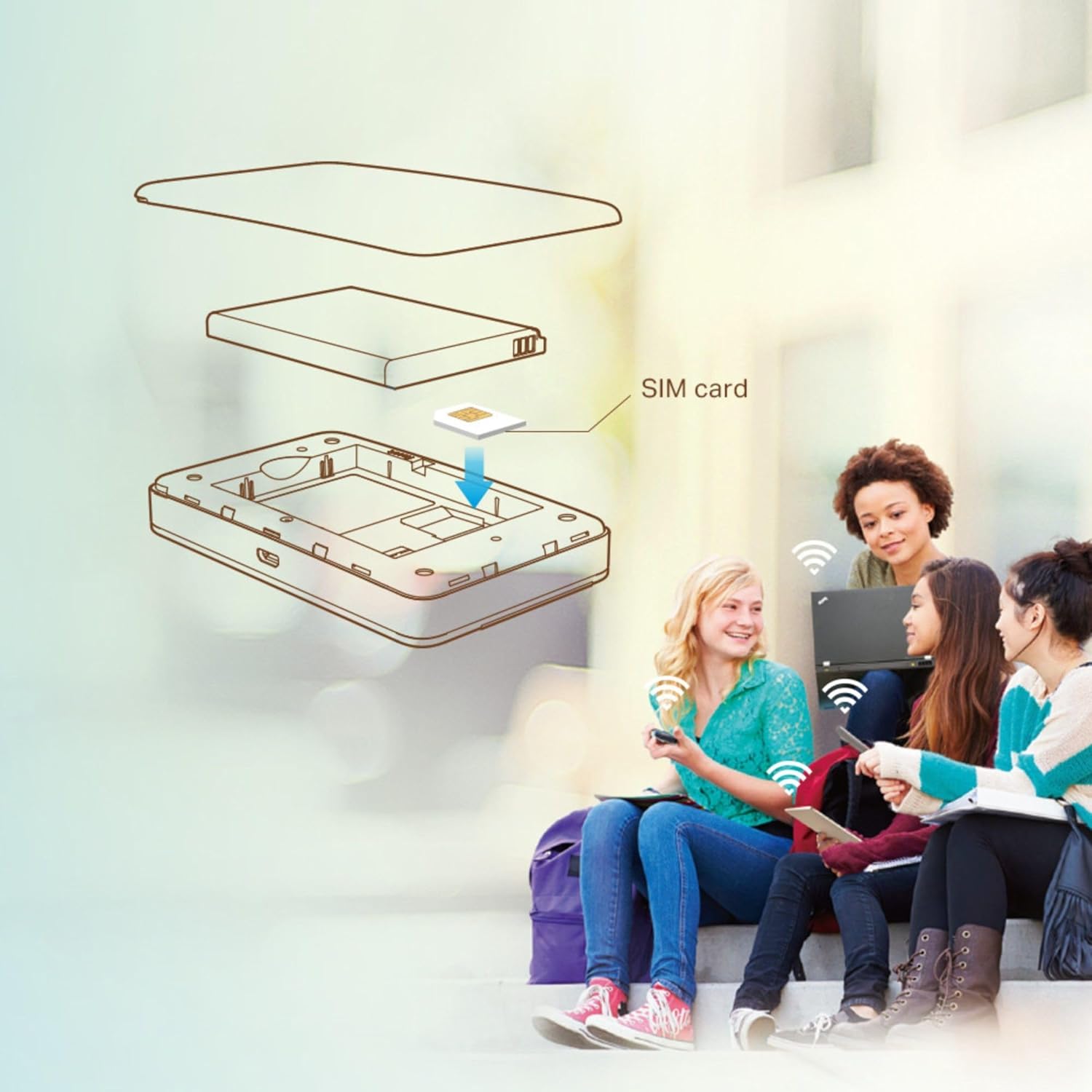
Follow the diagram to correctly insert your SIM card into the device.
2.2 Charging the Device
Before first use, fully charge the M7350. Connect the device to a power source using the provided USB cable. The battery indicator on the screen will show charging status. The device can be used while charging.
2.3 Powering On/Off
- To Power On: Press and hold the power button (located on the front) until the screen lights up.
- To Power Off: Press and hold the power button until the device shuts down.
3. Operating Instructions
3.1 Connecting Devices to Wi-Fi
Once the M7350 is powered on and has established a 4G connection, you can connect your Wi-Fi enabled devices.
- On your device (smartphone, tablet, laptop), go to Wi-Fi settings.
- Find the Wi-Fi network name (SSID) displayed on the M7350's screen.
- Enter the Wi-Fi password (also displayed on the M7350's screen) when prompted.
- Your device should now be connected to the internet via the M7350.
3.2 Using the tpMiFi App
For enhanced management and control, download the tpMiFi app from your device's app store (Google Play Store or Apple App Store). The app allows you to:
- Monitor data usage in real-time.
- View battery status and signal strength.
- Send and receive SMS messages.
- Configure Wi-Fi settings, including SSID and password.
- Manage connected devices.
- Set up parental controls or guest networks.
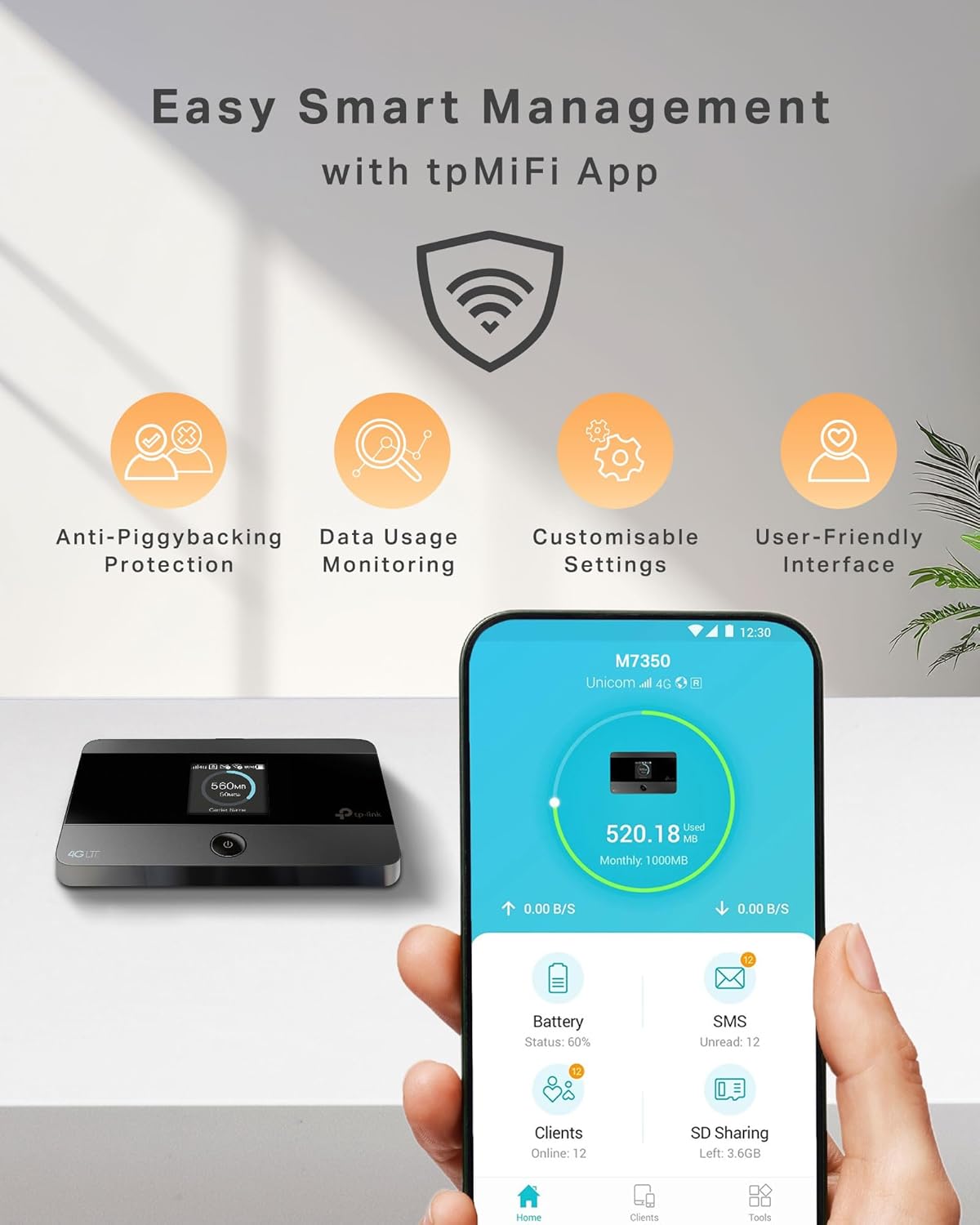
Manage your M7350 easily with the tpMiFi app, offering features like data usage monitoring and customizable settings.
3.3 Wireless Storage Sharing (Micro SD Card)
If you have inserted a Micro SD card (up to 32GB), you can share its content wirelessly with connected devices.
- Ensure the Micro SD card is properly inserted.
- Access the shared storage via the tpMiFi app or by navigating to the device's network share on your computer/device.
- You can now access and share photos, music, videos, and other files stored on the Micro SD card.
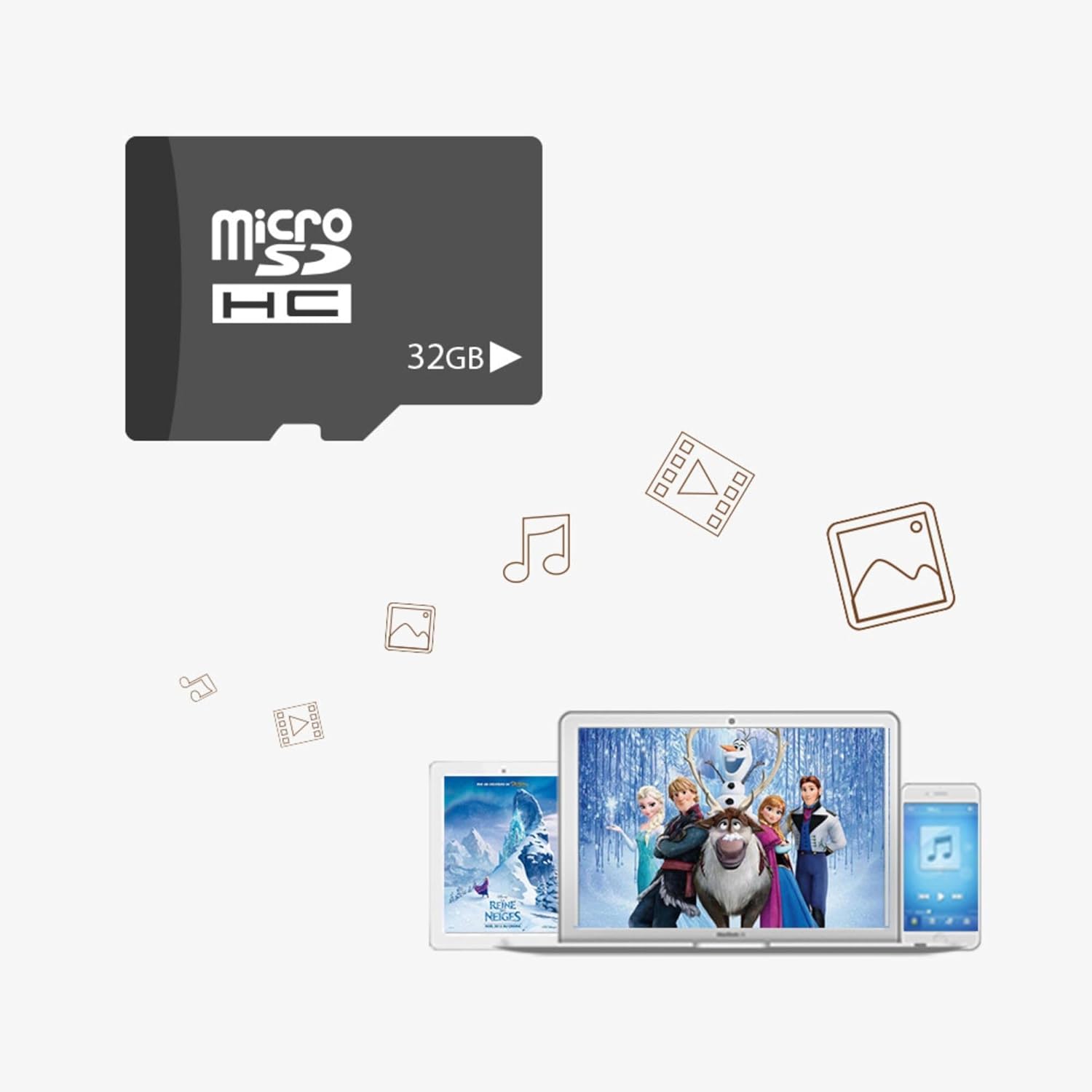
The Micro SD card slot allows for wireless storage sharing of media files up to 32GB.
4. Maintenance
- Battery Care: To prolong battery life, avoid exposing the device to extreme temperatures. Charge the device regularly, but avoid overcharging.
- Cleaning: Use a soft, dry cloth to clean the device. Do not use liquid cleaners or aerosols.
- Software Updates: Periodically check for firmware updates via the tpMiFi app or TP-Link's official website to ensure optimal performance and security.
5. Troubleshooting
| Problem | Solution |
|---|---|
| No internet connection. |
|
| Slow Wi-Fi speed. |
|
| Device not powering on. |
|
| Cannot connect to Wi-Fi network. |
|
6. Specifications
| Feature | Detail |
|---|---|
| Brand | TP-Link |
| Model Number | M7350 V4 |
| Color | Black |
| Operating System | RouterOS |
| Screen Size | 1.44 cm (TFT Display) |
| Connections | LTE 4G |
| Memory | 1 (Unit not specified, likely RAM) |
| Special Features | Portable |
| Compatible Devices | Laptop, Smartphone, Tablet, Game Console |
| Rechargeable Battery | Yes (2000 mAh Lithium-polymer) |
| Battery Life | Up to 8 hours (sharing), 480 hours (standby) |
| Frequency | 2.4 GHz |
| Wireless Communication Standard | 2.4 GHz Radio Frequency |
| Recommended Uses | Home, Travel, Business |
| Included Components | M7350 device |
| Connectivity Technology | LTE, Wi-Fi |
| Max Download Speed | 150 Mbps |
| Max Upload Speed | 50 Mbps |
| Micro SD Card Support | Up to 32 GB |
| Max Connected Devices | 10 |
7. Warranty and Support
TP-Link products typically come with a limited warranty. Please refer to the warranty card included with your product or visit the official TP-Link website for detailed warranty information specific to your region.
For technical support, product registration, and frequently asked questions, please visit the TP-Link support page:
TP-Link offers 24-hour live chat support and is a trusted brand in over 170 countries, providing comprehensive assistance for their products.
Related documentsM7350 V4


Ask a question about this manual
Ask about setup, troubleshooting, compatibility, parts, safety, or missing instructions. Manuals+ will review the question and use this page’s manual context to help answer it.