
Brother KE14S
Brother KE14S Little Angel Sewing Machine User Manual
Model: KE14S
1. Introduction
Welcome to the user manual for your Brother KE14S Little Angel Sewing Machine. This machine is designed to be user-friendly, making it ideal for beginners and those looking to explore creative sewing projects. It features 14 built-in stitches, a finger guard for safety, and an LED light for optimal illumination of the sewing area. Please read this manual thoroughly before operating your machine to ensure safe and efficient use.
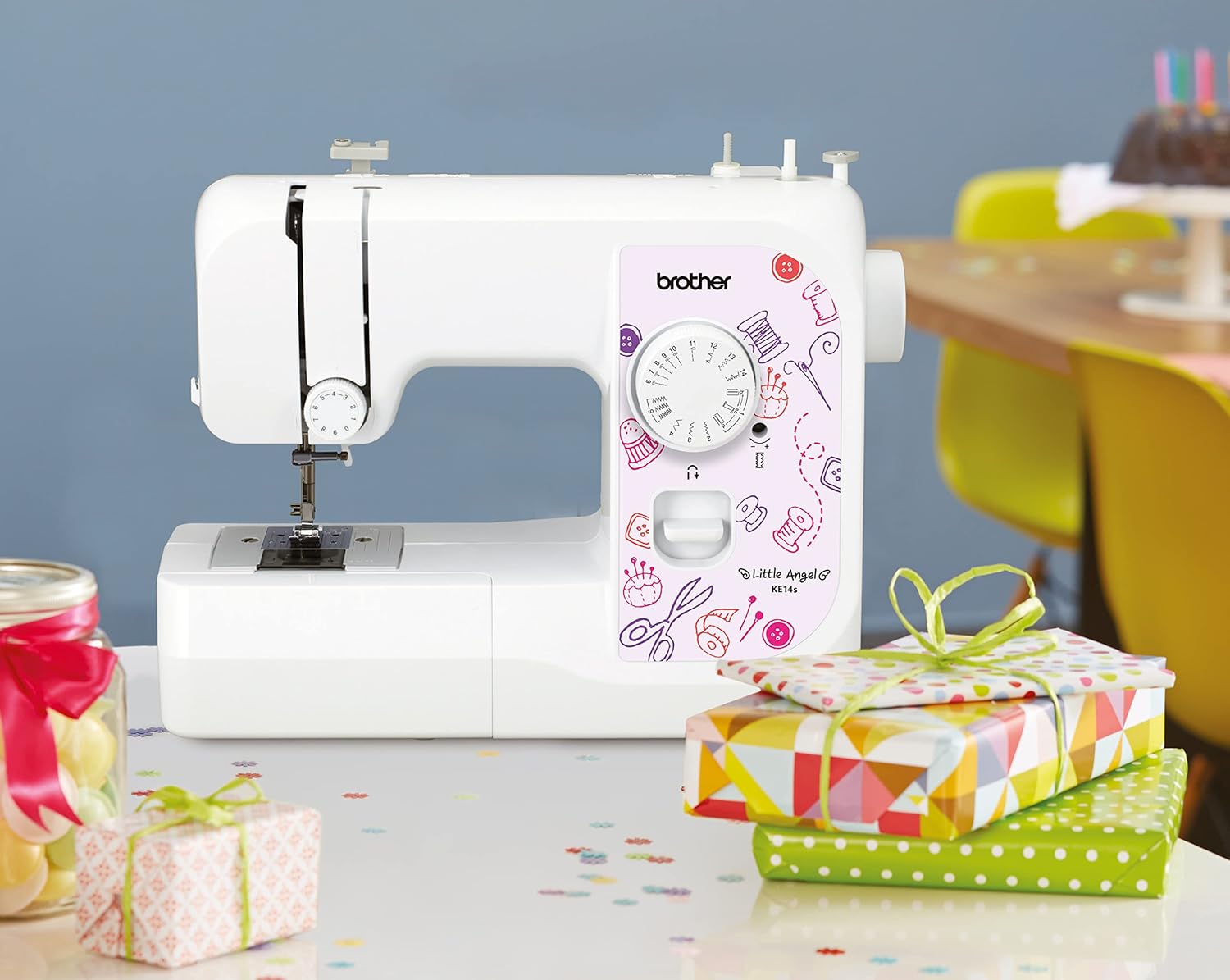
The Brother KE14S sewing machine is shown on a table with crafting supplies, illustrating its suitability for home use and its compact size.
2. Safety Information
WARNING:
- The sewing machine must only be used for the purposes described in this manual.
- This machine is intended for household use only.
- Only use accessories specified by the manufacturer.
- Always disconnect the machine from the power supply before cleaning, servicing, or when not in use.
- Keep fingers away from the needle, presser foot, and handwheel during operation.
- Ensure the finger guard is properly installed when operating the machine, especially for new users.
3. Product Overview
3.1 Key Features
- 14 Built-in Stitches: A selection of utility and decorative stitches for various sewing needs.
- Finger Guard: Provides protection by preventing accidental contact with the needle.
- 4-Step Automatic Buttonhole: Simplifies the process of creating precise buttonholes.
- Free Arm Sewing: Easily convert the machine to free arm mode for sewing tubular items like sleeves and pant hems.
- LED Lighting: Bright and eye-friendly illumination of the entire sewing area.
- 6-Point Feed Dog: Ensures smooth fabric feeding for various material types, from light silk to thick cotton.
- Reverse Sewing Function: Secures the beginning and end of seams.
- Adjustable Thread Tension: Allows for uniform stitching across different fabrics.
- Stitch Display and Functional Wheel: Clear display and easy adjustment of desired stitches.
- Sewing Speed: Up to 750 stitches per minute.
3.2 Components
Familiarize yourself with the main components of your sewing machine:

This image displays the Brother KE14S Little Angel Sewing Machine from the front, highlighting its compact design and the stitch selection dial.

A detailed view of the needle plate, presser foot, and the transparent bobbin cover, showing the lower thread mechanism.

This image shows the stitch selection dial with 14 different stitch patterns, including utility and decorative stitches, and the 4-step buttonhole.

A close-up of the reverse sewing lever, used to secure the beginning and end of seams.
4. Setup
4.1 Unpacking and Placement
- Carefully remove the machine from its packaging.
- Place the machine on a stable, flat surface.
- Ensure adequate lighting and space for comfortable operation.
4.2 Power Connection
- Connect the power cord to the machine and then to a suitable electrical outlet.
- Turn on the power switch, usually located on the side of the machine. The LED light will illuminate the sewing area.
4.3 Winding the Bobbin
- Place a spool of thread on the spool pin.
- Follow the winding path indicated on the machine to guide the thread to the bobbin winder.
- Place an empty bobbin onto the bobbin winder spindle and push it to the right.
- Start the machine; the bobbin will wind automatically. Stop when the bobbin is full.
- Cut the thread and remove the bobbin.
4.4 Threading the Machine
- Raise the presser foot lever.
- Place the thread spool on the spool pin.
- Follow the numbered threading path marked on the machine, ensuring the thread passes through all guides and the take-up lever.
- Thread the needle from front to back.
- Insert the wound bobbin into the bobbin case under the needle plate, ensuring the thread feeds correctly.
- Bring the bobbin thread up through the needle plate opening using the upper thread.
5. Operating Instructions
5.1 Stitch Selection
Turn the stitch selection dial to choose one of the 14 available stitches. The selected stitch will be displayed clearly on the dial.
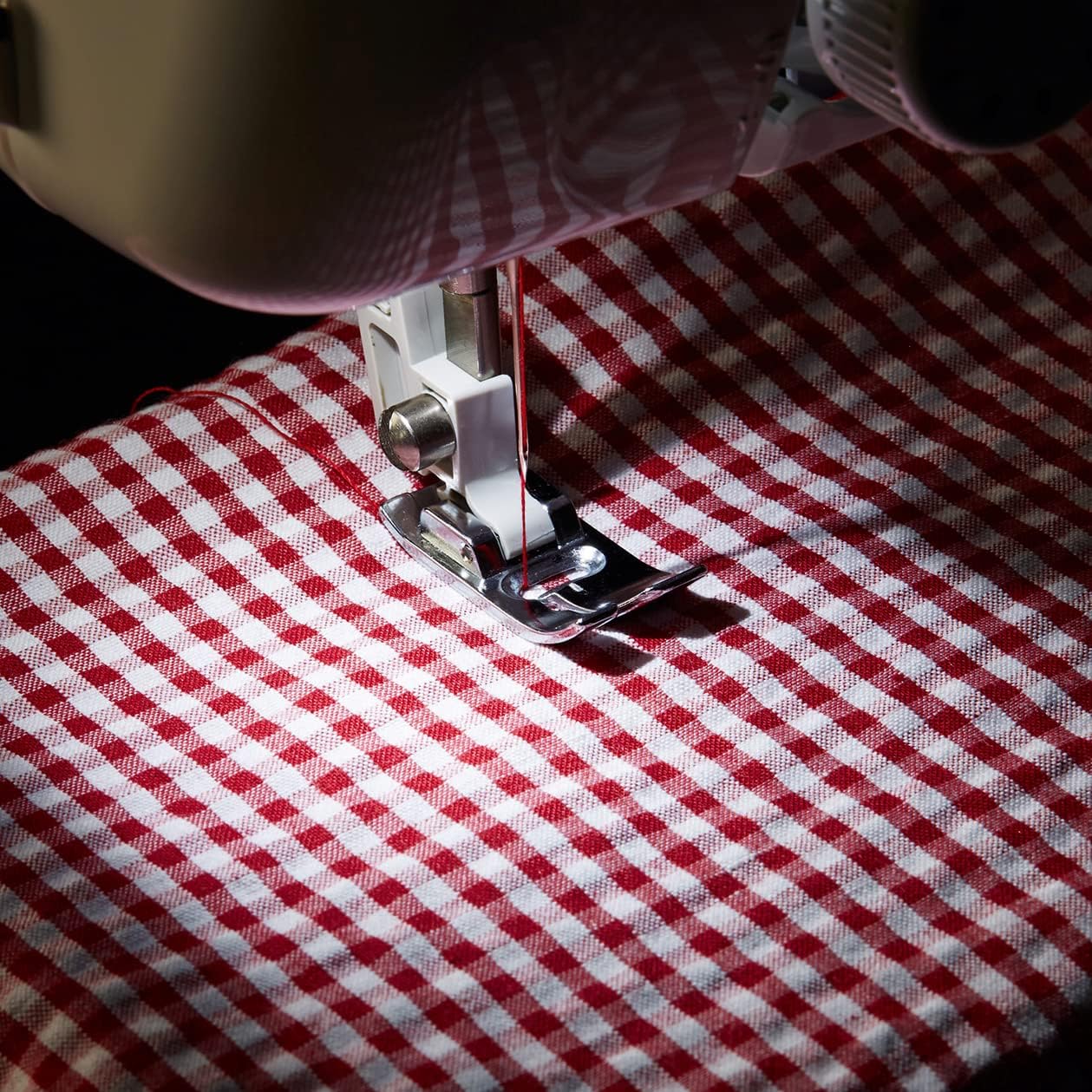
The sewing machine is actively stitching red and white checkered fabric, demonstrating the finger guard in place for user safety.
5.2 Starting and Stopping Sewing
- Place the fabric under the presser foot.
- Lower the presser foot lever.
- Gently press the foot controller to start sewing. The sewing speed is controlled by the pressure applied to the foot controller.
- To stop, release the foot controller.
5.3 Reverse Sewing
To secure the beginning and end of a seam, press and hold the reverse sewing lever while sewing. The machine will sew backward. Release the lever to resume forward sewing.
5.4 Free Arm Sewing
To convert the machine to free arm mode, simply slide off the accessory compartment. This allows for easy sewing of cylindrical items such as cuffs, sleeves, and pant legs.

A close-up view of the metal finger guard accessory, designed to prevent accidental contact with the needle during operation.
5.5 Creating Buttonholes
The Brother KE14S features a 4-step automatic buttonhole function. Attach the specialized buttonhole foot and follow the markings on the dial for each step to create precise buttonholes.

The machine is shown with the specialized buttonhole foot attached, demonstrating the process of creating a precise 4-step buttonhole on fabric.
6. Maintenance
6.1 Cleaning
- Always unplug the machine before cleaning.
- Use a soft brush to remove lint and dust from the bobbin area and feed dogs.
- Wipe the exterior of the machine with a soft, dry cloth. Do not use liquid cleaners or harsh chemicals.
6.2 Needle Replacement
- Turn off the machine and unplug it.
- Loosen the needle clamp screw and remove the old needle.
- Insert a new needle with the flat side facing the back of the machine, pushing it up as far as it will go.
- Tighten the needle clamp screw securely.
7. Troubleshooting
This section addresses common issues you might encounter. For more complex problems, consult a qualified technician.
7.1 Skipped Stitches
- Possible Cause: Incorrectly inserted needle.
- Solution: Reinsert the needle correctly, ensuring the flat side faces the back and it is pushed up completely.
- Possible Cause: Bent or dull needle.
- Solution: Replace the needle with a new, sharp one.
- Possible Cause: Incorrect needle type for fabric.
- Solution: Use the appropriate needle type and size for your fabric.
7.2 Thread Breakage
- Possible Cause: Incorrect upper threading.
- Solution: Re-thread the machine carefully, following all guides.
- Possible Cause: Thread tension too tight.
- Solution: Adjust the upper thread tension to a lower setting.
- Possible Cause: Poor quality thread.
- Solution: Use good quality sewing thread.
7.3 Machine Not Starting
- Possible Cause: Power cord not properly connected.
- Solution: Check all power connections.
- Possible Cause: Bobbin winder spindle is engaged.
- Solution: Push the bobbin winder spindle to the left (sewing position).
8. Specifications
| Feature | Specification |
|---|---|
| Brand | Brother |
| Model Number | KE14S |
| Color | White/Pink |
| Product Dimensions (L x W x H) | 40 x 15 x 31 cm (15.7 x 5.9 x 12.2 inches) |
| Item Weight | 5.5 Kilograms (12.1 lbs) |
| Material | Plastic, Metal |
| Power Source | Corded Electric |
| Number of Stitches | 14 |
| Buttonhole Type | 4-Step Automatic |
| Lighting | LED |
| Country of Origin | China |
9. Warranty and Support
For information regarding warranty coverage, terms, and conditions, please refer to the warranty card included with your product or contact your retailer. For technical support or service inquiries, please visit the official Brother website or contact their customer service department.
Related documentsKE14S


Ask a question about this manual
Ask about setup, troubleshooting, compatibility, parts, safety, or missing instructions. Manuals+ will review the question and use this page’s manual context to help answer it.