
Introduction
The HEAD HE-100-01 Digital Quartz Watch is designed for active individuals, combining robust features with a clear digital display. This manual provides essential instructions for setting up, operating, maintaining, and troubleshooting your watch to ensure optimal performance and longevity.
Key features include a digital display, quartz movement, 100-meter water resistance, chronograph, world time zones, backlight, countdown timer, and alarm functions.
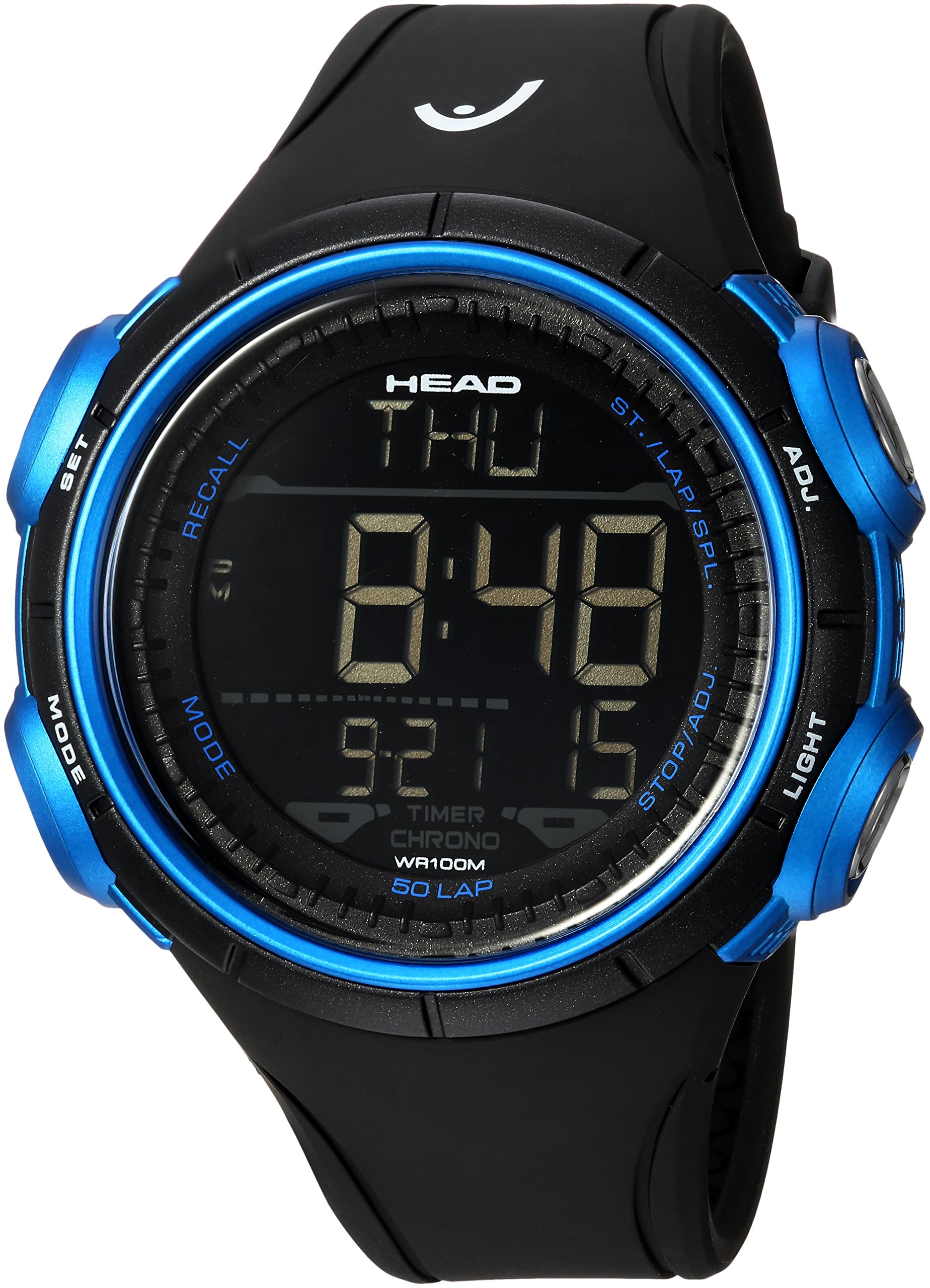
Image: The HEAD HE-100-01 Digital Quartz Watch displayed on a wrist, showing its digital interface and sporty design.
Setup
Unboxing and Initial Inspection
Upon receiving your HEAD HE-100-01 watch, carefully remove it from its packaging. Inspect the watch for any visible damage. The watch comes with one product-specific battery already installed.

Image: The black HEAD brand watch packaging box, indicating the product's presentation.
Setting Time and Date
Your watch features multiple buttons for navigation and setting. While specific button labels may vary, the general procedure for setting time and date is as follows:
- Press the MODE button repeatedly until the time setting mode is displayed (often indicated by flashing digits).
- Use the ADJUST or SET button to select the digit you wish to change (e.g., hours, minutes, year, month, day).
- Use the START/STOP or RESET button to increase or decrease the selected value.
- Once all settings are correct, press the MODE button again to exit the setting mode.
Note: Refer to the quick start guide included in your watch packaging for precise button functions and sequences.
Operating Instructions
The HEAD HE-100-01 watch offers several functions accessible via its buttons. Familiarize yourself with the button layout on your watch.
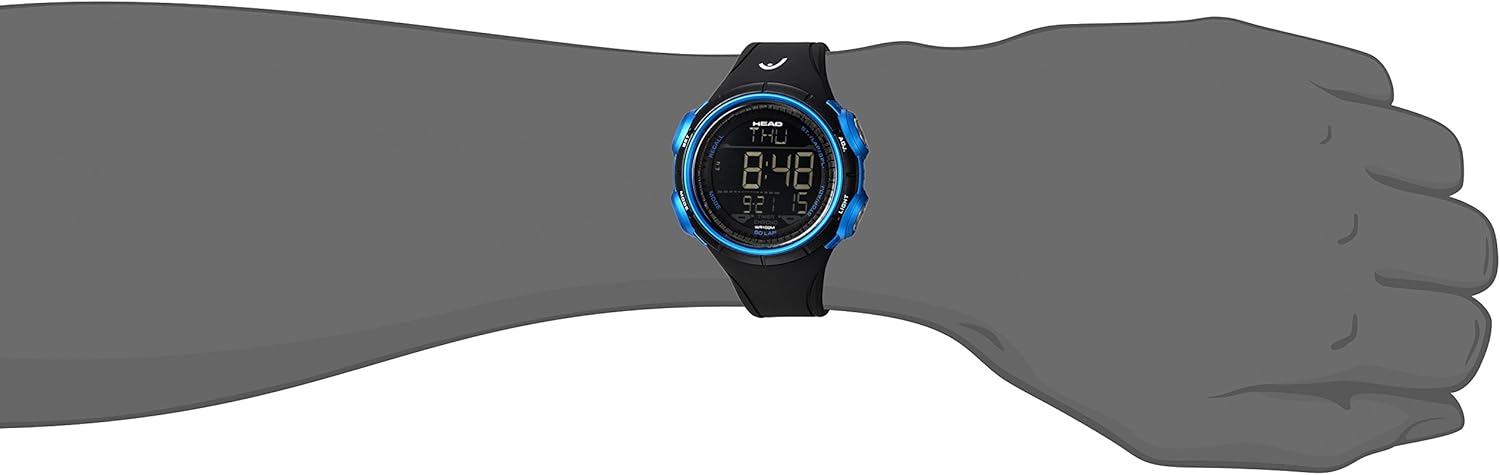
Image: A detailed view of the HEAD HE-100-01 Digital Quartz Watch, highlighting its digital display and side buttons.
Mode Selection
Press the MODE button to cycle through the different functions:
- Time Display: Shows current time, date, and day of the week.
- Chronograph (Stopwatch):
- Press START/STOP to begin timing.
- Press START/STOP again to pause.
- Press RESET to clear the time.
- Alarm:
- In alarm mode, use ADJUST/SET to set the alarm time.
- Use another button (often START/STOP or a dedicated alarm button) to activate/deactivate the alarm.
- Countdown Timer:
- In timer mode, use ADJUST/SET to set the desired countdown duration.
- Press START/STOP to begin the countdown. An alert will sound when the timer reaches zero.
- World Time Zones: View the current time in various pre-programmed cities or time zones. Use ADJUST/SET or START/STOP to cycle through zones.
Backlight Function
Press the LIGHT button (usually located on the side) to illuminate the display for a few seconds, allowing readability in low-light conditions.
Water Resistance (100 Meters)
Your HEAD HE-100-01 watch is water-resistant up to 100 meters (10 ATM). This means it is suitable for swimming, snorkeling, and showering. It is not suitable for scuba diving or high-impact water sports. Do not operate any buttons while the watch is submerged in water.
Maintenance
Cleaning
Regularly clean your watch with a soft, dry cloth. For the rubber strap and case, a slightly damp cloth can be used, followed by thorough drying. Avoid using harsh chemicals or abrasive materials, as these can damage the watch's finish or seals.
Battery Replacement
When the display dims, functions become erratic, or the watch stops working, the battery may need replacement. It is highly recommended to have the battery replaced by a qualified watch technician. This ensures the correct battery type is used and that the watch's water resistance is maintained by properly sealing the case back.
Storage
When not in use, store your watch in a cool, dry place, away from direct sunlight, extreme temperatures, and strong magnetic fields. Keeping it in its original box or a watch case can protect it from dust and scratches.
Water Resistance Care
To maintain the water resistance of your watch:
- Ensure all buttons are fully pressed in before exposing the watch to water.
- Avoid operating buttons while the watch is wet or submerged.
- Do not expose the watch to sudden temperature changes (e.g., hot shower followed by cold water), as this can compromise seals.
- Have the water resistance seals checked periodically by a professional, especially after battery replacement.
Troubleshooting
If you encounter issues with your HEAD HE-100-01 watch, refer to the following common troubleshooting steps:
- Watch display is blank or dim: The battery may be depleted. Refer to the "Battery Replacement" section.
- Time is incorrect: The time may need to be reset. Follow the "Setting Time and Date" instructions in the Setup section. Ensure the watch is not in a different mode (e.g., world time).
- Buttons are unresponsive: Check for any debris or foreign objects obstructing the buttons. If the issue persists, the battery may be low, or there could be an internal malfunction.
- Condensation inside the watch: This indicates a breach in the water resistance. Immediately stop using the watch and seek professional service to prevent further damage.
- Alarm or timer not sounding: Ensure the alarm/timer function is activated and the volume (if adjustable) is set appropriately. Check battery level.
If these steps do not resolve the issue, please contact customer support.
Specifications
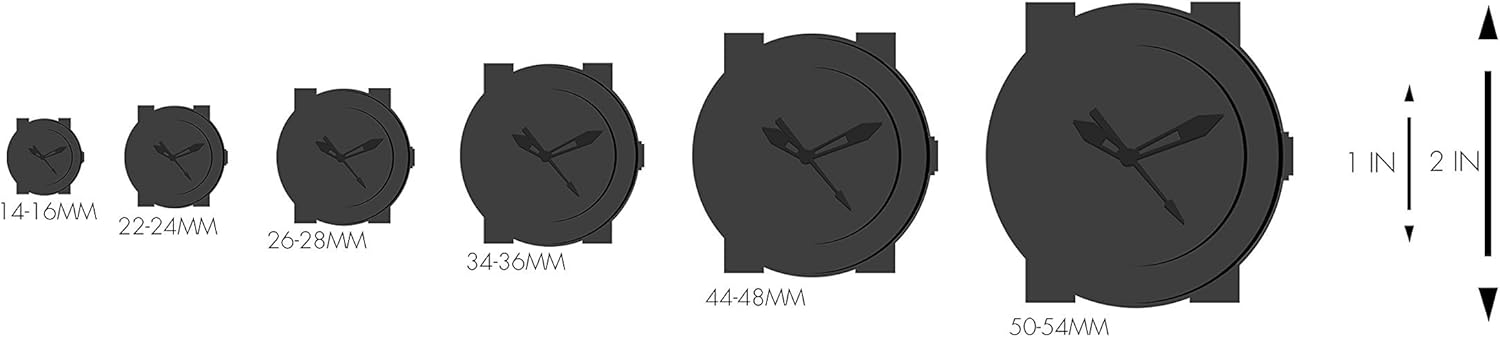
Image: A graphic illustrating various watch case diameters for size comparison, with measurements in millimeters and inches.
| Model Number | HE-100-01 |
| Display Type | Digital |
| Movement Type | Quartz |
| Water Resistance Depth | 100 Meters (10 ATM) |
| Case Diameter | 51 Millimeters |
| Case Thickness | 16 Millimeters |
| Band Width | 24 Millimeters |
| Band Color | Black |
| Dial Color | Black |
| Clasp Type | Pin Buckle |
| Special Features | Chronograph, World Time Zones, Light, Timer, Alarm |
| Item Weight | 62 Grams |
| Battery | 1 product-specific battery (included) |
| Dial Window Material Type | Acrylic |
Warranty Information
This HEAD HE-100-01 Digital Quartz Watch is covered by a limited manufacturer's warranty. The warranty typically covers defects in materials and workmanship under normal use. It does not cover damage resulting from improper use, accidents, unauthorized repairs, or normal wear and tear.
For specific details regarding the warranty period, coverage, and how to make a claim, please refer to the warranty card or documentation included with your original purchase. Keep your proof of purchase for warranty validation.
Customer Support
Should you require technical assistance, service, or have questions regarding your HEAD HE-100-01 Digital Quartz Watch, please contact HEAD customer support.
For the most up-to-date contact information, including phone numbers, email addresses, or online support portals, please visit the official HEAD website:
When contacting support, please have your watch model number (HE-100-01) and proof of purchase readily available.


