
Introduction
Thank you for purchasing the BRISA VW Collection T1 Bus Bluetooth Speaker. This manual provides essential information for the safe and efficient use of your new portable speaker. Please read it thoroughly before use and retain it for future reference.
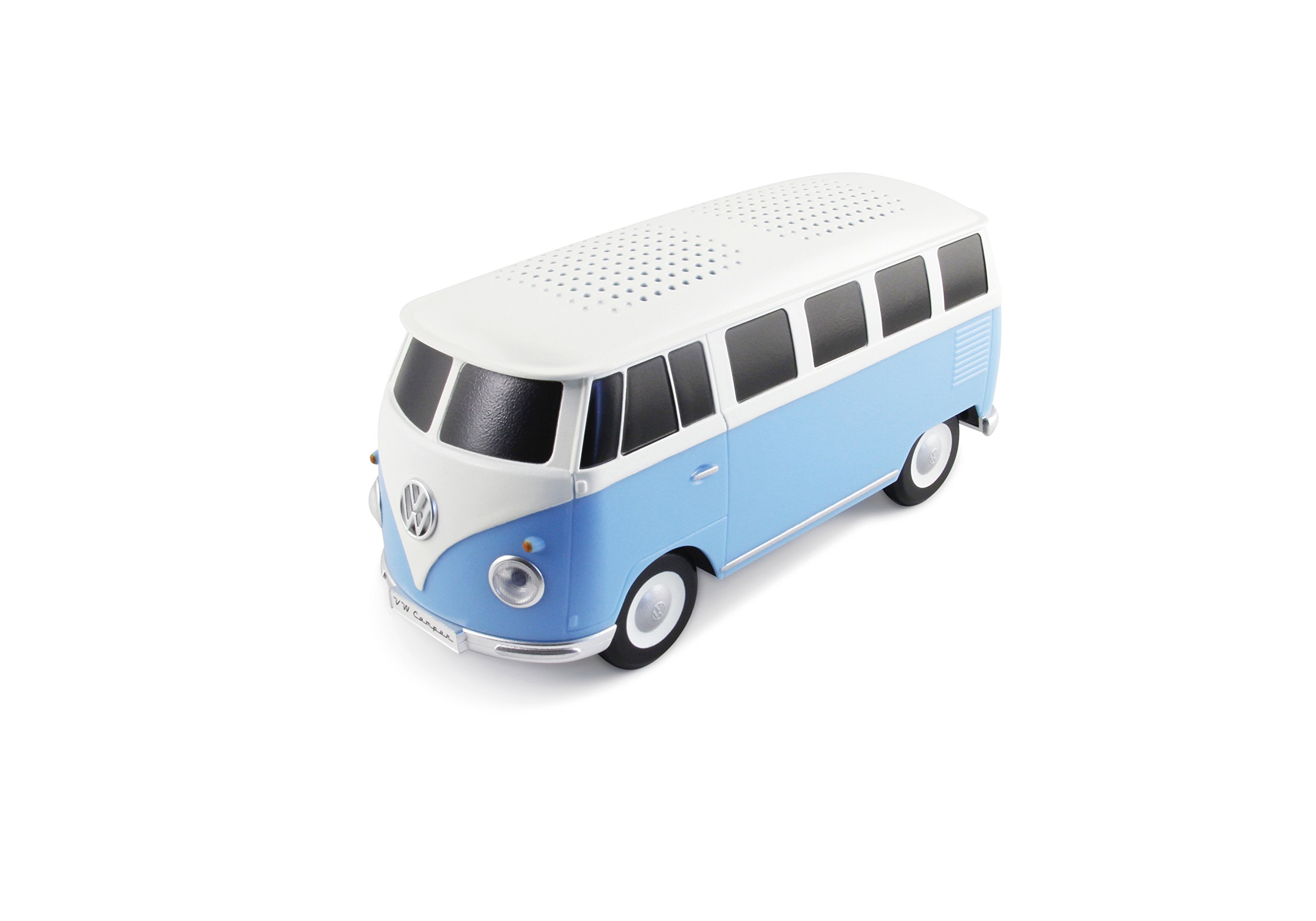
Image: The BRISA VW Collection T1 Bus Bluetooth Speaker in blue and white, showcasing its iconic design.
Setup
Package Contents
- BRISA VW Collection T1 Bus Bluetooth Speaker
- USB Charging Cable
- User Manual
Initial Charging
Before first use, fully charge the speaker. Connect the provided USB charging cable to the USB-C charging port located at the rear of the speaker and to a compatible USB power source. The charging time is approximately 3 hours.

Image: Rear view of the speaker, highlighting the USB-C charging port, 3.5mm AUX input, and the power button.
Power On/Off
To power on the speaker, locate the power button at the rear of the Bus and press it. To power off, press the button again.
Operation
Bluetooth Pairing
- Ensure the speaker is powered on.
- The speaker will automatically enter Bluetooth pairing mode, indicated by blinking LED headlights.
- On your mobile device (smartphone, tablet), enable Bluetooth and search for available devices.
- Select "VW T1 Bus Bluetooth Speaker" from the list of devices.
- Once connected, the LED headlights will stop blinking and remain steadily lit.
The Bluetooth range is approximately 10 meters (30 feet). For optimal connection, keep your device within this range.

Image: Front view of the speaker, showing the LED headlights which indicate pairing status.
AUX Audio Connection
For devices without Bluetooth, you can use the 3.5mm AUX audio jack located at the rear of the speaker. Connect an AUX cable (not included) from your audio source to the speaker's AUX input.
Battery Life
The speaker provides an operating time of up to 57 hours on a full charge, depending on usage volume and conditions.
Maintenance
Care Instructions
- Keep the speaker away from moisture and direct water exposure. It is not water-resistant.
- Avoid extreme temperatures.
- Do not drop or subject the speaker to strong impacts.
Cleaning
Wipe the speaker with a soft, dry cloth. Do not use abrasive cleaners or solvents.
Troubleshooting
No Power
- Ensure the speaker is fully charged. Connect it to a power source using the USB charging cable.
- Verify the power button is pressed firmly.
Cannot Connect via Bluetooth
- Make sure the speaker is in pairing mode (blinking LED headlights).
- Ensure Bluetooth is enabled on your mobile device.
- Move your device closer to the speaker (within 10 meters).
- Turn off and on both the speaker and your device's Bluetooth, then try pairing again.
- If previously paired, try forgetting the device on your phone and re-pairing.
No Sound
- Check the volume levels on both the speaker and your connected device.
- Ensure the speaker is properly paired via Bluetooth or connected via AUX cable.
- If using AUX, ensure the cable is fully inserted into both the speaker and the audio source.
Specifications
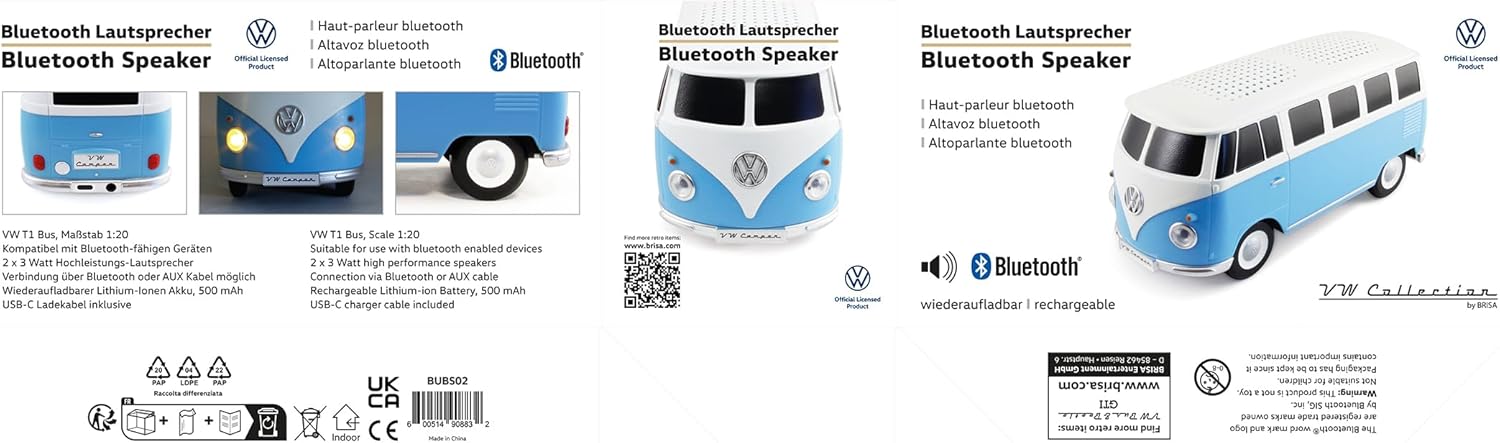
Image: Side view of the speaker, illustrating its dimensions: 19.5 cm (7.7 in) length, 8.5 cm (3.3 in) width, and 7.5 cm (3 in) height.
| Feature | Detail |
|---|---|
| Model Number | BUBS02-H |
| Scale | 1:20 |
| Dimensions (L x W x H) | 19.5 x 8.5 x 7.5 cm (7.7 x 3.3 x 3 inches) |
| Weight | 400 Grams |
| Connectivity | Bluetooth (BT 3.0), 3.5mm AUX, Mini-USB (charging) |
| Bluetooth Range | 10 meters (30 feet) |
| Speaker Output | 2 x 3W (4 Ohms) |
| Battery Type | 500mAh Lithium-ion |
| Charging Time | 3 hours |
| Operating Time | Up to 57 hours |
| Material | Plastic |
| Water Resistance | No |
Warranty & Support
Warranty Information
This product comes with a 6-month manufacturer guarantee. Please retain your proof of purchase for warranty claims. The warranty covers manufacturing defects but does not cover damage caused by misuse, accidents, or unauthorized modifications.
Customer Support
For further assistance or inquiries, please visit the official BRISA VW Collection website: vw-collection-by-brisa.com.

