
1. Introduction
The JBL Flip 4 is a portable Bluetooth speaker designed to deliver powerful stereo sound. It features a durable, waterproof fabric design and is powered by a 3000mAh rechargeable Li-ion battery, offering up to 12 hours of continuous audio playtime. This manual provides instructions for setting up, operating, and maintaining your JBL Flip 4 speaker.
2. What's in the Box
Verify that all items are present in the packaging:
- JBL Flip 4 Speaker
- JBL Micro USB Cable
- Quick Start Guide
- Safety Sheet
- Warranty Card

Image: The JBL Flip 4 speaker in red, shown with its charging cable and documentation.
3. Product Overview and Controls
Familiarize yourself with the speaker's layout and controls.
Controls:
- Power Button: Turns the speaker on or off.
- Bluetooth Button: Initiates Bluetooth pairing mode.
- Volume Down (-): Decreases audio volume.
- Volume Up (+): Increases audio volume.
- Play/Pause Button: Controls audio playback and answers/ends calls.
- JBL Connect+ Button: Links with other JBL Connect+ enabled speakers.
Ports:
- Micro USB Charging Port: For charging the speaker's internal battery.
- 3.5mm Audio Input: For wired connection to audio sources.
4. Setup
4.1 Charging the Speaker
- Connect the Micro USB cable to the charging port on the JBL Flip 4.
- Connect the other end of the USB cable to a USB power adapter (not included) or a computer's USB port.
- The LED indicator will show charging status. A full charge takes approximately 3.5 hours.
4.2 Powering On/Off
- Press the Power Button once to turn the speaker on.
- Press the Power Button once again to turn the speaker off.
4.3 Bluetooth Pairing
- Turn on the JBL Flip 4.
- Press the Bluetooth Button. The LED indicator will flash blue, indicating pairing mode.
- On your mobile device, enable Bluetooth and search for available devices.
- Select "JBL Flip 4" from the list. Once connected, the LED indicator will turn solid blue.

Image: Two individuals holding JBL Flip 4 speakers, demonstrating wireless Bluetooth streaming from a mobile device.
5. Operating Instructions
5.1 Playing Audio
- Once paired via Bluetooth, start playing audio from your connected device.
- Use the Volume Up (+) and Volume Down (-) buttons on the speaker or your device to adjust the volume.
- Press the Play/Pause Button to pause or resume playback.
5.2 Using the Speakerphone
- When a call comes in, the music will pause. Press the Play/Pause Button to answer the call.
- To end a call, press the Play/Pause Button again.
- The built-in noise and echo-cancelling speakerphone ensures clear conference calls.
5.3 JBL Connect+
Wirelessly link more than 100 JBL Connect+ enabled speakers together to amplify the listening experience.
- Ensure all JBL Connect+ enabled speakers are powered on.
- Press the JBL Connect+ Button on one speaker (this will be the primary speaker).
- Press the JBL Connect+ Button on all other desired speakers within range.
- The speakers will connect automatically, playing the same audio simultaneously.
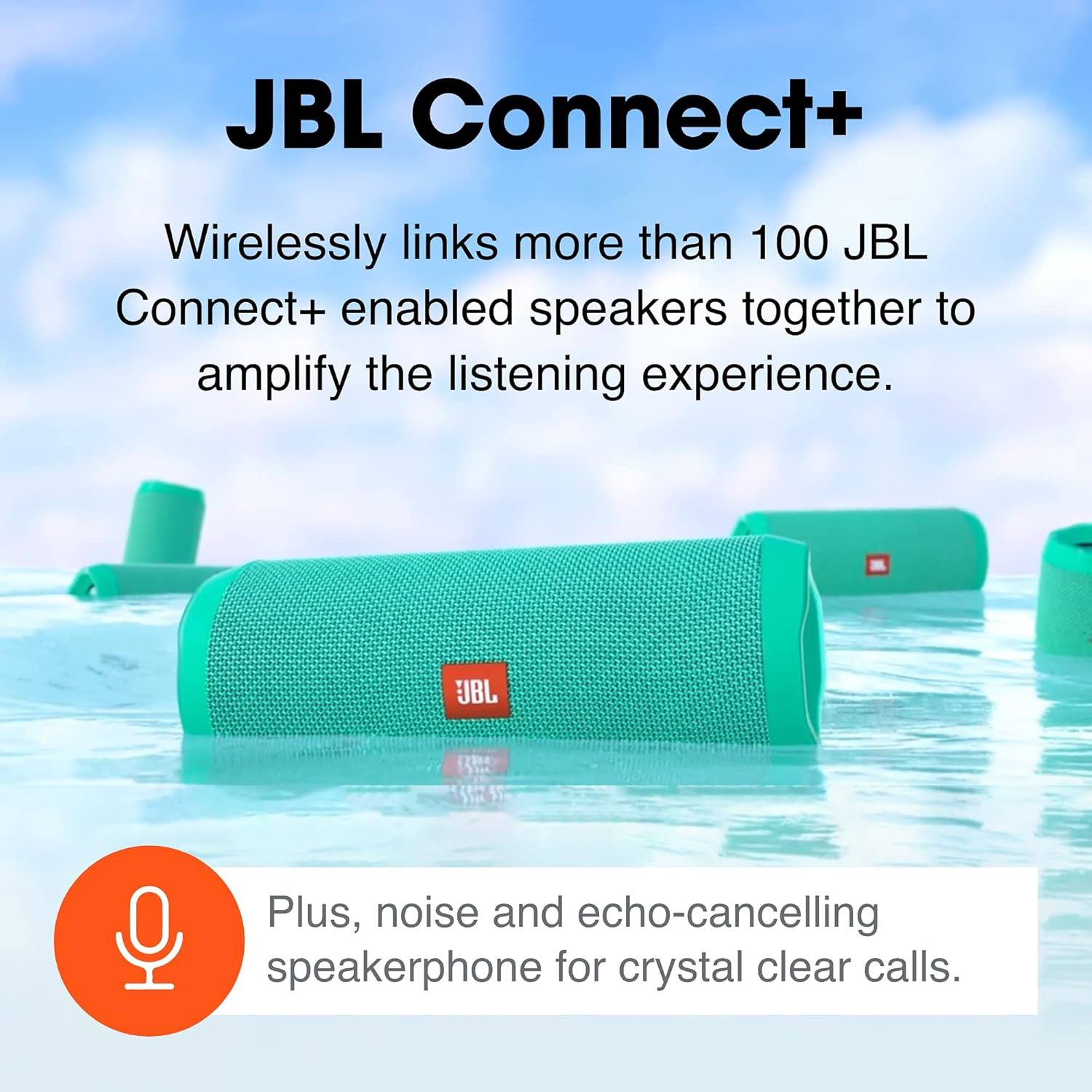
Image: Several JBL Flip 4 speakers floating in water, demonstrating the JBL Connect+ feature for multi-speaker audio.
5.4 Voice Assistant Integration
With a simple button press, you can activate and talk to Siri or Google Now from your JBL Flip 4. Consult your device's manual for specific voice assistant activation methods.
6. Key Features
- Waterproof Design (IPX7): The Flip 4 is completely waterproof, allowing submersion in water up to 1 meter for 30 minutes. This makes it suitable for use by the pool, at the beach, or in rainy conditions.
- Extended Playtime: Enjoy up to 12 hours of continuous, high-quality audio playback thanks to the integrated 3000mAh rechargeable Li-ion battery.
- JBL Bass Radiators: Dual external passive radiators enhance the bass response, allowing you to hear and feel the powerful low frequencies.
- Durable Fabric Material: The rugged fabric material and robust rubber housing protect the speaker during outdoor adventures and daily use.
- Wireless Bluetooth Streaming: Connect up to two smartphones or tablets wirelessly to the speaker and take turns playing impressive stereo sound.
- Speakerphone: Take crystal-clear calls from your speaker with the built-in noise and echo-cancelling speakerphone.

Image: A red JBL Flip 4 speaker partially submerged in water, illustrating its IPX7 waterproof rating.

Image: People enjoying a pool party with JBL Flip 4 speakers, symbolizing the speaker's long battery life for extended use.
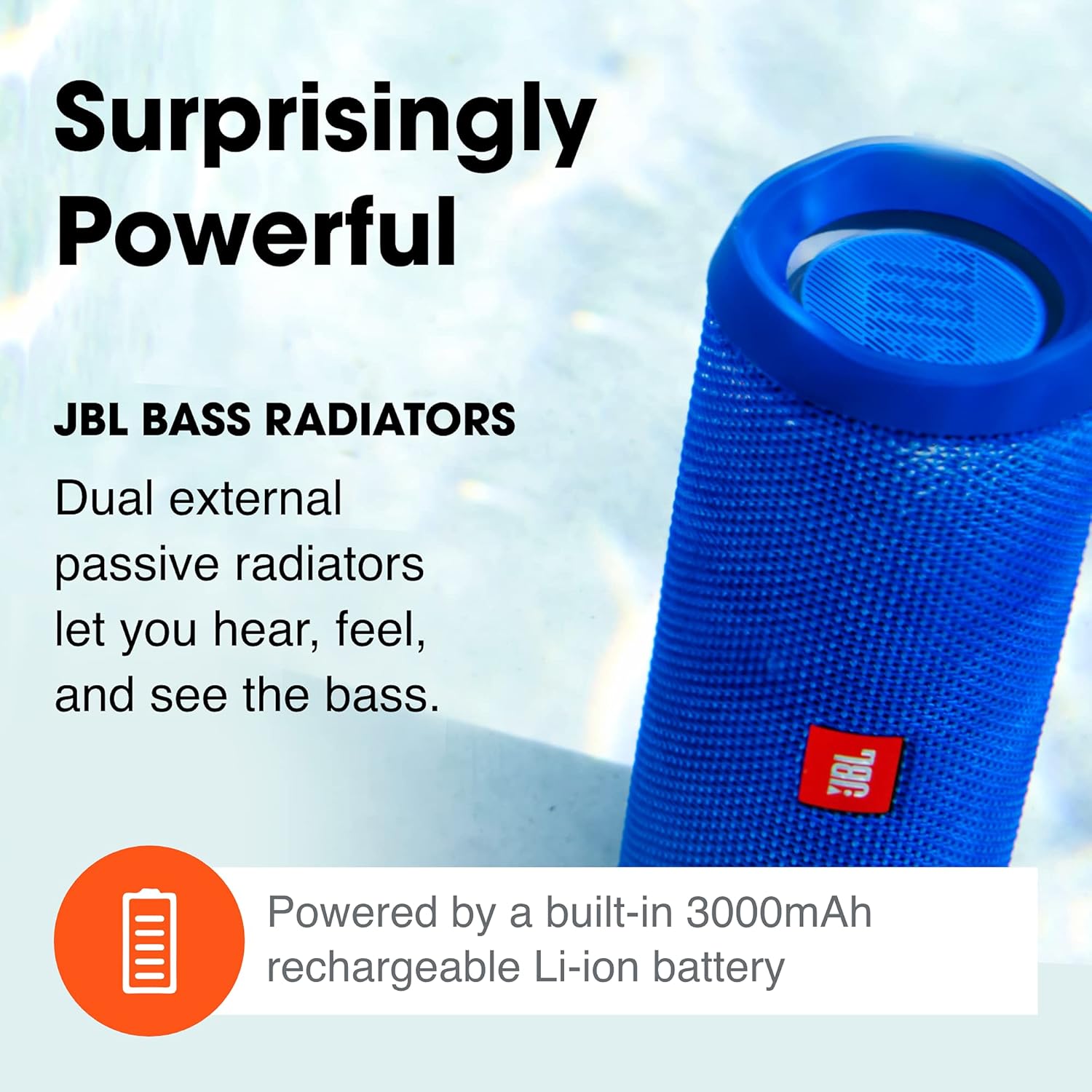
Image: A close-up view of a blue JBL Flip 4 speaker, highlighting its passive bass radiators for powerful sound.
7. Maintenance
- Cleaning: Wipe the speaker with a soft, damp cloth. Do not use harsh chemicals or abrasive materials.
- Storage: Store the speaker in a cool, dry place away from direct sunlight and extreme temperatures.
- Battery Care: To prolong battery life, fully charge the speaker before long periods of inactivity. Avoid completely draining the battery frequently.
8. Troubleshooting
8.1 No Power
- Ensure the speaker is charged. Connect it to a power source using the Micro USB cable.
- Press and hold the Power button for a few seconds to ensure it's not just a quick press.
8.2 No Sound
- Check the volume levels on both the speaker and your connected device.
- Ensure the speaker is properly paired via Bluetooth. If not, re-pair the device.
- If using a wired connection, ensure the 3.5mm audio cable is securely connected to both the speaker and the audio source.
8.3 Bluetooth Pairing Issues
- Make sure the speaker is in pairing mode (flashing blue LED).
- Ensure your device's Bluetooth is enabled and within range (up to 10 meters).
- Try forgetting the "JBL Flip 4" from your device's Bluetooth settings and re-pairing.
- Restart both the speaker and your device.
9. Specifications
| Feature | Detail |
|---|---|
| Model Name | Flip 4 |
| Bluetooth Version | 4.2 |
| Output Power | 8 Watts |
| Frequency Response | 20 KHz (range not fully specified, assuming upper limit from input) |
| Signal-to-Noise Ratio | 80 dB |
| Battery Type | Lithium-ion Polymer (3000mAh) |
| Battery Charge Time | 3.5 hours |
| Music Playtime | Up to 12 hours (varies by volume level and audio content) |
| Dimensions (H x W x D) | 2.68" x 6.89" x 2.76" (68 x 175 x 70 mm) |
| Weight | 515 grams (1.14 lbs) |
| Water Resistance | IPX7 (Waterproof) |
| Connectivity | Bluetooth, 3.5mm Audio Input |
10. Warranty and Support
The JBL Flip 4 comes with a Limited Warranty. Please refer to the included Warranty Card for detailed terms and conditions.
For additional support, frequently asked questions, or to download the full user manual in PDF format, please visit the official JBL support website or refer to the provided Quick Start Guide.
- Official User Manual (PDF): Download PDF
- JBL Brand Store: Visit JBL on Amazon


