
Philips Audio X2HR
Philips Fidelio X2HR Over-Ear Open-Air Headphones User Manual
Model: X2HR
1. Introduction
Thank you for choosing the Philips Fidelio X2HR Over-Ear Open-Air Headphones. These headphones are designed to deliver an exceptional audio experience with precise sound and ergonomic comfort. Featuring an acoustic open-back architecture, 50mm high-definition neodymium drivers, and luxurious materials, the Fidelio X2HR provides a detailed and immersive listening experience.
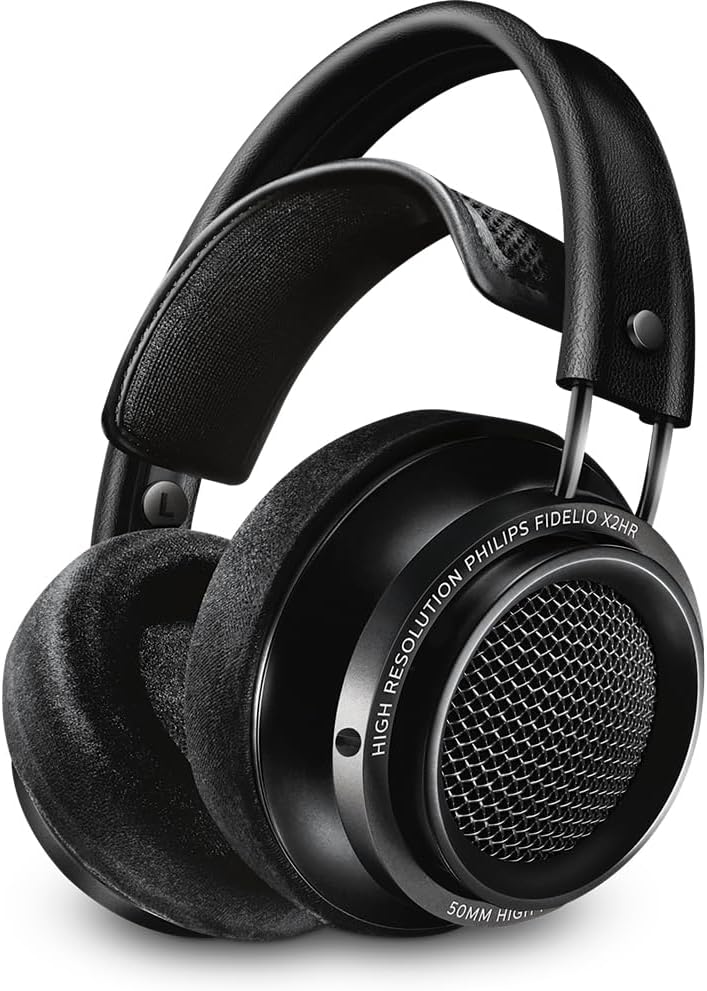
Figure 1: Philips Fidelio X2HR Over-Ear Open-Air Headphones.
2. Package Contents
Please check that all items are present in your package:
- Philips Fidelio X2HR Over-Ear Open-Air Headphones
- 3.5mm detachable oxygen-free audio cable (3 meters)
- 3.5mm to 6.3mm adapter plug
- Cable management clip
- User Manual (this document)
3. Setup
3.1 Connecting the Audio Cable
- Locate the 3.5mm audio input jack on the left earcup of the headphones.
- Insert the smaller end of the detachable 3.5mm audio cable into the headphone jack until it clicks securely.
- Connect the larger 3.5mm end of the cable to your audio source (e.g., smartphone, computer, audio player).
- If your audio source requires a 6.3mm connection, attach the included 3.5mm to 6.3mm adapter to the larger end of the audio cable before connecting it to the source.
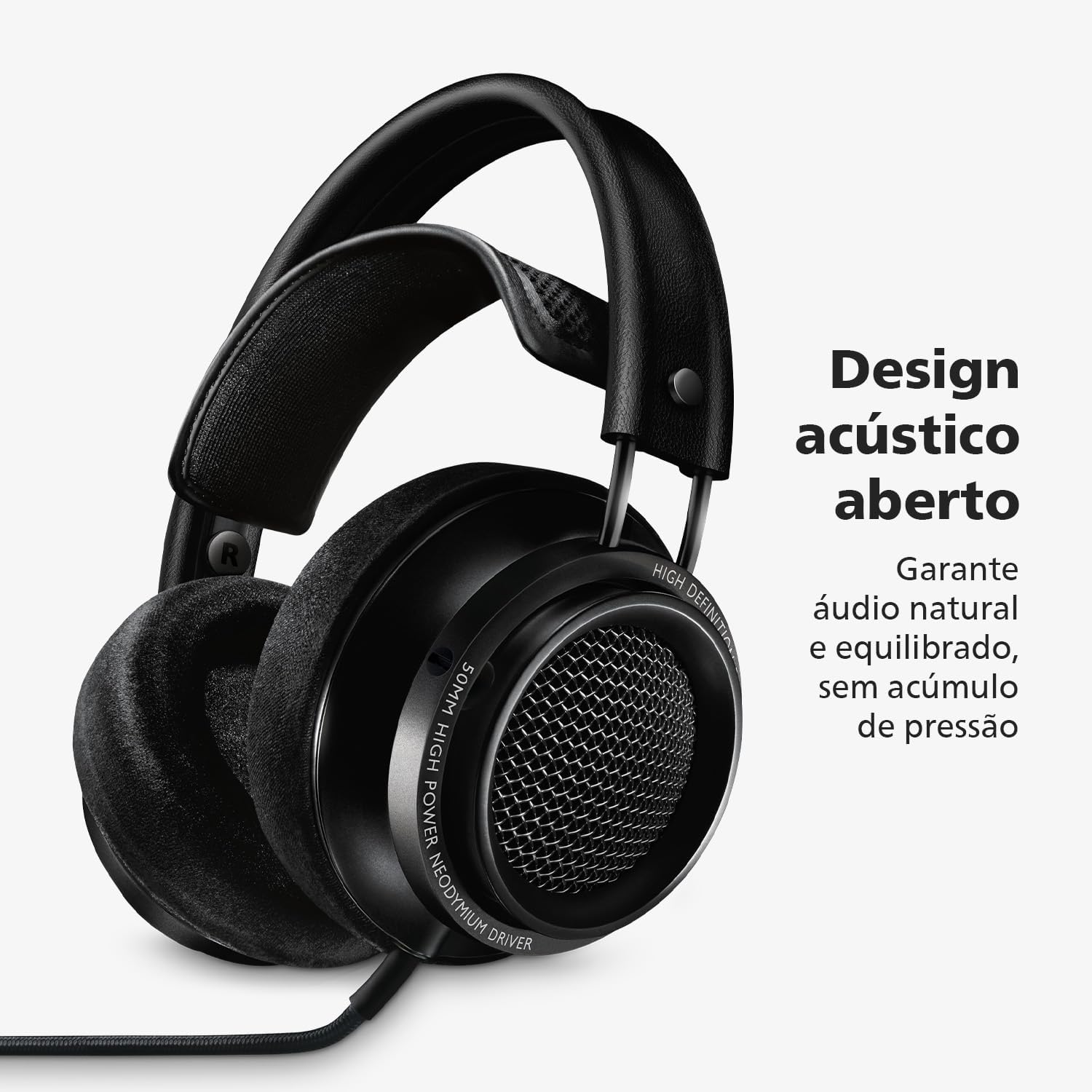
Figure 2: Open acoustic design. Ensures natural and balanced audio, without pressure build-up.
3.2 Adjusting for Comfort
The Fidelio X2HR features a lightweight, self-adjustable hammock with 3D mesh and genuine leather outer headband for optimal comfort.
- Place the headphones on your head. The hammock system will automatically adjust to fit your head size.
- Ensure the earcups fully enclose your ears, with the breathable velour ear-pads resting comfortably around them.
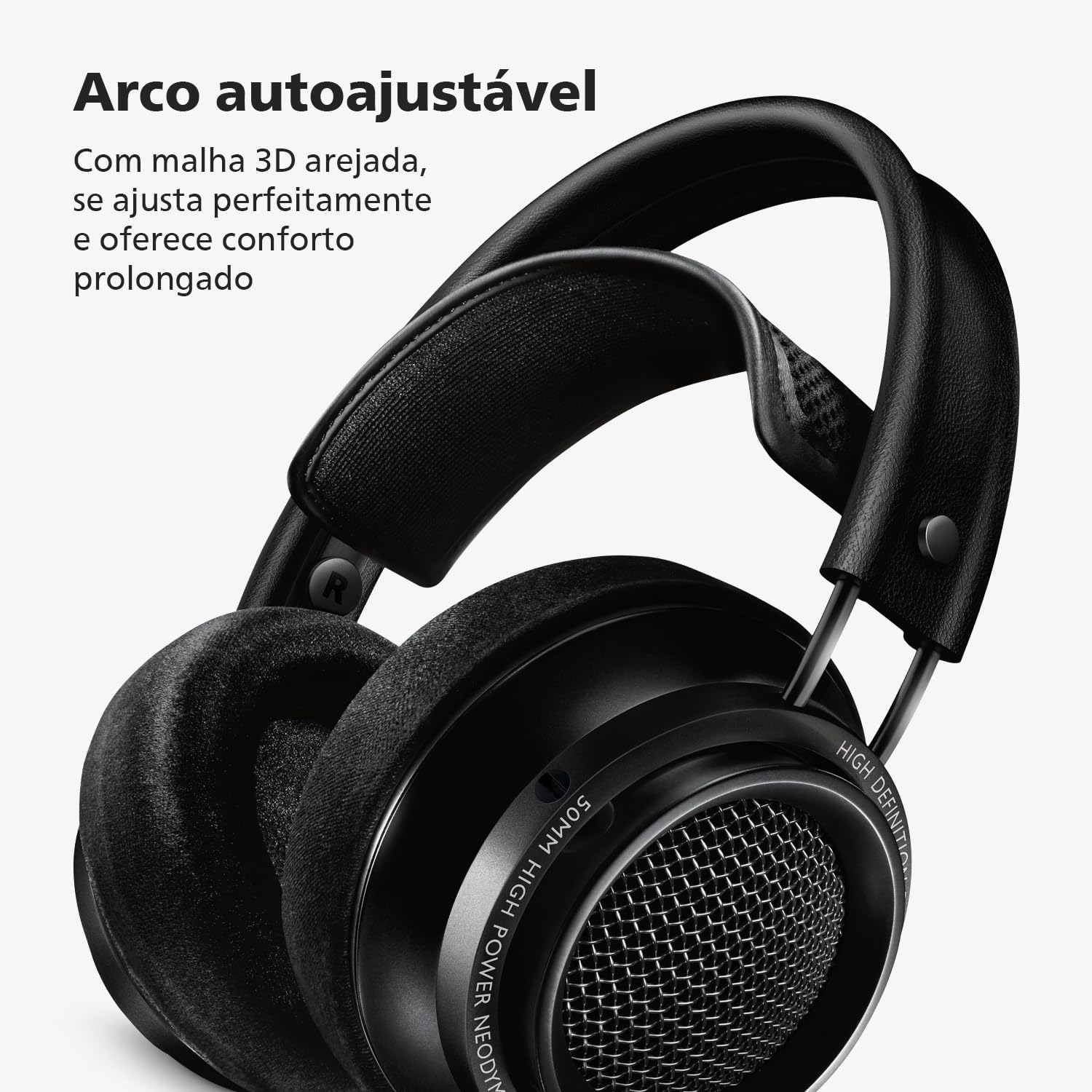
Figure 3: Self-adjusting arch. With breathable 3D mesh, it adjusts perfectly and offers prolonged comfort.
4. Operating the Headphones
4.1 Listening to Audio
- Once connected to your audio source, begin playback.
- Adjust the volume directly from your audio source device. The Fidelio X2HR headphones do not have integrated volume controls.
- The acoustic open-back design provides a wide soundstage and natural sound reproduction. Be aware that sound leakage will occur, and external sounds will be audible.

Figure 4: Philips sound signature. Intense bass and crystalline highs, with the characteristic quality of the brand.
4.2 Using the Cable Management Clip
The included cable management clip can be used to secure the audio cable, preventing tangles and reducing strain on the connectors.
5. Maintenance
5.1 Cleaning the Headphones
- Ear-pads: The replaceable deluxe memory foam ear-pads with breathable velour finishing can be gently cleaned with a soft, dry cloth. For deeper cleaning, consult Philips Audio support for recommended methods or replacement options.
- Headband and Earcups: Wipe the genuine leather headband and aluminum/metal components with a soft, slightly damp cloth. Avoid using harsh chemicals or abrasive materials.
- Cable: Keep the cable clean and free from kinks.
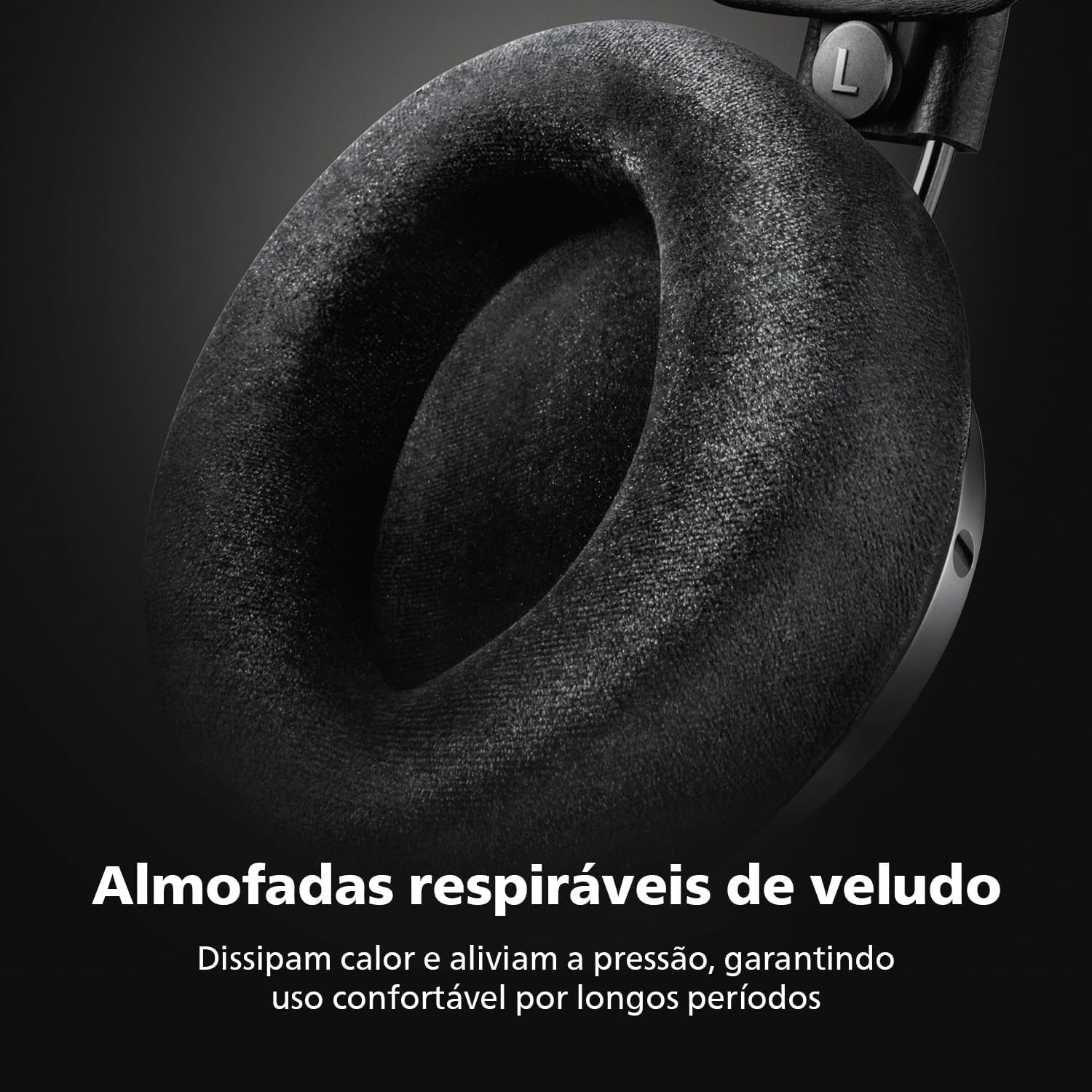
Figure 5: Breathable velour ear-pads. Dissipate heat and relieve pressure, ensuring comfortable use for long periods.
5.2 Storage
When not in use, store the headphones in a clean, dry place away from extreme temperatures and direct sunlight. Avoid placing heavy objects on top of the headphones.
6. Troubleshooting
| Problem | Possible Cause | Solution |
|---|---|---|
| No sound or intermittent sound |
|
|
| Distorted or poor sound quality |
|
|
| Headphones are uncomfortable |
|
|
7. Specifications
- Model Name: Fidelio X2HR
- Connectivity Technology: Wired
- Headphones Jack: 3.5 mm Jack
- Impedance: 30 Ohm
- Frequency Range: 5 - 40,000 Hz
- Audio Driver Type: Dynamic Driver (50 mm Neodymium)
- Ear Placement: Over Ear
- Form Factor: Over Ear
- Material: Aluminum, Leather, Metal
- Item Weight: 13.4 Ounces (approximately 380 grams)
- Cable Length: 3 Meters (detachable)
- Included Components: 3.5 - 6.3 mm adapter, Cable, Cable clip

Figure 6: High-definition Hi-Res Audio. Offers clarity, depth, and richness of detail for a unique experience.
8. Warranty and Support
8.1 Warranty Information
Philips Audio products are manufactured to the highest standards and are designed to provide excellent performance and ease of use. For detailed warranty information, please refer to the warranty card included with your product or visit the official Philips Audio website.
8.2 Customer Support
If you encounter any issues or have questions regarding your Philips Fidelio X2HR headphones, please visit the official Philips Audio support website or contact their customer service for assistance. You can typically find contact information and FAQs on the Philips Audio website.
Related documentsX2HR


Ask a question about this manual
Ask about setup, troubleshooting, compatibility, parts, safety, or missing instructions. Manuals+ will review the question and use this page’s manual context to help answer it.