
Introduction
This manual provides detailed instructions for the setup, operation, and maintenance of your Spracht HS-2018 Zum Maestro DECT Wireless Headset. This headset is specifically designed for use with desktop phones only, offering a secure and stable wireless connection via DECT technology. Please read this manual thoroughly before using your headset.

Image: A comparison chart illustrating the differences between DECT and Bluetooth wireless technologies, highlighting DECT's 350-foot range, premium voice quality, and stable signal.
Package Contents
Verify that all items are present in your package:
- Spracht HS-2018 ZuM Maestro DECT Monaural Headset
- Base Station
- AC Power Adapter
- User's Guide (this document)

Image: The Spracht HS-2018 Zum Maestro DECT Wireless Headset docked in its base station, with the AC power adapter shown alongside.
Setup Instructions
- Connect the Base Station:
Connect the AC Power Adapter to the base station and plug it into a power outlet. The base station will power on.
- Initial Charging:
Place the headset onto the base station's charging cradle. Ensure it is seated correctly. The headset requires approximately 2.5 hours for a full charge, providing up to 21 hours of talk time and at least 50 hours of standby time.
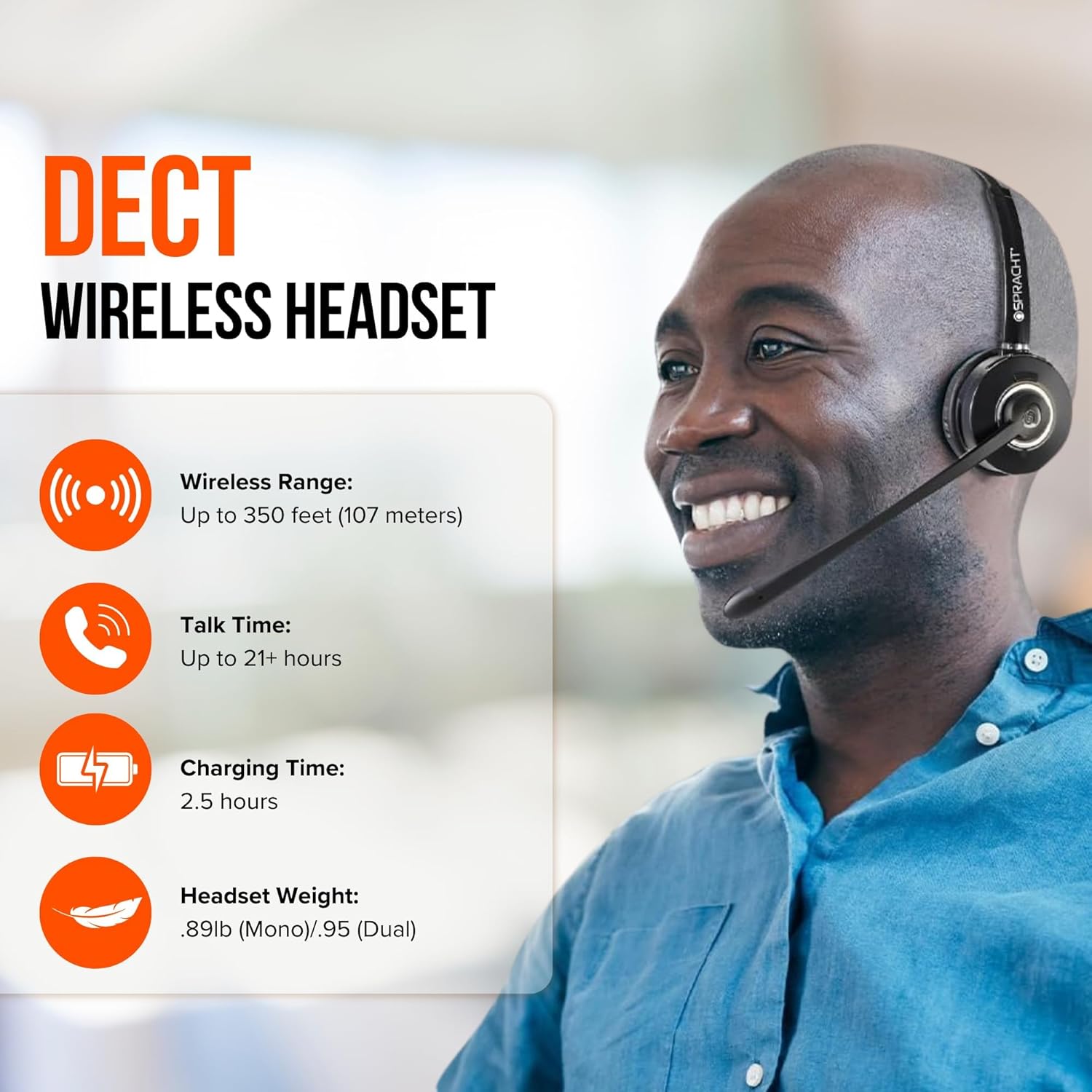
Image: Features of the DECT Wireless Headset, highlighting a wireless range of up to 350 feet, talk time of 21+ hours, charging time of 2.5 hours, and headset weight.
- Connect to Desktop Phone:
The base station connects to your desktop phone. Refer to your desktop phone's manual for specific connection ports (e.g., headset port, handset port). Typically, you will disconnect your phone's handset from its base and connect the headset base to the phone, then connect the handset to the headset base.

Image: The Spracht DECT Wireless Headset and base station positioned next to a desktop phone, emphasizing that the product is designed for desk phones only, with a clear icon indicating incompatibility with mobile phones.
- Pairing (Automatic):
The headset and base station are typically pre-paired from the factory. Once powered on and charged, they should automatically establish a connection. If re-pairing is needed, consult the troubleshooting section or contact support.
Operating Instructions
Headset Controls
- Multi-function Button: Located on the headset, this button allows you to answer or end calls. You can also answer/end calls by simply docking or undocking the headset from the base station.
- Volume Control: Adjust the listening volume using the dedicated controls on the headset.
- Mute Indicator: An LED indicator on the headset or base station will show when the microphone is muted.
- Headset Status LED: Provides visual feedback on power, charging, and connection status.
Making and Receiving Calls
- To Answer a Call: When your desk phone rings, lift the headset from the base or press the multi-function button on the headset.
- To End a Call: Place the headset back on the base station or press the multi-function button.
- To Make a Call: Lift the headset from the base, dial the number on your desk phone, and speak into the microphone.
Microphone and Audio Features
- Noise-Canceling Microphone: The integrated microphone features noise cancellation to reduce background distractions, ensuring clear voice transmission. It has a 270° swivel for optimal positioning.
- Wideband Speaker: Provides high-quality audio for clear communication.
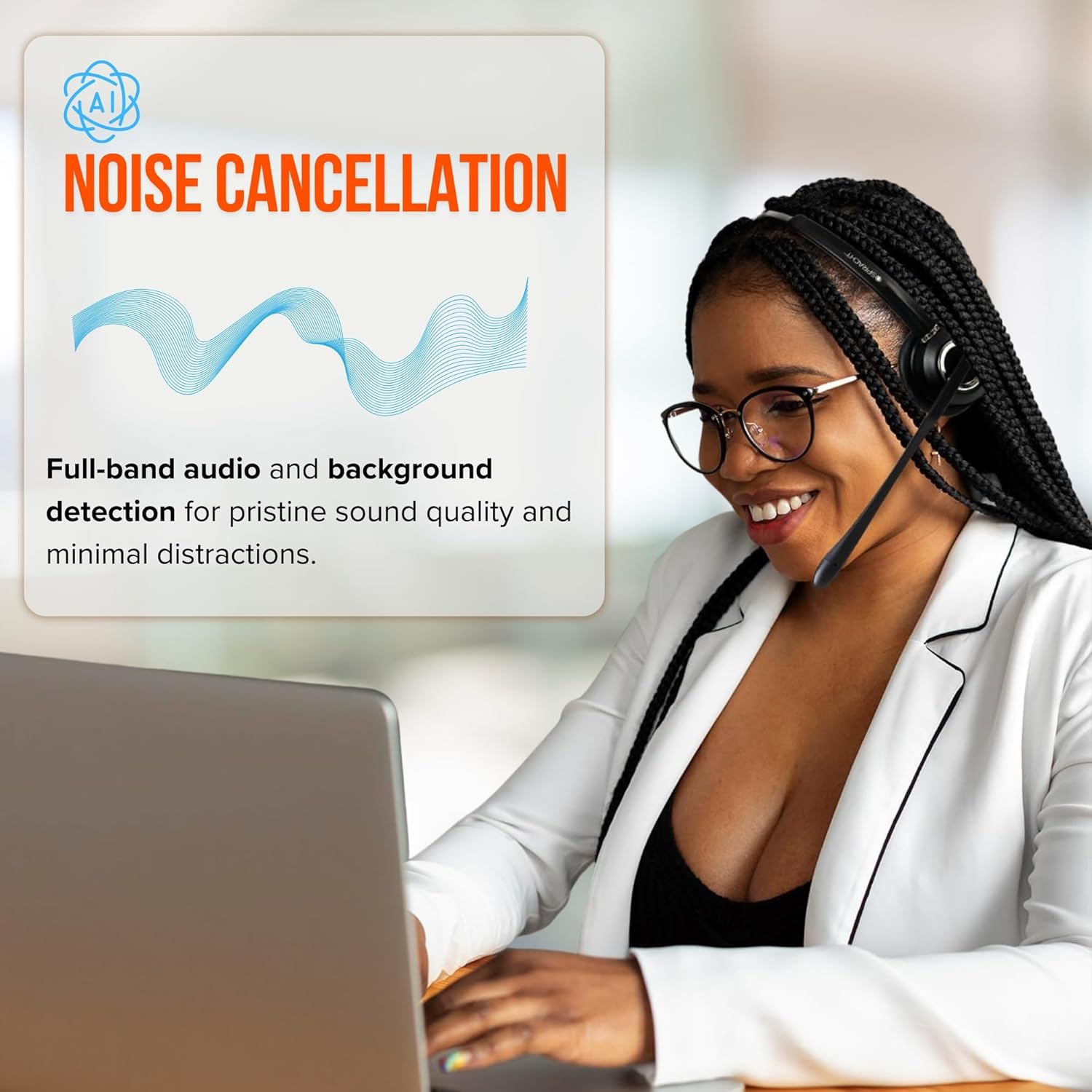
Image: A woman wearing the Spracht headset, demonstrating the noise cancellation feature for clear communication in an office environment.

Image: Detailed explanation of the noise-canceling microphone, designed to filter out background noise and focus on capturing the user's voice for natural and uninterrupted communication.
Maintenance
- Cleaning: Use a soft, dry cloth to clean the headset and base station. For ear cushions (premium vegan leather), a slightly damp cloth can be used, but ensure they are completely dry before use. Avoid harsh chemicals or abrasive cleaners.
- Storage: When not in use, store the headset on its base station to keep it charged and protected. Avoid extreme temperatures and direct sunlight.
- Battery Care: To prolong battery life, avoid fully discharging the headset frequently. Charge it regularly.
Troubleshooting
| Problem | Possible Cause | Solution |
|---|---|---|
| No audio or poor audio quality. | Headset not powered on, out of range, low battery, or incorrect phone connection. | Ensure headset is charged and powered on. Check if it's within the 350-foot wireless range. Verify all cables between the base station and desktop phone are securely connected. |
| Headset not charging. | Headset not properly seated on the base, or power adapter issue. | Ensure the headset is correctly placed in the charging cradle. Check that the AC power adapter is securely connected to both the base station and the power outlet. |
| Cannot answer/end calls via headset. | Incorrect phone setup or headset not connected. | Verify the base station is correctly connected to your desktop phone's headset port. Ensure the headset is paired and within range. |
| Headset does not connect to mobile phone or computer. | This headset is designed exclusively for desktop phones. | The Spracht HS-2018 Zum Maestro is a DECT headset intended for desktop phones only and is not compatible with mobile phones or computers via Bluetooth or USB. |
Specifications
| Feature | Detail |
|---|---|
| Model | HS-2018 Zum Maestro |
| Connectivity Technology | Wireless (DECT) |
| Compatible Devices | Desktop Phones |
| Wireless Range | Up to 350 feet (107 meters) |
| Battery Life (Talk Time) | Up to 21 hours |
| Battery Life (Standby Time) | At least 50 hours |
| Charging Time | Approximately 2.5 hours |
| Microphone | Noise-canceling, 270° swivel |
| Speaker | Wideband |
| Earpiece Shape | Over-ear cup (Monaural) |
| Ear Muffs | Premium vegan leather |
| Frequency Range | 300-3,400Hz |
| Item Weight | 6.4 ounces (0.4 lbs) |
| Product Dimensions (Base) | 3.5" L x 4.75" H x 2.75" W (89L x 121H x 70W mm) |
| Water Resistance Level | Not Water Resistant |
| UPC | 800807320307 |

Image: The Spracht headset on a desk, highlighting its standby time of at least 50 hours, 270° swivel microphone with AI noise cancellation, and premium vegan leather ear muffs.

Image: Physical specifications including height from base with headset, base dimensions, weight, and packaging details.

Image: The Spracht headset, base station, AC power adapter, and connection cables, illustrating the product's long battery life with 21 hours of talk time and at least 50 hours of standby.
Warranty and Support
For warranty information, please refer to the documentation included with your purchase or visit the official Spracht website. For technical support, troubleshooting assistance beyond this manual, or to inquire about warranty claims, please contact Spracht customer service.
You can find more information and contact details on the Spracht Store on Amazon.


