
1. Product Overview
The JBL Flip 4 is a versatile portable Bluetooth speaker designed to deliver powerful stereo sound. Its compact and durable design, featuring waterproof fabric, makes it suitable for various environments. The speaker includes a built-in rechargeable battery for extended playtime and supports advanced connectivity features.

Image 1: The JBL Flip 4 Portable Bluetooth Speaker in Blue. This image displays the speaker's cylindrical shape and fabric grille, highlighting its compact and robust design.
2. What's in the Box
Verify that all items are present in the product packaging:
- 1 x JBL Flip 4 Speaker
- 1 x JBL Micro USB Cable
- 1 x Quick Start Guide
- 1 x Safety Sheet
- 1 x Warranty Card
3. Setup
3.1 Charging the Speaker
Before initial use, fully charge the JBL Flip 4. The speaker is powered by a 3000mAh rechargeable Li-ion battery.
- Locate the charging port on the side of the speaker, protected by a waterproof flap.
- Open the flap and connect the provided JBL Micro USB Cable to the speaker and a compatible USB power source (not included).
- The LED indicators on the speaker will illuminate to show charging progress. A full charge takes approximately 3.5 hours.

Image 2: A hand is shown opening the waterproof flap on the JBL Flip 4, revealing the Micro USB charging port and an auxiliary input. This demonstrates how to access the connectivity ports.
3.2 Powering On/Off
To power the speaker on or off, press the power button located on the side of the device.
3.3 Bluetooth Pairing
Connect your JBL Flip 4 to a Bluetooth-enabled device for wireless audio streaming.
- Power on the JBL Flip 4.
- Press the Bluetooth button on the speaker. The LED indicator will flash, indicating it is in pairing mode.
- On your smartphone or tablet, enable Bluetooth and search for available devices.
- Select "JBL Flip 4" from the list to connect. Once connected, the LED indicator will turn solid blue.

Image 3: Two individuals are shown holding JBL Flip 4 speakers, suggesting the ease of Bluetooth streaming and sharing music wirelessly.
3.4 JBL Connect+
JBL Connect+ allows you to wirelessly link more than 100 JBL Connect+ enabled speakers together to amplify the listening experience.
- Ensure all JBL Connect+ enabled speakers are powered on.
- Play music on one JBL Flip 4 (the primary speaker) and ensure it is connected to your device via Bluetooth.
- Press the JBL Connect+ button on the primary speaker and on all other speakers you wish to link.
- The speakers will connect automatically, playing the same audio simultaneously.
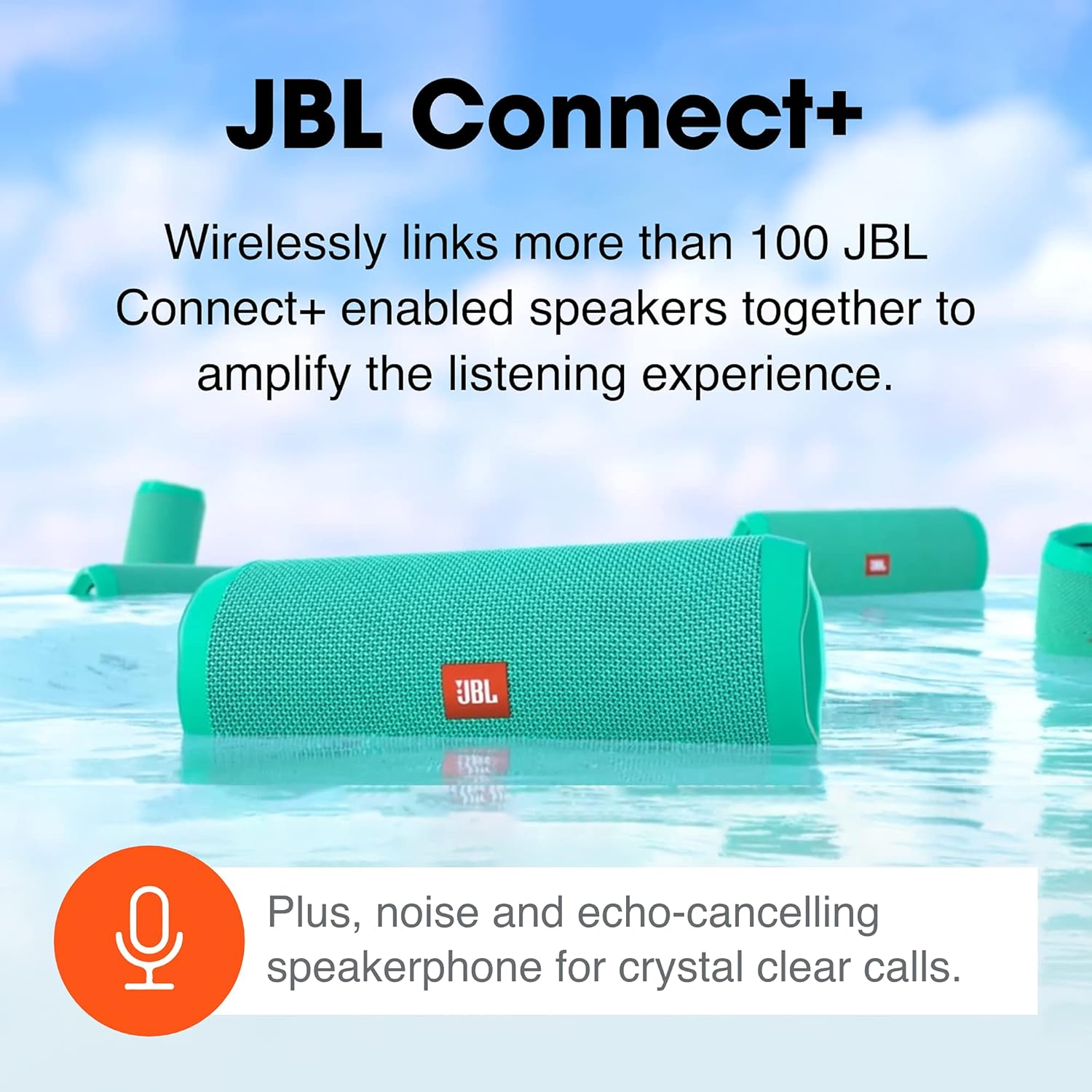
Image 4: Several JBL Flip 4 speakers are depicted floating in water, illustrating the JBL Connect+ feature which allows multiple speakers to be linked for a synchronized audio experience.
4. Operating the Speaker
4.1 Basic Controls
The JBL Flip 4 features intuitive controls for audio playback:
- Volume Up/Down: Press the "+" or "-" buttons to adjust the volume.
- Play/Pause: Press the Play/Pause button to control audio playback.
- Skip Track: Double-press the Play/Pause button to skip to the next track.
4.2 Speakerphone Function
The built-in noise and echo-cancelling speakerphone allows for clear conference calls.
- Answer/End Call: Press the Play/Pause button to answer or end a call.
- Reject Call: Press and hold the Play/Pause button to reject an incoming call.
4.3 Voice Assistant Activation
Activate Siri or Google Now directly from your JBL Flip 4.
- Press the Voice Assistant button (often shared with the Play/Pause button, or a dedicated button depending on model variant) to activate your device's voice assistant.
4.4 Waterproof Design (IPX7)
The JBL Flip 4 features an IPX7 waterproof rating, meaning it can be submerged in water up to 1 meter for up to 30 minutes.
- Ensure all port covers are securely closed before exposing the speaker to water.
- The durable fabric material and rugged rubber housing provide protection during outdoor activities.

Image 5: A red JBL Flip 4 speaker is shown partially submerged in water, emphasizing its IPX7 waterproof capability, making it suitable for use near water.

Image 6: A group of people are seen outdoors, with JBL Flip 4 speakers in hand, symbolizing the speaker's long battery life (up to 12 hours) and durable design for adventures.
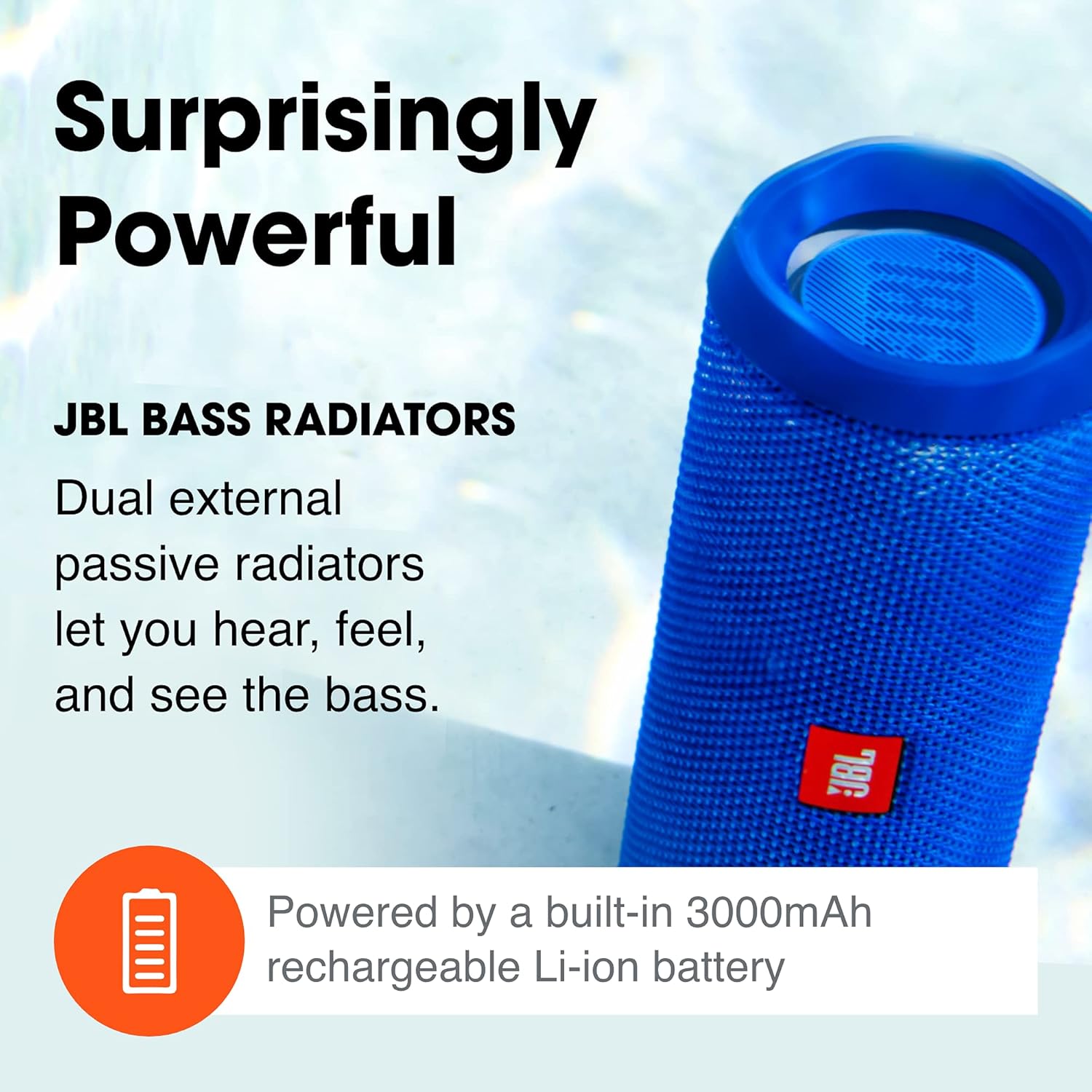
Image 7: A blue JBL Flip 4 speaker is shown with an emphasis on its dual external passive radiators, which are responsible for delivering powerful bass.
5. Maintenance
5.1 Cleaning
To maintain the appearance and performance of your JBL Flip 4:
- Wipe the speaker with a soft, damp cloth.
- Do not use abrasive cleaners or chemicals.
- After exposure to water, ensure the speaker is completely dry before charging.
5.2 Storage
Store the speaker in a cool, dry place away from direct sunlight and extreme temperatures.
5.3 Battery Care
To prolong battery life:
- Avoid fully discharging the battery frequently.
- Charge the speaker regularly, even if not in use, to maintain battery health.
6. Troubleshooting
If you encounter issues with your JBL Flip 4, refer to the following common solutions:
- No Power: Ensure the battery is charged. Connect the speaker to a power source.
- Cannot Pair Bluetooth: Make sure the speaker is in pairing mode (flashing blue LED). Ensure your device's Bluetooth is enabled and within range. Try forgetting the device on your phone and re-pairing.
- No Sound: Check the volume levels on both the speaker and your connected device. Ensure the speaker is properly paired.
- Poor Sound Quality: Move the speaker closer to your Bluetooth device to reduce interference. Ensure there are no obstructions between the devices.
- JBL Connect+ Issues: Ensure all speakers are JBL Connect+ enabled. Press the Connect+ button on all speakers within 30 seconds.
- Speaker Reset: If issues persist, you may need to reset the speaker. Consult the Quick Start Guide for specific reset instructions.
7. Specifications
| Feature | Detail |
|---|---|
| Model Name | Flip 4 |
| Item Model Number | JBLFLIP4BLU |
| Product Dimensions | 2.76"D x 6.89"W x 2.68"H |
| Item Weight | 515 Grams (1.14 pounds) |
| Wireless Technology | Bluetooth |
| Water Resistance Level | IPX7 Waterproof |
| Battery Capacity | 3000 Milliamp Hours |
| Charging Time | 3.5 Hours |
| Playtime | Up to 12 Hours |
| Speaker Output Power | 2 x 8 Watts |
| Frequency Response | 70 Hz |

Image 8: A diagram illustrating the dimensions of the JBL Flip 4 speaker: 2.76 inches deep, 6.89 inches wide, and 2.68 inches high.
8. Official Product Videos
Watch these official videos for more information on your JBL Flip 4 speaker:
JBL Flip 4 Video Review
Video 1: A comprehensive review of the JBL Flip 4 speaker, detailing its features, design, and performance. This video provides a visual and auditory overview of the product.
JBL Flip 4 Waterproof Review
Video 2: A demonstration and review focusing on the JBL Flip 4's waterproof capabilities, showing its resilience to water exposure.
9. Warranty & Support
Your JBL Flip 4 comes with a Warranty Card included in the box. Please refer to this card for detailed warranty information and terms.
For additional support, troubleshooting, or service inquiries, please visit the official JBL support website or contact their customer service. You can find more information at the JBL Store.


