
JBL E45BT
JBL E45BT On-Ear Wireless Headphones User Manual
Model: E45BT
1. Introduction
This manual provides detailed instructions for the setup, operation, and maintenance of your JBL E45BT On-Ear Wireless Headphones. Please read this manual thoroughly to ensure proper use and to maximize your listening experience.
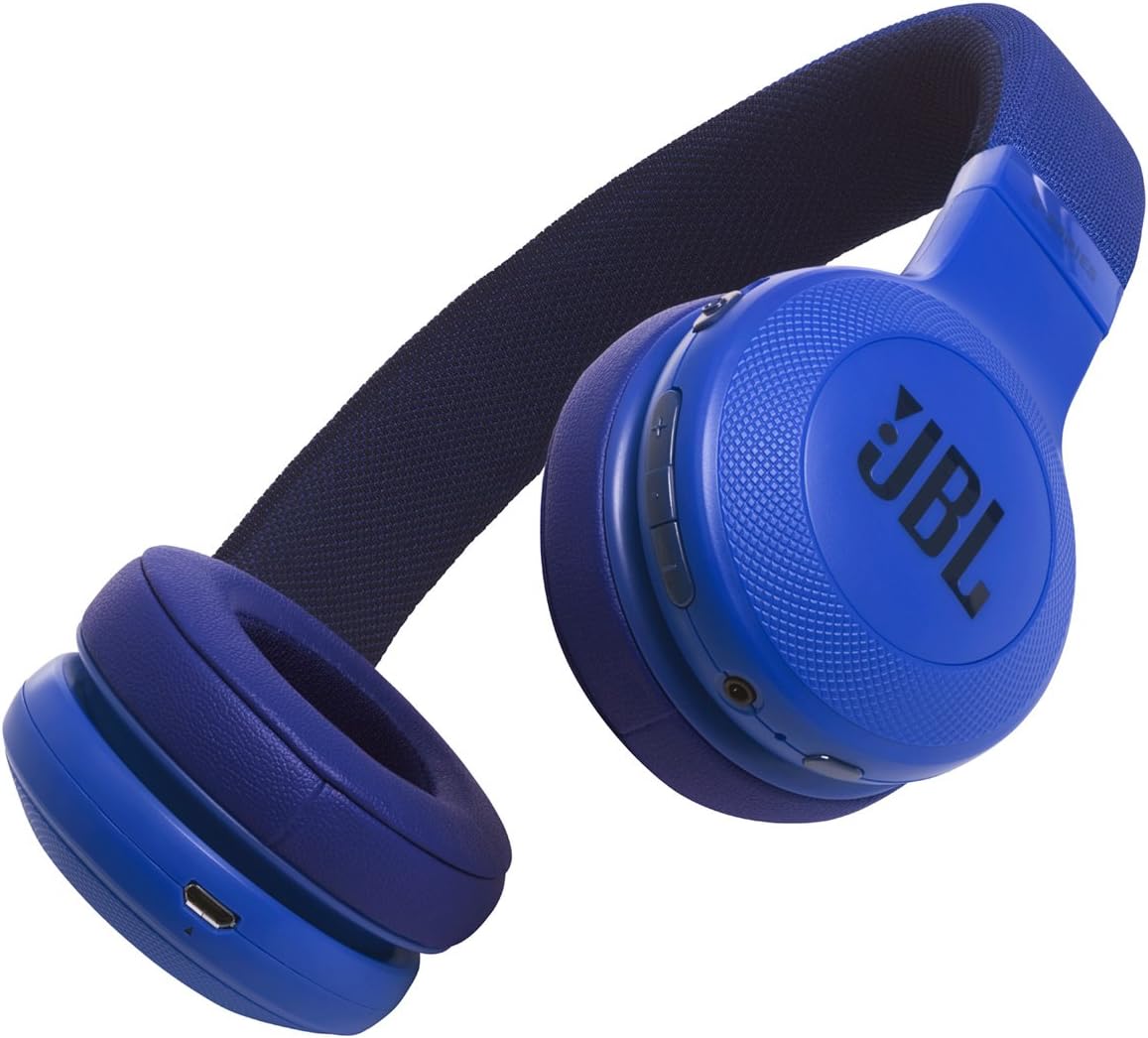
Image 1.1: An angled view of the JBL E45BT On-Ear Wireless Headphones in blue, showcasing the earcups and headband.
2. What's in the Box
Verify that all components are present in your package:
- JBL E45BT On-Ear Wireless Headphones
- Charging Cable (USB)
- Detachable Audio Cable (3.5mm)

Image 2.1: The JBL E45BT headphones displayed with their included accessories: a USB charging cable and a 3.5mm audio cable.
3. Setup
3.1 Charging the Headphones
Before first use, fully charge your headphones. A full charge takes approximately 2 hours.
- Connect the small end of the USB charging cable to the micro-USB port on the left earcup of the headphones.
- Connect the larger end of the USB charging cable to a USB power adapter (not included) or a computer's USB port.
- The LED indicator on the earcup will show charging status. It typically turns solid white or off when fully charged.
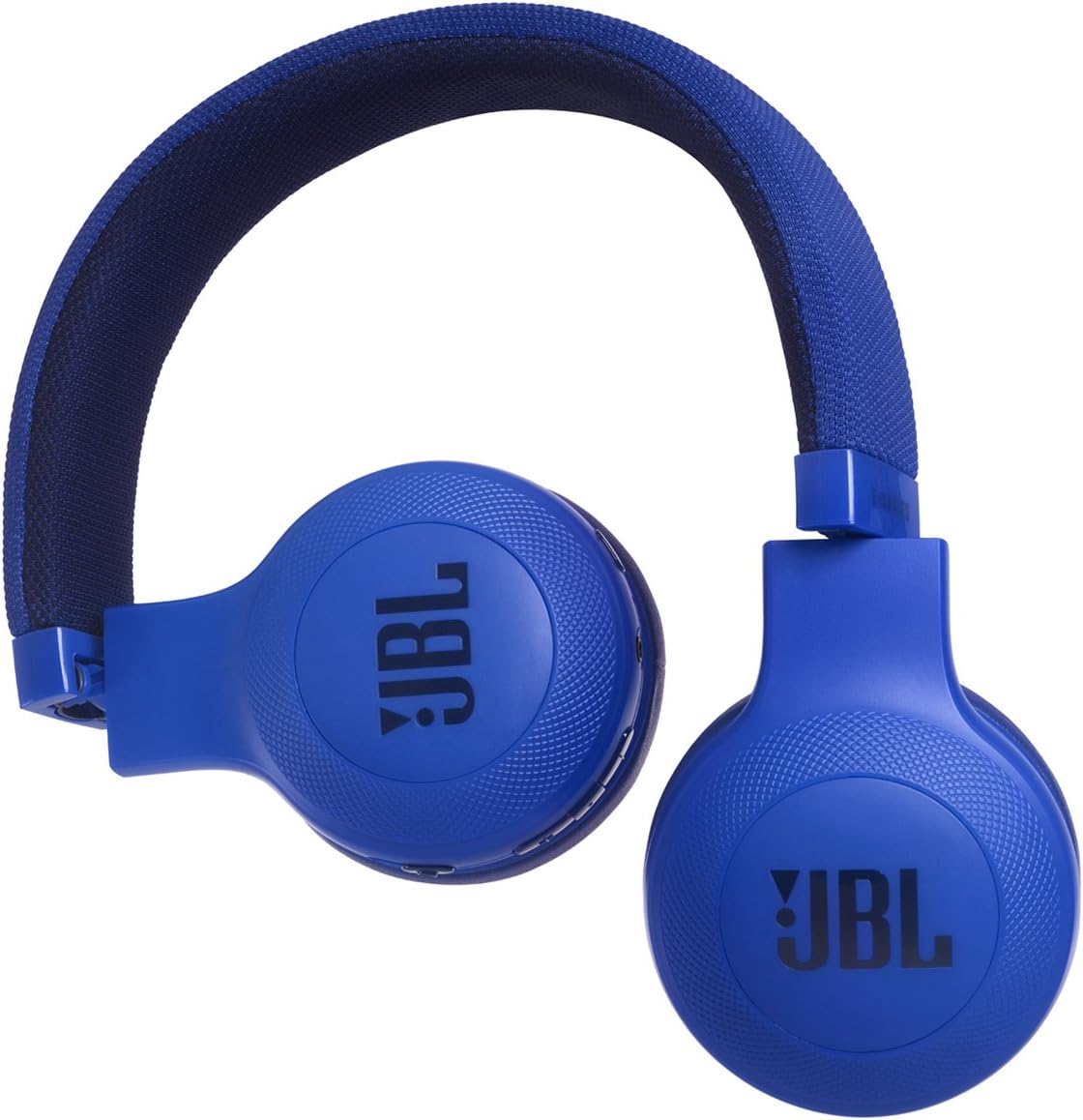
Image 3.1: A detailed view of the right earcup, highlighting the control buttons and the micro-USB charging port.
3.2 Powering On/Off
- To Power On: Press and hold the Power button on the earcup for approximately 2 seconds until the LED indicator lights up.
- To Power Off: Press and hold the Power button for approximately 2 seconds until the LED indicator turns off.
3.3 Bluetooth Pairing
The JBL E45BT headphones use Bluetooth 4.0 for wireless connectivity, with a range of up to 10 meters (33 feet).
- Ensure the headphones are powered off.
- Press and hold the Power button for 5 seconds until the LED indicator flashes blue rapidly. This indicates pairing mode.
- On your mobile device (smartphone, tablet, etc.), enable Bluetooth and search for available devices.
- Select "JBL E45BT" from the list of found devices.
- Once paired, the LED indicator will turn solid blue or flash slowly.
If pairing is unsuccessful, power off the headphones and repeat the steps.
4. Operating Instructions
4.1 Music Playback Controls
- Play/Pause: Press the multi-function button (often marked with a play/pause symbol) once.
- Volume Up: Press the '+' button.
- Volume Down: Press the '-' button.
- Next Track: Press and hold the '+' button for 2 seconds.
- Previous Track: Press and hold the '-' button for 2 seconds.
4.2 Phone Call Controls
- Answer/End Call: Press the multi-function button once.
- Reject Call: Press and hold the multi-function button for 2 seconds.
- Activate Voice Assistant: Double-press the multi-function button (if supported by your device).
4.3 Wired Connection
You can use the JBL E45BT headphones with the included 3.5mm audio cable when the battery is depleted or for devices without Bluetooth connectivity. Simply plug one end into the headphone's audio jack and the other into your audio source.
5. Maintenance
5.1 Cleaning
- Wipe the headphones with a soft, dry cloth.
- Do not use liquid cleaners or aerosols.
- Avoid getting moisture into any openings.
5.2 Storage
- Store the headphones in a cool, dry place away from direct sunlight and extreme temperatures.
- The headphones are foldable for compact storage.
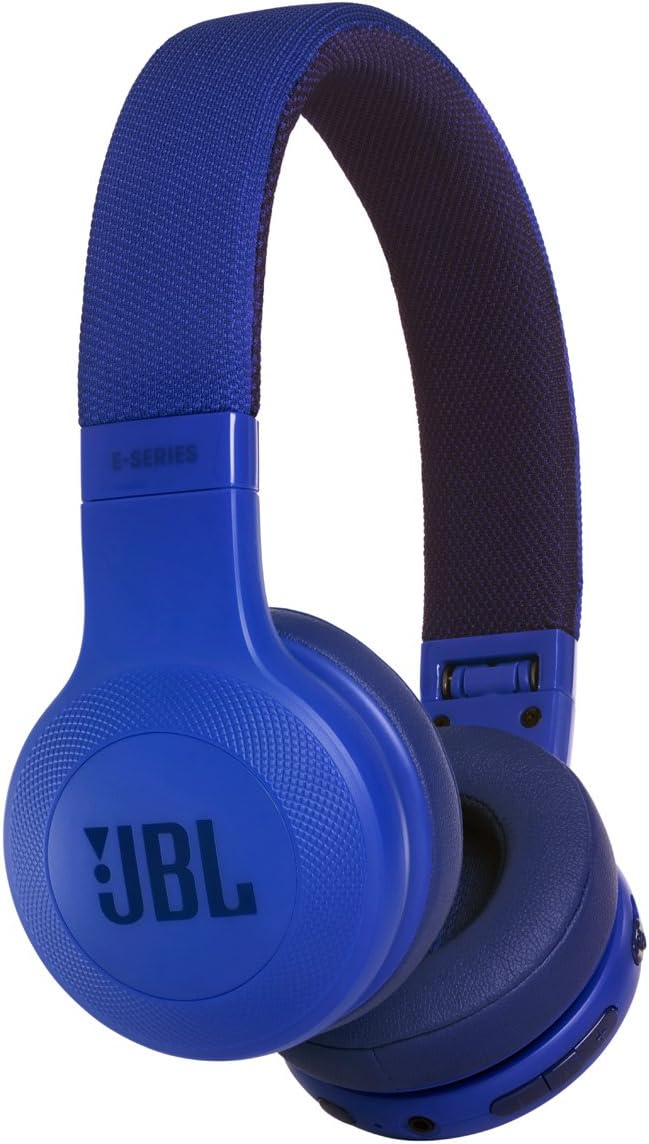
Image 5.1: The JBL E45BT headphones shown in their folded configuration, demonstrating their portability.
5.3 Water Resistance
These headphones are Not Water Resistant. Avoid exposure to water, rain, or excessive moisture to prevent damage.
6. Troubleshooting
| Problem | Possible Cause | Solution |
|---|---|---|
| No power | Battery is depleted | Charge the headphones for 2 hours. |
| Cannot pair via Bluetooth | Headphones not in pairing mode; device Bluetooth off; too far from device | Ensure headphones are in pairing mode (rapid blue flashing LED). Turn Bluetooth on your device. Move device closer (within 10 meters). Try unpairing and re-pairing. |
| No sound | Volume too low; incorrect audio source; headphones not connected | Increase volume on headphones and device. Check if headphones are properly paired or connected via audio cable. Ensure correct audio output is selected on your device. |
| Poor audio quality | Interference; low battery; device too far | Move closer to the audio source. Charge the headphones. Avoid environments with strong wireless interference. |
7. Specifications
- Model Name: E45BT
- Item Model Number: JBLE45BTBLU
- Brand: JBL
- Connectivity Technology: Bluetooth
- Wireless Communication Technology: Bluetooth 4.0
- Bluetooth Range: 10 Meters (33 feet)
- Ear Placement: On Ear
- Form Factor: On Ear
- Audio Driver Type: Dynamic Driver
- Frequency Response: 20 Hz - 20 KHz
- Sensitivity: 96 dB
- Impedance: 32 Ohm
- Noise Control: Active Noise Cancellation
- Control Method: Touch
- Charging Time: 2 Hours
- Batteries: 1 Lithium Polymer battery (included)
- Item Weight: 7.2 Ounces (204 grams)
- Product Dimensions: 3.43 x 8.54 x 7.36 inches
- Material: Plastic
- Water Resistance Level: Not Water Resistant
- UPC: 050036332354
- Included Components: HEAD PHONES
8. Important Safety Information
- Do not expose headphones to extreme temperatures or humidity.
- Avoid listening at high volume levels for extended periods to prevent hearing damage.
- Do not attempt to disassemble or modify the headphones. This will void the warranty and may cause damage.
- Keep out of reach of children.
- Dispose of batteries according to local regulations. Do not dispose of batteries in fire.
9. Warranty and Support
JBL products are designed for reliability and performance. For warranty information and technical support, please refer to the warranty card included with your product or visit the official JBL website. You can typically find support resources, FAQs, and contact information for customer service there.
Online Support: www.jbl.com/support
Related documentsE45BT


Ask a question about this manual
Ask about setup, troubleshooting, compatibility, parts, safety, or missing instructions. Manuals+ will review the question and use this page’s manual context to help answer it.