
Introduction
The Polder Digital Egg and Pasta Timer is designed to simplify the cooking process for eggs and various pasta types. This versatile 3-in-1 device features pre-programmed settings for different egg consistencies and 11 types of pasta, ensuring consistent, perfectly cooked results. It also includes a 100-minute countdown/count-up timer and a 12/24-hour clock display.
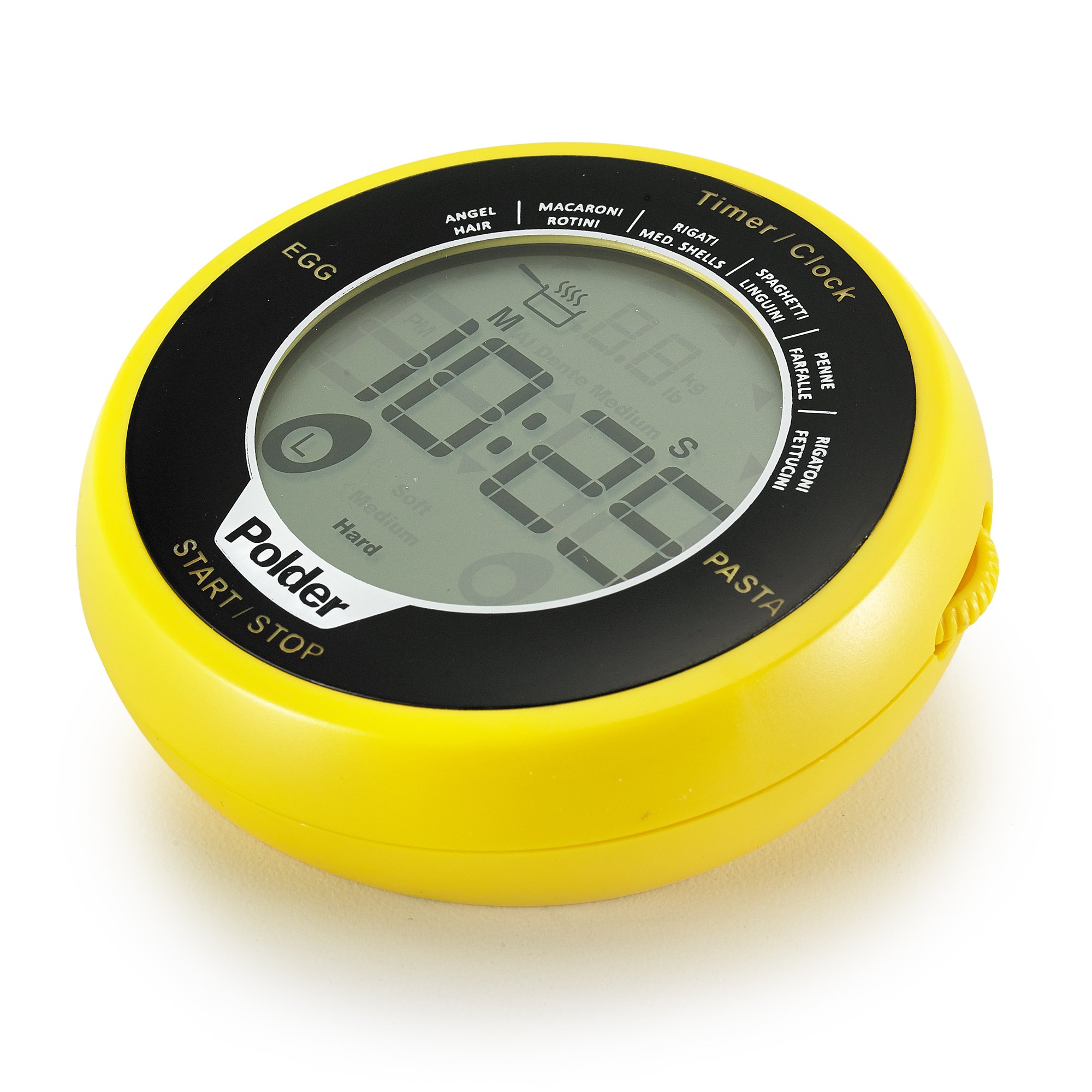
Front view of the Polder Digital Egg and Pasta Timer, showing the display and control areas.
Setup
Battery Installation
The Polder Digital Egg and Pasta Timer requires two (2) AA batteries, which are included. To install or replace batteries:
- Locate the battery compartment on the back of the timer.
- Open the battery compartment cover.
- Insert two AA batteries, ensuring correct polarity (+/-) as indicated inside the compartment.
- Close the battery compartment cover securely.
The timer should power on automatically. If not, check battery placement or replace with fresh batteries.
Operating Instructions
General Controls
The timer features an intuitive toggle wheel and touch screen control for navigation and selection. The "START / STOP" button is located at the bottom of the display.
Setting the Clock
When the timer is not in use, the display shows the current time in 12-hour or 24-hour format. Refer to the full manual for specific instructions on setting the time and switching between 12/24-hour modes.
Using the Egg Timer
The egg timer function allows you to cook eggs to your preferred consistency: soft, medium, or hard-boiled. The timer uses temperature sensing to determine the ideal cooking time.
- Place the timer in the pot with the eggs and water.
- Use the toggle wheel or touch screen to select the desired egg consistency: Soft, Medium, or Hard.
- Press the "START / STOP" button to begin the timer.
- An audible alarm will sound when the selected consistency is reached.

The timer display indicating the 'Hard' setting for egg cooking.
Using the Pasta Timer
The pasta timer features pre-programmed settings for 11 types of pasta, ensuring they are cooked al dente. The timer will automatically adjust based on the selected pasta type.
- Place the timer in the pot with the pasta and water.
- Use the toggle wheel or touch screen to select your pasta type from the following options:
- Angel Hair
- Macaroni/Rotini
- Rigati/Medium Shells
- Spaghetti/Linguini
- Penne/Farfalle
- Rigatoni/Fettuccini
- (Additional 5 pasta types, refer to product for full list)
- Press the "START / STOP" button to begin the timer.
- An audible alarm will sound when the pasta is cooked al dente.
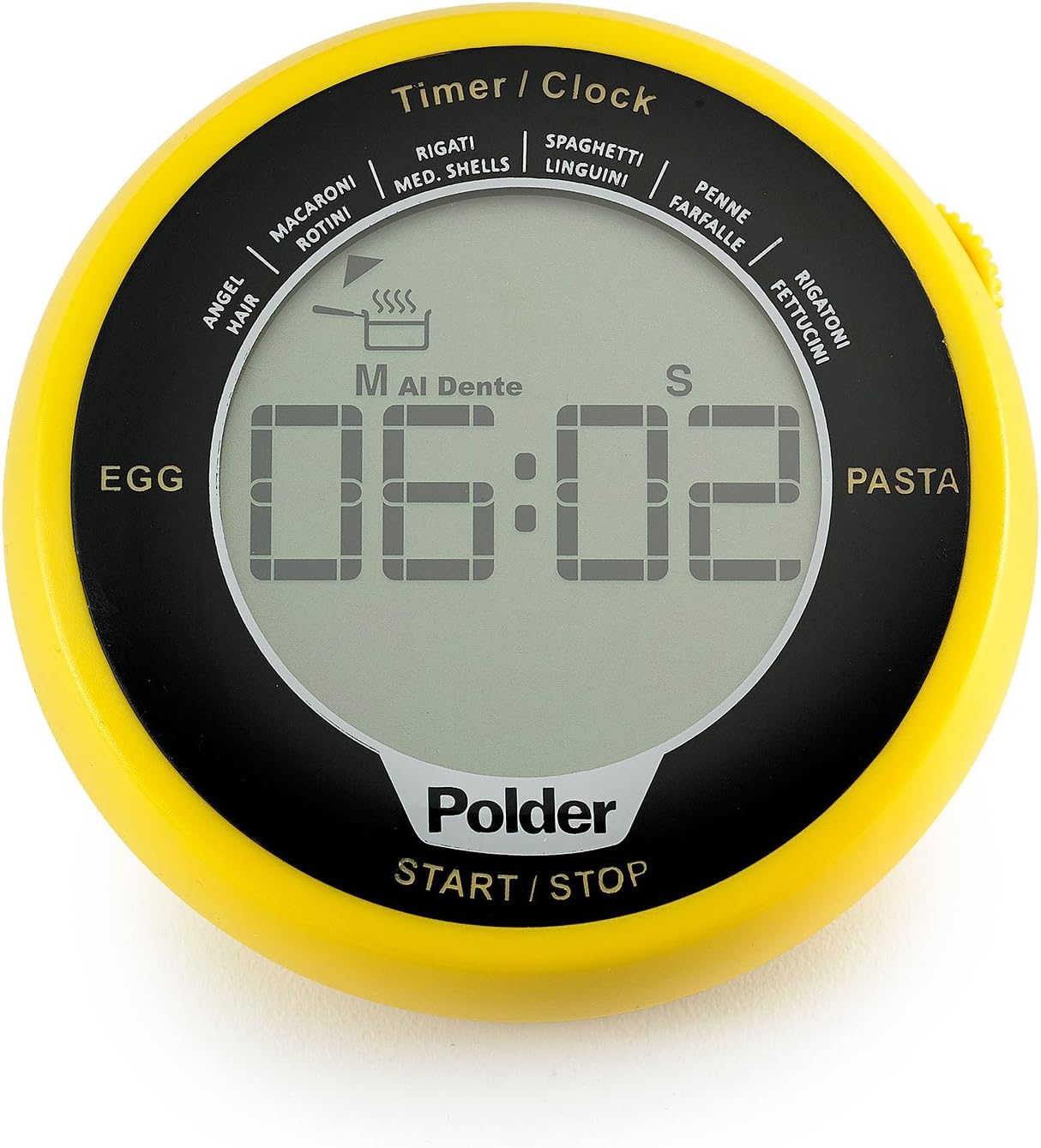
The timer display indicating an 'Al Dente' setting for pasta cooking.
Using the General Countdown/Count-up Timer
The timer can also be used as a standard 100-minute countdown or count-up timer for general cooking needs.
- To set a countdown: Use the toggle wheel to set the desired minutes and seconds.
- Press the "START / STOP" button to begin counting down.
- To use as a count-up timer: Ensure the display shows "00:00" and press "START / STOP".
- A 60-second alarm will sound when the countdown reaches zero.
- Press "START / STOP" again to pause or stop the timer.
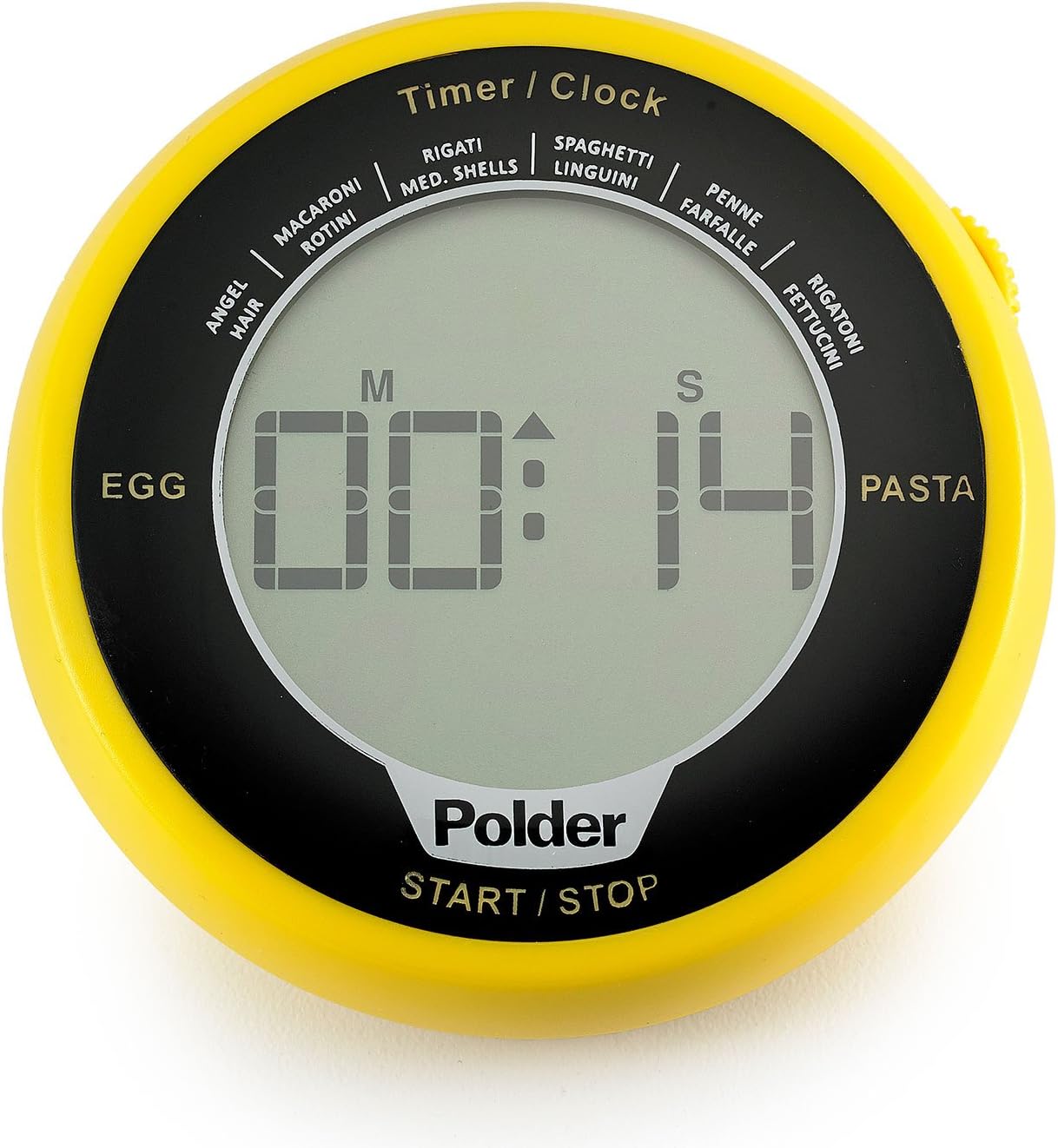
The timer display showing a countdown in progress.

The Polder timer in use on a kitchen countertop, demonstrating its practical application.
Maintenance
Cleaning
To clean your Polder Digital Egg and Pasta Timer, wipe it with a damp cloth. Do not immerse the timer in water or place it in a dishwasher, as this can damage the electronic components. Avoid using abrasive cleaners or scouring pads.
Storage
Store the timer in a dry place at room temperature when not in use. If storing for extended periods, it is recommended to remove the batteries to prevent leakage.
Troubleshooting
- Timer not turning on: Check if batteries are installed correctly with the right polarity. Replace batteries with new ones if necessary.
- Display is dim or blank: This usually indicates low battery power. Replace both AA batteries.
- Alarm not sounding: Ensure the timer is not in silent mode (if applicable, refer to full manual). Check battery level.
- Inaccurate timing: Ensure the timer is placed correctly in the pot for egg/pasta functions. For general timing, ensure the correct time is set.
Specifications
| Model Number: | TMR-994-41 |
| Brand: | Polder |
| Material: | Plastic |
| Color: | Yellow/Black |
| Dimensions: | 3.25 x 0.63 x 3.25 inches |
| Item Weight: | 3.2 ounces (0.2 Pounds) |
| Power Source: | 2 x AA Batteries (included) |
| Timer Range: | Up to 100 minutes |
| UPC: | 047188994417 |
Warranty and Support
Limited Warranty
Polder products are manufactured to high-quality standards. This product is covered by a limited warranty against defects in materials and workmanship. Please retain your proof of purchase for warranty claims. For specific warranty details and duration, refer to the packaging or contact Polder customer support.
Customer Support
For assistance with your Polder Digital Egg and Pasta Timer, including troubleshooting or warranty inquiries, please visit the official Polder website or contact their customer service department. Contact information can typically be found on the product packaging or the brand's official website.
You can visit the Polder Store for more information: Polder Store on Amazon