
1. Introduction
This manual provides detailed instructions for the assembly, operation, and maintenance of your Sauder Costa 2 Drawer Lateral File Cabinet. Please read all instructions carefully before beginning assembly and retain this manual for future reference.

Image: The Sauder Costa 2 Drawer Lateral File Cabinet in Chalked Chestnut finish.
The Sauder Costa Lateral File Cabinet is designed to provide secure and organized storage for your documents in a home or work office environment. It features two lockable drawers that accommodate both letter and legal-size hanging files, along with a durable top surface suitable for displaying items.
2. Safety Information
- Proposition 65 Warning: This product may contain chemicals known to the State of California to cause cancer and birth defects or other reproductive harm.
- Interlocking Safety Mechanism: The cabinet is equipped with a patented interlocking safety mechanism that allows only one drawer to open at a time. This feature is designed to prevent tipping and enhance stability.
- Secure Storage: Drawers are lockable for secure storage of important documents.
- Stability: Ensure the unit is placed on a level surface. A properly attached back panel (during assembly) is crucial for assuring squareness, stability, and strength of your unit.
- Weight Capacity: Do not exceed the maximum weight capacity of 40 pounds for the top surface.
3. Parts & Hardware
Your Sauder Costa Lateral File Cabinet includes all necessary hardware and materials for assembly. A user manual is also provided within the packaging. Please verify all components are present before beginning assembly.
Included Components:
- Hardware (screws, cam locks, dowels, etc.)
- Engineered Wood Panels
- Drawer Slides and Rails
- Drawer Handles
- Keys for Locks
- User Manual (this document)
4. Setup & Assembly
Assembly is required for this product. Please follow the step-by-step instructions provided in your physical assembly booklet. The following videos offer additional guidance for specific assembly steps.
4.1. Attaching the Back Panel
The back panel is essential for the structural integrity and squareness of your unit. Ensure the unit is squared up before fastening the back.
Video: Instructions on how to properly attach the back panel to your Sauder unit, ensuring stability and squareness.
4.2. Attaching Twist-Lock Fasteners
Some Sauder units utilize Twist-Lock fasteners for secure panel connections. Refer to this video for proper installation.
Video: A guide to attaching the Sauder Twist-Lock fasteners during assembly for secure connections.
4.3. Separating and Inserting Drawer Slides
Proper installation of drawer slides is crucial for smooth drawer operation. This video demonstrates how to separate the slides from extension rails, and how to insert and remove drawers.
Video: Detailed instructions on separating drawer slides from extension rails, and the process for inserting and removing drawers.
5. Operating Instructions
5.1. Drawer Functionality
The file cabinet features two drawers with full extension slides, allowing complete access to the contents. The drawers are designed to hold both letter and legal-size hanging files.

Image: An open drawer showing the internal structure designed for hanging files, accommodating both letter and legal sizes.
5.2. Locking Mechanism
Each drawer is equipped with a lock for securing your documents. Insert the key into the lock and turn to secure or unlock the drawer. Remember the interlocking safety mechanism allows only one drawer to be open at a time.
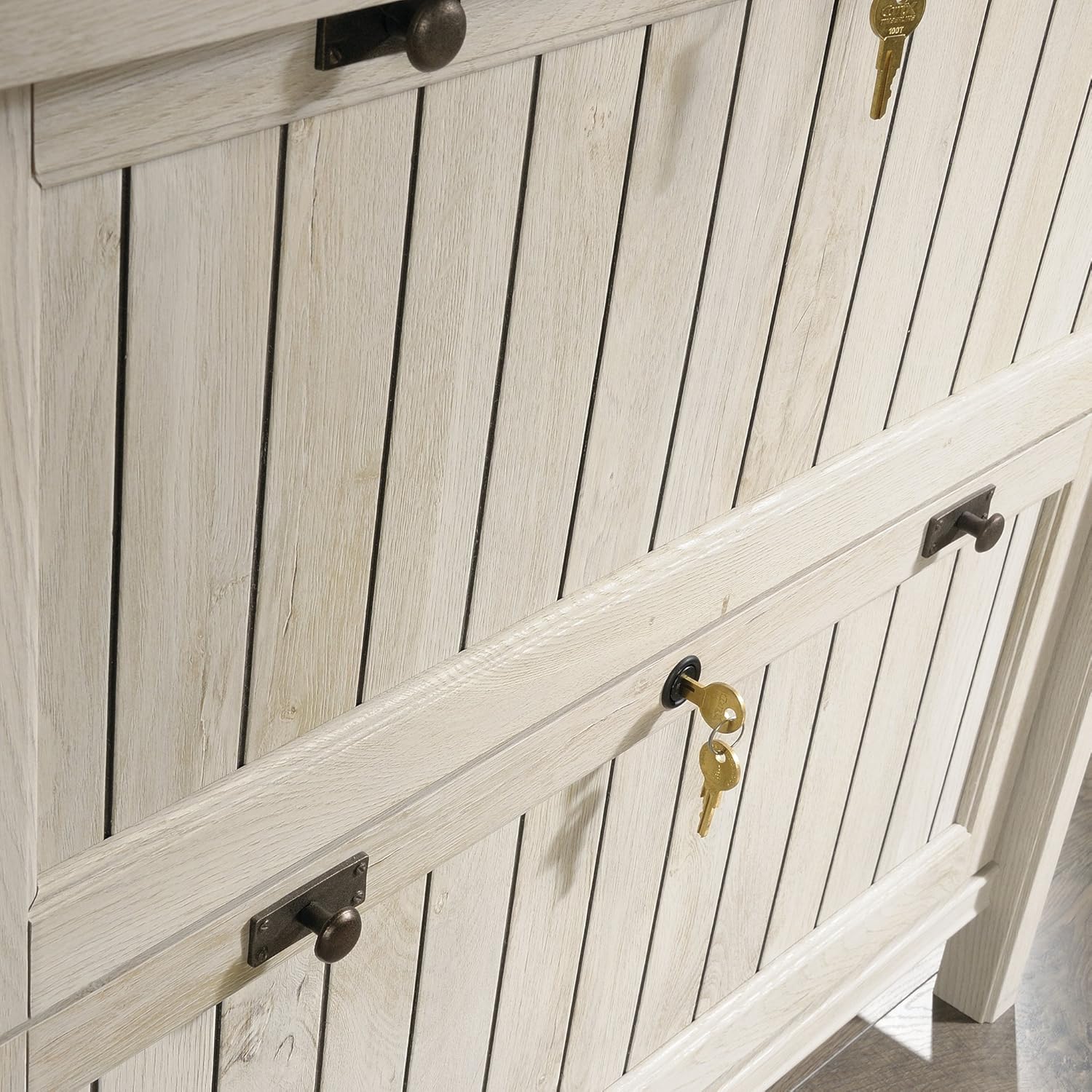
Image: A close-up view of the drawer front, highlighting the lock and decorative handles.
5.3. Top Surface Use
The robust 1-inch thick top surface is suitable for placing decorative items, books, or a printer, with a maximum weight capacity of 40 pounds.
6. Maintenance
To clean your Sauder Costa Lateral File Cabinet, simply wipe it with a damp cloth. Avoid using harsh chemicals or abrasive cleaners, as these may damage the finish.
7. Troubleshooting
7.1. Drawers Not Closing Smoothly
If drawers are not closing or opening smoothly, ensure that the drawer slides are correctly aligned and free from obstructions. Refer to the "Separating and Inserting Drawer Slides" video in Section 4.3 for guidance on re-seating the slides.
7.2. Unit Instability
If the unit feels unstable, verify that the back panel is securely attached and that the unit is placed on a level surface. Ensure all fasteners used during assembly are tightened appropriately.
8. Specifications
| Feature | Detail |
|---|---|
| Brand | Sauder |
| Model Number | 420040 |
| Color | Chalked Chestnut |
| Material | Engineered Wood |
| Product Dimensions (D x W x H) | 21.88"D x 33.38"W x 30"H |
| Item Weight | 109 Pounds |
| Number of Drawers | 2 |
| Lock Type | Key |
| Drawer File Compatibility | Letter or Legal-size hanging files |
| Top Surface Weight Capacity | 40 Pounds |
| Assembly Required | Yes |

Image: Dimensional diagram of the Sauder Costa Lateral File Cabinet, including external and internal drawer measurements.
9. Warranty & Support
9.1. Manufacturer's Warranty
This product is covered by a 5-year manufacturer's warranty. Please retain your proof of purchase for warranty claims.
9.2. Customer Support
For additional assistance with assembly, replacement parts, or any other inquiries, please utilize the following resources:
- Live Chat: Access on-demand support for immediate assistance.
- Assembly Tip Videos: Find helpful visual guides for complex assembly steps.
- Replacement Parts: Easily order any necessary replacement components.
- Domestic Call Center: Contact our ready-to-assist call center for personalized support.
