
1. Introduction
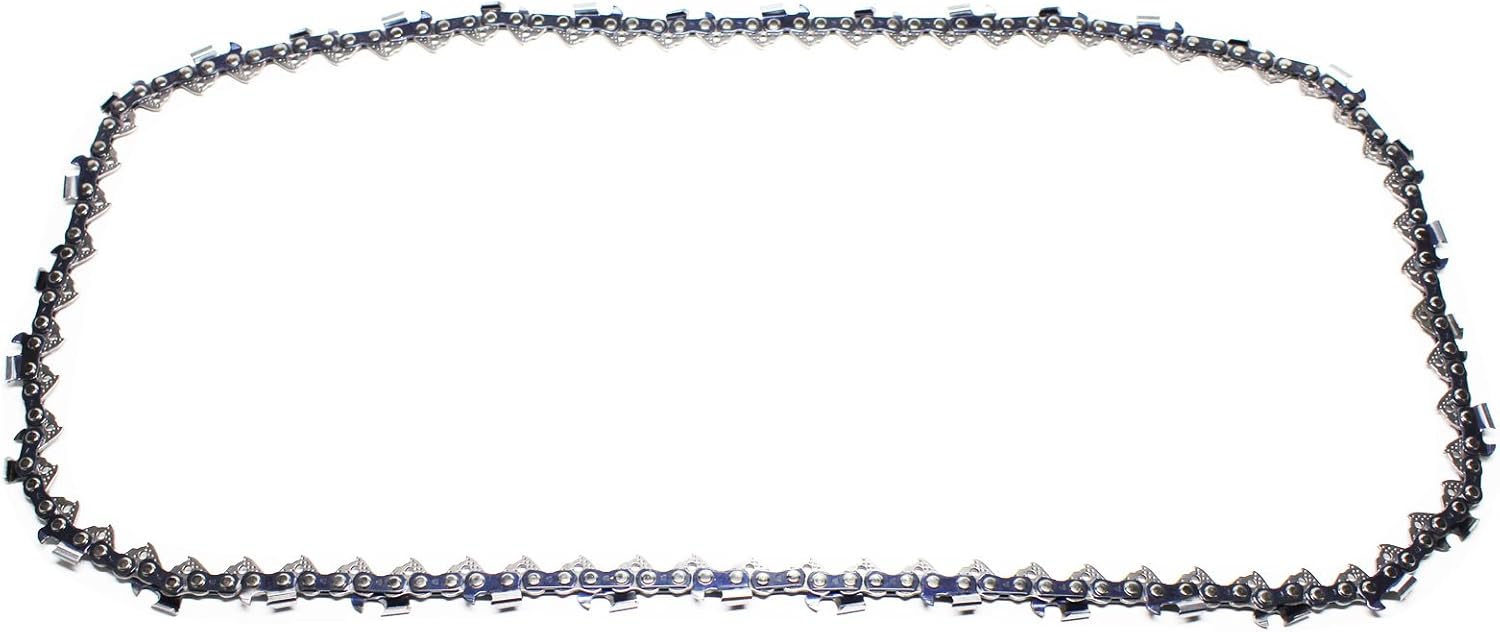
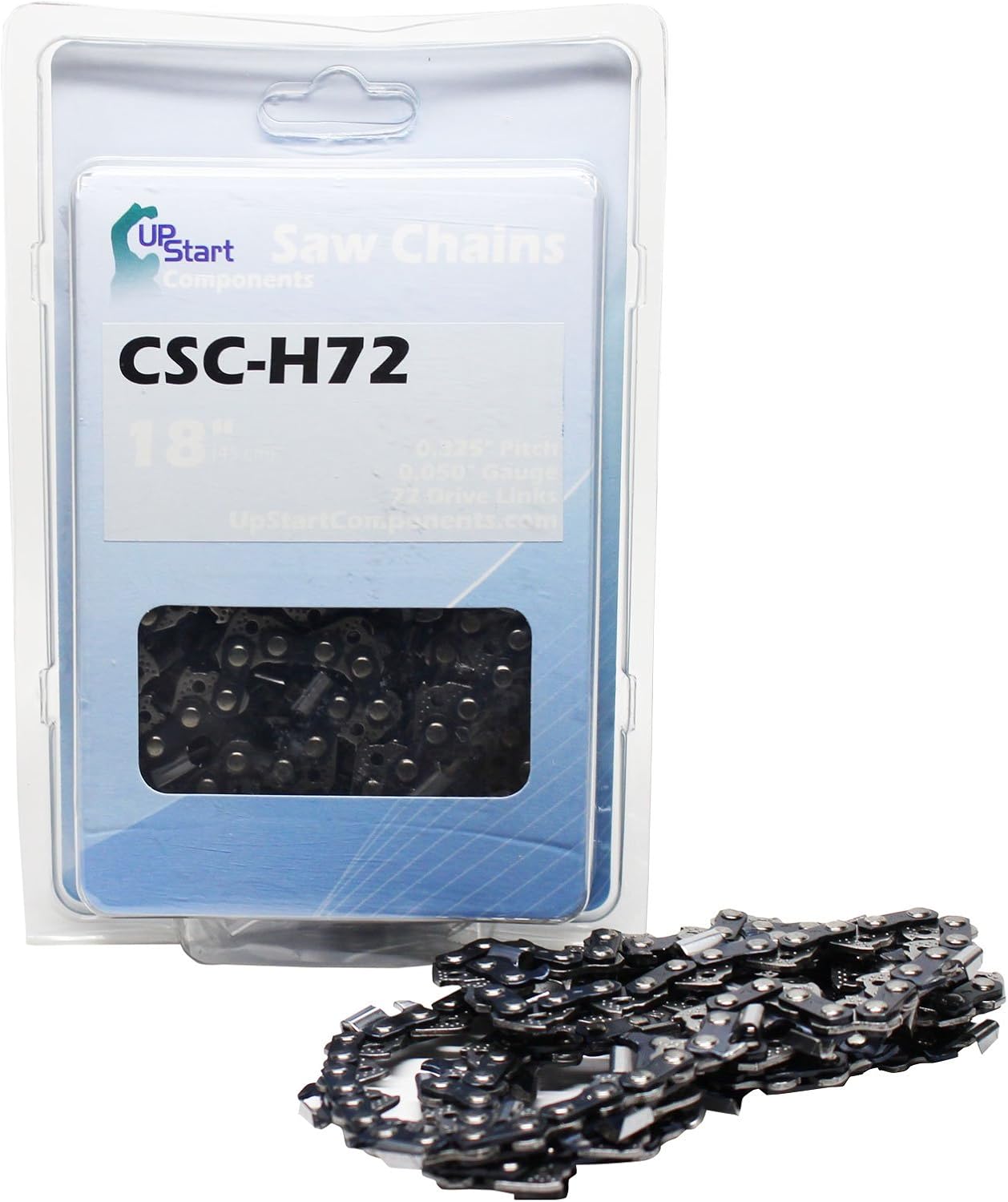
This manual provides essential information for the safe and effective use, installation, and maintenance of your UpStart Components 18" Semi Chisel Saw Chain. This chain is designed for Echo CS-4400 chainsaws and features a 0.325" pitch, 0.050" gauge, and 72 drive links.
2. Important Safety Information
WARNING: This saw chain may be capable of kickback that could result in serious injury to the chainsaw operator or bystanders. DO NOT USE THIS SAW CHAIN UNLESS YOU HAVE EXPERIENCE AND SPECIALIZED TRAINING FOR DEALING WITH KICKBACK.
Always refer to your chainsaw's User Manual for proper chain installation, maintenance, and general chainsaw operation safety guidelines.
- Always wear appropriate personal protective equipment (PPE) including safety glasses, gloves, hearing protection, and protective clothing when handling or working with chainsaw chains.
- Ensure the chainsaw is turned off and the spark plug cap is disconnected before performing any installation or maintenance.
- Inspect the chain for damage, dullness, or wear before each use. Replace dull or damaged chains immediately to prevent injury and ensure efficient cutting.
- Maintain proper chain tension as specified in your chainsaw's manual.
3. Setup and Installation
Proper installation of the saw chain is critical for safe and efficient operation. Always consult your chainsaw's specific user manual for detailed, model-specific instructions. The following are general steps:
- Prepare the Chainsaw: Ensure the chainsaw is off, the engine is cool, and the spark plug cap is disconnected. Engage the chain brake.
- Remove Bar Cover: Loosen the bar nuts and remove the side cover that holds the guide bar in place.
- Remove Old Chain (if applicable): Carefully remove the old chain from the guide bar and sprocket.
- Position New Chain: Place the new UpStart Components saw chain around the drive sprocket and guide bar. Ensure the cutting edges of the chain teeth are facing the correct direction (usually forward on the top of the bar).
- Adjust Tension: Reinstall the bar cover and hand-tighten the bar nuts. Adjust the chain tensioning screw until the chain fits snugly against the guide bar but can still be pulled freely by hand. The chain should not sag on the underside of the bar.
- Final Tightening: Once tension is set, fully tighten the bar nuts.
- Check Operation: Briefly run the chainsaw at low speed to ensure the chain moves smoothly. Re-check tension after initial use, as new chains can stretch slightly.

4. Operating Guidelines
This saw chain is designed for efficient cutting when properly installed and maintained. Always operate your chainsaw according to the manufacturer's instructions.
- Chain Sharpness: A sharp chain cuts efficiently and safely. Replace or sharpen the chain when it becomes dull. Dull chains can cause kickback, increased effort, and poor cutting performance.
- Lubrication: Ensure your chainsaw's automatic oiler is functioning correctly and the chain is adequately lubricated during operation.
- Vibration Reduction: This chain is engineered for reduced vibration levels, contributing to consistent cuts and greater user comfort. However, excessive vibration can indicate improper installation, dullness, or damage.
5. Maintenance
Regular maintenance extends the life of your saw chain and ensures safe operation.
- Cleaning: After each use, clean the chain to remove sawdust, sap, and debris.
- Sharpening: Sharpen the chain regularly using appropriate tools and techniques. Refer to your chainsaw manual or a professional for sharpening guidelines.
- Inspection: Routinely inspect the entire chain for bent, cracked, or broken links, rivets, and cutters. Replace the chain if any damage is found.
- Storage: Store the chain in a clean, dry place when not in use. Apply a light coat of oil to prevent rust if storing for extended periods.

6. Troubleshooting
This section addresses common issues you might encounter with your saw chain.
| Issue | Possible Cause | Solution |
|---|---|---|
| Poor Cutting Performance | Dull chain, incorrect tension, insufficient lubrication | Sharpen or replace chain, adjust tension, check oiler |
| Excessive Vibration | Incorrect tension, damaged chain, worn guide bar | Adjust tension, inspect chain for damage, inspect guide bar |
| Chain Derailment | Improper tension, worn guide bar, damaged drive sprocket | Adjust tension, inspect guide bar and sprocket, replace if necessary |
| Chain Overheating | Insufficient lubrication, dull chain, incorrect tension | Check oiler, sharpen or replace chain, adjust tension |
7. Specifications
- Brand: UpStart Components
- Model Number: CSC-H72-2PK-DL18
- Chain Type: Semi-Chisel
- Length: 18 inches
- Pitch: 0.325 inches
- Gauge: 0.050 inches
- Drive Links: 72
- Compatibility: Designed for Echo CS-4400 Chainsaws
- UPC: 734639494601
8. Warranty and Support
For specific warranty details and customer support, please refer to the official UpStart Components website or contact their customer service directly. Keep your purchase receipt for warranty claims.
Contact Information: Please visit the UpStart Components website for the most current support options and contact details.