
Sharper Image SBT5007WH
Sharper Image SBT5007WH Switcher Bluetooth Wireless Smart Speaker Bulb User Manual
Model: SBT5007WH
Introduction
This manual provides essential instructions for the safe and efficient use of your Sharper Image SBT5007WH Switcher Bluetooth Wireless Smart Speaker Bulb. Please read this manual thoroughly before installation and operation, and retain it for future reference.
The Sharper Image Switcher is an LED light bulb that integrates a speaker, offering app-controlled lighting and audio playback. It features adjustable light color and intensity, a timer function, and Bluetooth connectivity for audio streaming.
Safety Information
- Ensure the power is off before installing or removing the bulb.
- Do not use in enclosed fixtures that restrict airflow, as this may shorten the bulb's lifespan.
- This bulb is designed for indoor use only.
- Do not disassemble or modify the bulb.
- Keep away from water and excessive moisture.
- Avoid direct eye exposure to the light source when operating at high intensity.
Setup and Installation
1. Bulb Installation
- Ensure the power to the light fixture is turned off at the switch.
- Carefully screw the Sharper Image Switcher bulb into a standard light socket.
- Turn on the power to the light fixture. The bulb should illuminate.

Image: The Sharper Image Switcher bulb is designed to fit standard light fixtures.
2. App Download and Pairing
- Download the "Switcher" app from your smartphone's app store (iOS or Android).
- Enable Bluetooth on your smartphone or device.
- Open the Switcher app. The app will guide you through connecting to the bulb.
- Select "SBT5007WH" or a similar device name from the list of available Bluetooth devices within the app to pair.

Image: The Switcher app is used to control the bulb's functions and stream music.
Operating Instructions
Light Control
- Color Adjustment: Use the Switcher app to select from a range of colors to customize your lighting.
- Brightness Control: Adjust the light intensity (dimming) directly from the app.
- Timer Function: Set schedules for the light to turn on or off automatically via the app.

Image: The bulb offers various color options to suit different moods or occasions.
Audio Playback
- Once paired, open your preferred music application on your smartphone.
- Select the Sharper Image Switcher bulb as the audio output device.
- Adjust volume and playback directly from your music app or smartphone controls.
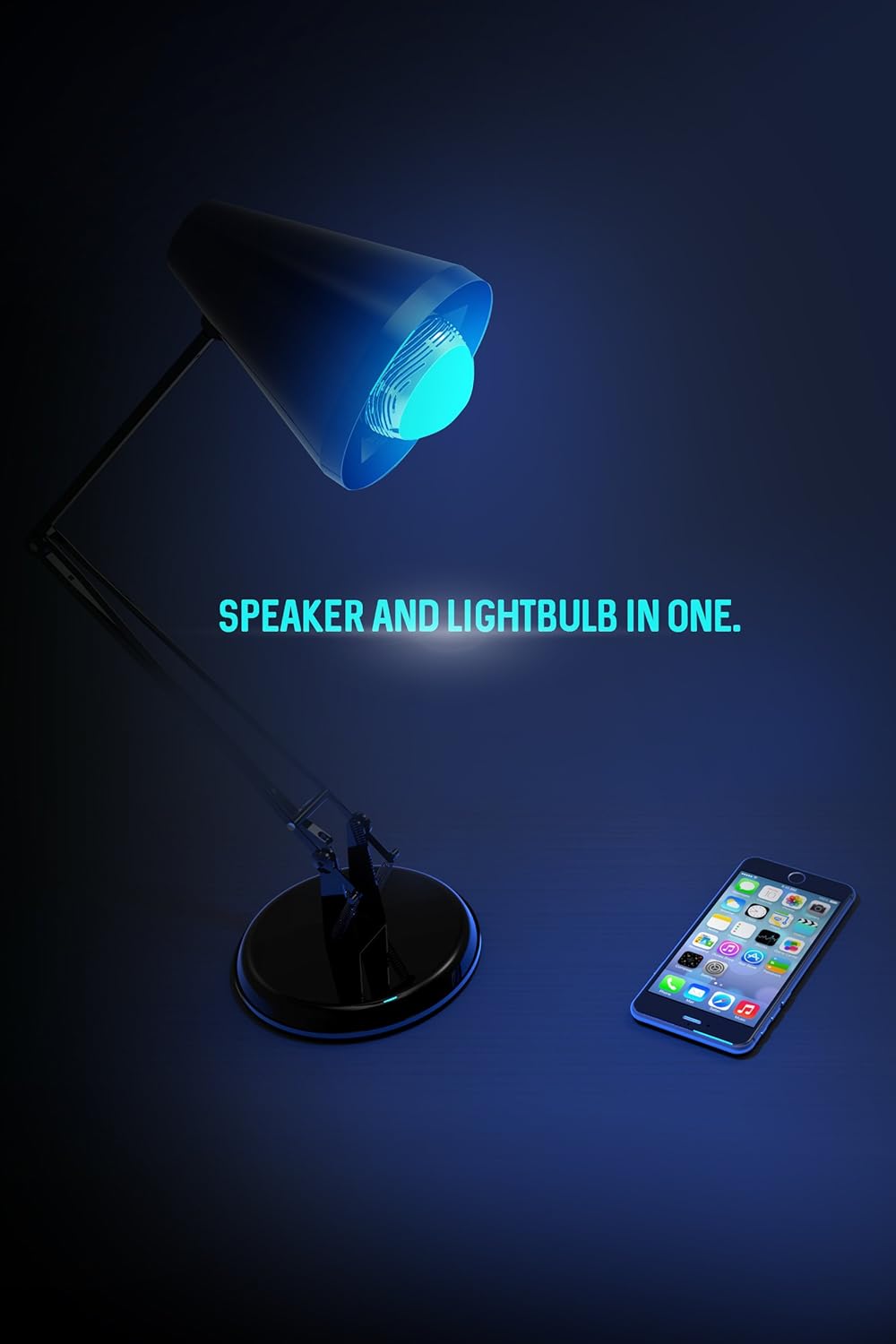
Image: The bulb functions as both a light source and a speaker, controlled via a smartphone.
Maintenance
- Ensure the bulb is cool and the power is off before cleaning.
- Wipe the bulb with a soft, dry cloth. Do not use liquid cleaners or abrasive materials.
- Do not attempt to open or service the bulb yourself.
Troubleshooting
| Problem | Possible Cause / Solution |
|---|---|
| Bulb does not light up. |
|
| Cannot connect to the bulb via Bluetooth. |
|
| No sound or poor sound quality. |
|
| Light flickers or changes color unexpectedly. |
|
| Loud beeping sound when turning on. |
|
Specifications
- Model Number: SBT5007WH
- Product Dimensions: 3 x 3 x 3 inches
- Item Weight: 8 ounces
- Connectivity: Bluetooth Wireless
- Light Type: LED, Color-changing
- Control: Smartphone App (Switcher by Sharper Image)
- Manufacturer: Southern Telecom
- First Available Date: September 19, 2016
Warranty Information
This product is covered by a limited warranty. Please refer to the packaging or contact the manufacturer for specific warranty terms and conditions. Retain your proof of purchase for warranty claims.
Customer Support
For technical assistance, troubleshooting beyond this manual, or warranty inquiries, please contact Southern Telecom, the manufacturer of this product.
Contact information can typically be found on the product packaging or the manufacturer's official website.
Ask a question about this manual
Ask about setup, troubleshooting, compatibility, parts, safety, or missing instructions. Manuals+ will review the question and use this page’s manual context to help answer it.