
1. Introduction
The Strom 504 DVB-T2 Full HD Digital Terrestrial Receiver is designed to provide access to High Definition terrestrial television channels. This device is compatible with DVB-T2 and HEVC264 standards, ensuring reception of modern digital broadcasts. It supports MPEG-4 video encoding and offers various connectivity options including HDMI and Scart for compatibility with a wide range of televisions. This manual provides essential information for setting up, operating, and maintaining your receiver.
2. Package Contents
Please verify that all items are present in the package:
- 1x Strom 504 Terrestrial Receiver
- 1x Remote Control
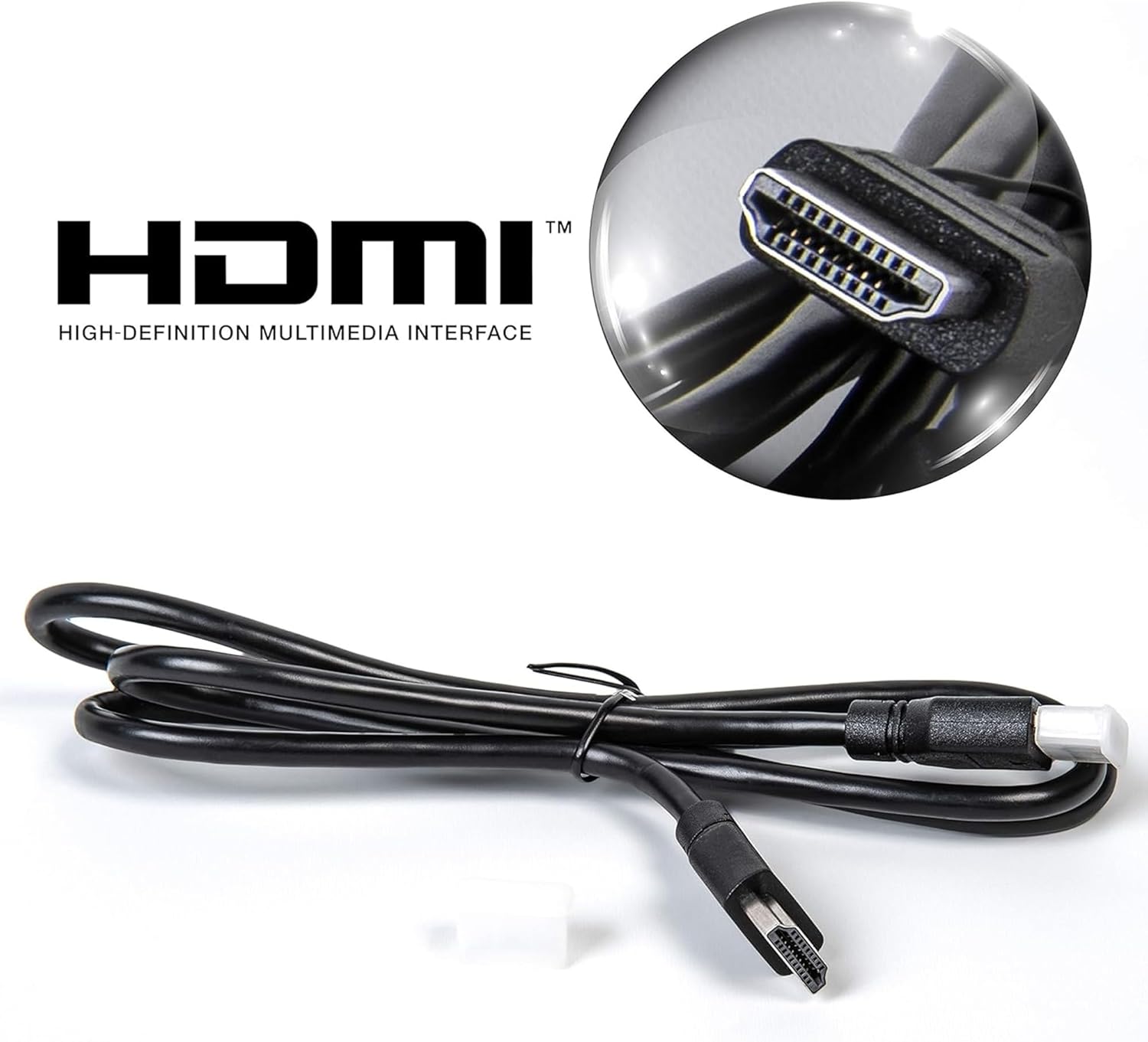
- 1x HDMI Cable
- 1x Power Adapter
- 1x User Manual (this document)
3. Product Overview
3.1 Key Features
- DVB-T2 HD Terrestrial Receiver
- HEVC264 and MPEG-4 Compatible
- Full HD 1080p Output
- HDMI and Scart (Péritel) Connectivity
- USB Port for PVR (Recording) and Multimedia Playback
- Electronic Program Guide (EPG)
- Timeshift Functionality
- Multilingual On-Screen Display (OSD)
- Channel Lock System
- Dolby Digital Plus Audio Support
3.2 Front Panel

The front panel features a digital display, power button, menu navigation, channel and volume controls, and a convenient USB port for external storage.
3.3 Rear Panel Connections

The rear panel provides all necessary connection ports for antenna, television, and external audio systems.
3.4 Remote Control
The remote control allows full functionality and navigation of the receiver's features.
4. Setup Instructions
4.1 Connecting the Antenna
- Connect your terrestrial antenna cable to the ANT IN port on the rear panel of the Strom 504 receiver.
- If you wish to loop the antenna signal to another device, connect a coaxial cable from the ANT OUT port to the antenna input of the other device.
4.2 Connecting to Your Television
Choose one of the following connection methods:
- HDMI Connection (Recommended for HD Quality):
Connect one end of the supplied HDMI cable to the HD-OUT port on the receiver and the other end to an HDMI input port on your television.
Use the HDMI cable for optimal picture and sound quality.
- Scart Connection:
Connect a Scart cable (not supplied) from the SCART port on the receiver to the Scart input port on your television.
4.3 Power Connection
- Connect the power adapter to the DC-12V input on the receiver.
- Plug the power adapter into a wall outlet.
4.4 First-Time Installation and Channel Scan
- Turn on your television and select the correct input source (HDMI or Scart) corresponding to your connection.
- Press the POWER button on the receiver or remote control to turn on the device.
- The first-time installation wizard should appear. Follow the on-screen prompts to select your language, country, and initiate an automatic channel scan.
- Allow the receiver to complete the channel scan. This may take several minutes.
- Once the scan is complete, the receiver will display the first available channel.
5. Operating Instructions
5.1 Basic Operation
- Power On/Off: Press the STANDBY button on the remote control.
- Channel Change: Use the CH+ / CH- buttons or the numeric keypad to select channels.
- Volume Control: Use the VOL+ / VOL- buttons.
- Mute: Press the MUTE button to silence the audio.
5.2 Menu Navigation
- Press the MENU button to access the main menu.
- Use the directional arrow buttons (UP, DOWN, LEFT, RIGHT) to navigate through menu options.
- Press OK to confirm a selection.
- Press EXIT to return to the previous menu or live TV.
5.3 Electronic Program Guide (EPG)
Press the EPG button on the remote control to view the Electronic Program Guide, which displays program schedules for upcoming broadcasts.
5.4 PVR (Recording) and Timeshift
To use PVR and Timeshift functions, connect a USB flash drive or external hard drive (not supplied) to the USB port on the receiver.
- Recording: Press the REC button to start recording the current program. Press STOP to end the recording. You can also schedule recordings via the EPG.
- Timeshift: Press the TIMEShift button to pause live TV. You can then use the PLAY, PAUSE, FWD, and REV buttons to control playback.
5.5 Multimedia Playback
Insert a USB storage device containing media files (JPEG images, MP3 audio, MKV videos) into the USB port. Navigate to the Multimedia menu to browse and play your files.
6. Maintenance
6.1 Cleaning
To clean the receiver, disconnect it from the power supply. Use a soft, dry cloth to wipe the exterior. Do not use liquid cleaners or abrasive materials, as these can damage the surface.
6.2 Software Updates
Periodically check the manufacturer's website for available software updates. Updates can improve performance and add new features. Follow the instructions provided with the update file carefully.
7. Troubleshooting
| Problem | Possible Cause | Solution |
|---|---|---|
| No picture or sound | Incorrect TV input selected; Loose cables; Receiver not powered on. | Ensure TV is on correct HDMI/Scart input. Check all cable connections. Verify receiver is powered on. |
| No channels found | Antenna not connected or faulty; Weak signal; Incorrect region settings. | Check antenna connection. Ensure antenna is properly positioned. Perform a new channel scan. Verify region settings in the menu. |
| Cannot record to USB | USB device not formatted correctly; Insufficient storage space; USB device not compatible. | Ensure USB device is formatted to FAT32 or NTFS. Check available space. Try a different USB device. |
| Remote control not working | Batteries depleted; Obstruction between remote and receiver; Remote sensor blocked. | Replace batteries. Remove any obstructions. Ensure remote is pointed directly at the receiver's front panel. |
8. Specifications
| Feature | Detail |
|---|---|
| Model Number | 504 |
| Dimensions (L x W x H) | 17 x 10 x 3.5 cm |
| Weight | 450 grams |
| Video Encoding | MPEG-4, HEVC264 |
| Audio Output Mode | Surround Sound (5.1 channels) |
| Connectivity | HDMI, Scart (RCA), USB, Coaxial |
| Compatible Devices | Television |
| Control Method | Remote Control |
| Digital Media Format | MPEG (JPEG, MP3, MKV via USB) |
| Power Output | 5 Watts |
| Origin | Turkey |
9. Warranty and Support
For warranty information, please refer to the documentation provided at the time of purchase or contact your retailer. For technical support or further assistance, please contact Strom customer service through their official channels.


