
Introduction
This manual provides essential instructions for the setup, operation, and maintenance of your ADE WS1000 Replacement Outdoor Sensor. This single-channel sensor is designed to provide accurate outdoor temperature readings for compatible ADE weather stations and alarm clocks. Please read this manual thoroughly before use to ensure proper functionality and longevity of your device.
Package Contents
- 1 x ADE WS1000 Outdoor Sensor
Note: 2 AAA batteries are required for operation and are not included in the package.
Compatibility
The ADE WS1000 outdoor sensor is compatible with the following ADE devices:
- ADE Weather Stations: WS1703, WS1704, WS1711, WS1911, WS2132, WS2136, WS2324, WS2331
- ADE Projection Alarm Clock: CK2406
This sensor operates on a single channel and is intended as a replacement unit. It cannot be paired with other outdoor sensors simultaneously.
Setup
1. Installing Batteries
- Locate the battery compartment on the back of the ADE WS1000 sensor.
- Open the battery compartment cover.
- Insert 2 new AAA batteries, ensuring correct polarity (+ and -).
- Close the battery compartment cover securely.
2. Pairing with Your Main Unit
After installing batteries, the sensor will automatically begin transmitting data. To pair it with your compatible ADE weather station or alarm clock:
- Ensure your main ADE unit (weather station or alarm clock) is powered on and within range of the sensor.
- Refer to your main unit's instruction manual for specific pairing instructions. Typically, this involves initiating a sensor search function on the main unit.
- Once paired, the outdoor temperature reading from the WS1000 sensor will appear on your main unit's display.
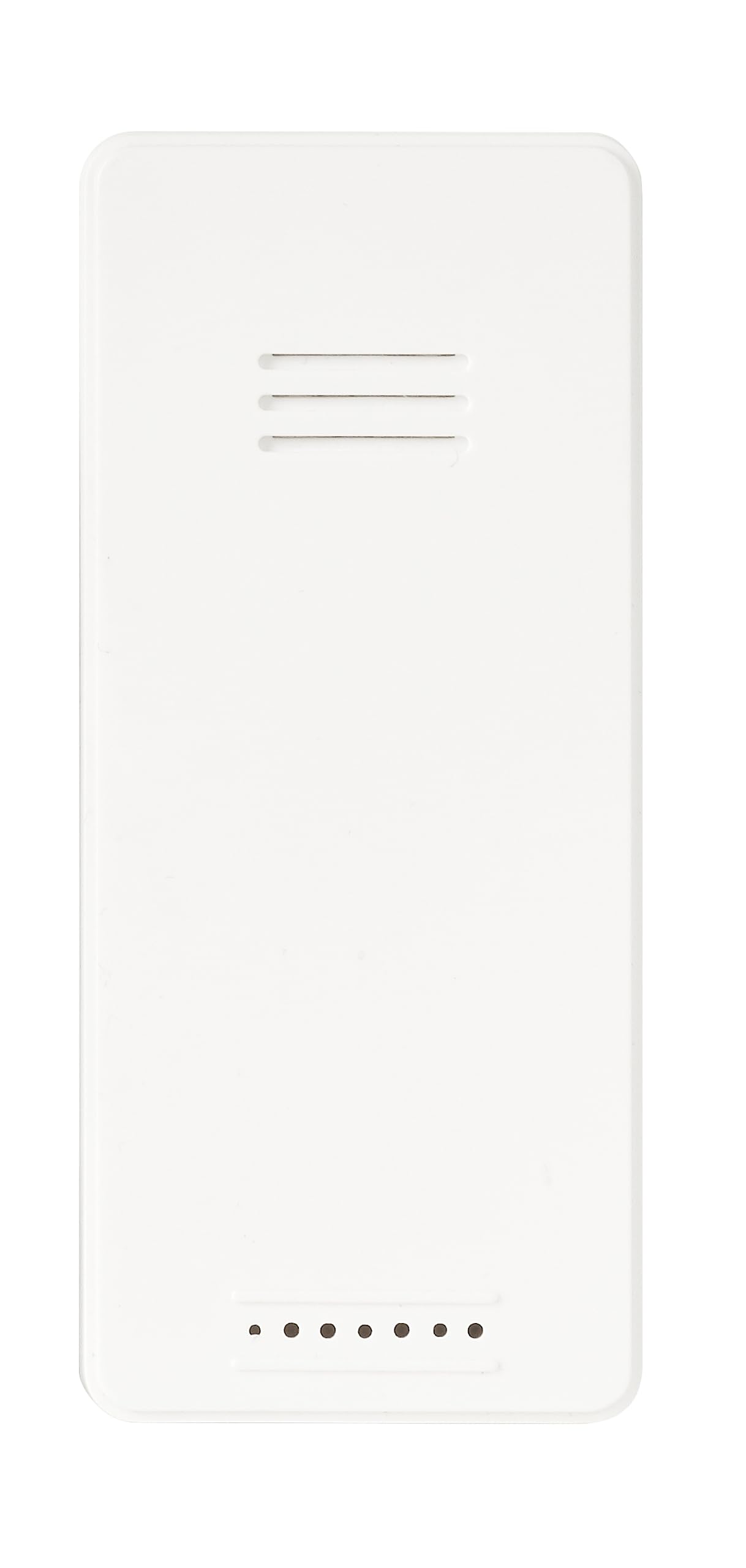
Image: Front view of the ADE WS1000 Outdoor Sensor. The sensor is white, rectangular, with horizontal ventilation slits at the top and small indicator dots at the bottom.
Operating Instructions
The ADE WS1000 sensor is designed for continuous operation once paired. It transmits outdoor temperature data to your main unit via a 433 MHz radio frequency.
- Placement: For accurate readings, place the sensor in a shaded area, protected from direct sunlight and precipitation. Ensure it is within the effective transmission range of your main unit.
- Data Transmission: The sensor automatically sends temperature updates at regular intervals.
- Indicator Lights: Some sensors may have a small LED indicator that flashes during data transmission.
Maintenance
- Cleaning: Wipe the sensor periodically with a soft, damp cloth. Do not use abrasive cleaners or solvents.
- Battery Replacement: Replace batteries when the low battery indicator appears on your main unit, or if the sensor stops transmitting data. Always replace both batteries with new ones of the same type (AAA).
- Environmental Protection: Although the sensor is weather-resistant, prolonged exposure to extreme conditions (e.g., heavy rain, snow, direct sun) can affect its lifespan. Consider placing it under an overhang or in a sheltered location.
Troubleshooting
| Problem | Possible Cause | Solution |
|---|---|---|
| No outdoor temperature display on main unit. |
|
|
| Inaccurate temperature readings. |
|
|
Specifications
| Model Number | WS1000 |
| Brand | ADE |
| Dimensions (H x W x D) | 90 x 34 x 20 mm (approx. 3.54 x 1.34 x 0.79 inches) |
| Weight | 30 g (approx. 1.06 oz) |
| Power Source | 2 x AAA batteries (not included) |
| Transmission Frequency | 433 MHz |
| Material | Plastic |
| Special Features | Portable, Weather-resistant |
Warranty and Support
Specific warranty information for the ADE WS1000 sensor is not provided in this document. Please refer to the warranty policy included with your original purchase or contact ADE customer support for details.
For further assistance or technical support, please visit the official ADE website or contact their customer service department. Contact information can typically be found on the product packaging or the manufacturer's website.