
1. Introduction
This manual provides detailed instructions for the SF Xtreme Gear Analog-Digital Watch, model NP77070PP02. This timepiece features both analog and digital displays, quartz movement, and a durable plastic strap. Please read this manual thoroughly to ensure proper use and maintenance of your watch.
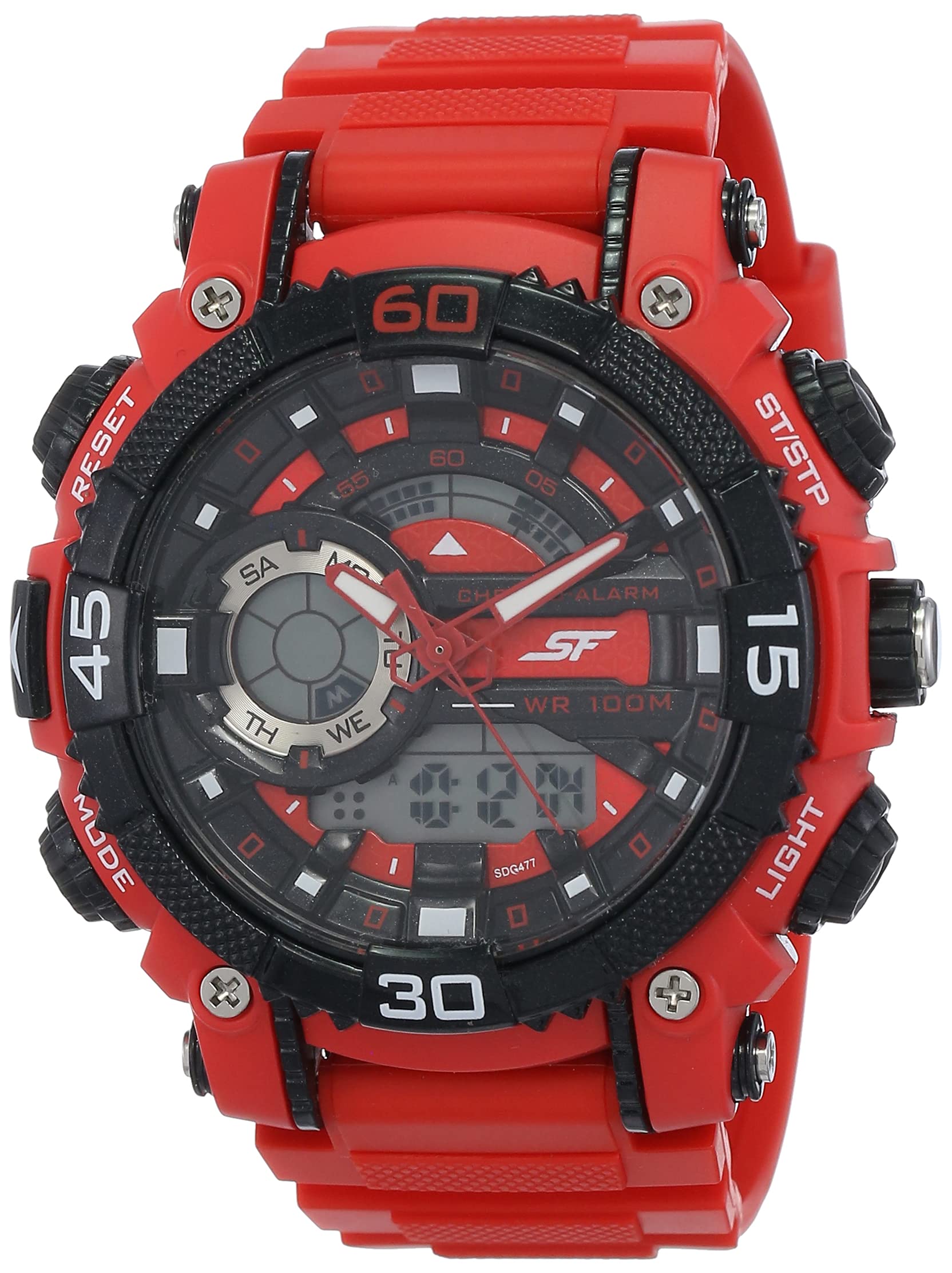
Figure 1: Front view of the SF Xtreme Gear Analog-Digital Watch.
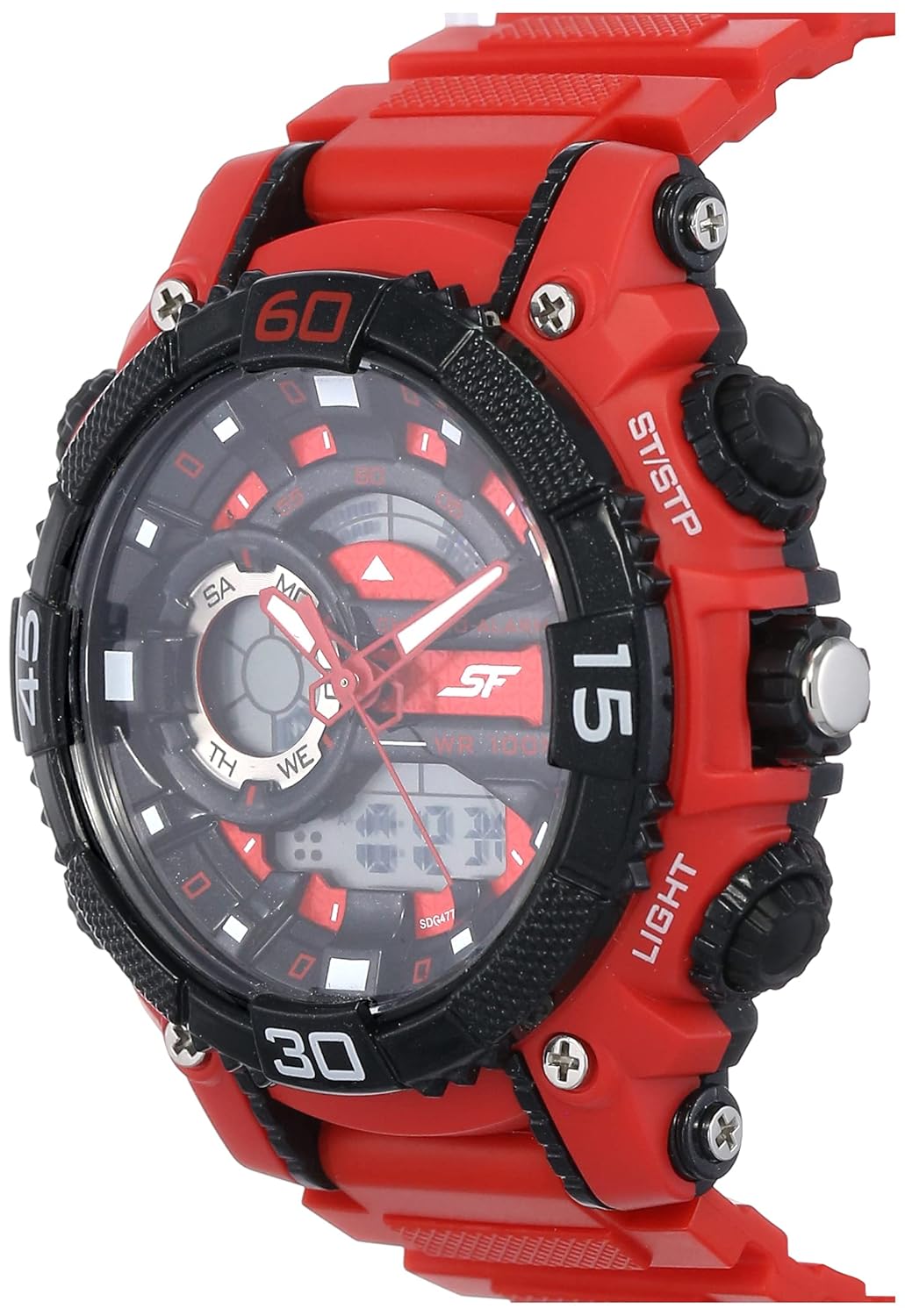
Figure 2: The SF Xtreme Gear watch as worn on a wrist.
2. Watch Components
Familiarize yourself with the main components of your watch:
- Analog Display: Traditional hour, minute, and second hands.
- Digital Display: Shows time, date, and other digital functions.
- Crown: Used for setting analog time.
- Buttons (Mode, Reset, ST/STP, Light): Used for operating digital functions and backlight.
- Plastic Strap: Durable and comfortable for daily wear.

Figure 3: Side view illustrating watch buttons and crown.
3. Setup and Initial Configuration
3.1 Setting Analog Time
- Pull the crown out to the first position.
- Rotate the crown to adjust the hour and minute hands to the correct time.
- Push the crown back in to its normal position to start the analog timekeeping.
3.2 Setting Digital Time and Date
- Press the MODE button repeatedly until the digital time display flashes.
- Use the RESET button to select the digit or setting you wish to change (e.g., hours, minutes, month, day).
- Use the ST/STP button to adjust the selected value.
- Continue pressing MODE to cycle through settings (12/24-hour format, year, month, date).
- Once all settings are correct, press the MODE button again to exit the setting mode.
4. Operating Instructions
4.1 Mode Selection
Press the MODE button to cycle through the different digital functions:
- Time Display (Hour, Minute, Second, Day, Date)
- Alarm Function
- Stopwatch Function
4.2 Using the Alarm
- Press MODE until the alarm display appears.
- Press RESET to select the hour or minute setting.
- Use ST/STP to adjust the alarm time.
- Press MODE to confirm and exit.
- To activate/deactivate the alarm, press ST/STP while in alarm mode. An alarm icon will indicate activation.
4.3 Using the Stopwatch
- Press MODE until the stopwatch display appears (00:00:00).
- Press ST/STP to start the stopwatch.
- Press ST/STP again to pause/resume.
- Press RESET to reset the stopwatch to zero.
4.4 Using the Backlight
Press the LIGHT button to illuminate the digital display for a few seconds in low-light conditions.
4.5 Water Resistance
This watch is rated for 30 meters (3 ATM) water resistance. It is suitable for everyday use and can withstand splashes or brief immersion in water. It is not recommended for swimming, diving, or prolonged water exposure. Do not operate buttons while the watch is wet.
5. Maintenance
5.1 Cleaning
Wipe the watch case and strap with a soft, dry cloth. For stubborn dirt, a slightly damp cloth can be used, followed by immediate drying. Avoid using chemical cleaners or solvents, as these can damage the watch materials.
5.2 Battery Replacement
The watch requires one product-specific battery. When the display dims or functions become erratic, the battery may need replacement. Battery replacement should be performed by a qualified watch technician to ensure proper sealing and water resistance.
5.3 Storage
Store your watch in a cool, dry place away from direct sunlight, extreme temperatures, and strong magnetic fields when not in use.
6. Troubleshooting
- Analog hands not moving: Check if the crown is pushed in completely. If not, pull out and reset. If the issue persists, the battery may need replacement or there could be a mechanical issue.
- Digital display is blank or dim: The battery may be low or depleted. Replace the battery.
- Digital time is incorrect: Follow the "Setting Digital Time and Date" instructions in Section 3.2.
- Buttons are unresponsive: Ensure the watch is dry. If wet, dry thoroughly. If the issue persists, there may be internal damage.
7. Specifications
| Feature | Specification |
|---|---|
| Model Number | NP77070PP02 |
| Movement Type | Quartz |
| Display Type | Analog-Digital |
| Case Diameter | 49.59 Millimetres |
| Band Material | Plastic |
| Band Color | Red |
| Water Resistance | 30 Meters (3 ATM) |
| Item Weight | 122 Grams |
| Battery Requirement | 1 Product Specific battery |
| Manufacturer | Titan Company Limited |
| Country of Origin | India |

Figure 4: Watch dimensions compared to common objects.
8. Warranty Information
This SF Xtreme Gear watch comes with a Limited Warranty. A limited warranty typically covers manufacturing defects in materials and workmanship under normal use for a specified period from the date of purchase. It generally does not cover:
- Damage resulting from improper handling, lack of care, accidents, or normal wear and tear.
- Water damage if the watch was used beyond its specified water resistance rating or if buttons were operated underwater.
- Battery replacement.
- Unauthorized repairs or modifications.
For specific terms and conditions of your warranty, please refer to the warranty card included with your purchase or contact customer support.
9. Customer Support
If you require further assistance or have questions not covered in this manual, please contact SF customer support or visit the official brand store.
- Manufacturer: Titan Company Limited, Sipcot Industrial Complex, Hosur, Tamil Nadu - 635129, India
- SF Brand Store: Visit the SF Store on Amazon
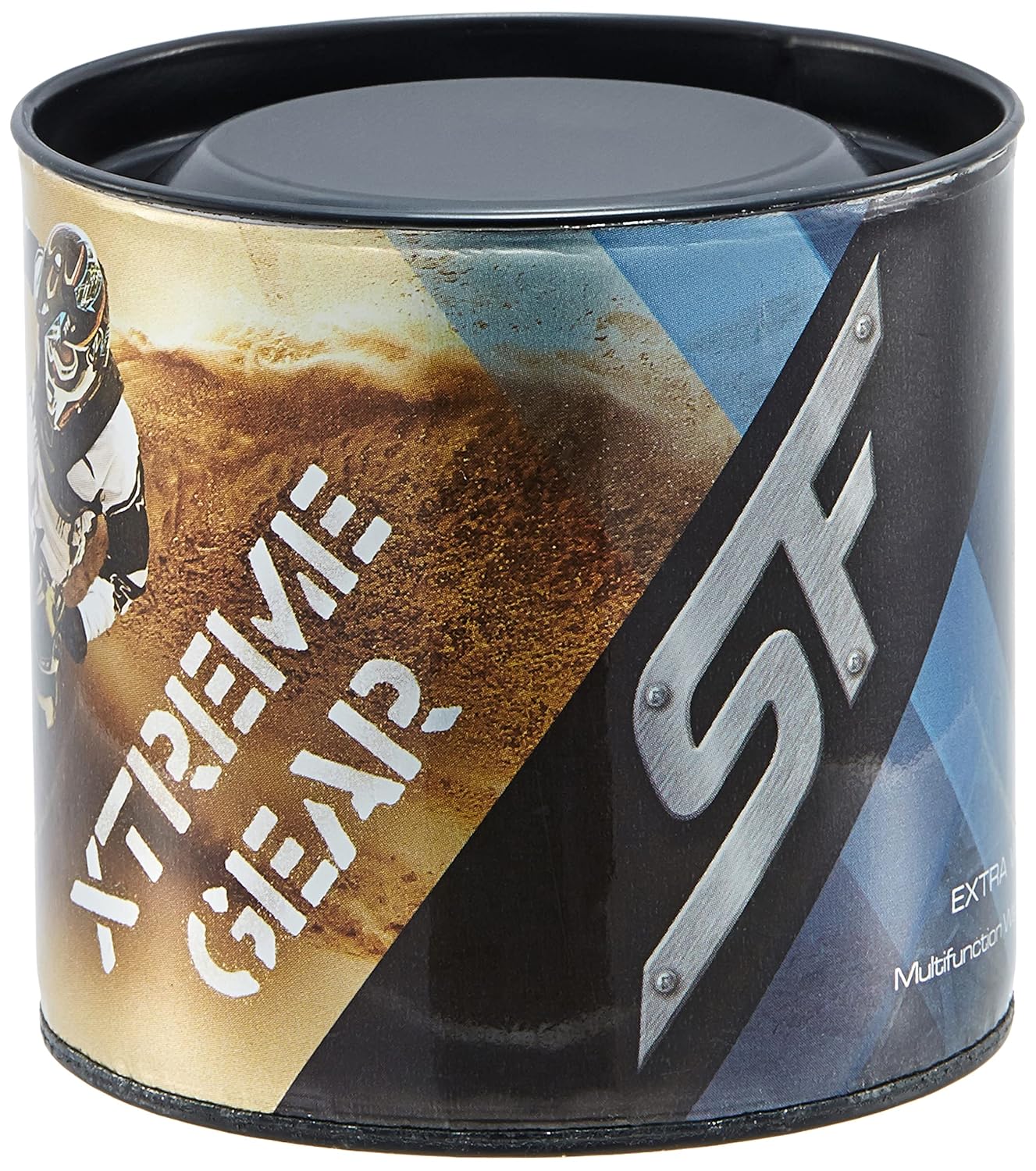
Figure 5: Product packaging for the SF Xtreme Gear watch.