
Introduction
The EARTEC UL2S Ultralite-HD is a 2-person full duplex wireless intercom headset communication system designed for clear, hands-free communication. This system operates on the 1.9 GHz frequency, minimizing interference and providing reliable communication for various professional applications. This manual provides essential information for setting up, operating, and maintaining your Ultralite-HD system.
Package Contents
Your EARTEC UL2S Ultralite-HD system includes the following components:
- 1 x ULSM Single-Ear Main Headset
- 1 x ULSR Single-Ear Remote Headset
- 2 x Rechargeable Lithium Batteries
- 1 x Dual Bay Multi-port Charger
- 1 x Softside Carrying Case
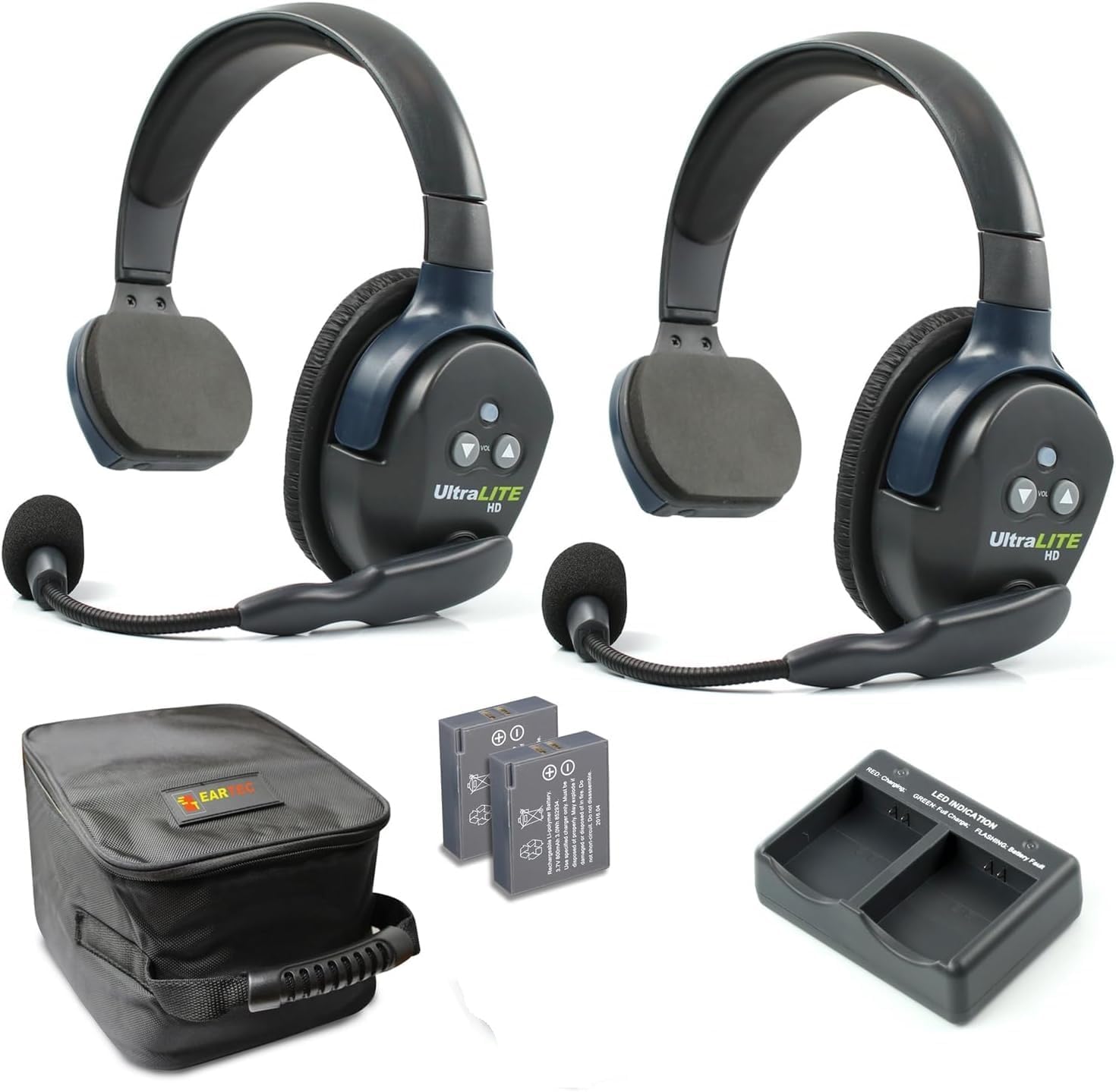
Figure 1: All components included in the EARTEC UL2S Ultralite-HD system.
Setup
Battery Installation
Each headset requires one rechargeable lithium battery. To install, locate the battery compartment on the side of the headset. Gently slide the battery into the compartment, ensuring the contacts align correctly. The battery should click securely into place.

Figure 2: Rechargeable Lithium Batteries.
Charging the Batteries
Use the provided dual bay multi-port charger to charge the lithium batteries. Insert the batteries into the charging slots. The LED indicator on the charger will show the charging status:
- RED: Charging
- GREEN: Full Charge
- FLASHING: Battery Fault
A full charge typically provides up to 6 hours of talk time. Ensure batteries are fully charged before initial use.
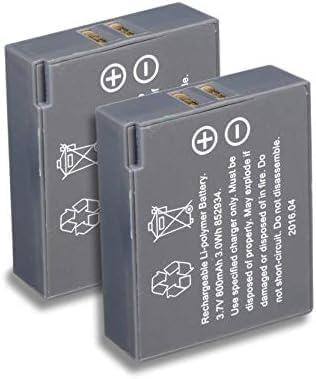
Figure 3: Dual Bay Multi-port Charger.
Headset Pairing (Main & Remote)
The system includes one Main headset (ULSM) and one Remote headset (ULSR). The Main headset acts as the central unit, relaying signals to the Remote units. No manual pairing is typically required for the initial 2-person system as they are pre-configured. For expanding the system with additional Remote headsets (up to 5 users total), refer to the "Expanding the System" section.
Operating Instructions
Power On/Off
To power on the headsets, locate the power button on the side of each earcup. Press and hold the power button until the indicator light illuminates. To power off, press and hold the power button again until the light turns off.
Volume Control
Volume up and down buttons are located on the earcup of each headset. Press the '+' button to increase volume and the '-' button to decrease volume to your desired listening level.
Microphone Mute (AutoMute Boom)
The microphone boom on the Ultralite-HD headsets features an AutoMute function. To mute your microphone, simply pivot the microphone boom upwards until it is in a vertical position. To unmute and resume communication, pivot the microphone boom back down to a speaking position. The microphone can swivel 270 degrees, allowing the headset to be worn on either the left or right ear.
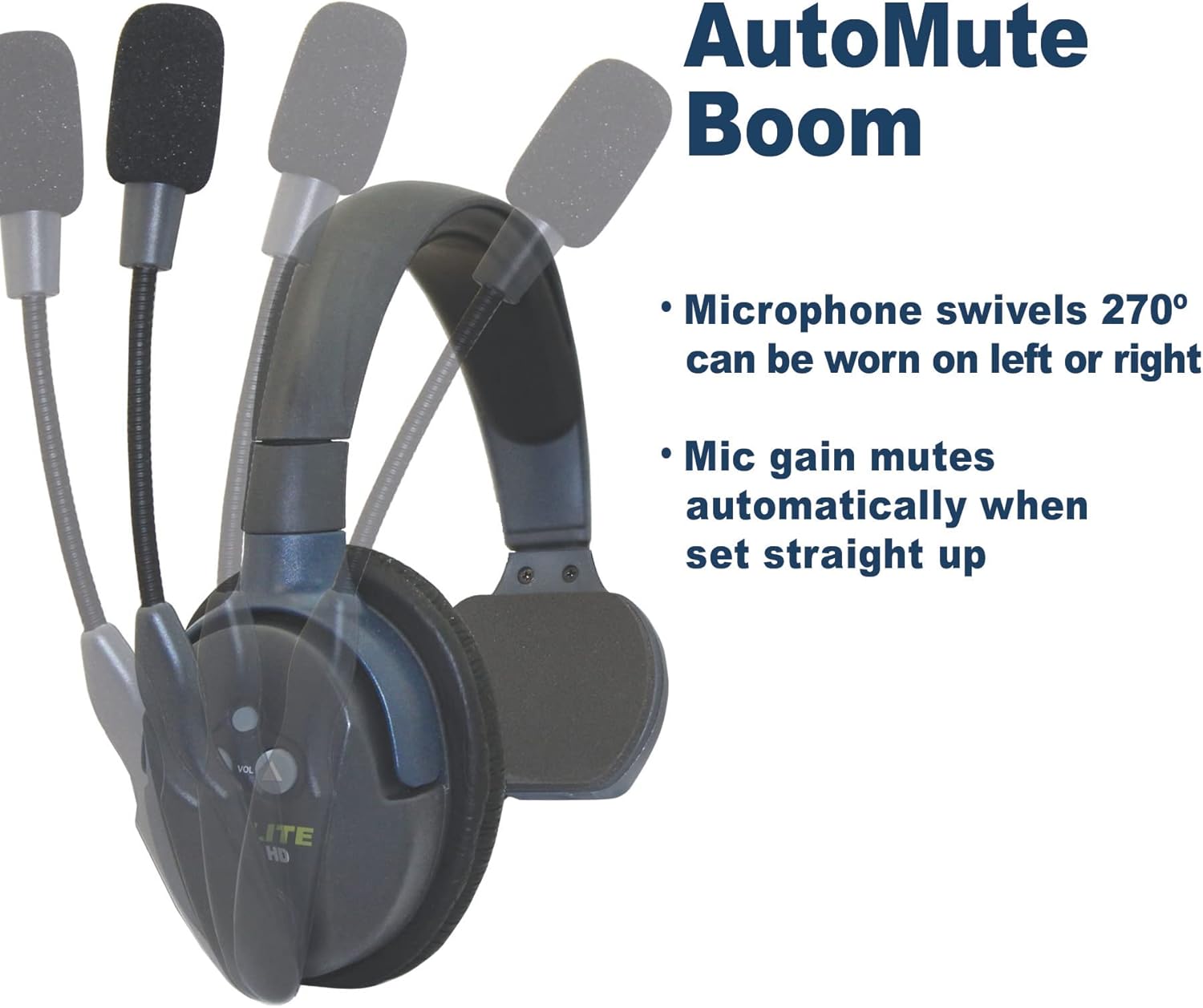
Figure 4: Microphone AutoMute Feature.
Range and Performance
The Ultralite-HD system offers a wireless range of up to 1,000 feet Line of Sight (LOS). Performance may vary depending on environmental factors and obstacles. The system provides clear, interference-free sound, even in high-noise environments, thanks to its noise-cancelling microphone.
Expanding the System
The Ultralite-HD system is expandable, allowing for up to 5 users to communicate simultaneously. Additional Remote headsets can be purchased separately and are field programmable to integrate with your existing Main headset. Refer to the specific instructions provided with additional Remote units for pairing procedures.

Figure 5: System Expandability Diagram.
Maintenance
Proper maintenance ensures the longevity and optimal performance of your EARTEC Ultralite-HD system.
- Cleaning: Use a soft, dry cloth to clean the headsets and charger. Do not use liquid cleaners or abrasive materials.
- Battery Care: Always use the provided charger for batteries. Avoid overcharging or completely draining the batteries. Store batteries in a cool, dry place when not in use.
- Storage: When not in use, store the headsets and accessories in the provided softside carrying case to protect them from dust, moisture, and physical damage.
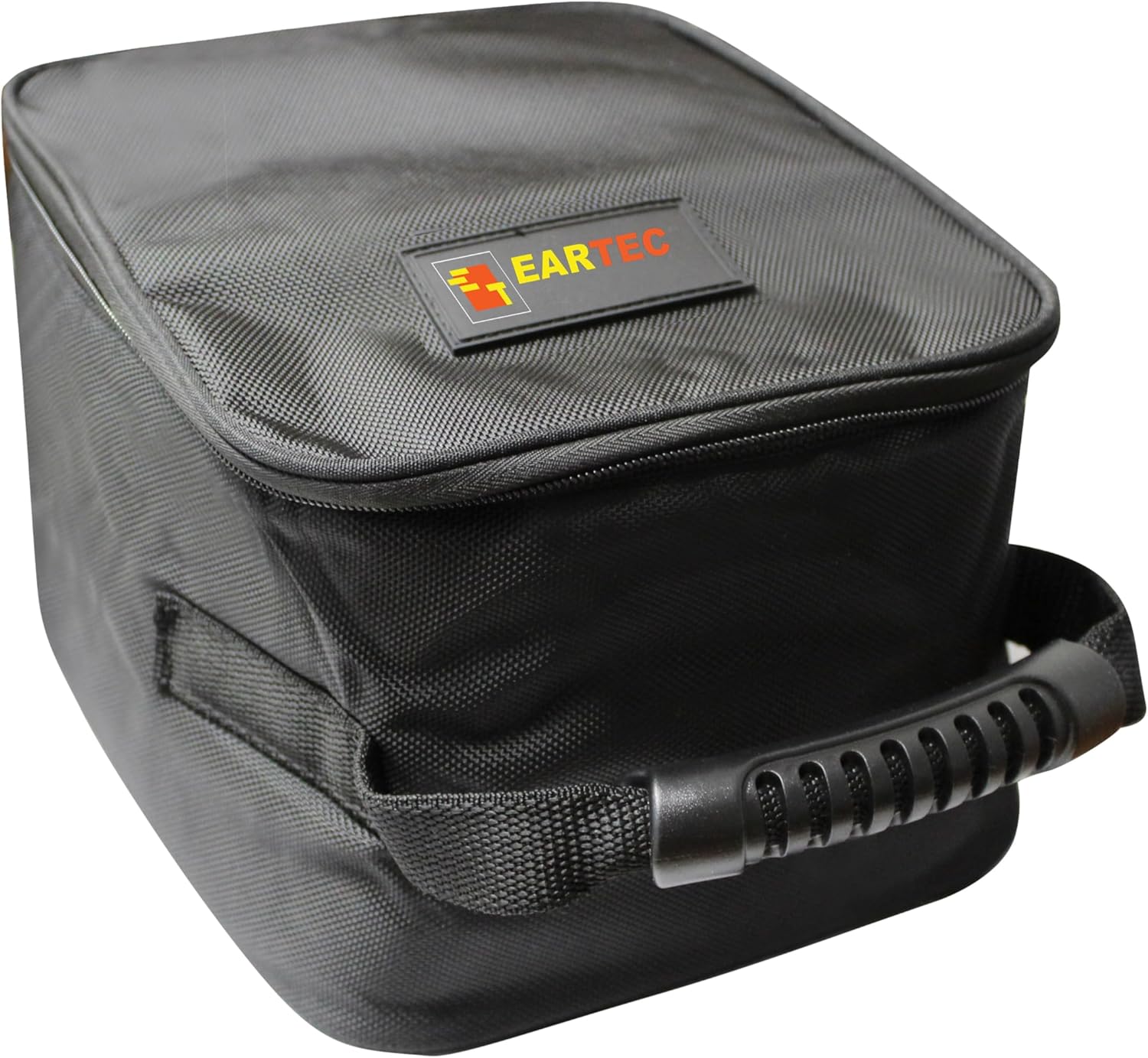
Figure 6: Softside Carrying Case.
Troubleshooting
If you encounter issues with your Ultralite-HD system, refer to the following common troubleshooting steps:
| Problem | Possible Cause | Solution |
|---|---|---|
| No audio/communication | Headsets not powered on; Batteries low/dead; Out of range; Microphone muted. | Ensure both headsets are powered on. Charge batteries. Move closer to the Main headset. Check microphone boom position. |
| Poor audio quality/static | Interference; Obstructions; Low battery. | Move away from potential interference sources (e.g., other wireless devices). Ensure clear line of sight. Charge batteries. |
| Short battery life | Batteries not fully charged; Old batteries. | Ensure batteries are fully charged before use. Consider replacing old batteries if performance degrades significantly. |
Specifications
| Feature | Detail |
|---|---|
| Model Name | UL2S UltraLITE-HD |
| Connectivity Technology | Wireless (RF) |
| Frequency Range | 1.9 GHz |
| Battery Life | Up to 6 Hours (Talk Time) |
| Wireless Range | Up to 1,000 ft (Line of Sight) |
| Microphone Type | Noise-cancelling, Pivoting (AutoMute) |
| Included Components | Headsets, Batteries, Charging Station, Protective Case |
| Item Weight | 0.01 Ounces (per headset) |
| Water Resistance Level | Water Resistant |
| Material | Plastic (Headsets), Fabric (Carrying Case) |
Warranty and Support
For warranty information, technical support, or service inquiries regarding your EARTEC Ultralite-HD system, please refer to the official EARTEC website or contact their customer support directly. Keep your proof of purchase for warranty claims.
You can visit the official EARTEC store for more information: EARTEC Store


