
Spectra Precision Q102734
Spectra Precision Charger Q102734 Instruction Manual
For Laser Levels LL100, LL300, LL400, LL500, GL412, GL422, HV101, HV301
1. Product Overview
This document provides instructions for the Spectra Precision Charger, model Q102734. This charger is designed for use with various Spectra Precision laser levels, including models LL100, LL300, LL400, LL500, GL412, GL422, HV101, and HV301. It is an essential accessory for maintaining the operational readiness of your laser leveling equipment.

Image 1: The Spectra Precision Charger Q102734, shown with its white product box. The charger is black, compact, and features a power cord with a barrel connector.
2. Safety Information
Always read and understand all safety warnings and instructions before using this product. Failure to follow these instructions may result in electric shock, fire, or serious injury.
- Use only with specified Spectra Precision laser levels.
- Do not expose the charger to rain or wet conditions.
- Do not operate the charger if it has received a sharp blow, been dropped, or damaged in any way.
- Disconnect the charger from the power source when not in use.
3. Setup and Connection
Inspect the Charger: Before first use, visually inspect the charger (model Q102734) for any signs of damage to the casing, cord, or connector.

Image 2: A side view of the Spectra Precision Charger Q102734, highlighting the label with electrical specifications and safety warnings.
Connect to Laser Level: Locate the charging port on your Spectra Precision laser level (e.g., LL100, LL300, LL400, LL500, GL412, GL422, HV101, HV301). Insert the barrel connector of the Q102734 charger firmly into the charging port.
Connect to Power Outlet: Plug the charger's AC prongs into a standard 110V AC wall outlet. Ensure the outlet is easily accessible and not overloaded.

Image 3: The rear view of the Spectra Precision Charger Q102734, displaying the two-prong AC plug designed for standard wall outlets.
Verify Charging Indicator: Refer to your specific laser level's manual for information on its charging indicator light. Typically, an indicator light will illuminate to confirm that the device is charging.
Charging Time: Charging times vary depending on the laser level model and battery depletion level. Consult your laser level's manual for estimated charging durations.
Disconnecting: Once charging is complete, first unplug the charger from the wall outlet, then disconnect the barrel connector from the laser level.
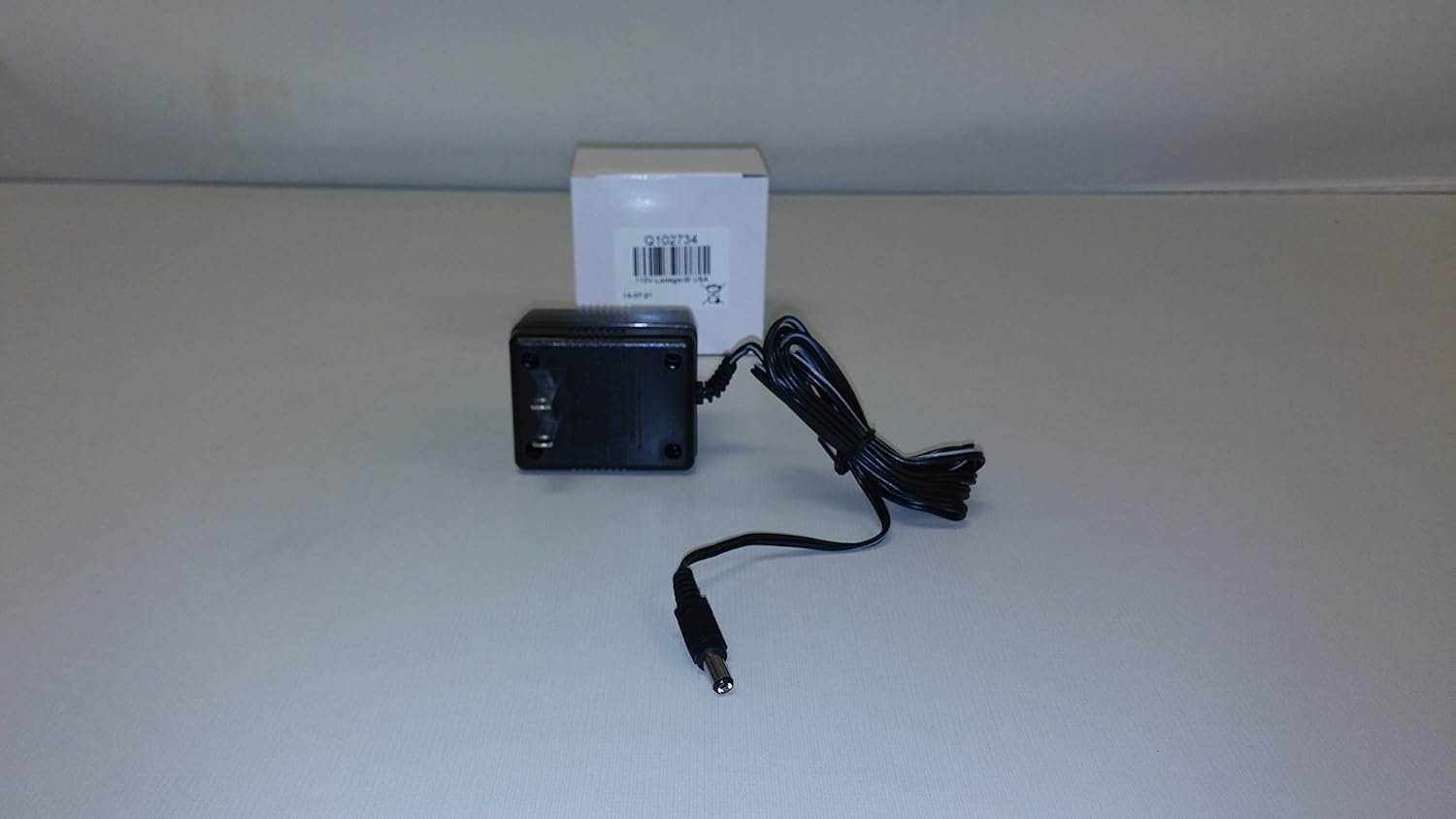
Image 4: An angled view of the Spectra Precision Charger Q102734, showing the compact design and the attached power cord.
4. Operating Instructions
The Spectra Precision Charger Q102734 operates automatically once connected to a power source and a compatible laser level. It is designed to provide the correct voltage and current for efficient battery charging.
- Ensure the charger is used in a well-ventilated area.
- Do not cover the charger during operation.
- Avoid using extension cords unless absolutely necessary. If an extension cord is used, ensure it is rated for the charger's power requirements.
5. Maintenance and Storage
- Cleaning: Disconnect the charger from all power sources before cleaning. Use a dry, soft cloth to wipe the exterior. Do not use liquid cleaners or solvents.
- Storage: Store the charger in a cool, dry place away from direct sunlight and extreme temperatures. Coil the power cord loosely; do not wrap it tightly around the charger.
- Inspection: Periodically inspect the power cord and connector for any signs of wear, cuts, or damage. If damage is observed, discontinue use and replace the charger.
6. Troubleshooting
| Problem | Possible Cause | Solution |
|---|---|---|
| Charger not working | No power from outlet; loose connection; damaged charger. | Check outlet with another device; ensure connections are secure; inspect charger for damage. |
| Laser level not charging | Incorrect connection; laser level battery issue; incompatible laser level. | Re-seat the connector; consult laser level manual for battery diagnostics; verify compatibility. |
7. Specifications
- Model: Q102734
- Brand: Spectra Precision
- Input Voltage: 110V AC (Standard USA)
- Compatibility: Spectra Precision Laser Levels LL100, LL300, LL400, LL500, GL412, GL422, HV101, HV301
- Material: Plastic
- Color: Black
- Package Dimensions: 6 x 6 x 6 inches
8. Warranty and Support
For warranty information and technical support, please refer to the documentation provided with your original Spectra Precision laser level or visit the official Spectra Precision website.
You can also visit the Spectra Precision Store on Amazon for additional product information.
Related documentsQ102734


Ask a question about this manual
Ask about setup, troubleshooting, compatibility, parts, safety, or missing instructions. Manuals+ will review the question and use this page’s manual context to help answer it.