
Introduction
This manual provides essential information for the safe and effective use of your Satco S9542 1.6W T3 LED Light Bulb. This LED bulb features a G4 bi-pin base, emits 3000K warm white light, and is designed for 12V systems. It is dimmable and offers an energy-efficient replacement for traditional 25W incandescent bulbs.
Safety Information
- Always turn off power to the fixture before installing, removing, or cleaning the bulb.
- Ensure the fixture's voltage (12V) matches the bulb's requirements. Incorrect voltage can damage the bulb or fixture.
- Do not use this bulb in fully enclosed fixtures unless specified by the fixture manufacturer, as heat buildup can reduce bulb life.
- Avoid touching the bulb with bare hands during installation to prevent oil transfer, which can affect performance.
- This bulb is designed for indoor use and is cETLus - Damp rated.
Setup and Installation
- Turn Off Power: Locate the light switch or circuit breaker controlling the fixture and turn off the power completely.
- Remove Existing Bulb: Carefully remove the old bulb from the G4 bi-pin base fixture. Allow it to cool if it was recently in use.
- Insert New LED Bulb: Align the two pins of the Satco S9542 LED bulb with the holes in the G4 socket. Gently push the bulb straight into the socket until it is firmly seated. Do not force the bulb.
- Restore Power: Turn the power back on at the light switch or circuit breaker.
- Test: Turn on the light switch to confirm the bulb is working correctly.

Image: Front view of the Satco S9542 LED light bulb, showing its compact size and bi-pin base.
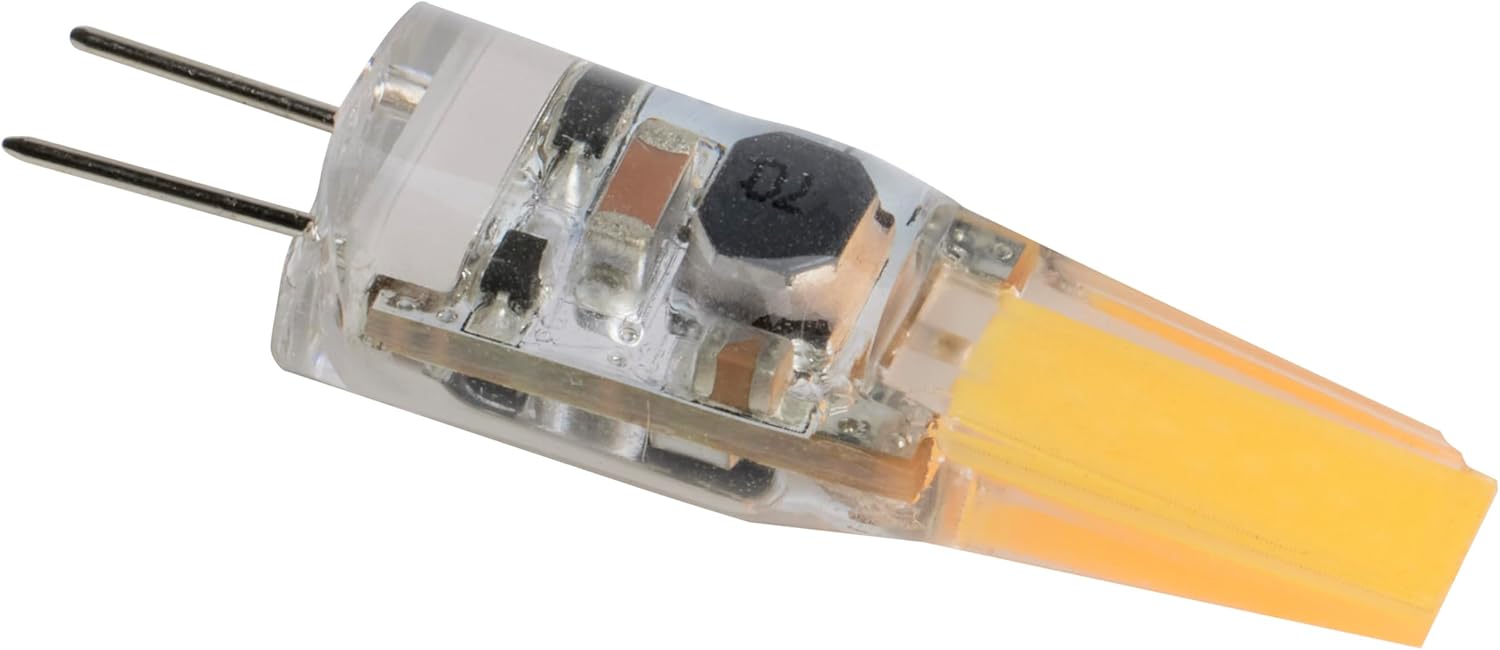
Image: Angled view of the Satco S9542 LED light bulb, highlighting the G4 bi-pin connectors for proper insertion.
Operating Instructions
The Satco S9542 LED bulb operates immediately upon receiving 12V power. It is designed to be dimmable, allowing you to adjust light output when used with compatible 12V dimmers. Ensure your dimmer is rated for LED loads to prevent flickering or damage.
Maintenance
- Cleaning: Before cleaning, always turn off the power and allow the bulb to cool. Wipe the bulb gently with a soft, dry cloth. Do not use liquid cleaners or abrasive materials.
- Replacement: This LED bulb has an average life of 25,000 hours. When replacement is needed, follow the installation steps in reverse to remove the old bulb and install a new one.
Troubleshooting
| Problem | Possible Cause | Solution |
|---|---|---|
| Bulb does not light up. | No power to the fixture; bulb not seated correctly; faulty bulb. | Check power supply and switch. Re-seat the bulb firmly. Test with another known-good bulb. |
| Bulb flickers or dims erratically. | Incompatible dimmer; unstable voltage; loose connection. | Ensure dimmer is LED-compatible. Check for stable 12V supply. Verify bulb is securely seated. |
| Bulb is too dim or too bright. | Incorrect dimmer setting; incompatible dimmer. | Adjust dimmer setting. Ensure dimmer is LED-compatible and properly configured. |
Specifications
| Feature | Detail |
|---|---|
| Model Name | S9542 |
| Brand | Satco |
| Light Type | LED |
| Wattage | 1.6 Watts (LED) |
| Incandescent Equivalent | 25 Watts |
| Bulb Shape Size | T3 |
| Bulb Base | G4 Bi-Pin |
| Voltage | 12 Volts |
| Light Color | Warm White |
| Color Temperature | 3000 Kelvin |
| Brightness | 200 Lumens |
| Dimmable | Yes |
| Average Life | 25,000 Hours |
| Indoor/Outdoor Usage | Indoor (Damp Rated) |
| Product Dimensions | 0.63 x 0.63 x 1.75 inches |
| Item Weight | 0.144 ounces |
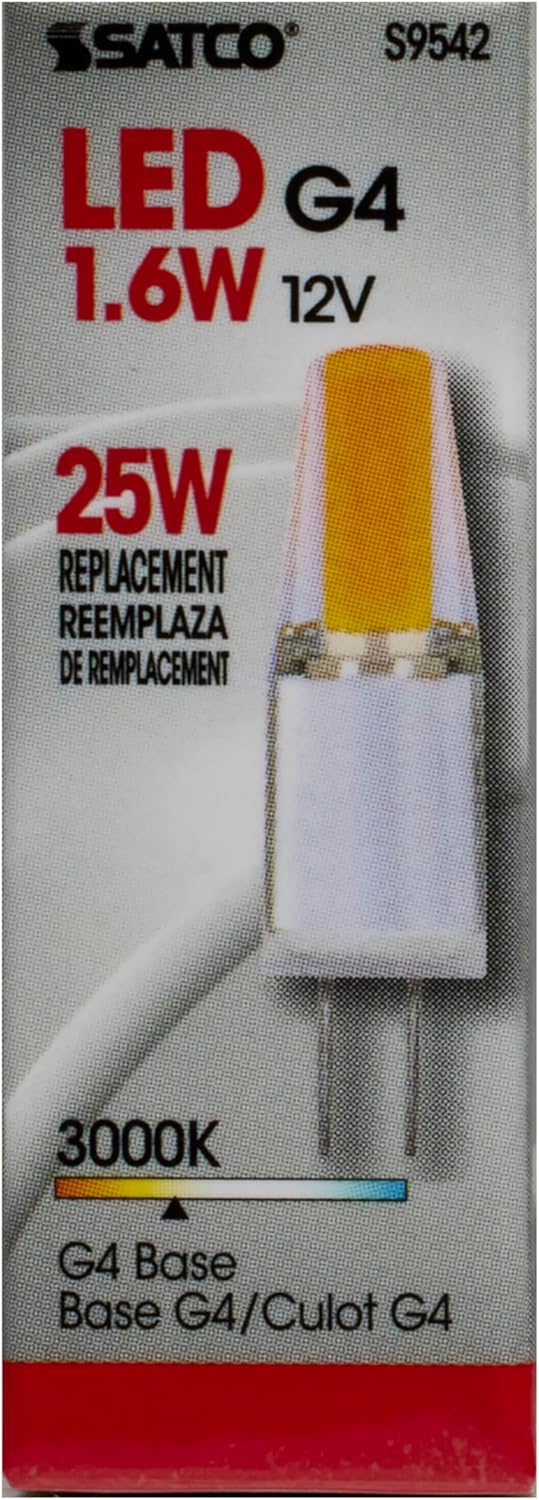
Image: Front of the Satco S9542 packaging, displaying model number, wattage, voltage, and color temperature.
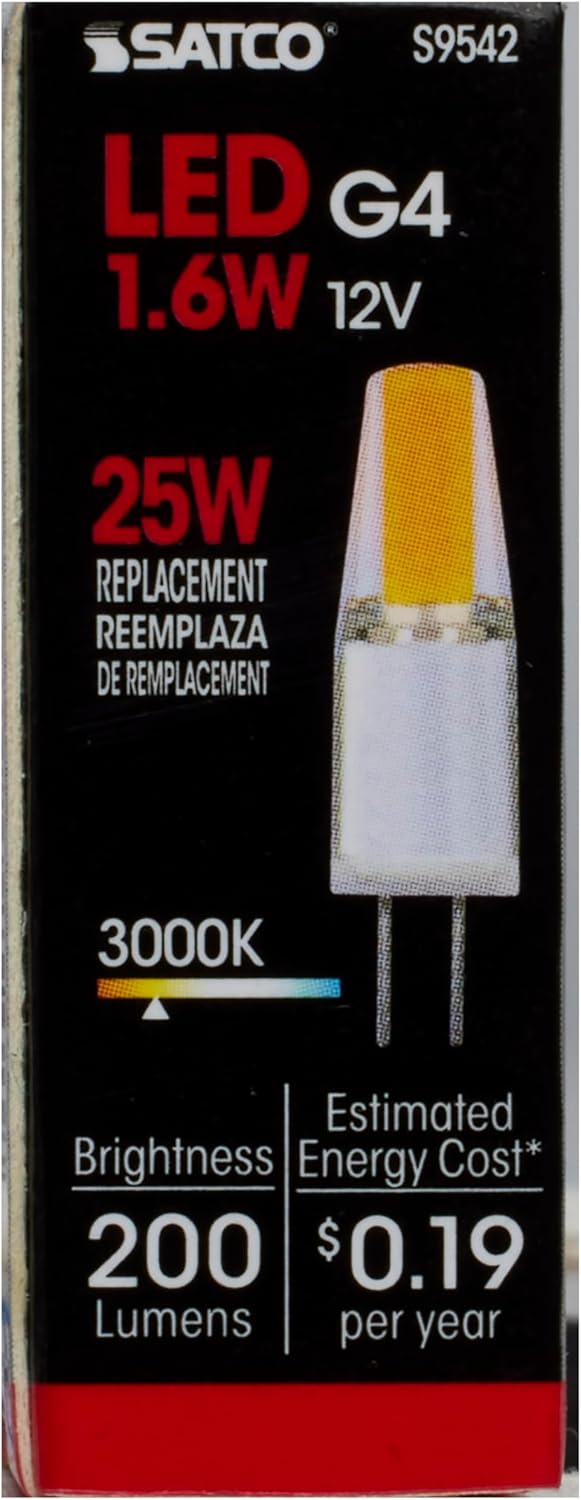
Image: Back of the Satco S9542 packaging, showing brightness in lumens and estimated energy cost.
Warranty
This Satco S9542 LED Light Bulb is covered by a 3-year limited warranty. For details regarding warranty claims, please refer to the official Satco website or contact their customer support.
Support
For further assistance, technical support, or inquiries regarding your Satco S9542 LED Light Bulb, please visit the official Satco website or contact their customer service department. Contact information can typically be found on the product packaging or the manufacturer's website.


