
Netatmo NOC01-EU
Netatmo Presence NOC01-EU Outdoor Smart Security Camera Instruction Manual
Model: NOC01-EU
Introduction
The Netatmo Presence NOC01-EU is an outdoor smart security camera designed to enhance the safety of your property. It features an integrated smart floodlight, advanced motion detection, and night vision capabilities. This manual provides detailed instructions for the installation, operation, maintenance, and troubleshooting of your device.
Setup
1. Unboxing
Carefully unpack all components from the box. Ensure all items listed in the 'Components Included' section of the specifications are present.
Video: Unboxing the Netatmo Presence Camera. This video demonstrates the contents of the product packaging and initial handling.
2. Physical Installation
The Netatmo Presence camera is designed for wall mounting and replaces an existing outdoor light. Ensure the power to the existing light fixture is turned off at the circuit breaker before beginning installation.
- Mount the wall bracket securely using the provided screws and wall plugs.
- Connect the camera's wiring to your home's electrical system. Follow local electrical codes and safety guidelines.
- Attach the camera unit to the mounted bracket.

Image: Diagram illustrating the physical installation steps for the Netatmo Presence camera, including mounting and wiring.
Video: Step-by-step guide on installing the camera and connecting it to the mobile application.
3. App Connection
Download the Netatmo Security app from your device's app store. Follow the on-screen instructions within the app to connect your camera to your Wi-Fi network (2.4 GHz only) and complete the setup process.

Image: The Netatmo Presence camera alongside a smartphone showing the Netatmo Security app, highlighting its integration with Apple HomeKit.
Operating Instructions
1. Real-time Detection and Alerts
The camera detects and reports in real-time when a person is on your property, a car enters the driveway, or an animal is in the garden. Ultra-precise alerts keep you informed immediately about what is happening outside your home.
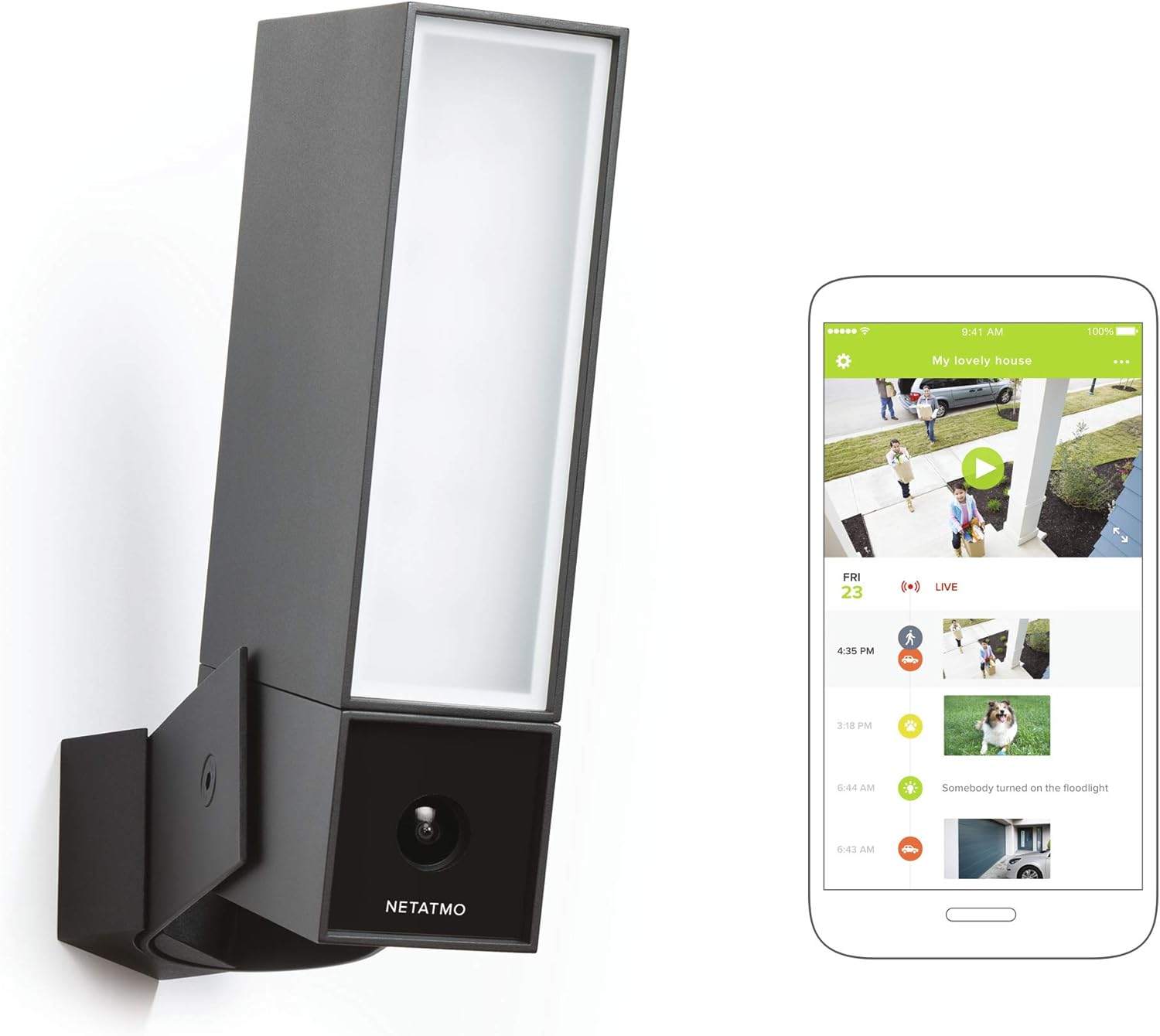
Image: The Netatmo Presence camera with a smartphone showing the app's timeline of detected events, including icons for people, animals, and vehicles.
2. Smart Floodlight
The integrated smart floodlight turns on when needed, helping to deter unwanted visitors and illuminate your outdoor space. You can configure its behavior through the app.

Image: A person approaching a house at night, with the Netatmo Presence camera's integrated floodlight automatically activating to illuminate the area.
3. Night Vision
The camera provides clear night vision up to 15 meters, ensuring continuous surveillance even in complete darkness.
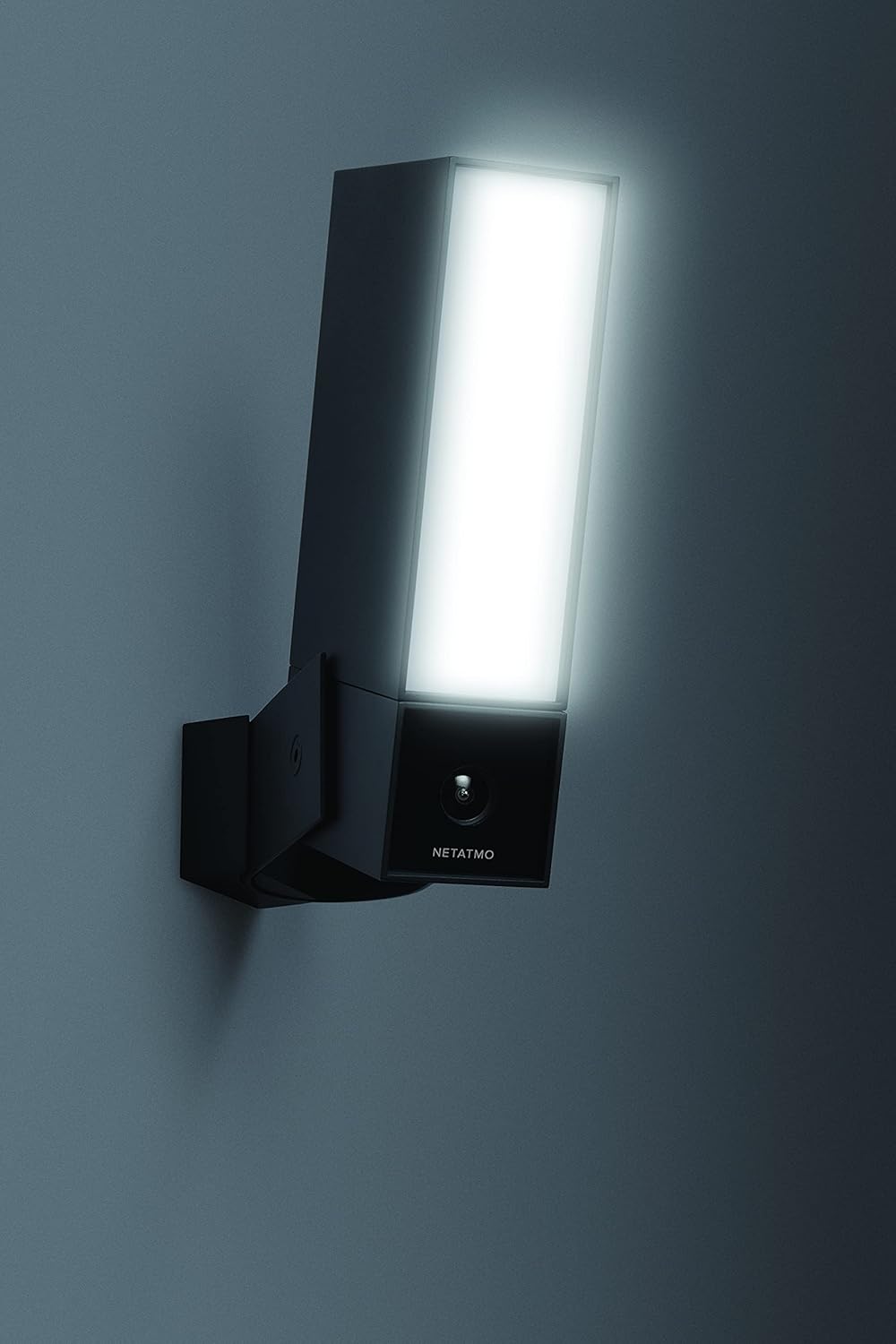
Image: The Netatmo Presence camera mounted on a wall, with its integrated light glowing brightly, demonstrating its illumination capability.
4. Alert Zones
The Alert Zones feature allows you to select specific areas for notifications, reducing unnecessary alerts from areas you don't need to monitor constantly.
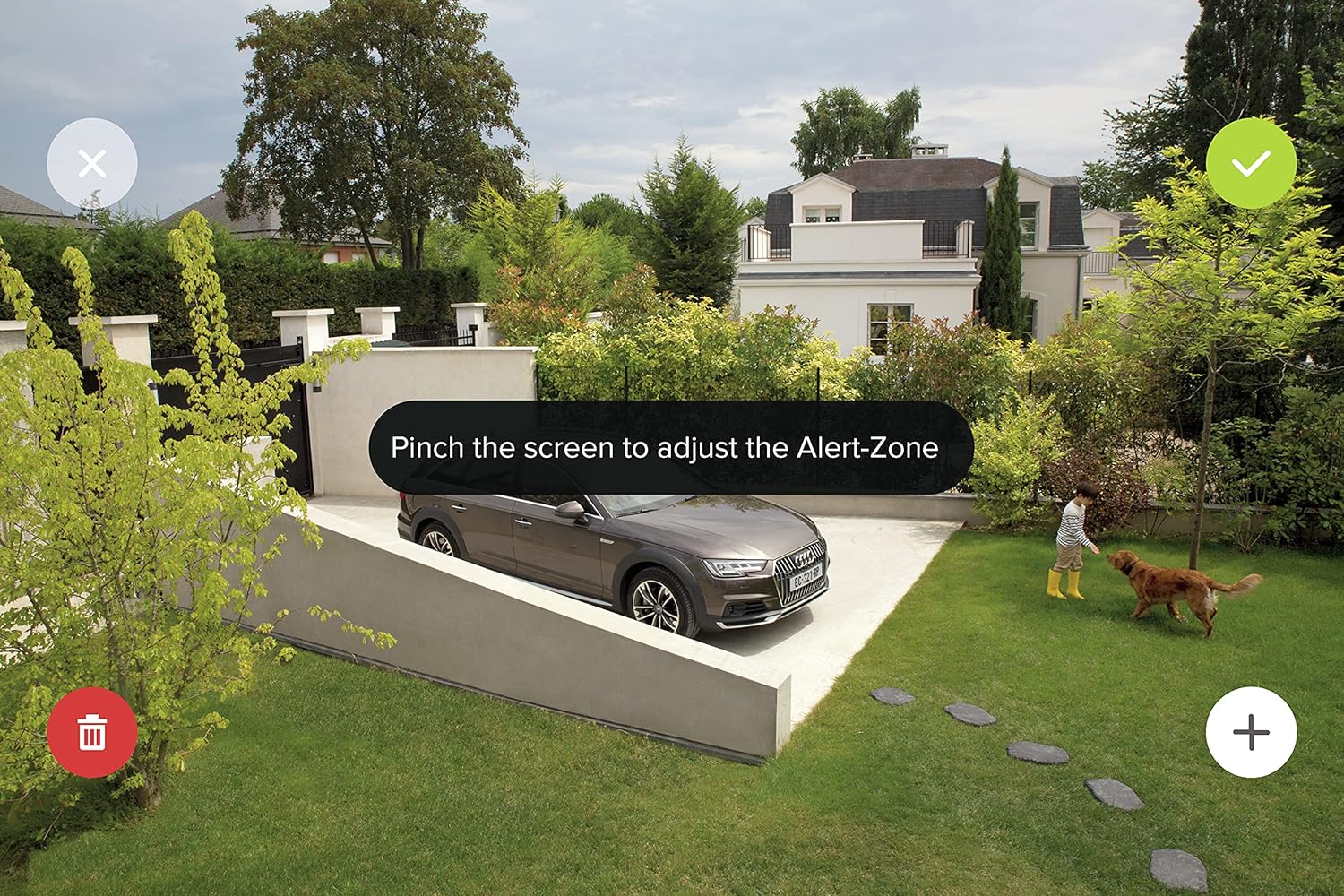
Image: A smartphone screen displaying the Netatmo Security app, illustrating the process of defining custom 'Alert Zones' within the camera's view.
5. Video Storage
Video recordings are stored locally on the included microSD card. Additionally, you have the option to save videos to your personal Dropbox account or a private FTP server, without any subscription fees.
Video: A practical illustration of the Netatmo Presence product features, including its detection capabilities and app interface.
Maintenance
- Cleaning: Regularly wipe the camera lens and floodlight cover with a soft, damp cloth to ensure clear vision and optimal light output. Avoid abrasive cleaners.
- Software Updates: Keep your Netatmo Security app and camera firmware updated to ensure the best performance and access to new features. Updates are typically managed through the app.
- MicroSD Card: Periodically check the status of your microSD card through the app. Replace it if any errors are detected or if storage capacity becomes an issue.
Troubleshooting
- No Power: Ensure the camera is correctly wired and the circuit breaker is on. Check all electrical connections.
- Wi-Fi Connection Issues: Verify your Wi-Fi network is 2.4 GHz. Ensure the camera is within range of your router. Try restarting your router and the camera.
- Poor Video Quality: Check for obstructions on the lens. Ensure the camera is clean. Verify your internet connection speed.
- False Alerts: Adjust the Alert Zones and detection sensitivity settings in the Netatmo Security app.
- Floodlight Not Activating: Check the floodlight settings in the app. Ensure motion detection is enabled for the relevant zones.
Specifications
| Brand | Netatmo |
| Model Name | NOC01-IT Presence |
| Model Number | NOC01-EU |
| Usage | Outdoor Security |
| Connectivity Technology | Wired, Wi-Fi (2.4 GHz) |
| Compatible Devices | Tablet, Smartphone, Laptop, Television |
| Power Source | Wired (240 Volt) |
| Mounting Type | Wall Mount |
| Color | Black |
| Material | Metal |
| Night Vision Range | 15 Meters |
| Dimensions (LxWxH) | 50 x 110 x 200 mm |
| Product Weight | 1.04 Kilograms |
| Special Features | Motion Sensor, Night Vision, Integrated Floodlight |
| Components Included | Presence Camera; Mounting Kit; Wall Support; Mounting Element; Casing Screws; Wall Screws; Allen Key; Wall Mounting Bracket |
Warranty
This Netatmo Presence NOC01-EU camera comes with a 1-year manufacturer's warranty from the date of purchase. Please retain your proof of purchase for any warranty claims. The warranty covers defects in materials and workmanship under normal use. It does not cover damage caused by misuse, accidents, unauthorized modifications, or improper installation.
Support
For further assistance, technical support, or to access additional resources, please visit the official Netatmo support website. You can also find FAQs and community forums there.
Official Netatmo Website: www.netatmo.com
Related documentsNOC01-EU


Ask a question about this manual
Ask about setup, troubleshooting, compatibility, parts, safety, or missing instructions. Manuals+ will review the question and use this page’s manual context to help answer it.