1. Introduction
The Smartwares CL-1459 radio alarm clock is designed to provide a reliable and convenient way to wake up. It features a digital display, dual alarm settings, an FM radio with preset capabilities, and a snooze function. This manual provides detailed instructions for setting up, operating, and maintaining your alarm clock.
Package Contents:
- Smartwares CL-1459 Radio Alarm Clock
- Instruction Manual
2. Safety Information
Please read these safety instructions carefully before using the device. Keep this manual for future reference.
- Do not expose the device to water or excessive moisture.
- Avoid placing the device near heat sources or in direct sunlight.
- Ensure proper ventilation around the device.
- Use only the specified power adapter (if applicable) or power source.
- Do not attempt to disassemble or repair the device yourself. Refer all servicing to qualified personnel.
- Keep out of reach of children.
- In case of power outage, the backup battery ensures timekeeping and alarm function.
3. Product Overview
Familiarize yourself with the different parts of your Smartwares CL-1459 Radio Alarm Clock.

Figure 3.1: Angled view of the Smartwares CL-1459 Radio Alarm Clock, showing the red digital display, snooze button, and other control buttons on top.

Figure 3.2: Top view of the alarm clock, highlighting the button layout: O/SLEEP, PRESET, 1/VOL-, 2/VOL+, SNOOZE, MEMORY, H/H, M/M, and Power button.

Figure 3.3: Front view of the alarm clock, clearly showing the large red LED display for time, and indicators for Alarm 1, Alarm 2, and PM.
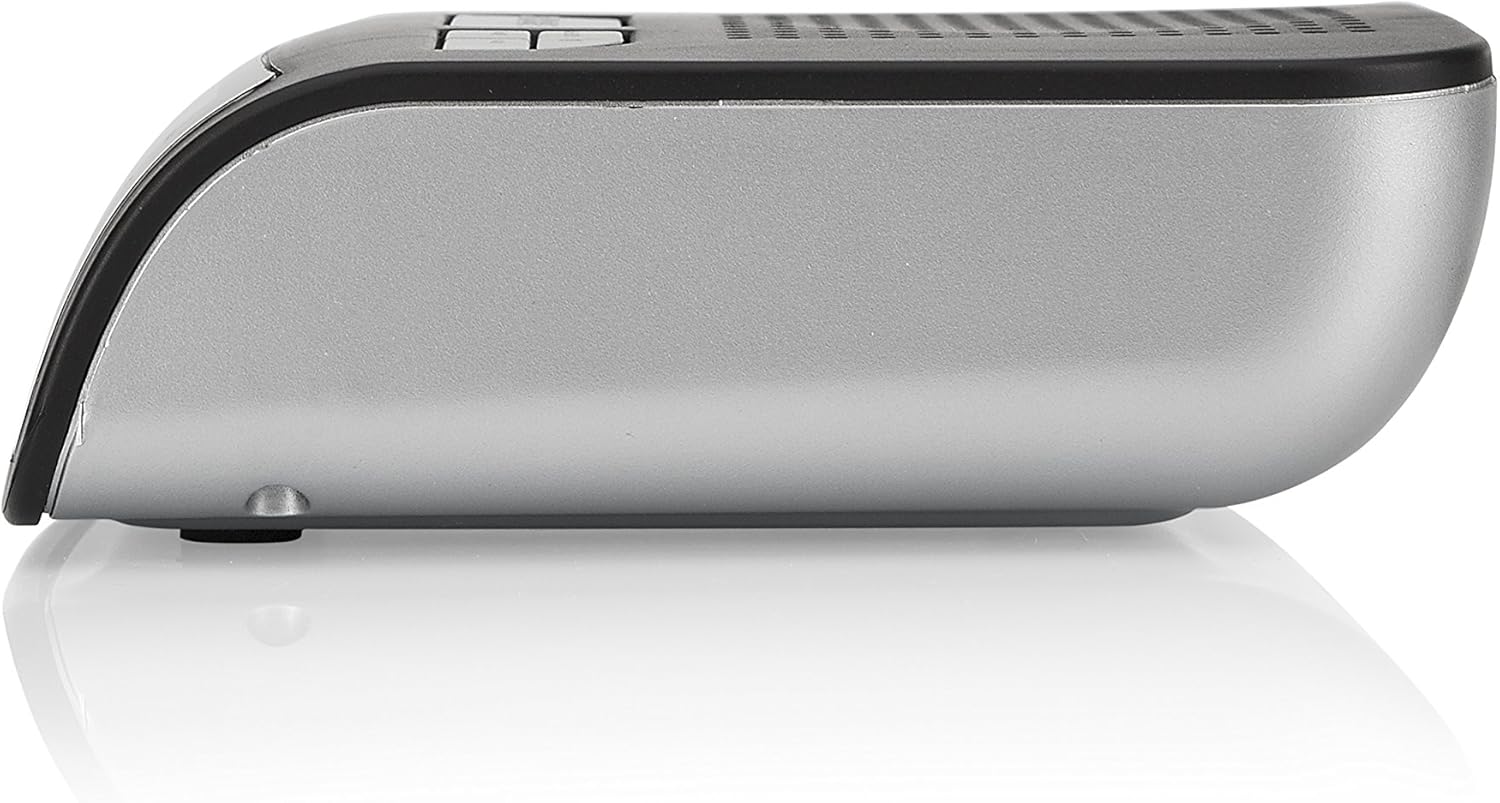
Figure 3.4: Side profile of the alarm clock, illustrating its compact and sleek design with a silver-grey side panel.
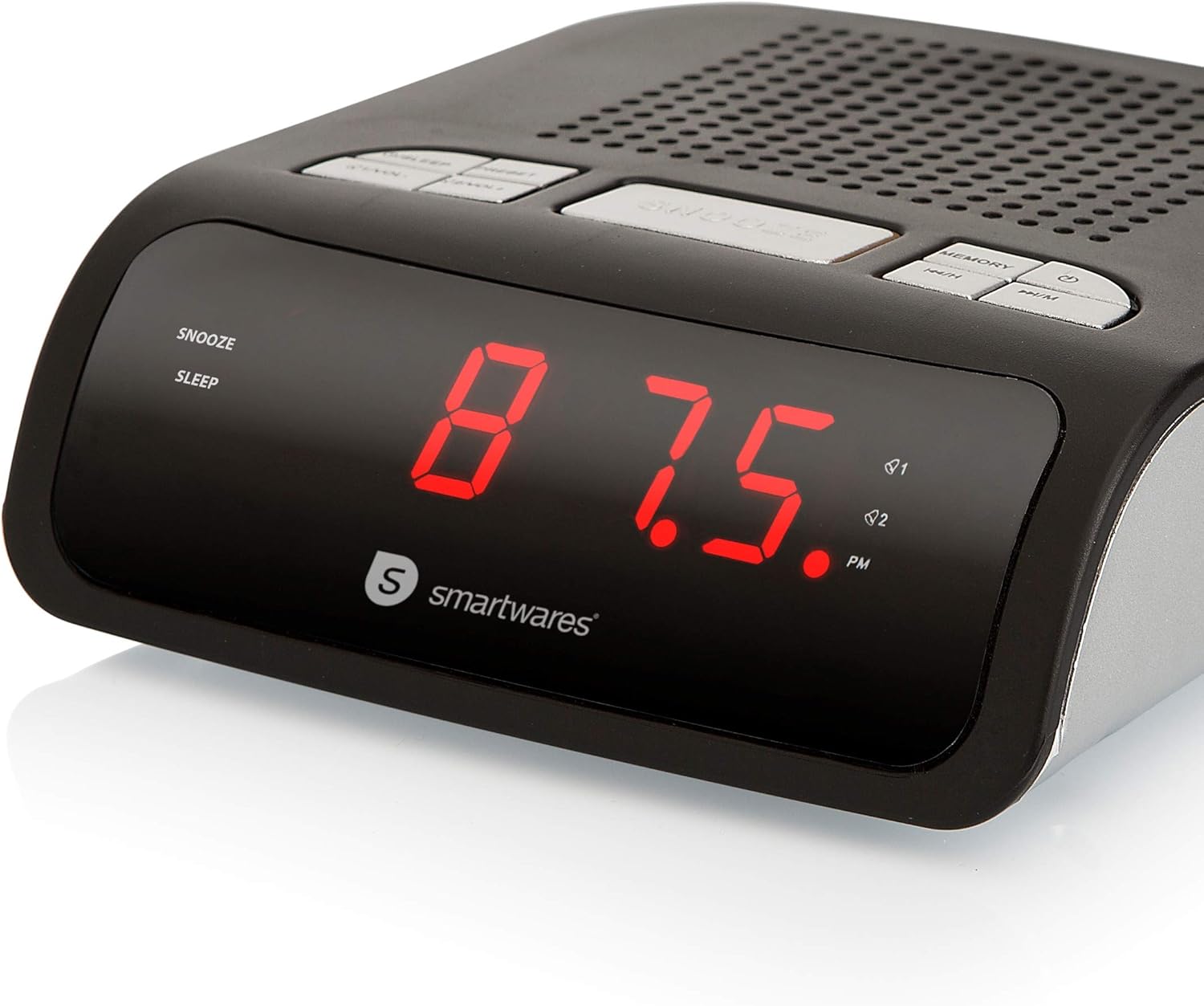
Figure 3.5: The alarm clock display showing "87.5", indicating an FM radio frequency.
Control Buttons:
- SNOOZE/SLEEP: Activates snooze during alarm, or sets sleep timer for radio.
- PRESET: Used to store and recall radio presets.
- 1/VOL-: Decreases volume or navigates menu. Also for Alarm 1 setting.
- 2/VOL+: Increases volume or navigates menu. Also for Alarm 2 setting.
- MEMORY: Used for saving radio stations.
- H/H (Hour/Minute): Adjusts hour in time/alarm setting.
- M/M (Minute/Mode): Adjusts minute in time/alarm setting, or changes mode.
- Power Button: Turns the device on/off or switches between modes.
4. Setup
4.1 Power Connection
- Plug the power cord into a standard 230 Volt AC outlet.
- The display will light up, and the time will flash, indicating it's ready for setting.
4.2 Battery Backup (Optional)
For uninterrupted timekeeping and alarm function during power outages, insert backup batteries (type not specified, typically 2x AAA or 9V, refer to battery compartment for details) into the battery compartment located on the bottom of the unit. This ensures you wake up on time even if the power goes out.
4.3 Setting the Time
- In standby mode, press and hold the TIME SET button (if available, otherwise use H/H or M/M in time setting mode).
- The hour digits will flash. Use the H/H button to adjust the hour.
- Press the TIME SET button again (or M/M). The minute digits will flash. Use the M/M button to adjust the minutes.
- Press the TIME SET button (or confirm with another button) to save the time.
5. Operating Instructions
5.1 Setting Alarms (Dual Alarm)
The Smartwares CL-1459 features two independent alarms (Alarm 1 and Alarm 2).
- Press the ALARM 1 button (or 1/VOL- button if it doubles as alarm set) once. The Alarm 1 time will flash.
- Use the H/H and M/M buttons to set the desired alarm time for Alarm 1.
- Press the ALARM 1 button again to confirm.
- Repeat steps 1-3 for ALARM 2 using the ALARM 2 button (or 2/VOL+).
- To activate/deactivate an alarm, press the respective ALARM button until the alarm indicator (1 or 2) appears/disappears on the display.
5.2 Snooze Function
When the alarm sounds, press the large SNOOZE button to temporarily silence the alarm. The alarm will sound again after approximately 9 minutes.
5.3 Radio Operation (FM)
Tuning to a Station:
- Press the POWER button to turn on the radio.
- Press the M/M button to select FM mode.
- Press and hold the PRESET button for automatic scanning and saving of available stations. The radio can save up to 10 presets.
- Alternatively, use the H/H and M/M buttons to manually tune to a specific frequency.
Saving and Recalling Presets:
- Tune to the desired station.
- Press the MEMORY button. The preset number will flash.
- Use the PRESET or H/H/M/M buttons to select the desired preset number (1-10).
- Press MEMORY again to save.
- To recall a preset, repeatedly press the PRESET button to cycle through saved stations.
Adjusting Volume:
Use the VOL- (1/VOL-) and VOL+ (2/VOL+) buttons to adjust the radio volume.
5.4 Sleep Function
While the radio is playing, press the SLEEP button (O/SLEEP) repeatedly to set a sleep timer (e.g., 90, 60, 30, 15 minutes, OFF). The radio will automatically turn off after the selected time.
6. Maintenance
6.1 Cleaning
Wipe the exterior of the alarm clock with a soft, dry cloth. Do not use abrasive cleaners or solvents, as they may damage the finish.
6.2 Battery Replacement
If the backup battery runs low, the time display may become erratic during power outages. Replace the batteries in the compartment on the bottom of the unit, ensuring correct polarity.
7. Troubleshooting
| Problem | Possible Cause | Solution |
|---|---|---|
| No display/Unit not turning on. | No power connection. | Check if the power cord is securely plugged into a working outlet. |
| Alarm does not sound. | Alarm not activated or set incorrectly. | Ensure the alarm indicator (1 or 2) is visible on the display. Re-check alarm time settings. |
| Poor radio reception. | Weak signal or antenna position. | Extend the FM antenna fully. Reposition the unit for better reception. Try manual tuning. |
| Time is inaccurate. | Power interruption or incorrect initial setting. | Reset the time. Ensure backup batteries are installed and fresh. |
| Buttons unresponsive. | Temporary software glitch. | Unplug the unit from power for a few minutes, then plug it back in. |
8. Specifications
| Brand: | Smartwares |
| Model Number: | CL-1459 |
| Color: | Red (Display), Black/Silver (Unit) |
| Dimensions (L x W x H): | 11.6 x 12.4 x 4 cm (4.57 x 4.88 x 1.57 inches) |
| Weight: | 280 grams (0.62 lbs) |
| Voltage: | 230 Volts |
| Material: | Acrylonitrile Butadiene Styrene (ABS) |
| Features: | Alarm, Radio (FM), Dual Alarm, Snooze, Sleep Timer, Battery Backup |
| Display Type: | Digital |
9. Warranty and Support
9.1 Warranty Information
Specific warranty details for the Smartwares CL-1459 are typically provided with your purchase documentation or on the manufacturer's official website. Please retain your proof of purchase for warranty claims.
9.2 Customer Support
For technical assistance, troubleshooting beyond this manual, or spare parts inquiries, please contact Smartwares customer support. Contact information can usually be found on the product packaging, the manufacturer's website, or your retailer's support page.


