
1. Introduction
The Xvive U2 Digital Wireless Guitar System provides musicians with high-fidelity audio transmission and freedom of movement. Operating on the 2.4GHz band, this system offers a reliable, plug-and-play solution for electric guitars, bass, keyboards, and other instruments with a 1/4" output jack. Its compact design and rechargeable battery make it ideal for various performance and practice environments.
2. Product Overview
The Xvive U2 system consists of two main components: a Transmitter and a Receiver.
- Transmitter: Plugs into your instrument's 1/4" output jack. It sends the audio signal wirelessly.
- Receiver: Plugs into your amplifier, pedalboard, or audio interface's 1/4" input. It receives the wireless audio signal.
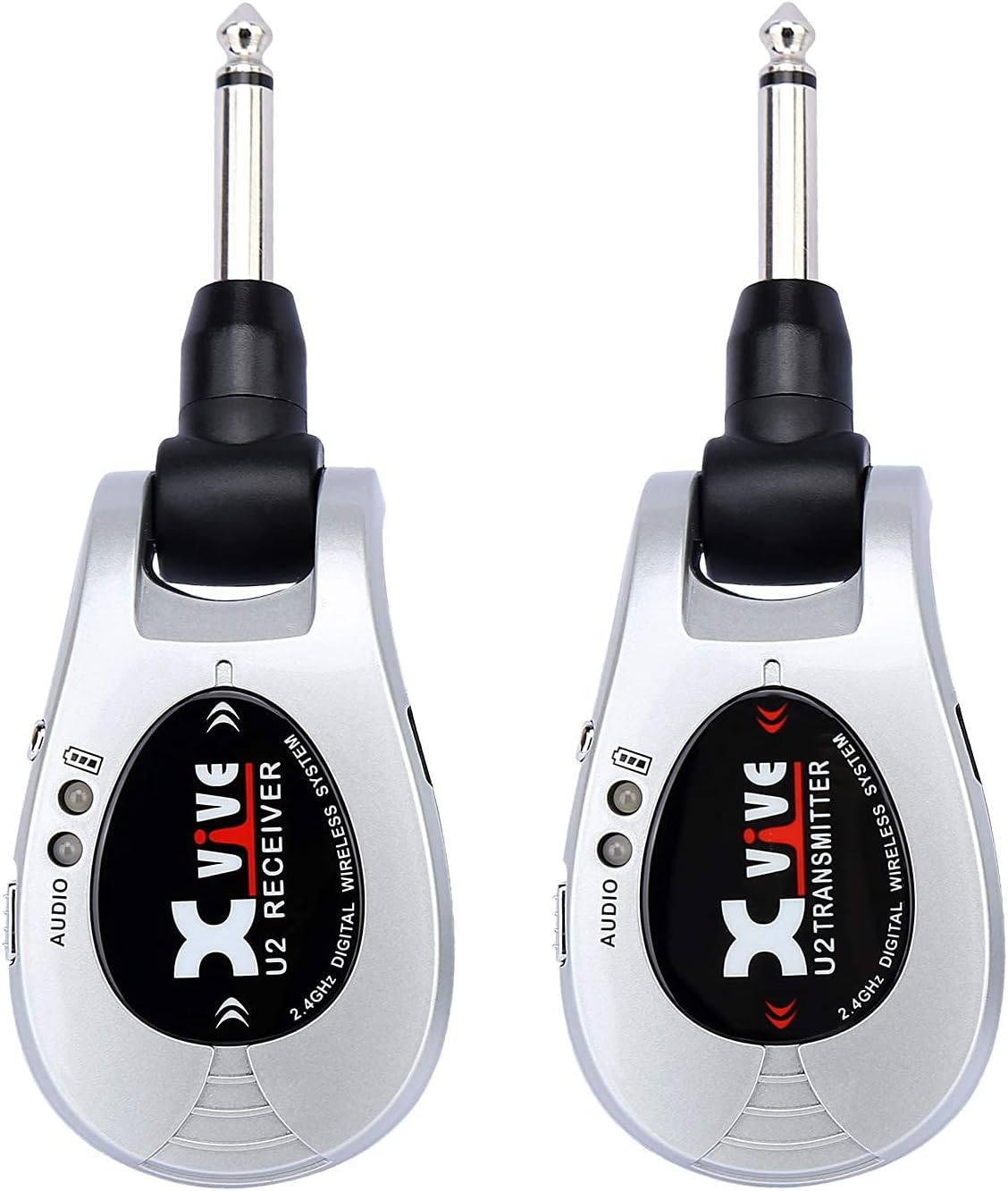
Figure 1: Front view of the Xvive U2 Transmitter and Receiver units.

Figure 2: Side view of the Xvive U2 Transmitter and Receiver, highlighting the 220° rotatable 1/4" jacks for flexible connection.
3. Setup
3.1. Charging the Units
Both the Transmitter and Receiver units are equipped with built-in lithium-ion batteries. Use the included dual-ended USB charging cable to charge both units simultaneously. Connect the micro-USB ends to each unit and the standard USB-A end to a compatible USB power source (e.g., computer USB port, USB wall adapter). A full charge typically takes approximately 2 hours and provides up to 5 hours of continuous use. The LED indicator will show charging status.
3.2. Connecting the System
- Connect Transmitter to Instrument: Plug the Xvive U2 Transmitter into your instrument's 1/4" output jack. The 220° rotatable plug allows for optimal positioning on various instrument body types.
- Connect Receiver to Amplifier/Interface: Plug the Xvive U2 Receiver into the 1/4" input of your amplifier, pedalboard, or audio interface.

Figure 3: The Xvive U2 Transmitter connected to an electric guitar.
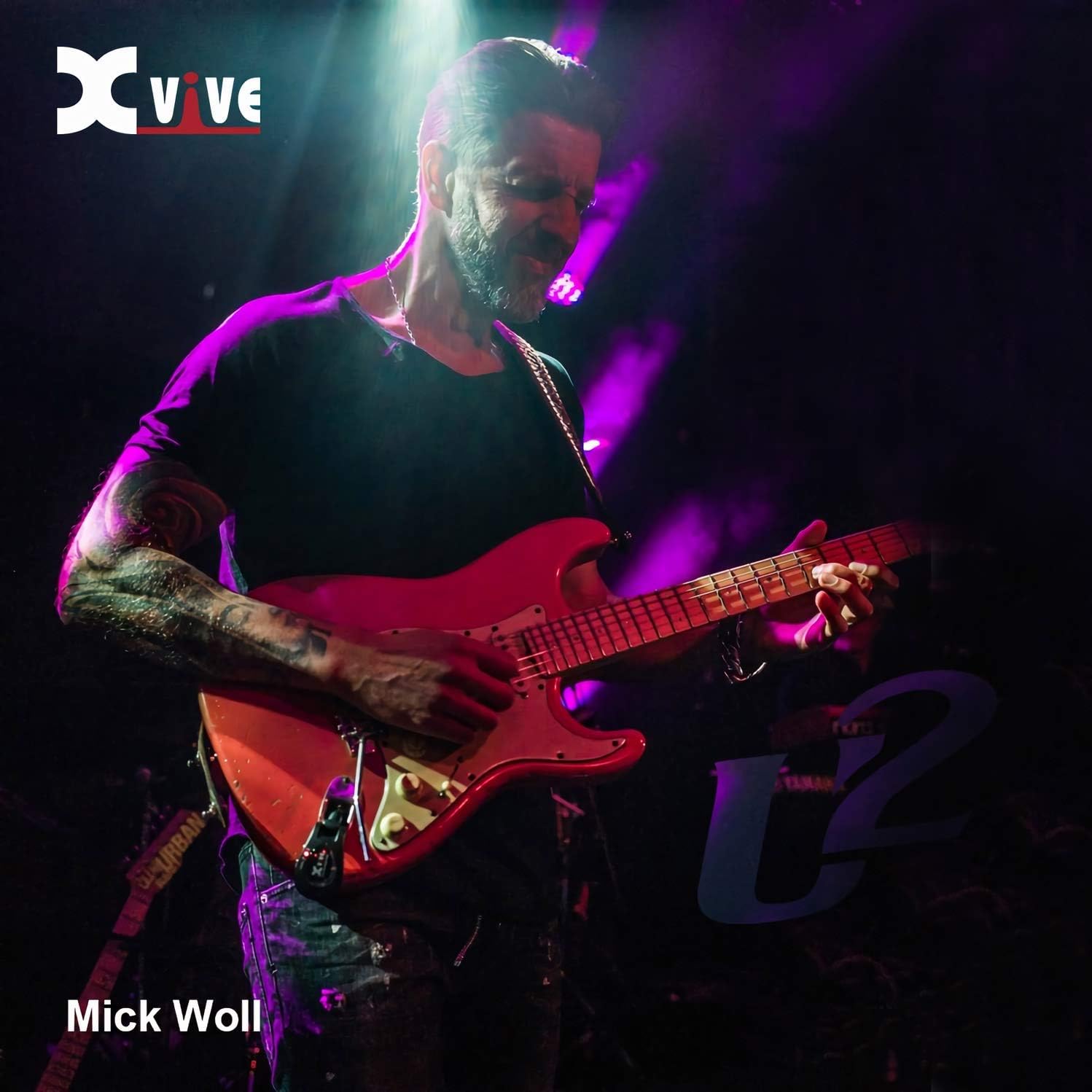
Figure 4: The Xvive U2 Receiver connected to a guitar amplifier.

Figure 5: Connection diagram for the Xvive U2 Wireless Guitar System.
3.3. Channel Alignment
The Xvive U2 system features 4 selectable channels to prevent interference. To align the transmitter and receiver to the same channel:
- Power on both the Transmitter and Receiver units using their respective ON/OFF switches.
- Observe the blue LED indicator on each unit. It will flash a certain number of times (1 to 4) to indicate the current channel.
- To change the channel, double-click the 'Channel' button on either the Transmitter or Receiver. The unit will cycle through the channels (1, 2, 3, 4).
- Ensure both the Transmitter and Receiver are set to the same channel for proper operation.
Video 1: Demonstration of Xvive U2 sound quality and channel alignment process.
4. Operating Instructions
4.1. Power On/Off
To power on each unit, slide the ON/OFF switch to the 'ON' position. To power off, slide the switch to the 'OFF' position.
4.2. Compatibility
The Xvive U2 is compatible with most electric guitars, bass guitars, keyboards, and other electric musical instruments equipped with a 1/4" output pickup. The 220° rotatable plug ensures a secure and convenient fit for various instrument designs.
4.3. Range and Latency
The system operates with less than 5ms latency, ensuring a virtually imperceptible delay between playing and sound output. It offers an effective range of approximately 90 feet (27 meters) outdoors with a clear line of sight. The 2.4GHz digital wireless technology provides reliable signal transmission, even routing through walls effectively in indoor environments.
5. Features
- High-Fidelity Audio: Delivers 24-bit / 48 kHz digital audio for clear and accurate tone reproduction across a 20 Hz - 20KHz frequency response.
- Ultra-Low Latency: Experience near-zero delay with less than 5ms latency, crucial for live performance and recording.
- Extended Range: Reliable signal transmission up to 90 feet (27 meters) in open outdoor environments.
- Long Battery Life: Integrated lithium batteries provide up to 5 hours of playtime on a single charge.
- Flexible Design: The 220° rotatable plug accommodates various instrument jack placements.
- Multi-Channel Operation: Four selectable channels allow multiple U2 systems to operate simultaneously without interference.
6. Maintenance
6.1. Battery Care
To maximize battery lifespan, avoid fully discharging the units regularly. Recharge them promptly when the low battery indicator appears. Store the units in a cool, dry place when not in use for extended periods.
6.2. Cleaning
Wipe the units with a soft, dry cloth to remove dust and grime. Do not use liquid cleaners or abrasive materials, as these may damage the finish or internal components.
7. Troubleshooting
- No Sound/Intermittent Signal:
- Ensure both Transmitter and Receiver are powered on.
- Verify that both units are set to the same channel (refer to Section 3.3).
- Check battery levels on both units and recharge if necessary.
- Ensure the units are within the effective operating range (approx. 90 feet line-of-sight).
- Minimize physical obstructions between the transmitter and receiver.
- Interference/Noise:
- Change to a different channel on both units (refer to Section 3.3).
- Move away from other 2.4GHz wireless devices (e.g., Wi-Fi routers, other wireless systems) that may cause interference.
- Charging Issues:
- Ensure the USB cable is securely connected to both the units and the power source.
- Try a different USB port or power adapter.
8. Specifications
| Specification | Value |
|---|---|
| Item Weight | 3.52 ounces |
| Product Dimensions | 5 x 1.2 x 1.58 inches |
| Item Model Number | U2 |
| Batteries | 2 Lithium Ion batteries (included) |
| Body Material | Plastic |
| Color | Silver |
| Compatible Devices | Electric guitars, bass, keyboard, and other musical instruments with pickups |
| Connector Type | 1/4" instrument plug |
| Size | Compact |
| UPC | 611029585388, 703168081118 |
9. Warranty and Support
For warranty information and customer support, please refer to the official Xvive website or contact your retailer. Keep your purchase receipt as proof of purchase.


