
Introduction
This manual provides instructions for the proper use and maintenance of your TRU RED One-Touch Desktop Stapler. Designed for everyday stapling tasks, this stapler offers a quick-press mechanism and a 20-sheet capacity for efficient document fastening.
Product Overview
The TRU RED One-Touch Desktop Stapler (Model 42913) is a reliable tool for your office needs. Key features include:
- 20-Sheet Capacity: Staples up to 20 sheets of standard paper at a time.
- One-Touch Design: Provides simple and efficient stapling performance.
- Front-Loading Mechanism: Allows for easy and quick staple reloading.
- Low-Staple Indicator: A visible indicator on the side of the magazine alerts you when staples are running low.
- Flat-Clinch Stapling: Ensures staples lie flat, creating neater paper stacks.
- Comfort Grip: Features a rubber finish for comfortable handling.
- Anti-Skid Base: Prevents the stapler from sliding during use.
Setup
Loading Staples
- Locate the red push button at the rear of the stapler.
- Press the red button firmly to release the staple magazine. The magazine will slide out from the front.
- Insert a strip of 1/4" standard staples into the magazine. The stapler has a half-strip capacity.
- Gently push the staple magazine back into the stapler until it clicks securely into place. Ensure it is fully seated.

Image: The stapler with its front-loading staple magazine extended, ready for staple insertion.

Image: Rear view of the stapler highlighting the red push button used to release the staple magazine.
Operating Instructions
Stapling Documents
- Gather the documents you wish to staple. Ensure the total thickness does not exceed 20 sheets of standard paper.
- Align the papers neatly and slide them under the stapler's head, positioning them where you want the staple to be placed.
- Press down firmly on the top of the stapler. The one-touch mechanism will drive the staple through the papers and clinch it flat.
- Release the stapler. Your documents are now fastened.
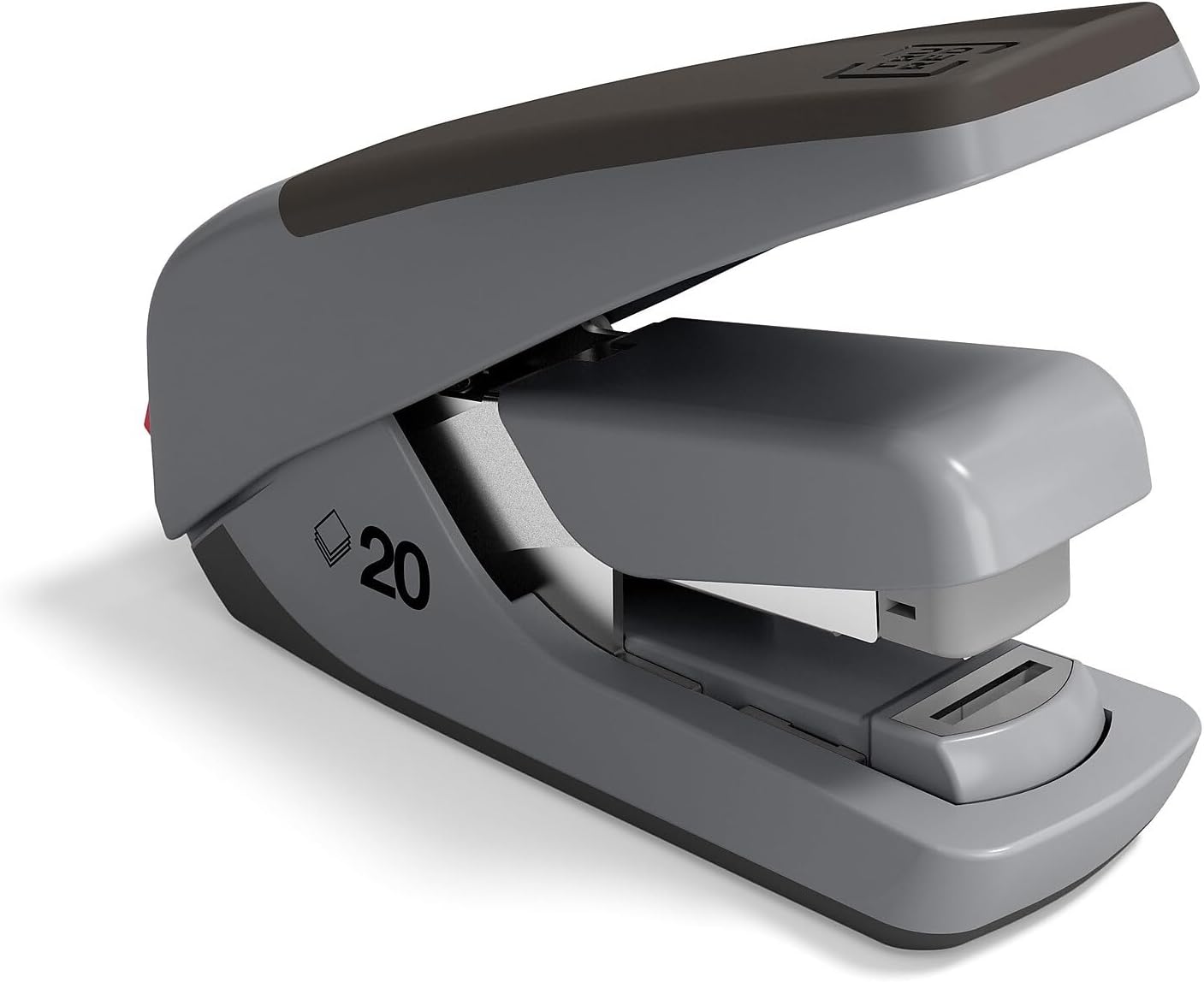
Image: The stapler in its ready-to-use, closed position.
Maintenance
General Care
- Keep the stapler clean by wiping it with a soft, dry cloth. Avoid using harsh chemicals or abrasive cleaners.
- Regularly check the low-staple indicator on the side of the magazine to ensure you do not run out of staples unexpectedly.
- Store the stapler in a dry environment to prevent rust or damage to internal components.
Troubleshooting
| Problem | Possible Cause | Solution |
|---|---|---|
| Staples are not feeding or jamming. | Incorrect staple size, bent staples, or an empty staple magazine. | Ensure you are using 1/4" standard staples. Check the magazine for bent staples and remove them. Reload the magazine if empty. |
| Stapler does not penetrate all sheets. | Too many sheets, or staples are too short. | Reduce the number of sheets to within the 20-sheet capacity. Ensure you are using 1/4" standard staples. |
| Staple magazine does not open. | Red push button not fully depressed or mechanism is stuck. | Press the red button firmly and ensure it is fully depressed. If stuck, gently wiggle the magazine while pressing the button. |
Specifications
| Brand | STAPLES |
| Model Number | 42913 |
| Color | Black/Gray |
| Material | Plastic |
| Operation Mode | Manual |
| Capacity | 20 Sheets |
| Staple Type | 1/4" Standard Staples |
| Item Weight | 9.6 ounces |
| UPC | 718103212410 |
Warranty Information
For warranty details and claims, please refer to the manufacturer's official website or contact STAPLES customer service directly. The warranty description provided indicates to "Contact Manufacturer".
Support & Contact
If you require further assistance or have questions regarding your TRU RED One-Touch Desktop Stapler, please contact STAPLES customer support. You can typically find contact information on the STAPLES official website or on the product packaging.
Official Product Video
Video: An official video from the TRU RED brand, showcasing various business essentials. This video provides an overview of the brand's product philosophy.


