
1. Introduction
This manual provides essential information for the safe and effective use of Energizer 100AAA Ultimate Lithium Batteries. Please read this manual thoroughly before using the product and retain it for future reference.
Energizer Ultimate Lithium batteries are designed for high-drain devices and offer long-lasting power. They are suitable for various electronics, including remote keyless entry devices, health and fitness devices, watches, calculators, and other handheld devices.
2. Safety Information
WARNING: Improper use of batteries may result in leakage, fire, or explosion, causing personal injury or damage to devices.
- Do not recharge, disassemble, heat above 100°C (212°F), or incinerate batteries.
- Do not mix new and used batteries, or different types of batteries (e.g., carbon-zinc with alkaline).
- Insert batteries correctly, observing the positive (+) and negative (-) polarity markings.
- Remove depleted batteries promptly from devices.
- Keep batteries out of reach of children. If swallowed, seek medical attention immediately.
- Store batteries in a cool, dry place at room temperature.
- Dispose of used batteries according to local regulations.
3. Setup and Installation
Energizer Ultimate Lithium AAA batteries are designed for single use and are ready for immediate installation into compatible devices.
- Identify Battery Compartment: Locate the battery compartment on your electronic device. This is typically found on the back or bottom of the device.
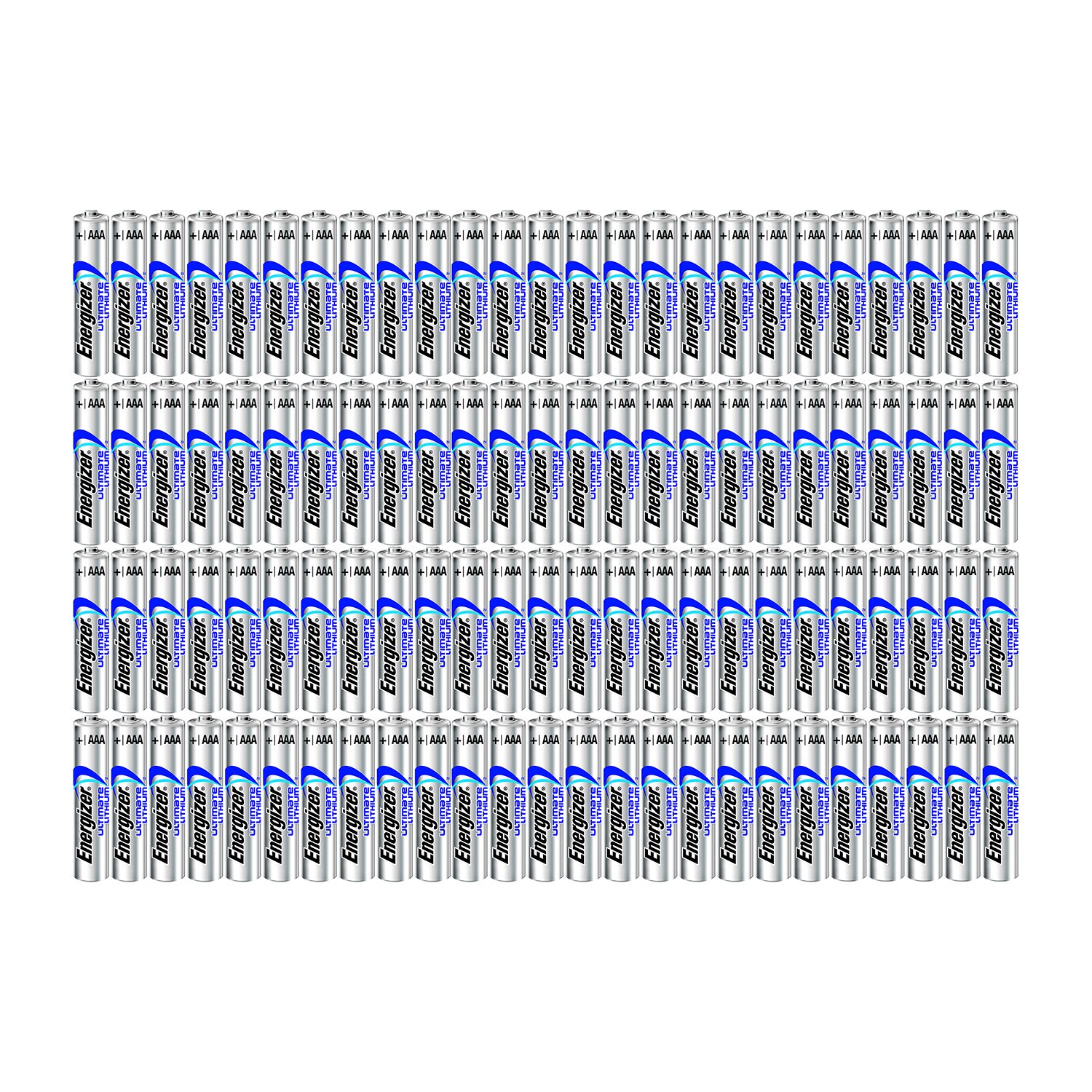
Figure 1: Energizer AAA Lithium batteries in their retail packaging. Each battery is individually sealed within a blister pack, ensuring freshness and protection.
- Open Compartment: Open the battery compartment cover. This may involve sliding a latch, unscrewing a screw, or pressing a release button.
- Insert Batteries: Insert the Energizer AAA Ultimate Lithium batteries into the compartment. Pay close attention to the polarity markings (+ and -) inside the compartment and on the batteries. Ensure the positive end of the battery aligns with the positive terminal in the device, and the negative end with the negative terminal.
Figure 2: Illustration of correct battery polarity. The positive (+) end of the battery should align with the positive terminal in the device, and the negative (-) end with the negative terminal. Incorrect insertion can prevent the device from functioning.
- Close Compartment: Securely close the battery compartment cover.
4. Operating Instructions
Once the Energizer Ultimate Lithium batteries are correctly installed, your device should be ready for operation. These batteries are designed to provide consistent power for extended periods.
- Power On: Turn on your device as per its own instruction manual.
- Performance: Expect optimal performance, especially in high-drain devices, due to the lithium chemistry.
- Cold Weather: Energizer Ultimate Lithium batteries perform well in extreme temperatures, making them suitable for outdoor devices in cold conditions.
5. Maintenance and Storage
Proper maintenance and storage ensure the longevity and safety of your batteries.
- Storage: Store unused batteries in their original packaging in a cool, dry place at normal room temperature. Avoid extreme temperatures and direct sunlight.
- Handling: Do not carry loose batteries in your pocket or purse with metal objects like coins or keys, as this can cause a short circuit.
- Disposal: Dispose of used batteries responsibly. Many communities offer battery recycling programs. Check local regulations for proper disposal methods.
- Cleaning: If battery terminals become dirty, gently wipe them with a clean, dry cloth.
6. Troubleshooting
If your device is not functioning correctly after installing new batteries, consider the following:
- Device Not Powering On:
- Ensure batteries are inserted with correct polarity (+ and -).
- Check if the battery compartment is securely closed.
- Verify that the device itself is functional and not faulty.
- Try a different set of new batteries to rule out a defective battery.
- Short Battery Life:
- Ensure the device is not a high-drain application that rapidly depletes batteries.
- Check for any device malfunctions that might cause excessive power consumption.
- Verify that the batteries are genuine Energizer Ultimate Lithium.
- Battery Leakage:
- Energizer Ultimate Lithium batteries are designed to be leak-resistant. If leakage occurs, discontinue use immediately and dispose of the battery safely.
- Avoid contact with skin and eyes. If contact occurs, rinse thoroughly with water and seek medical attention.
7. Specifications
| Feature | Detail |
|---|---|
| Brand | Energizer |
| Model Number | 100AAA |
| Model Name | Ultimate Lithium |
| Battery Cell Composition | Lithium |
| Battery Cell Type | Lithium |
| Voltage | 3.85 Volts |
| Reusability | Single Use |
| Recommended Uses | Camera, remote keyless entry devices, health and fitness devices, watches, calculators, and other handheld devices. |
| Item Weight | 800 Grams (for 100 batteries) |
8. Warranty and Support
Energizer stands behind the quality of its products. For specific warranty information and customer support, please refer to the official Energizer website or contact their customer service directly.
Energizer Customer Service: For assistance with your Energizer batteries, please visit the official Energizer website or consult the packaging for contact details.
Note: This manual provides general guidance. Always refer to your device's specific instructions for battery compatibility and installation.


