
Introduction
This manual provides essential information for the safe and efficient operation of your ClassicFlame 26-inch 3D Infrared Quartz Electric Fireplace Insert. Please read all instructions carefully before installation and use, and retain this manual for future reference.
Important Safety Information
WARNING: To reduce the risk of fire, electric shock, or injury, read all instructions before using this appliance.
- Always plug the fireplace directly into a dedicated 120V, 15 Amp grounded outlet. Do not use an extension cord or power strip.
- Keep combustible materials, such as furniture, pillows, bedding, papers, clothes, and curtains at least 3 feet (0.9 m) from the front of the heater.
- Do not insert or allow foreign objects to enter any ventilation or exhaust opening as this may cause an electric shock or fire, or damage the appliance.
- The appliance is equipped with Safer Plug and Safer Sensor fire prevention technology. Safer Plug continuously monitors the temperature of the plug and will automatically shut off if overheating occurs. Safer Sensor alerts you if the heater is obstructed and will automatically shut off to prevent damage.
- Do not operate any heater with a damaged cord or plug, or after the heater malfunctions, has been dropped or damaged in any manner.
- Do not use outdoors.
Package Contents
Verify that all components are present before proceeding with installation:
- ClassicFlame 26-inch 3D Infrared Quartz Electric Fireplace Insert
- Remote Control
- Batteries for Remote Control
- Instruction Manual
Setup
The ClassicFlame 26-inch 3D Infrared Quartz Electric Fireplace Insert is designed for easy plug-in installation into compatible mantels or TV stands, or as a standalone unit.
- Unpacking: Carefully remove the fireplace insert from its packaging. Retain packaging for future storage or transport.
- Placement: Position the fireplace insert on a flat, stable surface. Ensure there is adequate clearance around the unit for proper ventilation. Refer to the safety information for minimum clearance requirements from combustible materials.
- Power Connection: Plug the power cord directly into a 120V, 15 Amp grounded wall outlet. Avoid using extension cords or power strips to prevent overheating and potential fire hazards.
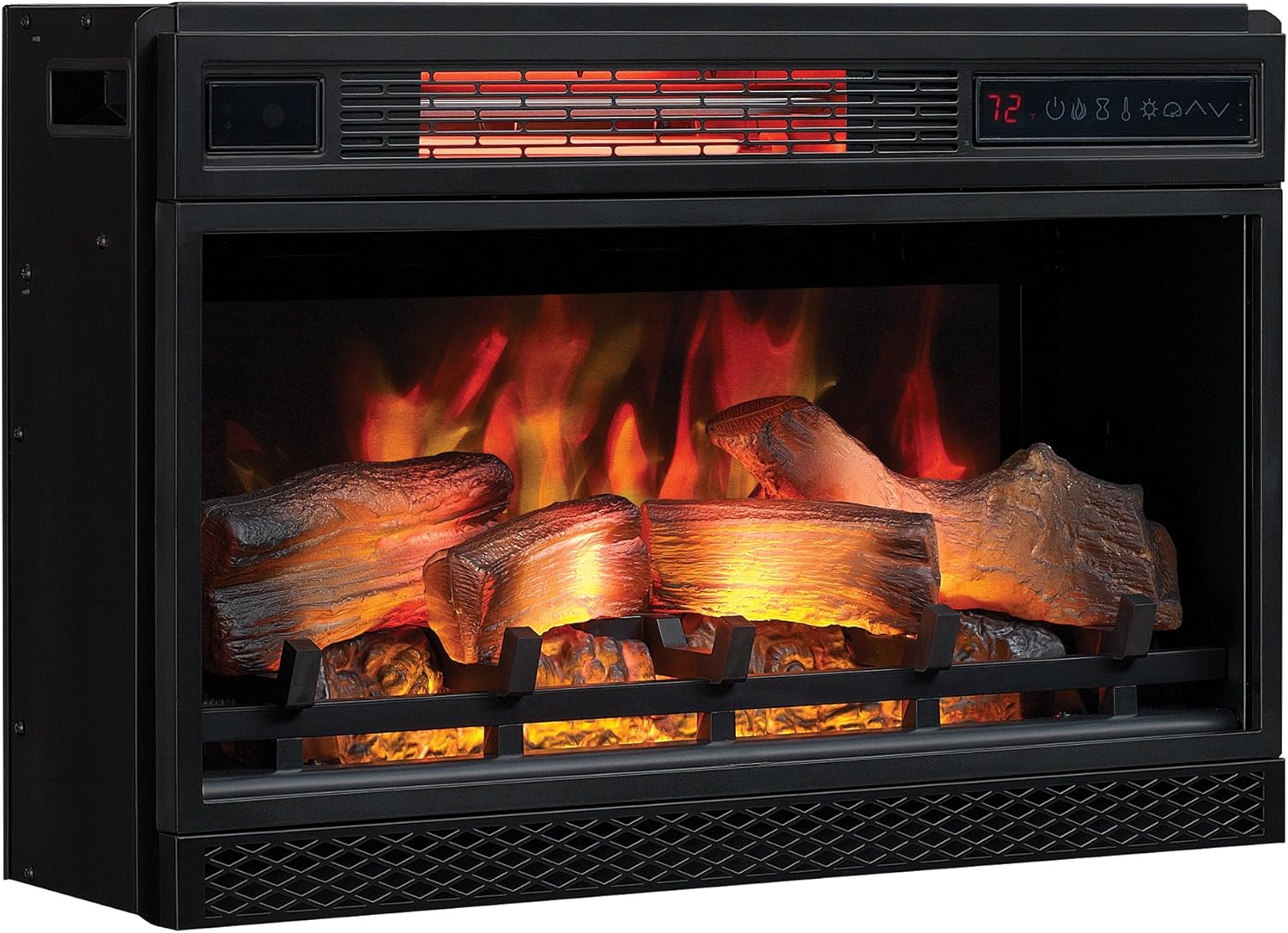
Image: ClassicFlame 26-inch 3D Infrared Quartz Electric Fireplace Insert, ready for use.
Operating Instructions
Your ClassicFlame electric fireplace insert offers various settings for heat and flame effects, controllable via the unit's control panel or the included remote control.
Control Panel and Remote Functions
The control panel on the unit and the remote control share similar functions:
- Power On/Off: Activates or deactivates the unit.
- Heat Settings: Adjusts the heat output. The 5,200 BTU heater provides supplemental zone heating for up to 1,000 square feet. The infrared quartz heat helps maintain natural humidity.
- Flame Color: Cycle through various flame effect colors including SpectraFire, Sapphire, Amethyst, Campfire, Midnight Fire, and Auto Cycle.
- Flame Brightness: Adjust the intensity of the flame effect with five adjustable brightness settings.
- Flame Speed: Control the speed of the flame effect with five adjustable speed settings, from a fast roaring fire to a gentle flicker.
- Timer: Set a timer for automatic shut-off.

Image: Diagram illustrating 3D flame effect technology, Safer Plug, Safer Sensor, and Infrared heating benefits.
3D Flame Effect Technology
The patent-pending 3D flame effect technology creates a layered flame effect for a realistic fire experience. This is displayed on a realistic log set and ember bed. The flame effects can be used with or without heat for year-round enjoyment.
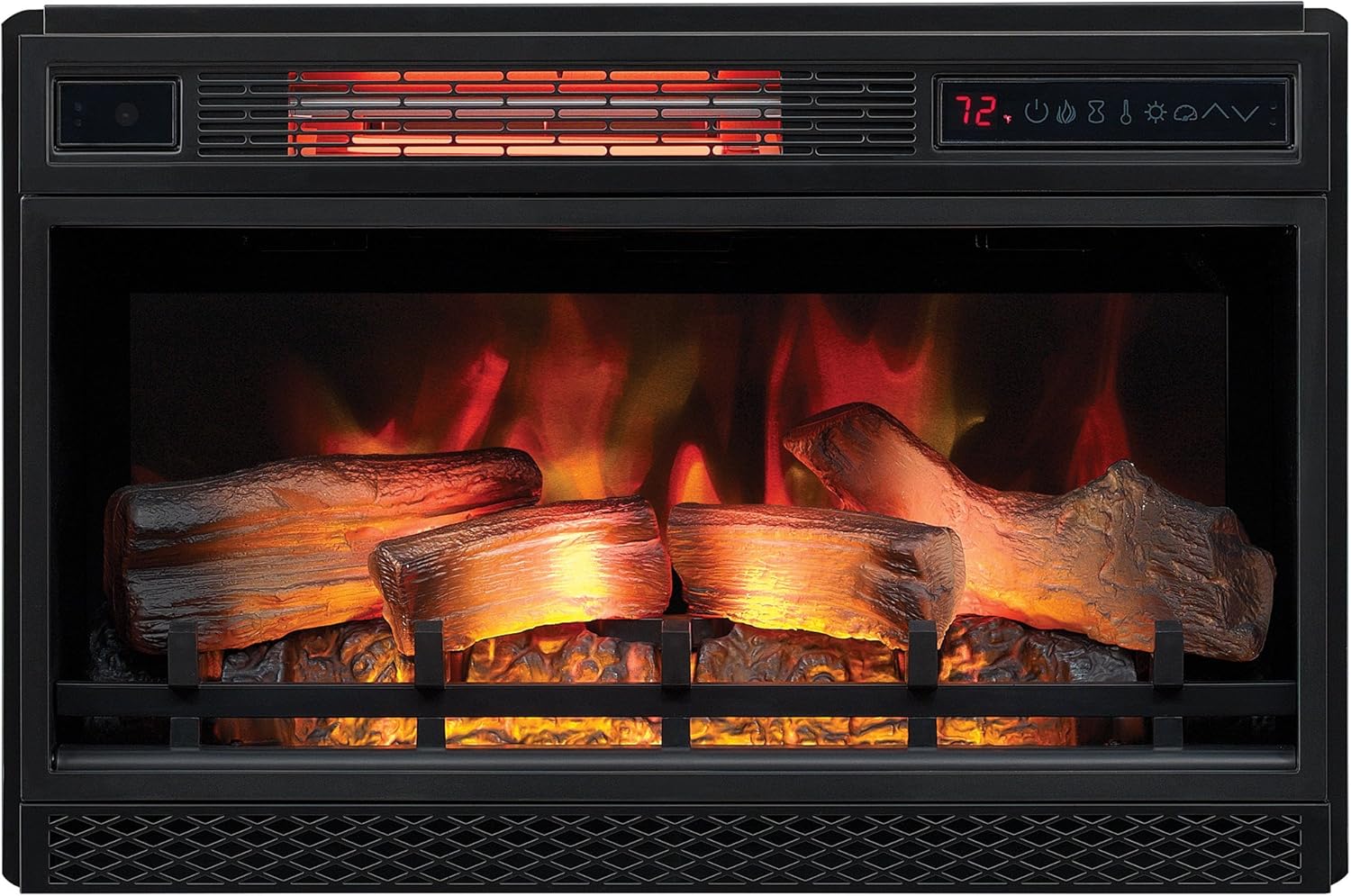
Image: Fireplace insert showcasing vibrant orange and yellow flame effects.

Image: Fireplace insert showcasing cool blue flame effects.
Maintenance
Regular maintenance ensures optimal performance and longevity of your fireplace insert.
- Cleaning: Ensure the unit is turned off and unplugged before cleaning. Use a soft, damp cloth to wipe the exterior surfaces. Do not use abrasive cleaners or sprays.
- Air Intake/Outlet: Periodically check and clean the air intake and outlet vents to ensure they are free from dust and debris. Blocked vents can reduce heating efficiency and trigger safety features.
- Storage: If storing the unit for an extended period, unplug it and store it in a dry, dust-free location.
Troubleshooting
| Problem | Possible Cause | Solution |
|---|---|---|
| Unit does not turn on. | No power, tripped circuit breaker, or faulty plug. | Check power outlet, reset circuit breaker, ensure plug is fully inserted and not overheating (Safer Plug indicator). |
| No heat output. | Heat function off, thermostat set too low, or obstructed air vents. | Activate heat function, increase thermostat setting, clear any obstructions from air vents (Safer Sensor indicator). |
| Flame effect not working. | Flame effect function off, or LED components issue. | Activate flame effect function. If issue persists, contact customer support. |
| Remote control not working. | Dead batteries, or remote not aimed correctly. | Replace batteries, ensure clear line of sight to the fireplace sensor. |
Specifications
| Feature | Detail |
|---|---|
| Brand | ClassicFlame |
| Model Number | 26II042FGL |
| Product Dimensions | 8.9"D x 17.7"W x 27"H |
| Material | Metal (77.3%), Plastic (10.5%), Glass (7.2%), Electronic (5%) |
| Heat Output | 5200 BTU |
| Heating Coverage | Up to 1,000 square feet |
| Installation Type | Plug In |
| Special Features | 3D Flame Effect, Safer Plug, Safer Sensor |
| Included Components | Remote control, batteries |
Warranty and Support
This ClassicFlame electric fireplace insert comes with a 1-year limited warranty. For warranty claims, technical support, or replacement parts, please contact ClassicFlame customer service. Keep your proof of purchase for warranty validation.
For further assistance, please visit the official ClassicFlame website or refer to the contact information provided with your product packaging.


