1. Introduction
This manual provides essential instructions for the setup and operation of your HCDZ replacement remote control. This remote is designed to be compatible with various Onkyo Integra A/V AV Receiver models, including RC-632M, RC-590M, and RC-833M. It offers a straightforward solution for controlling your audio/video receiver without the need for complex programming.
2. Setup
2.1 Battery Installation
To begin using your HCDZ replacement remote control, you must first install two AA batteries (not included). Follow these steps:
- Locate the battery compartment on the back of the remote control.
- Slide the battery compartment cover downwards and lift it off.
- Insert two AA batteries, ensuring that the positive (+) and negative (-) terminals align correctly with the markings inside the compartment.
- Replace the battery compartment cover by sliding it back into place until it clicks securely.

Image 1: Back of the remote control with the battery compartment open, illustrating the correct orientation for AA battery insertion.
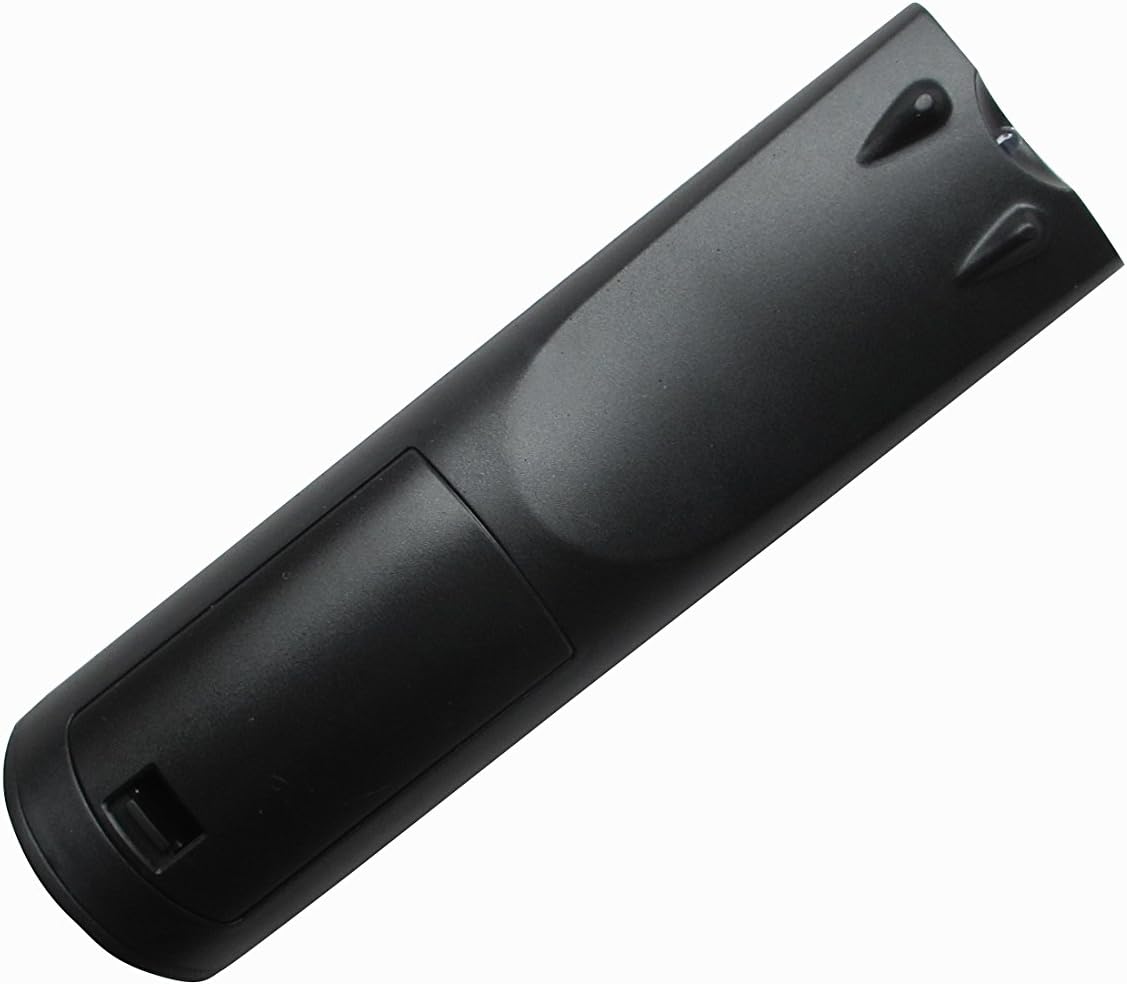
Image 2: Back of the remote control with the battery compartment securely closed after battery installation.
Once batteries are installed, the remote control is ready for immediate use. No additional programming or code entry is required.
3. Operation
3.1 Basic Functionality
The HCDZ replacement remote control operates using infrared (IR) technology. Ensure a clear line of sight between the remote's emitter and your Onkyo Integra A/V AV Receiver for optimal performance.
- Power On/Off: Use the 'POWER' button to turn your receiver on or off.
- Volume Control: Adjust the audio level using the 'VOL +' and 'VOL -' buttons.
- Input Selection: Select desired audio/video sources (e.g., CD, DVD, TV, AUX) using the dedicated input buttons.
- Navigation: Use the directional arrow buttons and 'ENTER' button for menu navigation on your receiver.

Image 3: Front view of the HCDZ remote control, displaying the layout of all control buttons for various functions.
4. Maintenance
To ensure the longevity and optimal performance of your remote control, follow these maintenance guidelines:
- Cleaning: Wipe the remote control regularly with a soft, dry cloth. Avoid using liquid cleaners or abrasive materials.
- Battery Replacement: Replace batteries promptly when the remote's performance degrades or if it stops responding. Remove batteries if the remote will not be used for an extended period to prevent leakage.
- Storage: Store the remote in a cool, dry place, away from direct sunlight, extreme temperatures, and high humidity.
- Avoid Drops: Protect the remote from physical impact, as drops can damage internal components.
5. Troubleshooting
5.1 Remote Not Responding
If your remote control is not functioning as expected, consider the following troubleshooting steps:
- Check Batteries: Ensure that the batteries are inserted correctly with the proper polarity (+/-). Replace old or depleted batteries with fresh AA batteries.
- Line of Sight: Verify that there is a clear, unobstructed path between the remote control and the infrared sensor on your A/V receiver. Obstacles can block the signal.
- Remote Emitter: Check if the remote's infrared emitter (usually a small LED at the front tip) is clean and not obstructed.
- Receiver Power: Ensure your Onkyo Integra A/V receiver is powered on and functioning correctly.
6. Specifications
- Model Number: HCDZ-9591
- Connectivity Technology: Infrared (IR)
- Power Source: 2 x AA Batteries (not included)
- Compatibility: Onkyo Integra A/V AV Receivers (RC-632M, RC-590M, RC-833M)
- Special Feature: Ergonomic design
7. Support
Should you encounter any issues or have questions regarding your HCDZ replacement remote control that are not addressed in this manual, please do not hesitate to contact our customer support. We are committed to providing assistance to ensure your satisfaction.
For support inquiries, please refer to the contact information provided by your retailer or on the HCDZ official website.


