Kimberly-Clark U7024

Kimberly-Clark Professional Aquarius Compact Fold Paper Towel Dispenser (Model U7024) User Manual

Product Overview

The Kimberly-Clark Professional Aquarius Compact Fold Paper Towel Dispenser (Model U7024) is engineered for efficient and hygienic hand drying in various environments, particularly smaller washrooms. This wall-mounted dispenser provides one-at-a-time towel dispensing, which helps to reduce waste and minimize the risk of cross-contamination.
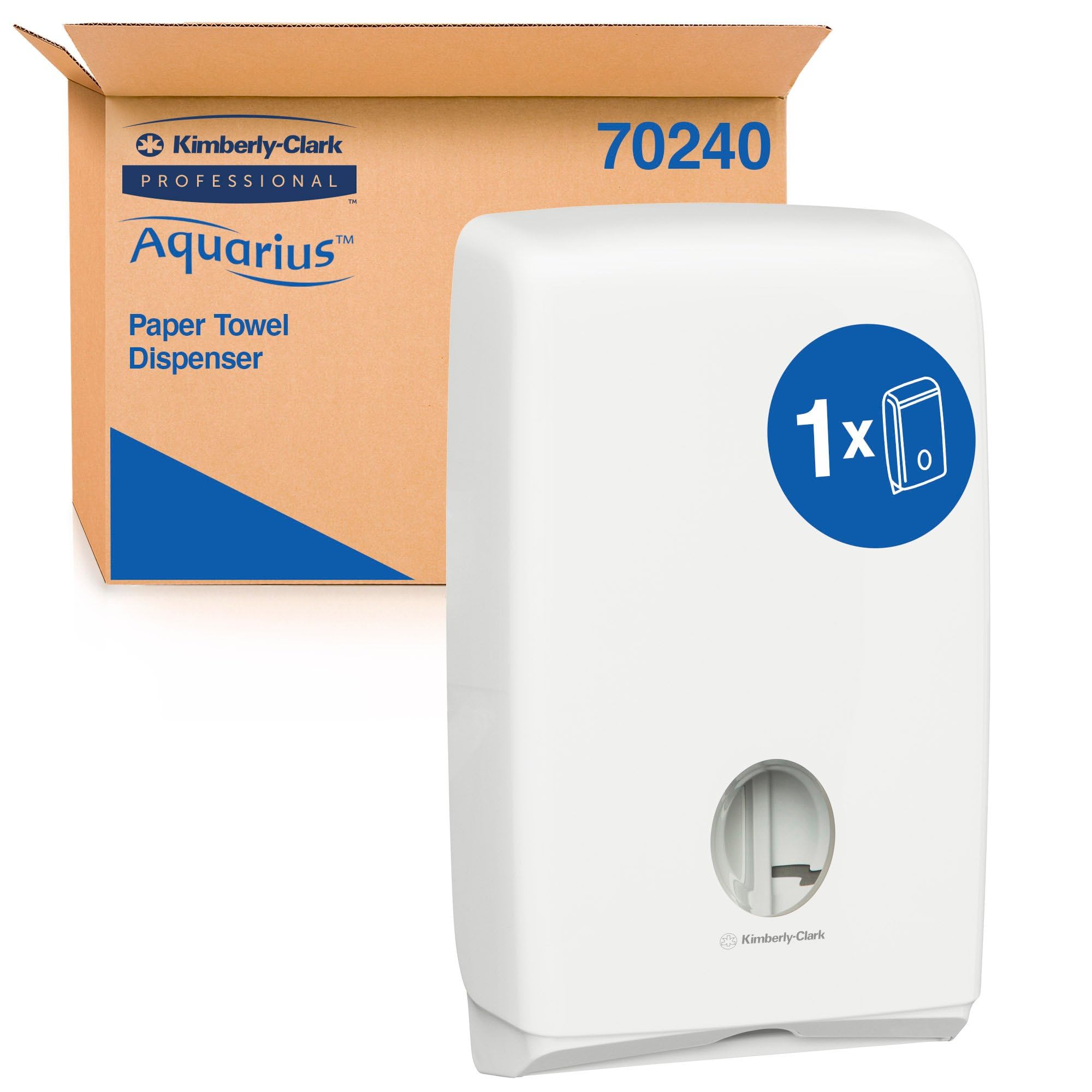
Kimberly-Clark Professional Aquarius Compact Fold Paper Towel Dispenser, front view.
A white, wall-mounted Kimberly-Clark Professional Aquarius Compact Fold Paper Towel Dispenser shown from the front, highlighting its sleek design and the dispensing slot.

Setup and Installation

Unpacking

Carefully remove the dispenser from its packaging. Verify that all components are present, including the 1x Aquarius Compact Hand Towel Dispenser unit.

Mounting Instructions

The dispenser is designed for secure wall mounting. Select an appropriate location, ensuring sufficient space for both operation and convenient refilling. Use suitable fasteners for your specific wall type (fasteners are not included with the dispenser).

Kimberly-Clark Professional Aquarius Compact Fold Paper Towel Dispenser mounted on a tiled wall.
The white Kimberly-Clark Professional Aquarius Compact Fold Paper Towel Dispenser securely mounted on a light-colored tiled wall, demonstrating its intended installation.

Dimensions: Refer to the specifications section for detailed product dimensions to ensure proper placement and clearance.

Diagram showing the height of the Kimberly-Clark Professional Aquarius Compact Fold Paper Towel Dispenser.
A diagram illustrating the height of the dispenser, indicating it is 15 inches (37 cm) tall, for installation planning.

Operation

Loading Paper Towels

To load paper towels, open the dispenser cover. Insert a stack of compatible C-fold paper towels into the designated compartment. Ensure the towels are correctly aligned for smooth dispensing. The integrated viewing window allows you to conveniently monitor current towel levels.
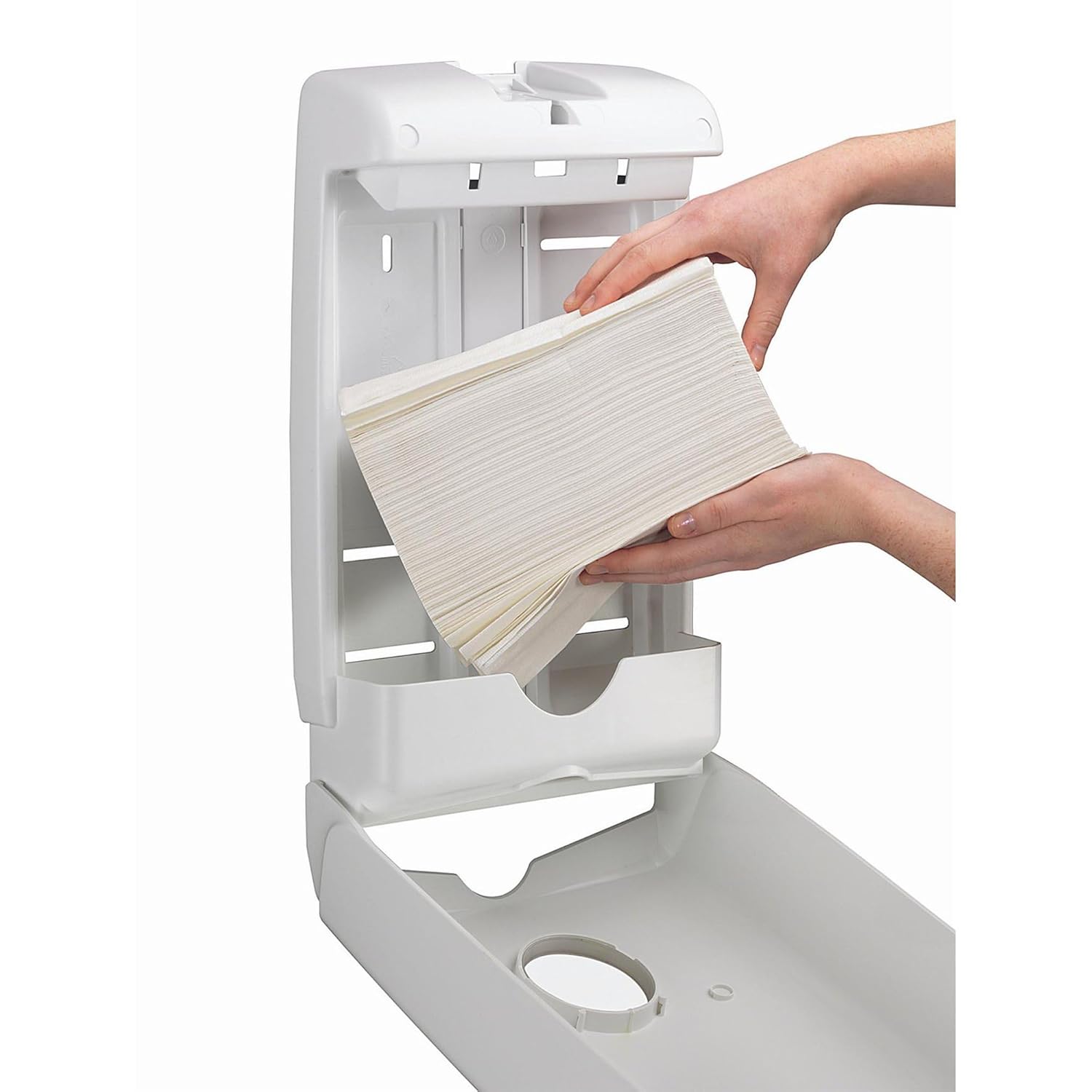
Hands refilling the Kimberly-Clark Professional Aquarius Compact Fold Paper Towel Dispenser with a stack of C-fold paper towels.
An open dispenser with hands placing a stack of C-fold paper towels into the internal compartment, showing the refilling process.

Dispensing

Pull a single paper towel from the bottom opening of the dispenser. The design facilitates one-at-a-time dispensing, which promotes hygiene and helps to reduce overall consumption.
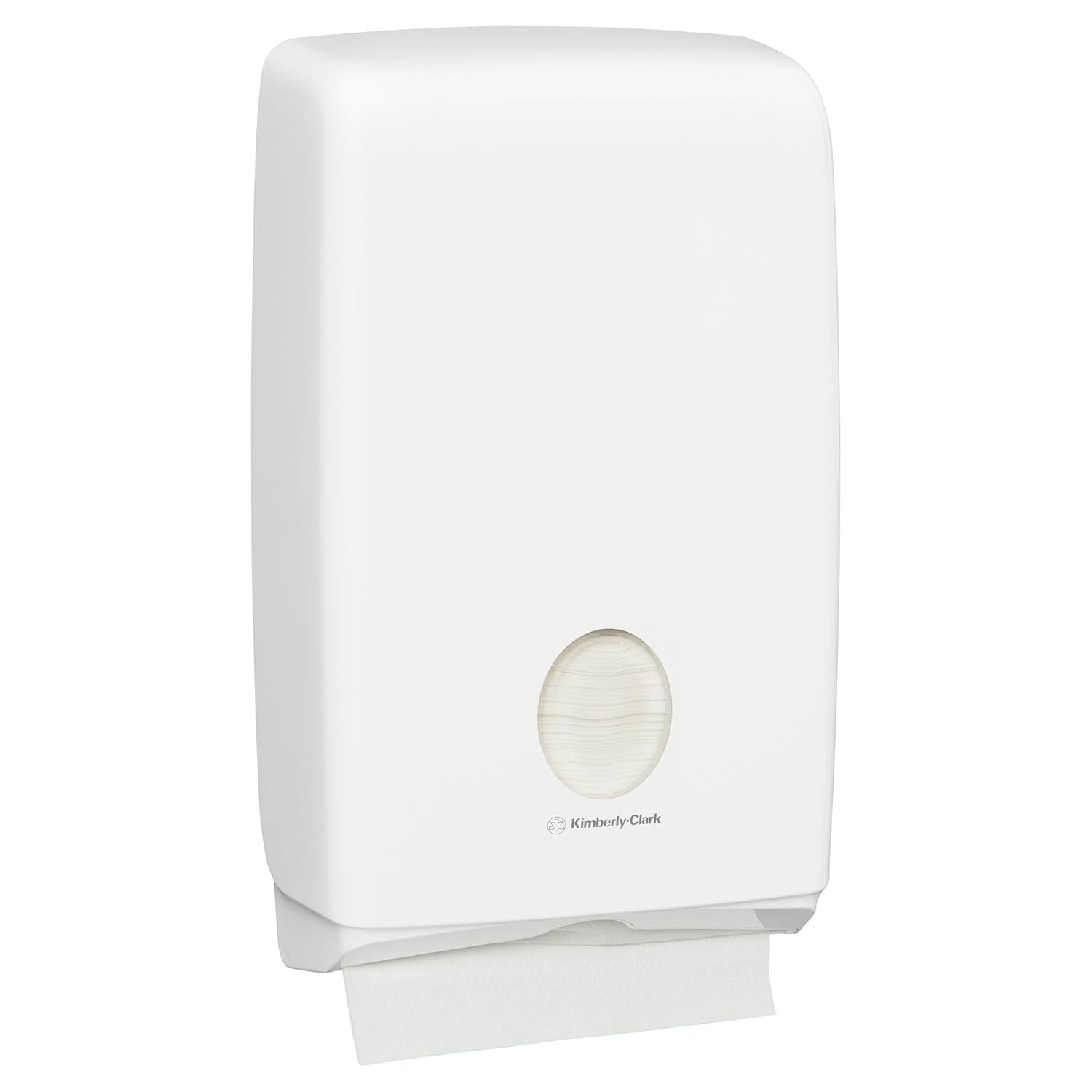
A single C-fold paper towel being pulled from the Kimberly-Clark Professional Aquarius Compact Fold Paper Towel Dispenser.
A close-up view of a hand pulling a single paper towel from the bottom of the dispenser, demonstrating the one-at-a-time dispensing feature.

Product Video

This video provides a visual guide to the Kimberly-Clark Professional Aquarius Compact Fold Paper Towel Dispenser, showcasing its compact design, hygienic one-at-a-time dispensing, and easy refilling process. It highlights how the viewing window allows for quick monitoring of towel levels.

Maintenance

Cleaning

The dispenser features a white, high-gloss, easy-clean finish. To clean, simply wipe the exterior with a soft, damp cloth and a mild detergent. Avoid using abrasive cleaners or solvents, as these can damage the surface finish.

Refilling

Monitor the paper towel level through the viewing window. When towels are low, open the dispenser cover and refill with a new stack of compatible C-fold paper towels. This quick and easy process helps to reduce maintenance time and ensures continuous availability.

Troubleshooting

Towel Dispensing Issues

  • Problem: Towels are not dispensing smoothly or are tearing.
  • Solution: Ensure that only compatible C-fold paper towels are used. Verify that the towels are correctly loaded and not jammed within the dispenser mechanism.
  • Problem: Difficulty finding compatible paper towels.
  • Solution: This dispenser is specifically designed for C-fold paper towels. For optimal performance and fit, it is recommended to use Kimberly-Clark Professional C-fold paper towels. While some users have reported compatibility with specific

    Related Documents - U7024

    Preview Kimberly-Clark Jumbo Twin Roll Toilet Paper Dispenser Installation and Loading Guide
    Provides comprehensive instructions for installing and loading the Kimberly-Clark Jumbo Twin Roll Toilet Paper Dispenser (Product Code 09551). Covers roll holder positioning, mounting dimensions, optional push-button lock conversion, and loading procedures, with considerations for ADA compliance.
    Preview Kimberly-Clark EHRTMODULE V1 Integration Manual
    Integration manual for the Kimberly-Clark EHRTMODULE V1 Bluetooth transceiver module, detailing its use in professional industrial radio applications and portable host devices, including compliance and RF exposure information.
    Preview WypAll WetTask Customizable Wet Wiping System: Instructions for Use and Safety
    Comprehensive instructions for setting up, using, and safely handling the WypAll WetTask Customizable Wet Wiping System by Kimberly-Clark. Includes warnings and warranty information.
    Preview Kimberly-Clark UKG Pro: My Time & Pay - First-Time Login Guide
    Step-by-step instructions for Kimberly-Clark employees to access the UKG Pro time reporting and pay system for the first time, from both K-C computers and personal devices.
    Preview My Time & Pay: A New Hire's Guide to Kimberly-Clark's UKG Pro Portal
    A comprehensive guide for new Kimberly-Clark hires on accessing and using the UKG Pro time reporting and pay system. Learn how to log in from K-C computers and personal devices, set up your account, and manage security authentication.
    Preview Kimberly-Clark تطلق شراكات عالمية لتعزيز الرعاية الأساسية للنساء والفتيات
    Kimberly-Clark Corporation تعلن عن أربع شراكات استراتيجية عالمية جديدة لتعزيز الرعاية الأساسية لـ 24 مليون امرأة وفتاة، مع التركيز على صحة الدورة الشهرية ورعاية الأم والرضع.

    Ask a question about this manual

    Ask about setup, troubleshooting, compatibility, parts, safety, or missing instructions. Manuals+ will review the question and use this page’s manual context to help answer it.