
1. Introduction and Product Overview
The Stelpro Pulsair ARWF2002W Electric Wall Fan Heater is designed to provide efficient and quiet heating for various indoor spaces such as bedrooms, offices, and bathrooms. This model delivers up to 2000W of heat when connected to a 240V circuit, or 1500W on a 208V circuit. It can also be configured for lower outputs (1000W/750W) during installation for smaller areas. The unit features a durable 20-gauge steel construction, a quiet fan, and an efficient nichrome heating element for rapid warmth.
Key Features:
- Power Output: 2000W (240V) / 1500W (208V), configurable to 1000W (240V) / 750W (208V).
- Airflow: Provides 75 CFM, heating up to 200 sq ft.
- Quiet Operation: Engineered with a low-noise fan, suitable for sound-sensitive environments.
- Durable Construction: Features a rugged 20-gauge steel cabinet and reinforced 18-gauge grille.
- Versatile Installation: Can be recessed or surface-mounted, and installed vertically or horizontally.
- External Thermostat Required: This model does not include a built-in thermostat and requires connection to an external wall thermostat (sold separately) for temperature control.

Image 1.1: Front view of the Stelpro Pulsair ARWF2002W Electric Wall Fan Heater, showcasing its white finish and grille design.
2. Important Safety Information
Please read and understand all instructions before installing or using this heater. Failure to follow these instructions may result in electric shock, fire, property damage, or personal injury.
- Electrical Connection: This unit requires a 240V or 208V hardwired electrical connection. Installation must be performed by a qualified electrician in accordance with all local and national electrical codes.
- Grounding: Ensure the heater is properly grounded to prevent electrical shock.
- Location: Do not install the heater near flammable materials, curtains, or furniture. Maintain adequate clearance around the heater as specified in the installation guide.
- Water Exposure: Do not install in areas where it may be exposed to water spray or splashes, unless specifically rated for such environments.
- Children and Pets: Keep children and pets away from the heater during operation.
- Maintenance: Disconnect power before performing any maintenance or cleaning.
- No Built-in Thermostat: This heater operates without a built-in thermostat. An external wall thermostat (sold separately) is required for temperature regulation.
3. Package Contents
Verify that all components are present before beginning installation:
- Stelpro Pulsair ARWF2002W Electric Wall Fan Heater Unit
- Installation and User Manual (this document)
- Mounting Hardware (screws, anchors, etc. - specific items may vary)
Note: An external wall thermostat is required for operation and is sold separately.
4. Installation (Setup)
Installation of the Stelpro Pulsair ARWF2002W heater should be performed by a qualified professional to ensure compliance with all electrical codes and safety standards.
4.1 Mounting Options
The heater offers versatile mounting options:
- Recessed Installation: The unit can be recessed into a wall as shallow as 2.5 inches.
- Surface-Mounted Installation: The unit can also be surface-mounted directly onto a wall.
- Orientation: The heater can be installed vertically or horizontally to best suit your space.

Image 4.1: Example of the Stelpro Pulsair heater installed vertically in a hallway.

Image 4.2: Example of the Stelpro Pulsair heater installed horizontally in an entryway.
4.2 Electrical Connection
The ARWF2002W model requires a 240V or 208V hardwired connection. It is crucial to ensure the power supply matches the heater's voltage requirements. This heater does not have a built-in thermostat and must be connected to an external wall thermostat (sold separately) for proper operation and temperature control. An electronic thermostat is recommended for precise temperature management.
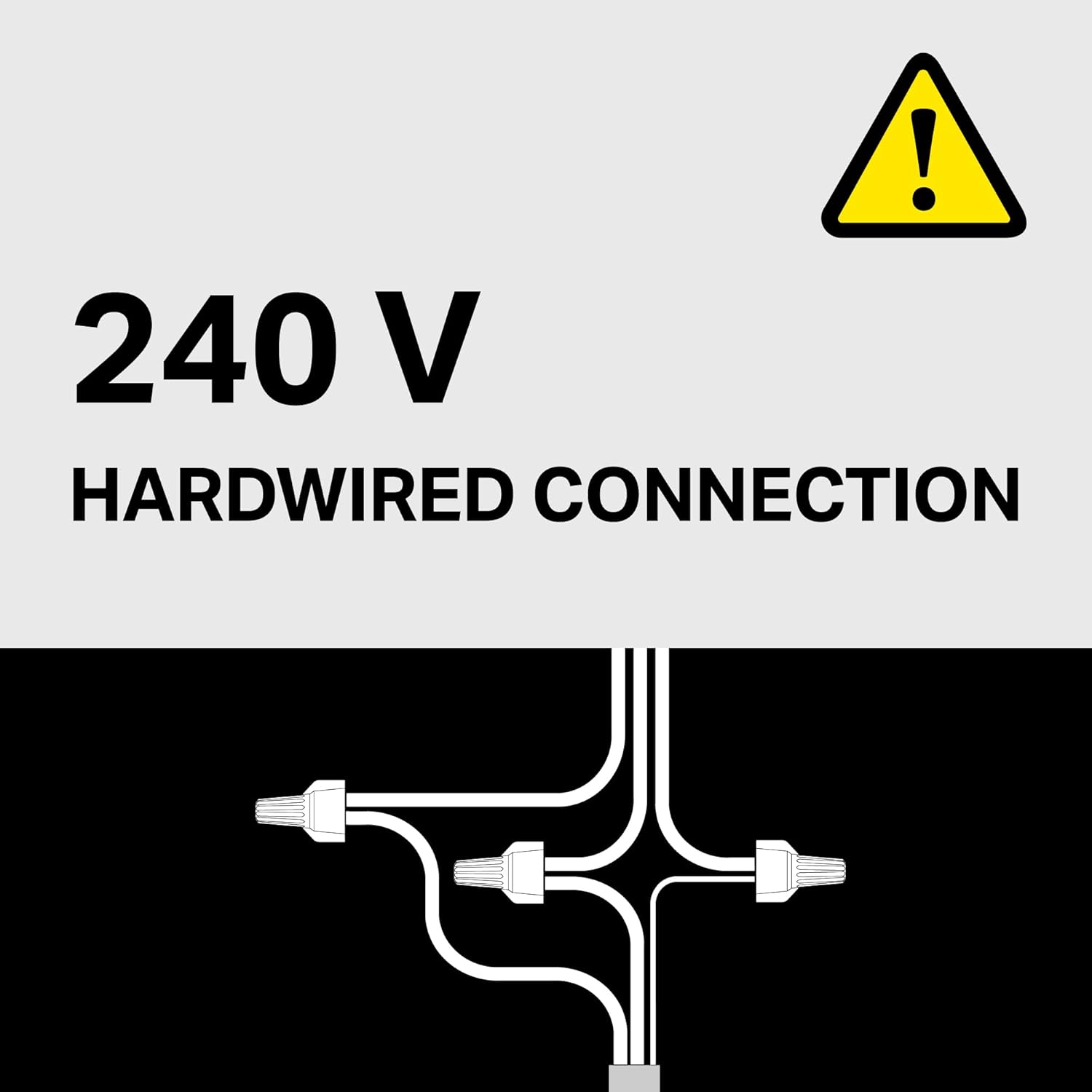
Image 4.3: Illustration of the 240V hardwired connection requirement for the heater.
Refer to the detailed wiring diagrams provided in the separate installation guide for specific electrical connection instructions.
4.3 Dimensions
The physical dimensions of the heater are important for planning installation:

Image 4.4: Dimensions of the Stelpro Pulsair heater, measuring approximately 17.13" H x 8.69" W x 3.2" D.
5. Operation
Since the Stelpro Pulsair ARWF2002W does not have a built-in thermostat, its operation is controlled entirely by the external wall thermostat connected during installation.
- Power On/Off: The heater will turn on and off based on the temperature settings of your external thermostat.
- Temperature Control: Adjust the desired room temperature using the controls on your external wall thermostat.
- Quiet Performance: The heater is designed for quiet operation, making it suitable for various living and working spaces.
For detailed instructions on setting and adjusting temperature, refer to the user manual of your external wall thermostat.
6. Maintenance
Regular maintenance ensures optimal performance and longevity of your Stelpro Pulsair heater. Always disconnect power to the heater at the circuit breaker before performing any maintenance.
6.1 Cleaning the Heater
- Exterior Cleaning: Wipe the exterior surfaces with a soft, damp cloth. Do not use abrasive cleaners, solvents, or chemical sprays, as these can damage the finish or internal components.
- Grille Cleaning: Carefully vacuum or brush away any dust or debris accumulated on the intake and exhaust grilles. Ensure airflow is not obstructed.
- Internal Cleaning: Internal cleaning should only be performed by a qualified service technician.
6.2 Inspection
Periodically inspect the heater for any signs of damage, loose connections, or unusual wear. If any issues are observed, discontinue use and contact a qualified technician for repair.
7. Troubleshooting
If you experience issues with your Stelpro Pulsair heater, consult the following troubleshooting guide. If the problem persists, contact customer support or a qualified electrician.
| Problem | Possible Cause | Solution |
|---|---|---|
| Heater does not turn on. |
|
|
| Heater produces insufficient heat. |
|
|
| Unusual noise during operation. |
|
|
8. Specifications
| Feature | Detail |
|---|---|
| Brand | Stelpro |
| Model Number | ARWF2002W |
| Power Output (240V) | 2000W (configurable to 1000W) |
| Power Output (208V) | 1500W (configurable to 750W) |
| Voltage | 240 Volts |
| Amperage | 8.33 Amps (at 240V) |
| Heating Coverage | Up to 200 sq feet |
| Product Dimensions (D x W x H) | 3.2"D x 8.69"W x 17.13"H |
| Item Weight | 6 pounds |
| Mounting Type | Wall Mount (Recessed or Surface) |
| Special Features | Ultra-Quiet, Nichrome Element, Fast Heating, Overheat Protection |
| Color | White |
| UPC | 626296113035 |
9. Warranty and Support
9.1 Warranty Information
The Stelpro Pulsair ARWF2002W Electric Wall Fan Heater is covered by a 5-year warranty on the unit and a 3-year warranty on electronic components. This warranty covers defects in material and workmanship under normal use and service.
Please retain your proof of purchase for warranty claims. For full warranty terms and conditions, refer to the documentation included with your product or visit the official Stelpro website.
9.2 Customer Support
For technical assistance, troubleshooting not covered in this manual, or warranty service, please contact Stelpro customer support. Contact information can typically be found on the manufacturer's website or on the product packaging.
When contacting support, please have your model number (ARWF2002W) and date of purchase readily available.


