1. Introduction
This manual provides essential information for the safe and efficient operation of your Jebao APP-5000 Pond & Waterfall Pump. The APP-5000 is a high-performance submersible pump designed for use in fish ponds, fountains, and waterfalls. It features an energy-efficient magnetic drive motor and is built for continuous duty operation. This pump is capable of handling particles up to 6mm in size.
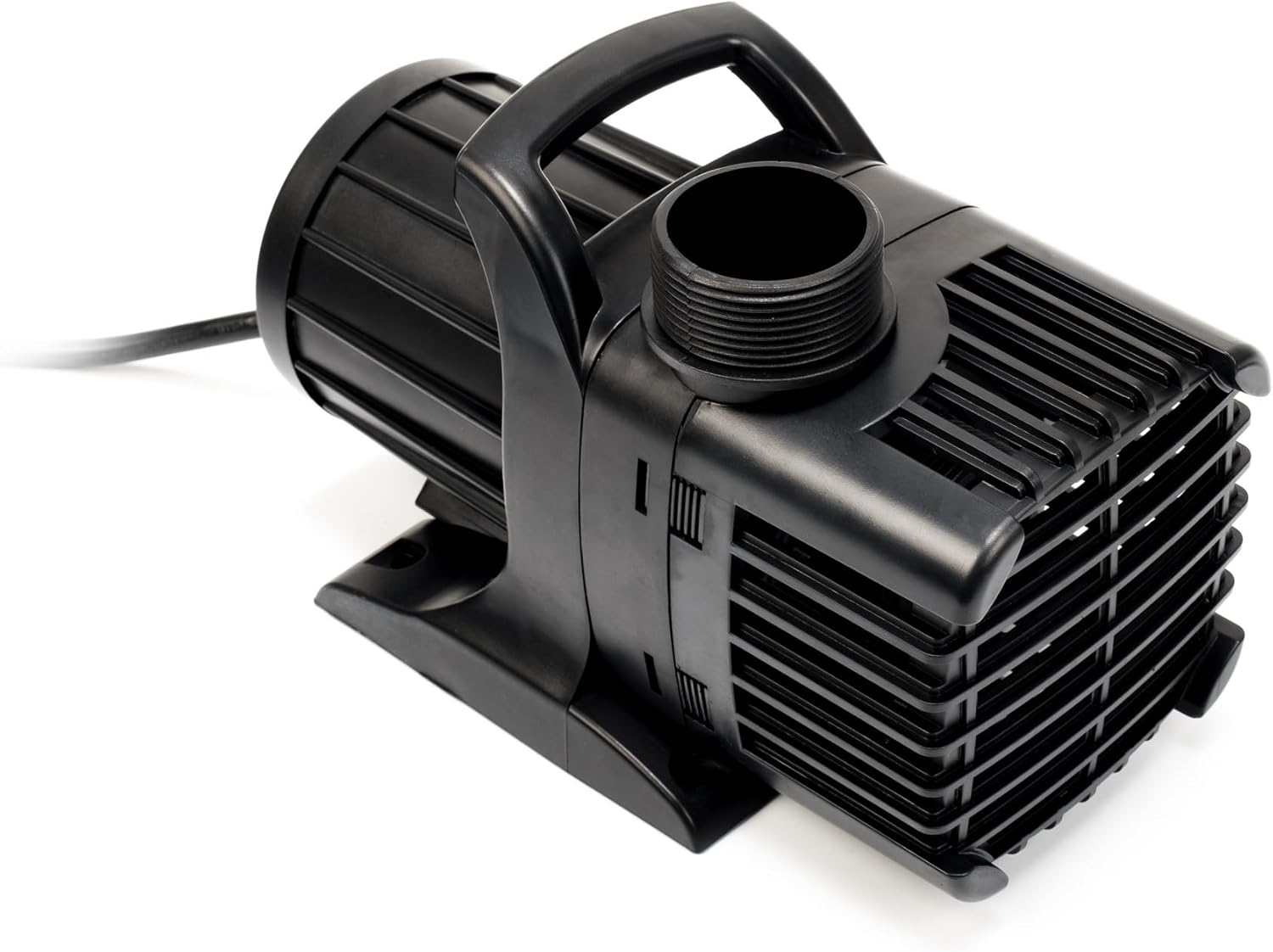
Figure 1: Overview of the Jebao APP-5000 Pond & Waterfall Pump. This image displays the pump's main body, handle, and outlet connection.
2. Safety Instructions
Read all instructions carefully before installation and operation. Failure to follow these instructions may result in electric shock, fire, or serious injury.
- Electrical Safety: Always disconnect the pump from the power supply before performing any maintenance or installation. Ensure the power outlet is a grounded, three-prong receptacle. Do not operate the pump if the power cord or plug is damaged. Do not remove the grounding prong.
- Submersible Use Only: This pump is designed for fully submersible operation in water. Do not operate the pump dry.
- Water Temperature: Do not use the pump in water exceeding 95°F (35°C).
- Placement: Ensure the pump is placed on a stable surface to prevent tipping.
- Children and Pets: Keep children and pets away from the pump and pond area during operation and maintenance.
- Chemicals: Avoid using the pump with flammable or corrosive liquids.
3. Package Contents
Verify that all components are present upon unpacking:
- Jebao APP-5000 Water Pump
- Hose Adapters (various sizes)
4. Setup Instructions
Follow these steps for proper installation of your pump:
- Choose Location: Place the pump in the deepest part of your pond or water feature, ensuring it is fully submerged and rests on a stable, level surface.
- Attach Hose Adapter: Select the appropriate hose adapter for your tubing size (1" ID to 2" ID flexible tubing is supported). Thread the chosen adapter onto the pump's outlet.

Figure 2: Pump outlet with threaded connection. This image shows the pump's threaded discharge port where hose adapters are attached.
- Connect Tubing: Securely attach your pond or waterfall tubing to the hose adapter. Use a hose clamp (not included) for a watertight seal.
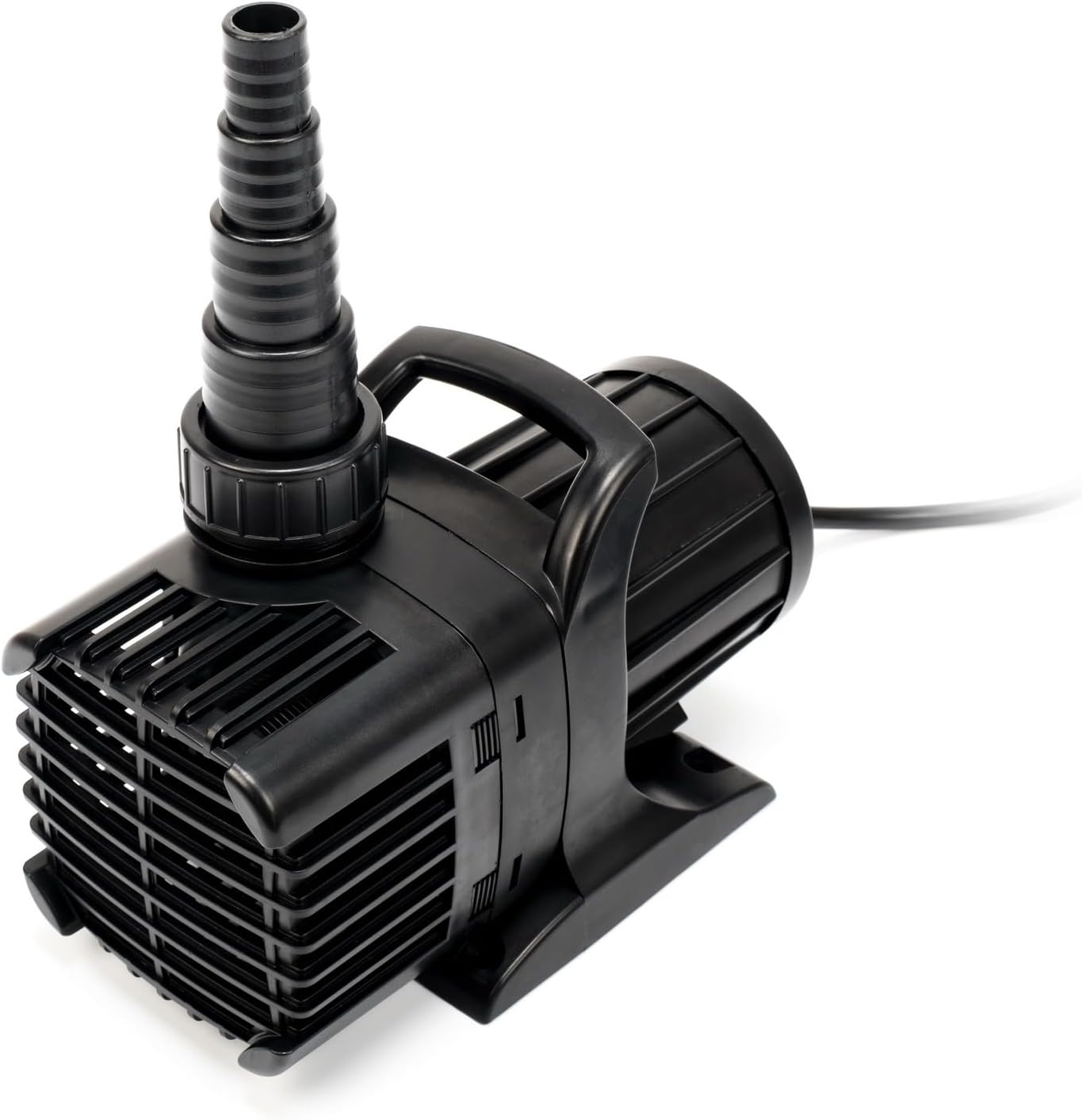
Figure 3: Pump with a barb hose adapter installed. This image illustrates how a flexible hose can be connected to the pump's outlet.
- Route Power Cord: Carefully route the 28-foot power cord to a grounded electrical outlet, ensuring it is protected from damage and not a tripping hazard.
- Connect to Power: Once the pump is fully submerged and all connections are secure, plug the 3-prong US plug into a suitable electrical outlet.
5. Operating Instructions
The Jebao APP-5000 pump is designed for continuous duty operation. Once properly installed and connected to power, the pump will begin to circulate water. It is important to ensure the pump remains fully submerged during operation to prevent overheating and damage.
- Continuous Operation: This pump is built to run continuously.
- Particle Handling: The pump can effectively pass soft solids and debris up to 6mm in size, reducing the frequency of clogs.
- Fish Safety: The pump's design is fish-safe as it does not use oil for lubrication.
6. Maintenance
Regular maintenance ensures optimal performance and extends the lifespan of your pump.
- Disconnect Power: Always unplug the pump from the power source before any maintenance.
- Clean Intake Screen: Periodically inspect and clean the pump's intake screen to remove debris such as leaves, algae, or sediment. A clogged intake screen can reduce flow and strain the motor.

Figure 4: Pump intake screen. This image highlights the area where water enters the pump, which should be kept clear of debris.
- Impeller Cleaning: If flow significantly decreases after cleaning the intake screen, the impeller may be obstructed. Disassemble the pump housing (refer to manufacturer's diagrams if available) and carefully clean the impeller and its chamber.
- Winterization: In freezing climates, remove the pump from the pond before temperatures drop below freezing. Clean the pump thoroughly and store it in a frost-free location, submerged in a bucket of water if possible, to keep seals moist.
7. Troubleshooting
Refer to this section for common issues and their resolutions.
| Problem | Possible Cause | Solution |
|---|---|---|
| Pump does not start | No power; tripped circuit breaker; damaged cord/plug; seized impeller | Check power connection and outlet; reset breaker; inspect cord; clean impeller chamber. |
| Reduced water flow | Clogged intake screen; obstructed impeller; kinked tubing; insufficient water level | Clean intake screen; clean impeller; check tubing for kinks; ensure pump is fully submerged. |
| Pump runs but no water flows | Airlock; completely blocked impeller/outlet | Ensure pump is fully submerged and free of air pockets; thoroughly clean impeller and outlet. |
| Excessive noise/vibration | Debris in impeller; pump not stable | Clean impeller; ensure pump is on a flat, stable surface. |
8. Specifications
Technical details for the Jebao APP-5000 pump:
- Model: APP-5000
- Flow Rate: 5200 GPH (Gallons Per Hour)
- Maximum Head: 21.3 Feet
- Power Source: AC 110V
- Current: 2.45A
- Inlet/Outlet: 2" MPT (Male Pipe Thread)
- Hose Fitting Compatibility: 1" ID to 2" ID Flexible Tubing
- Dimensions (L x W x H): 10.5" x 5" x 6"
- Item Weight: 10 Pounds
- Power Cord Length: 28 feet
- Certification: UL Listed
- Material: Plastic

Figure 5: Dimensions of the Jebao APP-5000 pump. This image provides a visual representation of the pump's length, width, and height measurements.
9. Warranty and Support
For warranty information and customer support, please contact your retailer or the manufacturer directly. It is recommended to retain your proof of purchase for any warranty claims.


