
1. Overview
The Hot Wheels BHT77 Car and Track Pack is designed to expand your Hot Wheels track system, allowing for the creation of extended and customized race courses. This pack includes straight track pieces and connectors, along with one Hot Wheels vehicle, providing a foundation for imaginative play and track building.
This set is compatible with other Hot Wheels Track Builder sets (sold separately), enabling the construction of larger and more complex layouts for stunting and racing.

Image: The Hot Wheels BHT77 Car and Track Pack in its retail packaging, displaying the included car and track sections.
2. What's in the Box
Carefully unpack all components and verify that all items listed below are present. If any parts are missing or damaged, please contact customer support.
- 1 Hot Wheels Car
- 18 Track Connectors (blue)
- 12 pieces of 9-inch Track (orange)
- 6 pieces of 12-inch Track (orange)
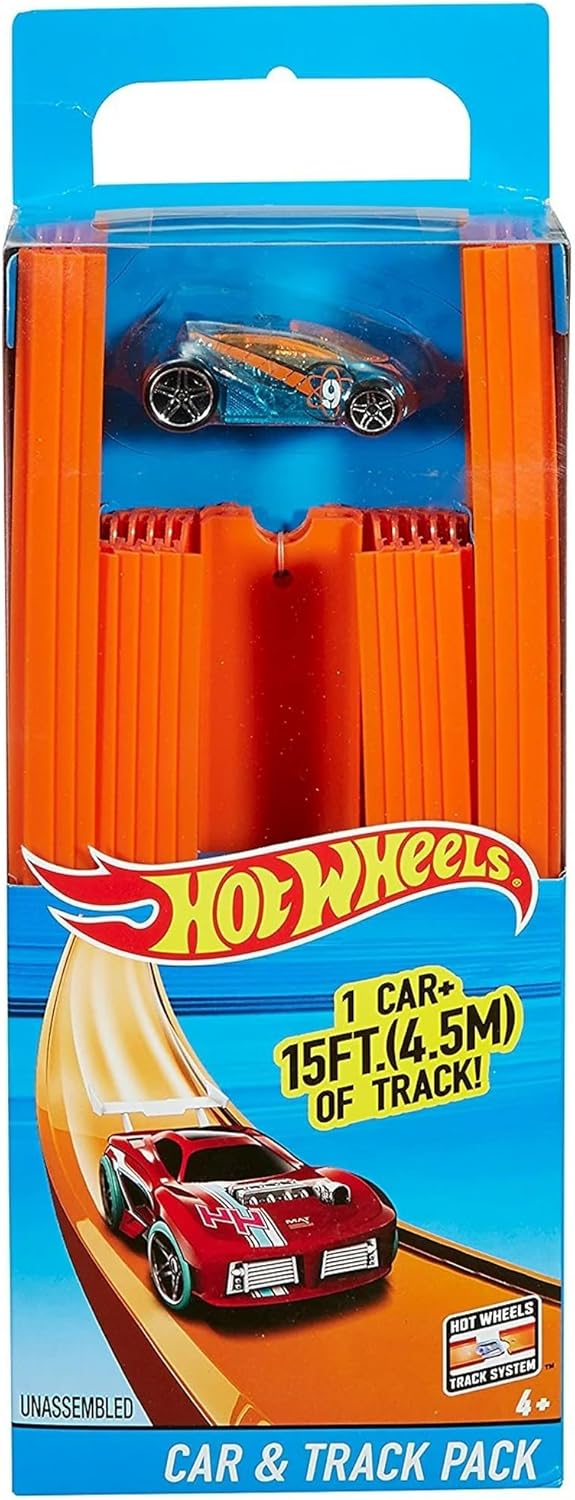
Image: All components of the Hot Wheels BHT77 Car and Track Pack, including the car, various lengths of orange track, and blue connectors, laid out on a surface.
3. Setup Instructions
The Hot Wheels BHT77 Car and Track Pack is designed for easy assembly. Follow these steps to connect your track pieces:
- Identify Track Pieces and Connectors: Separate the orange track pieces from the blue connectors. Note that track pieces have small holes at each end, and connectors have pegs that fit into these holes.
- Align Track Pieces: Take two track pieces and align their ends. Ensure the track channels are facing upwards.
- Insert Connector: Take a blue connector. Align the pegs on the connector with the holes on the ends of the two track pieces.
- Secure Connection: Gently push the connector into the holes until it is firmly seated. The track pieces should now be securely joined.
- Extend Your Track: Repeat steps 2-4 to connect additional track pieces, creating your desired track layout. You can combine 9-inch and 12-inch pieces to vary track length.
- Integrate with Other Sets: This track pack is designed to connect with other Hot Wheels Track Builder sets. Use the connectors to seamlessly extend existing layouts.

Image: A close-up view demonstrating how two orange track pieces are joined together using a blue connector.
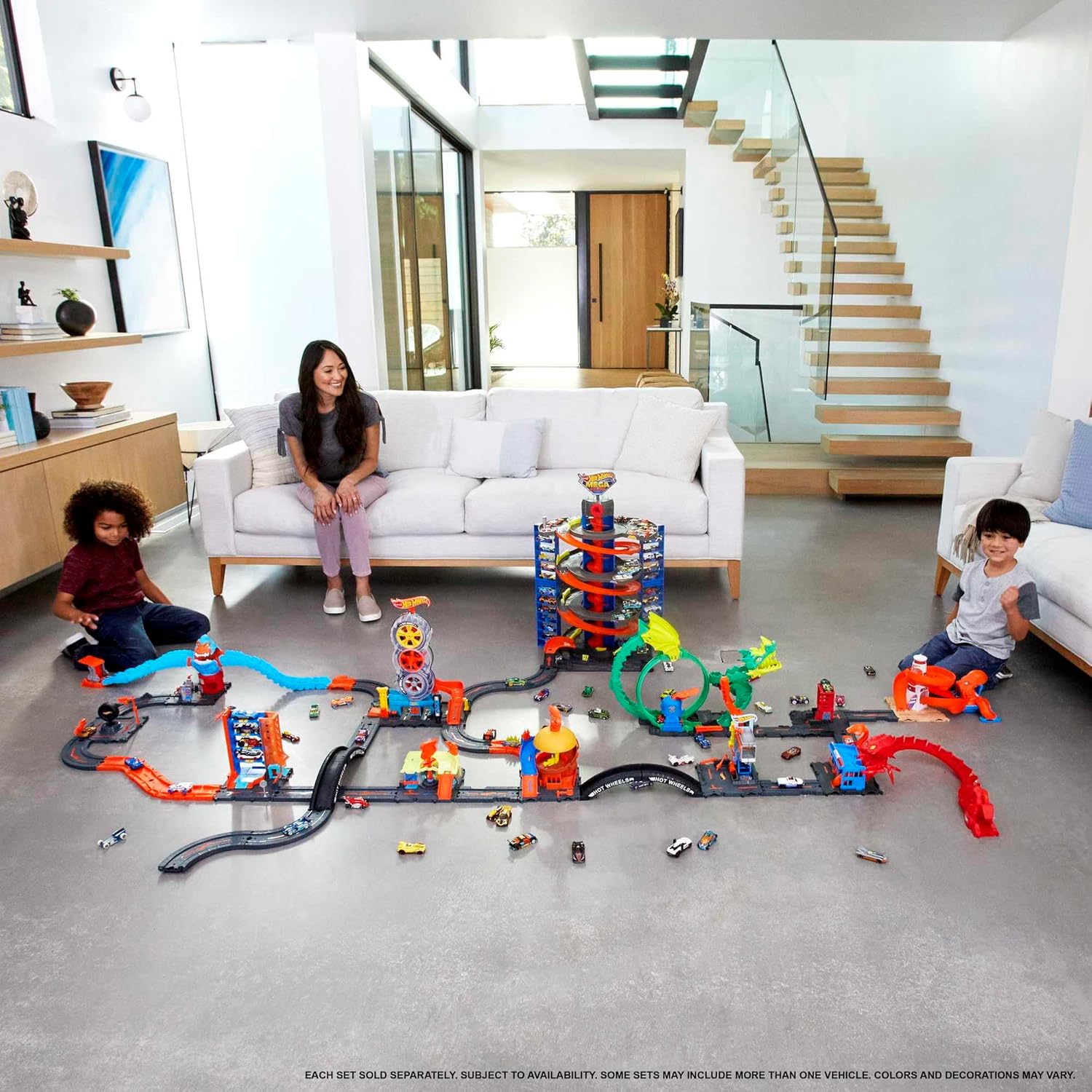
Image: An expansive Hot Wheels track setup showcasing how various track pieces and sets can be combined to create a large racing environment.
4. Operating Instructions
Once your track is assembled, you are ready to race your Hot Wheels car.
- Place Car on Track: Position the included Hot Wheels car onto the track, ensuring its wheels are properly aligned within the track's grooves.
- Initiate Movement: For manual operation, gently push the car to start its movement along the track. The track is designed to utilize gravity and momentum for racing.
- Observe Car Performance: Watch as the car travels along the track. Experiment with different starting points or track configurations to observe variations in speed and trajectory.
- Combine with Track Builder Accessories: For enhanced play, integrate this track pack with other Hot Wheels Track Builder accessories such as launchers, loops, or jumps (sold separately) to create dynamic racing challenges.
This product operates manually and does not require batteries.
5. Maintenance
Proper care will ensure the longevity of your Hot Wheels BHT77 Car and Track Pack.
- Cleaning: Wipe track pieces and the car with a soft, damp cloth to remove dust and dirt. Avoid using harsh chemicals or abrasive cleaners.
- Storage: When not in use, store the track pieces and car in a clean, dry place away from direct sunlight and extreme temperatures. Disassembling the track for storage can prevent damage.
- Inspection: Periodically inspect track pieces and connectors for any signs of wear, cracks, or damage. Replace any damaged components to ensure safe and optimal performance.
6. Troubleshooting
If you encounter issues with your Hot Wheels BHT77 Car and Track Pack, refer to the following common solutions:
| Problem | Possible Cause | Solution |
|---|---|---|
| Car stops or slows down on track. | Loose track connection, debris on track, insufficient incline. | Ensure all track connectors are firmly seated. Clean the track surface. Adjust the track layout to include steeper inclines if gravity is the primary propulsion. |
| Track pieces do not connect securely. | Connector not aligned correctly, connector or track piece damaged. | Verify that the connector pegs are aligned with the track holes. Apply gentle, even pressure. Inspect connectors and track ends for damage; replace if necessary. |
| Car derails frequently. | Uneven track surface, sharp turns without support, damaged car wheels. | Ensure the track is laid on a flat, stable surface. Add support to elevated or curved sections. Inspect car wheels for damage or misalignment. |
7. Specifications
- Brand: Hot Wheels
- Model Name: Track Builder Straight Track with Car
- Model Number: BHT77
- Included Components: 1 Hot Wheels car, 18 track connectors, 12 pieces of 9-inch track, 6 pieces of 12-inch track
- Number of Items: 3 (referring to main components: car, connectors, track pieces)
- Material Type: Metal, Plastic
- Power Source: Manual/Mechanical
- Operation Mode: Manual
- Scale: 1:64 Scale
- Item Weight: 1.1 Pounds
- Item Dimensions: 12 x 5 x 2 inches (packaging dimensions)
- Age Range: 4+ years (Manufacturer Minimum Age: 36 months)
- Assembly Required: No (referring to the overall product, individual track pieces require connection)
- Indoor/Outdoor Usage: Indoor
8. Warranty & Support
For warranty information or customer support regarding your Hot Wheels BHT77 Car and Track Pack, please refer to the official Hot Wheels website or contact their customer service department directly. Specific warranty details are typically provided with the product packaging or on the manufacturer's official channels.
Manufacturer: Hot Wheels
For further assistance, please visit the Hot Wheels Official Website.


