
1. Introduction
Welcome to the BLU Studio X8 HD user manual. This guide provides essential information for setting up, operating, maintaining, and troubleshooting your new BLU Studio X8 HD smartphone. Designed for optimal performance and user experience, this device features a 5.0-inch HD display, a 1.4 GHz octa-core processor, and dual SIM capabilities.

Image: BLU Studio X8 HD smartphone in use, showcasing its display.
2. What's in the Box
Upon opening your BLU Studio X8 HD package, please ensure all the following items are present:
- BLU Studio X8 HD Device
- Battery
- Screen Protector
- USB Cable
- Charger
- Earbuds
- Quick Guide

Image: All components included in the BLU Studio X8 HD retail package.
3. Setup
3.1 Installing the SIM Card and Battery
- Carefully remove the back cover of the phone.
- Insert your Nano SIM card(s) into the designated SIM card slot(s). The BLU Studio X8 HD supports dual SIM cards. Ensure the gold contacts face downwards.
- Insert the battery into its compartment, aligning the gold contacts.
- Replace the back cover, ensuring it clicks securely into place.
3.2 Initial Power On
Press and hold the Power button located on the side of the device until the BLU logo appears. Follow the on-screen prompts to complete the initial setup, including language selection, Wi-Fi connection, and Google account setup.
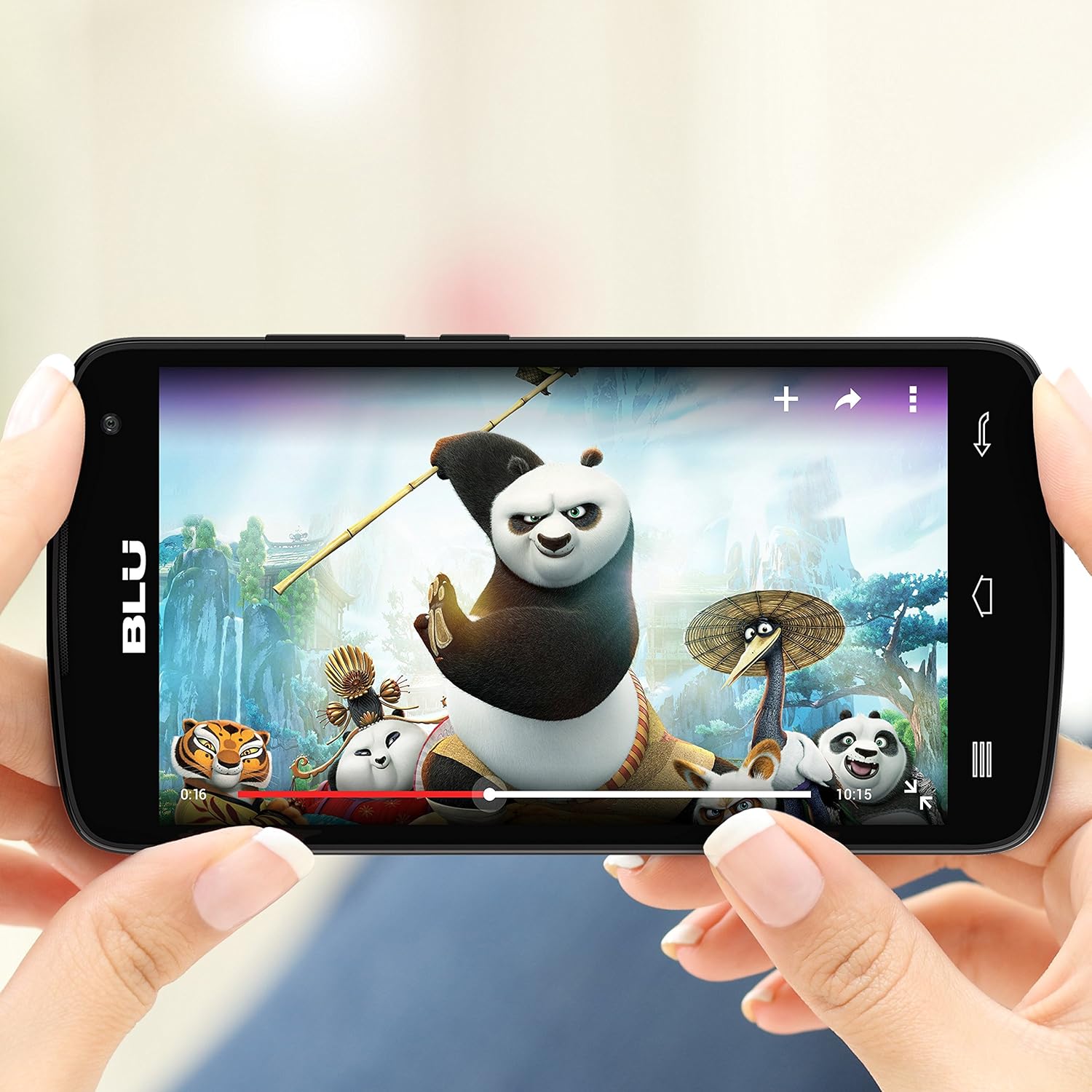
Image: Multiple views of the BLU Studio X8 HD, illustrating its design and physical features.
4. Operating Your Device
4.1 Basic Navigation
Your BLU Studio X8 HD runs on Android 4.4 Kit Kat. Navigate the interface using touch gestures:
- Tap: Select items or activate functions.
- Swipe: Scroll through screens or lists.
- Pinch: Zoom in or out on photos and web pages.
4.2 Dual SIM Functionality
The dual SIM feature allows you to use two different phone numbers or carriers simultaneously. This is beneficial for managing personal and business calls, or for international travel to avoid roaming charges by using a local SIM card.

Image: The BLU Studio X8 HD home screen, showing the Android interface.
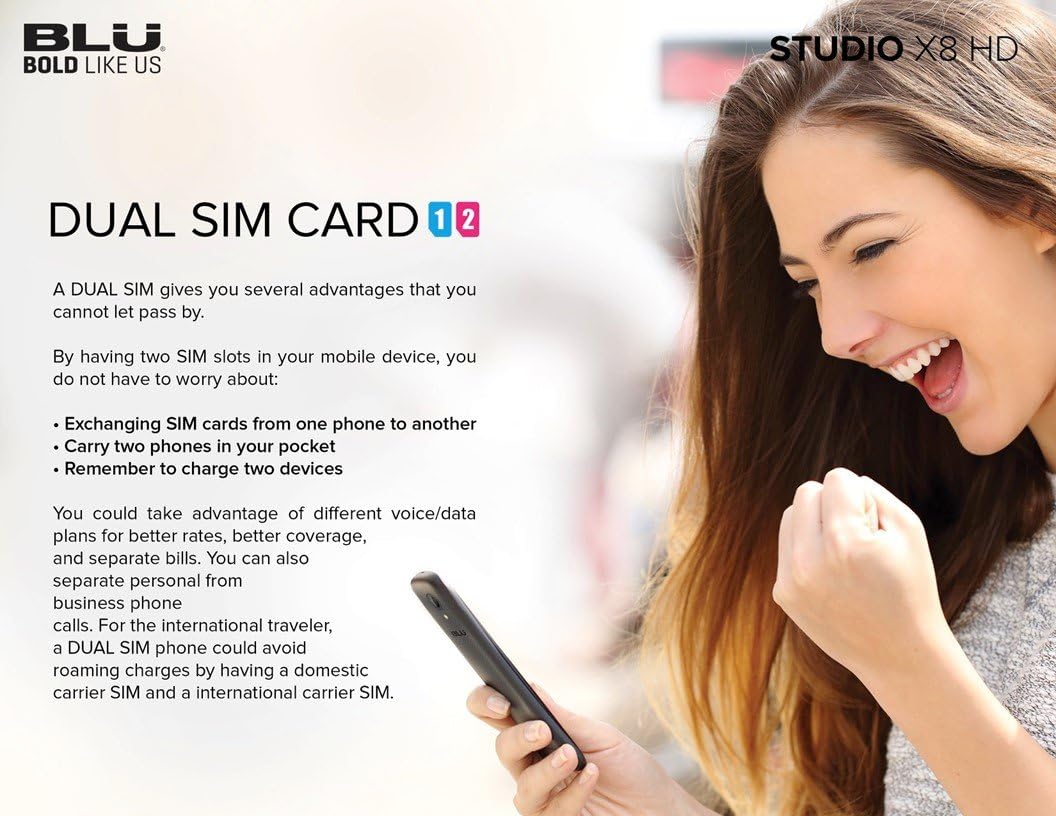
Image: Visual explanation of the Dual SIM card feature and its advantages.
5. Maintenance
To ensure the longevity and optimal performance of your BLU Studio X8 HD, follow these maintenance guidelines:
- Screen Care: Use the provided screen protector and a soft, lint-free cloth to clean the display. Avoid harsh chemicals.
- Battery Life: To maximize battery life, avoid extreme temperatures and fully charge the device before first use.
- Software Updates: Keep your device's software updated to ensure the latest features and security patches.
- Storage Management: Regularly clear unnecessary files and apps to maintain optimal performance. The device supports Micro SD cards up to 64GB for expanded storage.
6. Troubleshooting
If you encounter issues with your BLU Studio X8 HD, consider the following common solutions:
- Device Not Responding: Press and hold the Power button for 10-15 seconds to force a restart.
- Network Connectivity Issues: Check your SIM card installation, ensure mobile data is enabled, or try restarting the device. Verify your carrier supports 2G GSM networks.
- Performance Slowdown: Close unused applications, clear cache, or consider a factory reset if issues persist.
6.1 Performing a Factory Reset
A factory reset will erase all data from your phone's internal storage, including your Google account, system and app data, music, photos, and other user data. Back up important information before proceeding.
Video: Instructions on how to perform a factory reset on the BLU Studio X8 HD smartphone.
7. Specifications
Detailed technical specifications for the BLU Studio X8 HD:
| Feature | Specification |
|---|---|
| Brand | BLU |
| Model Name | Studio X8 HD |
| Operating System | Android 4.4 Kit Kat |
| Processor | MeditaTek 1.4 GHz Octa-core |
| GPU | ARM Mali 450 |
| RAM Memory | 512MB |
| Internal Storage | 4 GB (expandable up to 64GB via Micro SD) |
| Screen Size | 5.0 Inches |
| Display Resolution | 720 x 1280 HD IPS |
| Main Camera | 5 MP with Auto Focus and Flash |
| Front Camera | 5 MP |
| Video Capture Resolution | 1080p @ 30fps |
| Wireless Carrier | Unlocked |
| Cellular Technology | GSM Quad band 2G (850/900/1800/1900) |
| SIM Card Slot Count | Dual SIM |
| Battery Capacity | 2000 mAh |
| Item Weight | 0.5 Pounds |
| Item Dimensions | 5.7 x 0.3 x 2.8 inches |

Image: BLU Studio X8 HD with its key specifications highlighted.
8. Warranty and Support
For warranty information and customer support, please refer to the official BLU website or contact their customer service directly. Keep your purchase receipt as proof of purchase for any warranty claims.


