
Singing Machine SML605W
Singing Machine SML605W Agua Dancing Water Fountain Karaoke System User Manual
Model: SML605W
Introduction
Welcome to the user manual for your new Singing Machine SML605W Agua Dancing Water Fountain Karaoke System. This system is designed to provide an engaging and fun karaoke experience with its unique dancing water fountain and multi-colored LED lights that synchronize to your music. Please read this manual thoroughly to understand all features and ensure proper operation and maintenance of your device.
Safety Information
To ensure safe operation and prevent damage, please observe the following precautions:
- Power Source: Use only the specified power adapter. Ensure the voltage matches your local power supply.
- Water and Moisture: Do not expose the unit to rain, moisture, or excessive humidity. Keep liquids away from the unit, especially the electronic components. The water fountain feature is self-contained; do not add external water beyond the designated reservoir.
- Ventilation: Do not block any ventilation openings. Ensure adequate space around the unit for proper airflow.
- Cleaning: Unplug the unit before cleaning. Use a soft, dry cloth. Do not use liquid cleaners or aerosol cleaners.
- Servicing: Do not attempt to service this product yourself. Refer all servicing to qualified service personnel.
- Placement: Place the unit on a stable, flat surface. Avoid placing it near heat sources or in direct sunlight.
- Children: This product is not a toy. Adult supervision is recommended when children are using the system.
Package Contents
Please check that all items listed below are included in your package:
- Singing Machine SML605W Karaoke System
- Microphone
- User Manual (this document)
- AC Power Adapter
- RCA Cables (for TV connection)
Product Overview
Familiarize yourself with the various parts and controls of your karaoke system.

Image: Front view of the Singing Machine SML605W Karaoke System. The unit is white with clear side panels for the water fountain effect. A microphone is connected at the bottom front. The main speaker is centrally located with multi-colored LED lights around it.
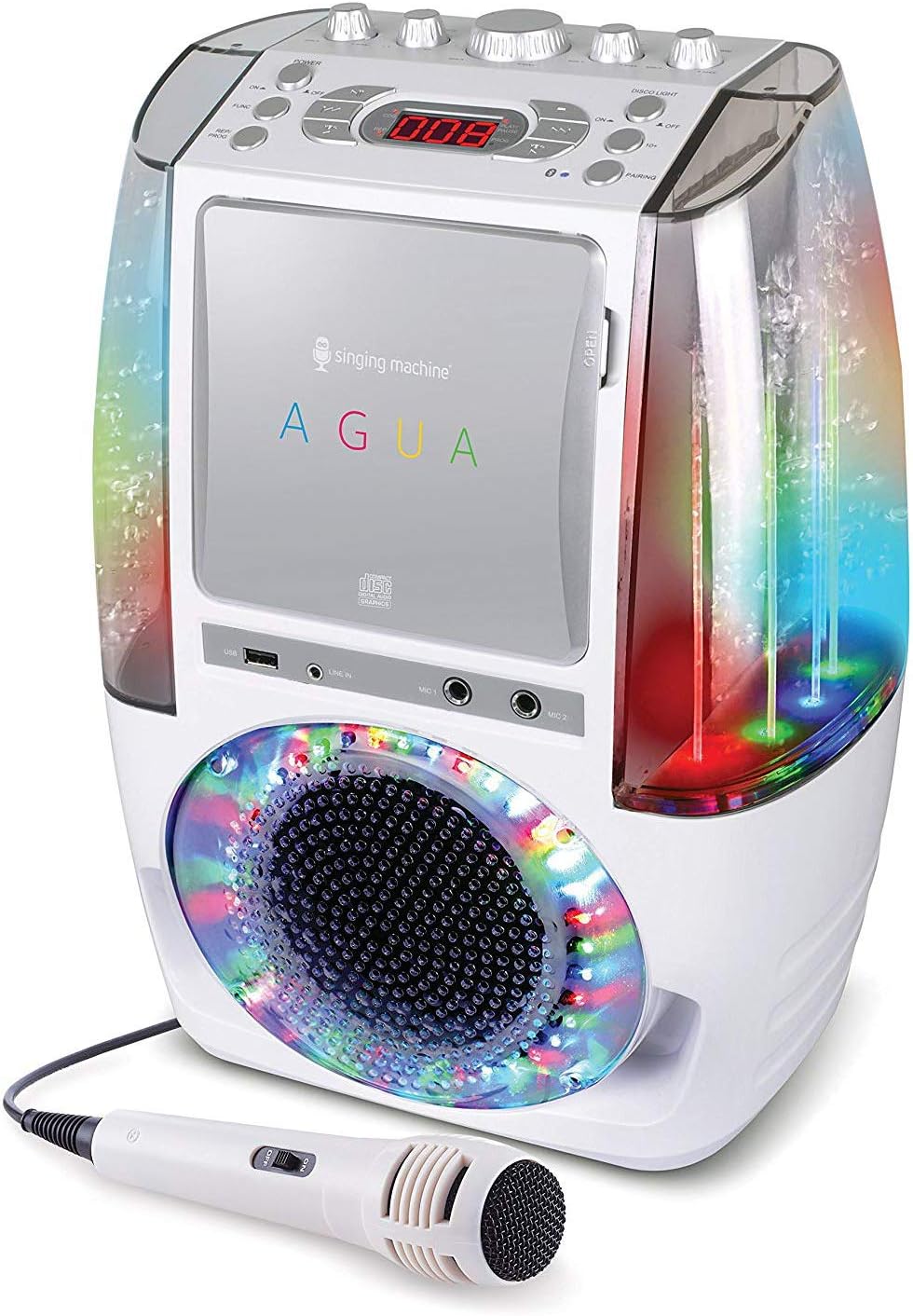
Image: Angled view of the Singing Machine SML605W, highlighting the water fountain effect within the clear side panels. The water jets are illuminated by internal LEDs.
Front Panel Controls and Ports:
- CD+G Player: Located at the top front, for inserting karaoke discs.
- LED Display: 3-Digit display for track numbers or modes.
- USB Port: For playing MP3+G files from a USB drive.
- LINE IN Jack: For connecting external audio devices.
- MIC 1 & MIC 2 Jacks: For connecting microphones.
- Master Volume Control: Adjusts overall sound output.
- Microphone Volume Control: Adjusts microphone input volume.
- Echo Control: Adds echo effect to vocals.
- Balance Control: Adjusts balance between vocal and music on CD+G tracks.
- Auto Voice Control (AVC): Automatically mutes the main vocal on multiplex CD+G tracks when you sing.
- LED Disco Lights Button: Toggles the multi-colored LED lights.
- Dancing Water Fountain Button: Activates/deactivates the water fountain effect.
- Tablet Cradle: Integrated slot on top for resting a tablet or smartphone.
Setup
Follow these steps to set up your karaoke system for the first time.
- Unpacking: Carefully remove all components from the packaging. Retain packaging for future storage or transport.
- Power Connection: Connect the AC power adapter to the DC IN jack on the back of the unit, then plug the adapter into a standard wall outlet.
- Microphone Connection: Plug the included microphone into the MIC 1 jack on the front of the unit. If using a second microphone (not included), plug it into the MIC 2 jack.
- Connecting to a TV (Optional):

Image: A diagram illustrating how to connect the karaoke system to a TV using RCA cables (red, white, yellow). The yellow cable is for video, and the red/white cables are for audio.
To display lyrics from CD+G discs on your TV, connect RCA cables from the AUDIO OUT (red/white) and VIDEO OUT (yellow) jacks on the back of the karaoke system to the corresponding AUDIO IN and VIDEO IN jacks on your television. Select the correct input source on your TV.
- Tablet Placement (Optional):
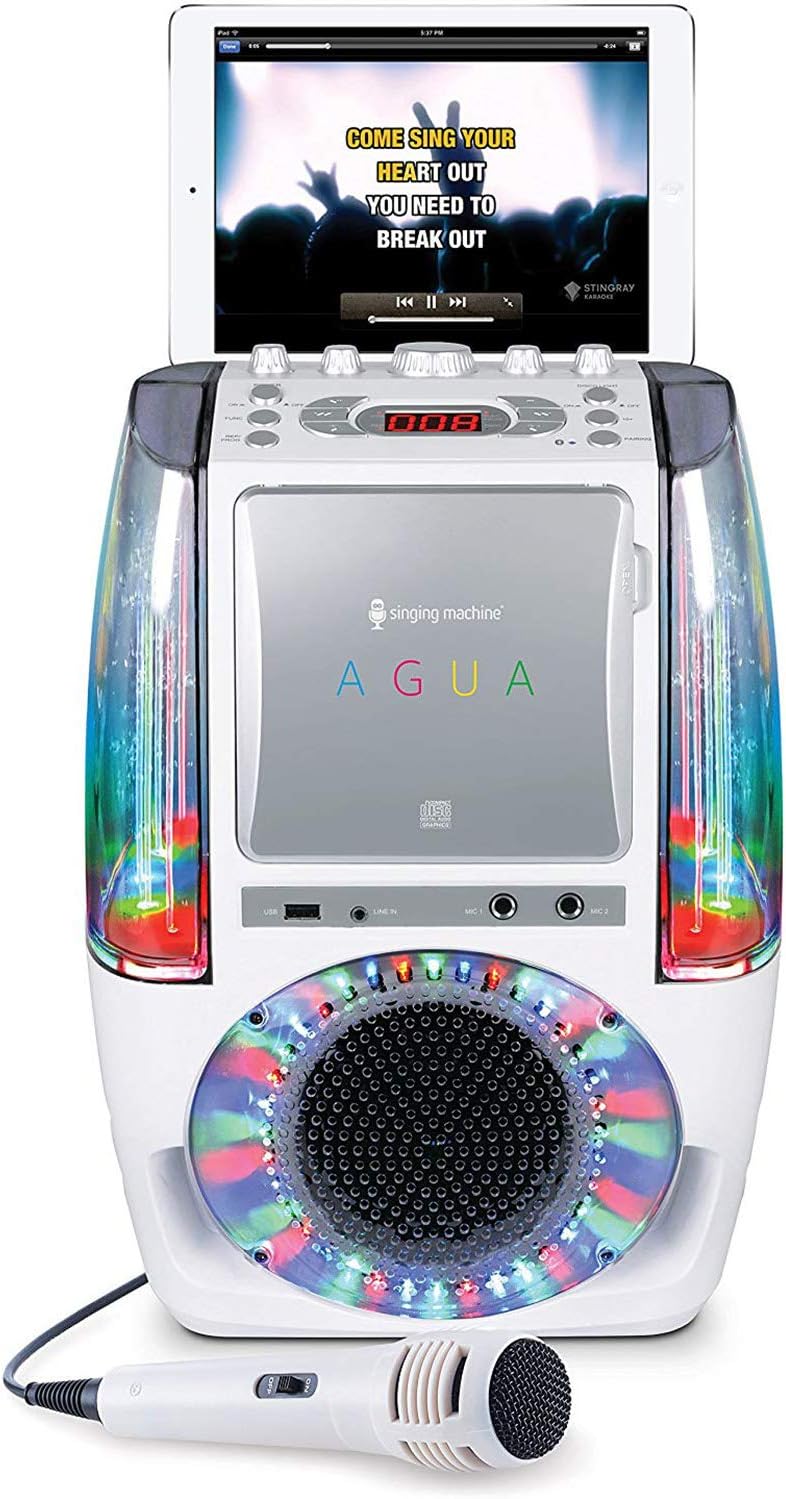
Image: The Singing Machine SML605W with a tablet securely placed in the integrated cradle on top of the unit, displaying song lyrics.
Place your tablet or smartphone in the integrated cradle on top of the unit for easy viewing of lyrics or content from streaming apps.
Operating Instructions
Powering On/Off
Press the POWER button to turn the unit on or off.
CD+G Playback
- Open the CD compartment door and insert a CD+G disc with the label side facing up. Close the door.
- The unit will automatically begin playing the first track.
- Use the PLAY/PAUSE, STOP, SKIP (forward/backward) buttons to control playback.
- Adjust the MASTER VOLUME, MIC VOLUME, ECHO, and BALANCE controls as desired.
- If connected to a TV, lyrics will appear on the screen.
USB Playback (MP3+G)
- Insert a USB flash drive containing MP3+G files into the USB port.
- The unit will automatically detect and begin playing files.
- Use the playback controls as with CD+G.
Bluetooth Audio Streaming
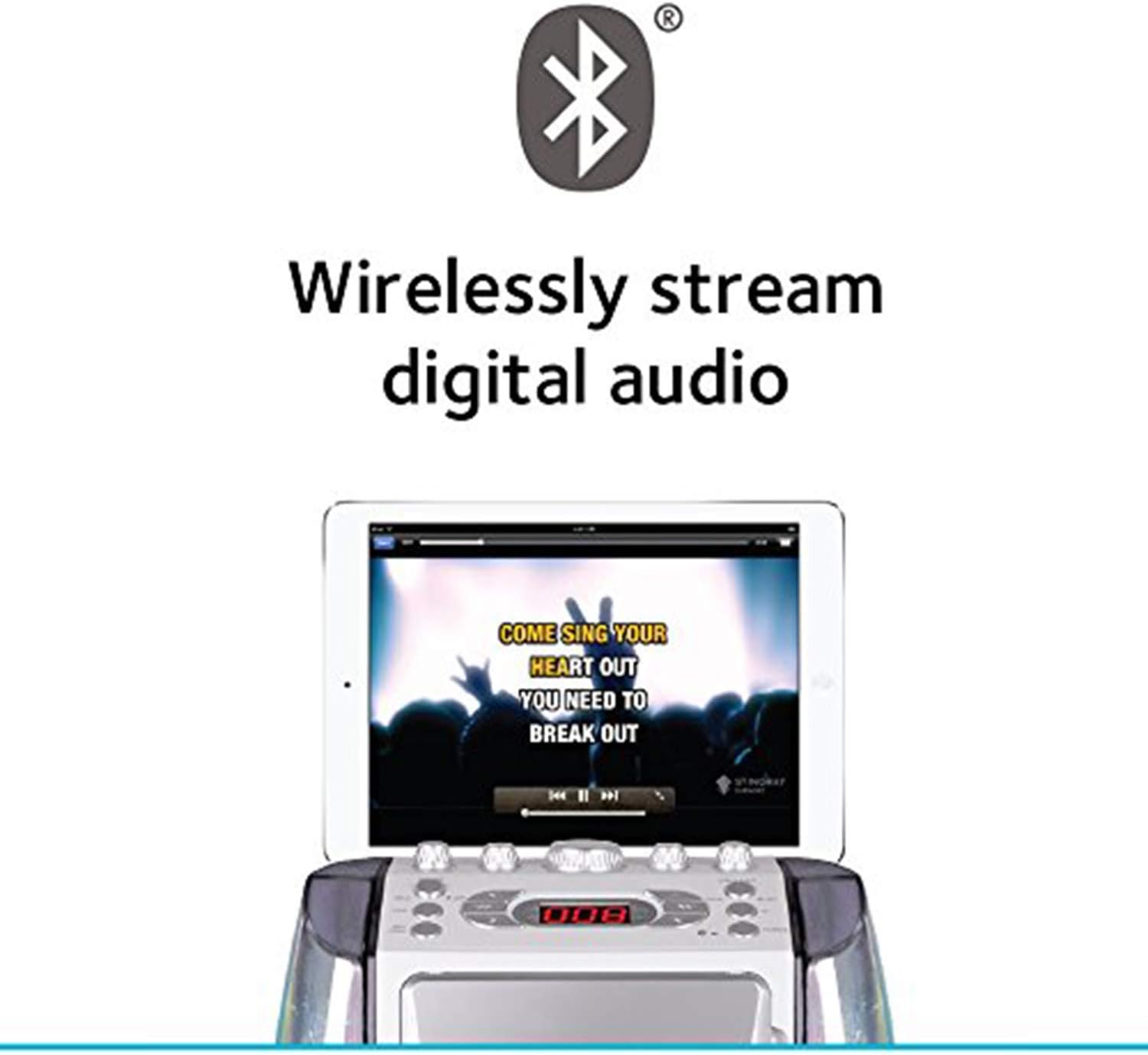
Image: A graphic with the Bluetooth logo and text "Wirelessly stream digital audio", indicating the system's Bluetooth capability.
- Press the FUNCTION button to select Bluetooth mode. The LED display will show "BT".
- Enable Bluetooth on your mobile device and search for "SINGING MACHINE".
- Select the device to pair. Once paired, you can stream audio wirelessly from your device to the karaoke system.
- Adjust volume on both the karaoke system and your connected device.
Line-in Connection
Connect an external audio device (e.g., smartphone, MP3 player) to the LINE IN jack using a 3.5mm audio cable (not included). Select LINE IN mode using the FUNCTION button. Audio from the connected device will play through the karaoke system.
Dancing Water Fountain & LED Disco Lights
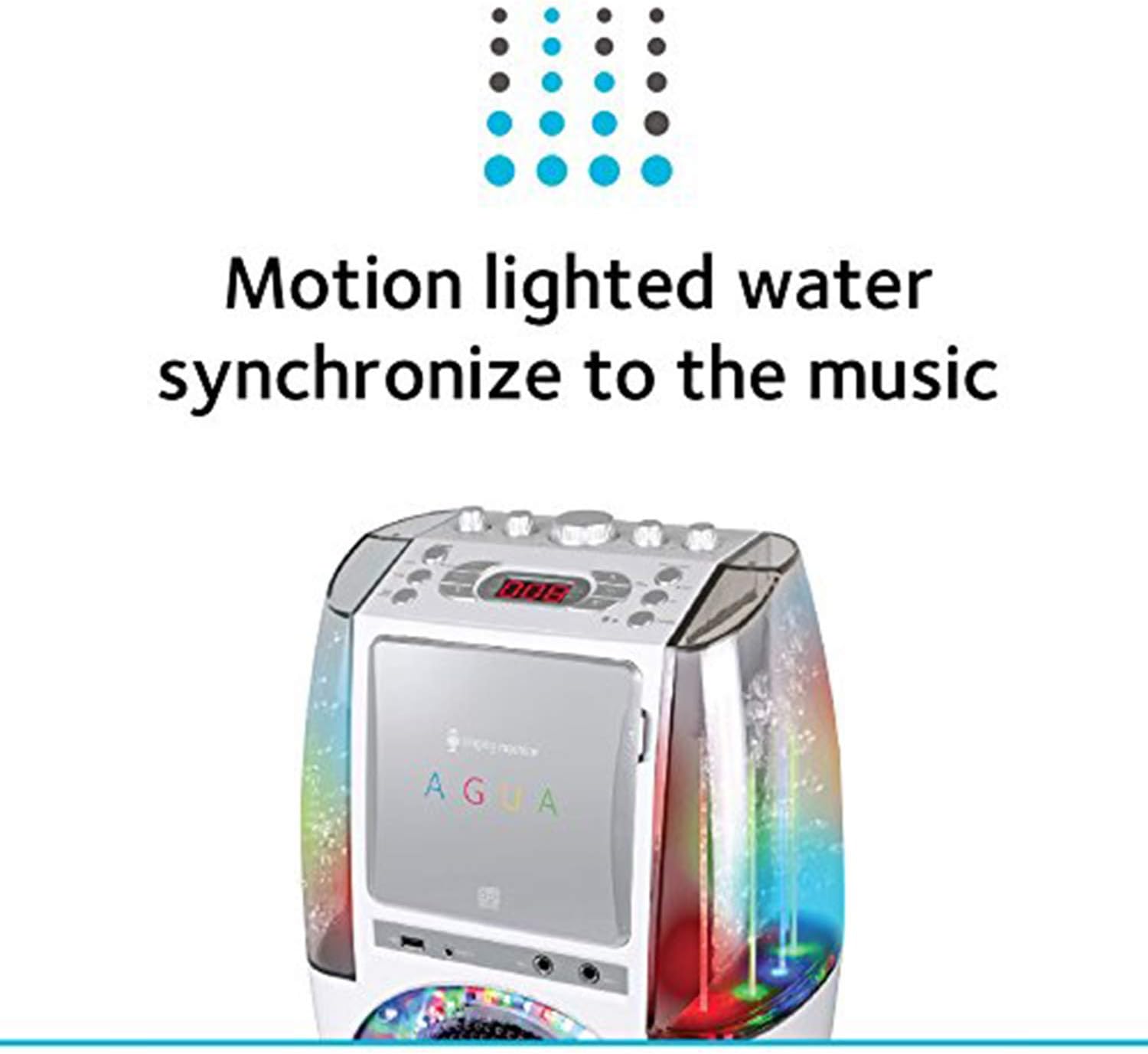
Image: A graphic illustrating the "Motion lighted water synchronize to the music" feature, showing water jets illuminated with colorful lights.
- Press the WATER FOUNTAIN button to activate or deactivate the dancing water effect. The water jets will move in sync with the music.
- Press the LED DISCO LIGHTS button to turn the multi-colored LED lights on or off. These lights also synchronize with the music.
Maintenance
- Cleaning the Unit: Always unplug the unit before cleaning. Use a soft, dry, lint-free cloth to wipe down the exterior surfaces. Do not use abrasive cleaners, waxes, or solvents.
- CD Lens Care: To ensure optimal CD playback, occasionally use a CD lens cleaner disc. Avoid touching the CD lens directly.
- Water Fountain Care: The water in the fountain is sealed. If you notice any issues with the water level or clarity, do not attempt to open the sealed compartments. Contact customer support.
- Storage: When not in use for extended periods, unplug the unit and store it in a cool, dry place, away from direct sunlight and extreme temperatures.
Troubleshooting
| Problem | Possible Cause | Solution |
|---|---|---|
| No power | Power adapter not connected properly; outlet not working. | Ensure power adapter is securely plugged into the unit and a working wall outlet. Try a different outlet. |
| No sound from speaker | Master volume too low; incorrect function mode selected; audio cable loose. | Increase MASTER VOLUME. Press FUNCTION button to select correct mode (CD, USB, Bluetooth, LINE IN). Check audio cable connections. |
| No sound from microphone | Microphone volume too low; microphone not plugged in correctly; microphone faulty. | Increase MIC VOLUME. Ensure microphone is fully inserted into MIC jack. Try another microphone if available. |
| CD+G lyrics not appearing on TV | RCA video cable not connected; TV input not selected correctly. | Ensure yellow RCA video cable is connected from unit to TV. Select the correct video input (e.g., AV1, Video) on your TV. |
| Bluetooth pairing issues | Unit not in Bluetooth mode; device too far; device already paired with another unit. | Ensure unit is in Bluetooth mode ("BT" on display). Move device closer to the unit. Disconnect from other Bluetooth devices. |
| Water fountain not working | Water fountain feature turned off. | Press the WATER FOUNTAIN button to activate. If still not working, contact customer support. |
Specifications
| Feature | Detail |
|---|---|
| Model Number | SML605W |
| Product Dimensions | 18.8 x 27.94 x 36.83 cm (7.4 x 11 x 14.5 inches) |
| Item Weight | 2.85 kg (6.28 lbs) |
| Power Source | AC Powered (via included adapter) |
| Connectivity Technology | Bluetooth, USB |
| Media Type | CD, USB |
| Speaker Count | 1 |
| Special Features | LED Display, Dancing Water Fountain, LED Disco Lights, Auto Voice Control, Balance Control, Echo Control, Resting Tablet Cradle |
| Included Components | User Manual, Microphone |
Warranty and Support
For detailed warranty information and customer support, please refer to the official Singing Machine website or contact their customer service directly. Keep your purchase receipt as proof of purchase for warranty claims.
Website: www.singingmachine.com (Example link, actual link may vary)
Related documentsSML605W

Ask a question about this manual
Ask about setup, troubleshooting, compatibility, parts, safety, or missing instructions. Manuals+ will review the question and use this page’s manual context to help answer it.