
Introduction
Welcome to Call of Duty: Infinite Warfare. This manual provides essential information for installing, playing, and maintaining your game on PC. Please read through these instructions carefully to ensure the best possible gaming experience.
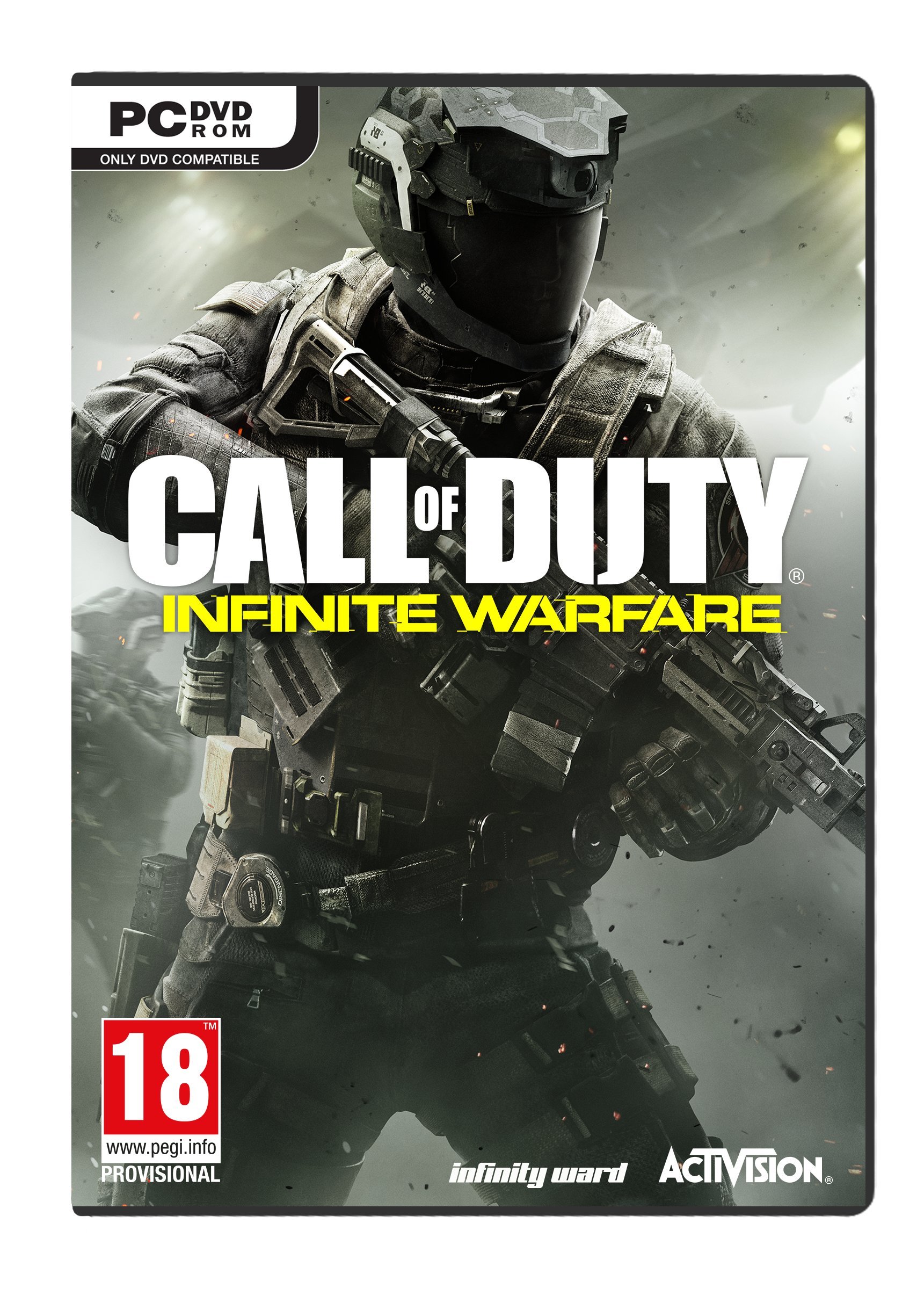
Image: Front cover of the Call of Duty: Infinite Warfare PC DVD game box.
Setup
System Requirements
To ensure optimal performance, your PC should meet or exceed the following minimum specifications:
- Operating System: Windows 7 64-Bit or later
- Processor: Intel Core i3-3225 @ 3.30GHz or equivalent
- Memory: 8 GB RAM
- Graphics: NVIDIA GeForce GTX 660 2GB / AMD Radeon HD 7850 2GB
- DirectX: Version 11
- Network: Broadband Internet connection
- Storage: 70 GB available space (additional space may be required for updates)
- Sound Card: DirectX 11 Compatible
Installation Steps
- Insert the Call of Duty: Infinite Warfare PC DVD into your computer's DVD drive.
- If the auto-run feature does not start the installation, navigate to "My Computer" or "This PC," open your DVD drive, and double-click on "setup.exe."
- Follow the on-screen prompts to install the game. You may be asked to accept the End User License Agreement (EULA) and choose an installation directory.
- The game may require an internet connection for activation and to download necessary updates or additional game files via a platform like Steam.
- Once installation is complete, launch the game from your desktop shortcut or the Start Menu.
Important Note on Region Lock
Some users have reported issues with game activation due to region restrictions. Please verify the compatibility of your game key with your geographical region before attempting installation. If you encounter activation problems, refer to the Troubleshooting section or contact ACTIVISION support.
Operating (Gameplay)
Basic Controls
The default PC controls are standard for first-person shooter games. You can customize these settings within the game's options menu.
| Action | Default Key |
|---|---|
| Move Forward | W |
| Move Backward | S |
| Move Left | A |
| Move Right | D |
| Jump / Stand | Spacebar |
| Crouch / Prone | C / Ctrl |
| Fire Weapon | Left Mouse Button |
| Aim Down Sights | Right Mouse Button |
| Reload | R |
| Use / Interact | F |
Game Modes
- Campaign: Experience a cinematic, military science-fiction story set in the future.
- Multiplayer: Engage in competitive online battles against other players.
- Zombies: Survive waves of undead enemies in cooperative gameplay.
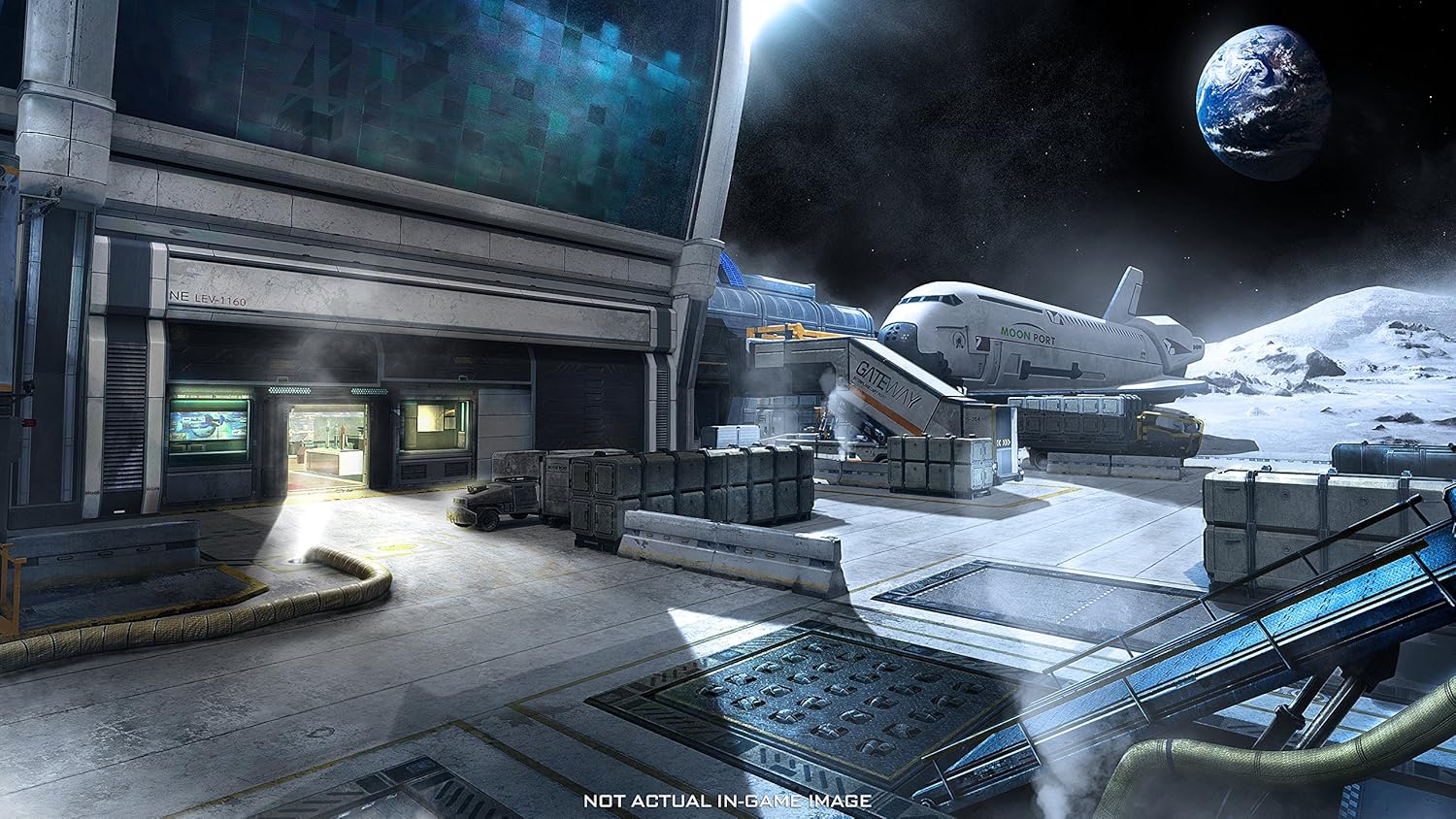
Image: A soldier in advanced combat gear during a gameplay sequence.

Image: First-person view from a spaceship cockpit, showing other spacecraft in a futuristic setting.
Maintenance
Proper care of your game disc and system can help ensure a smooth gaming experience.
- Disc Care: Keep the game DVD clean and free from scratches. Store it in its original case when not in use.
- System Updates: Regularly update your operating system, graphics drivers, and game client (e.g., Steam) to the latest versions for optimal performance and compatibility.
- Storage Space: Ensure you have sufficient free disk space for game installation, updates, and save files.
Troubleshooting
If you encounter issues, try the following solutions:
- Installation Errors:
- Ensure your PC meets the minimum system requirements.
- Clean the game disc and try again.
- Temporarily disable antivirus software during installation (re-enable afterward).
- Verify your internet connection for online activation or downloads.
- Game Not Launching / Crashing:
- Update your graphics drivers.
- Verify game files through your game client (e.g., Steam's "Verify integrity of game files" option).
- Run the game as an administrator.
- Check for game patches or updates.
- Region Lock / Activation Issues:
- Confirm that the product key is valid for your region. Information regarding region compatibility is often printed on the game box or disc.
- Contact ACTIVISION support or the retailer for assistance with region-specific activation problems.
For further assistance, please visit the official ACTIVISION support website or community forums.
Specifications
| Feature | Detail |
|---|---|
| Product Name | Call of Duty: Infinite Warfare (Pc DVD) |
| Brand | ACTIVISION |
| Model Number | 33537EN |
| Rated | Ages 18 & Over |
| Product Dimensions | 13.5 x 1.5 x 19 cm |
| Item Weight | 150 g |
| Country of Origin | India |
Warranty and Support
For information regarding product warranty, please refer to the documentation included with your game or visit the official ACTIVISION website. Technical support and customer service can be accessed through the ACTIVISION support portal.
Official Support Link: https://support.activision.com/


