
1. Introduction
This manual provides essential information for the safe and efficient operation of your Anker SoundCore Sport XL Portable Bluetooth Speaker. Please read this guide thoroughly before using the product and retain it for future reference.
2. What's in the Box
- Anker SoundCore Sport XL Speaker
- Micro USB Cable
- Hand Strap
- Welcome Guide
3. Product Features

Figure 1: Overview of the Anker SoundCore Sport XL Portable Bluetooth Speaker.
3.1 Powerful Audio Output

Figure 2: Illustration of the speaker's internal components, showcasing dual 8-watt stereo speakers and dual subwoofers for powerful, dynamic sound.
The SoundCore Sport XL delivers powerful, dynamic sound through its dual 8-watt stereo speakers and dual subwoofers, providing a rich audio experience.
3.2 Extended Playtime

Figure 3: Graphic depicting the speaker's long-lasting battery, offering up to 15 hours of continuous audio playback.
Equipped with a high-capacity 5200 mAh battery, the speaker provides up to 15 hours of non-stop audio, ensuring your music lasts all day.
3.3 Water and Shock Resistance
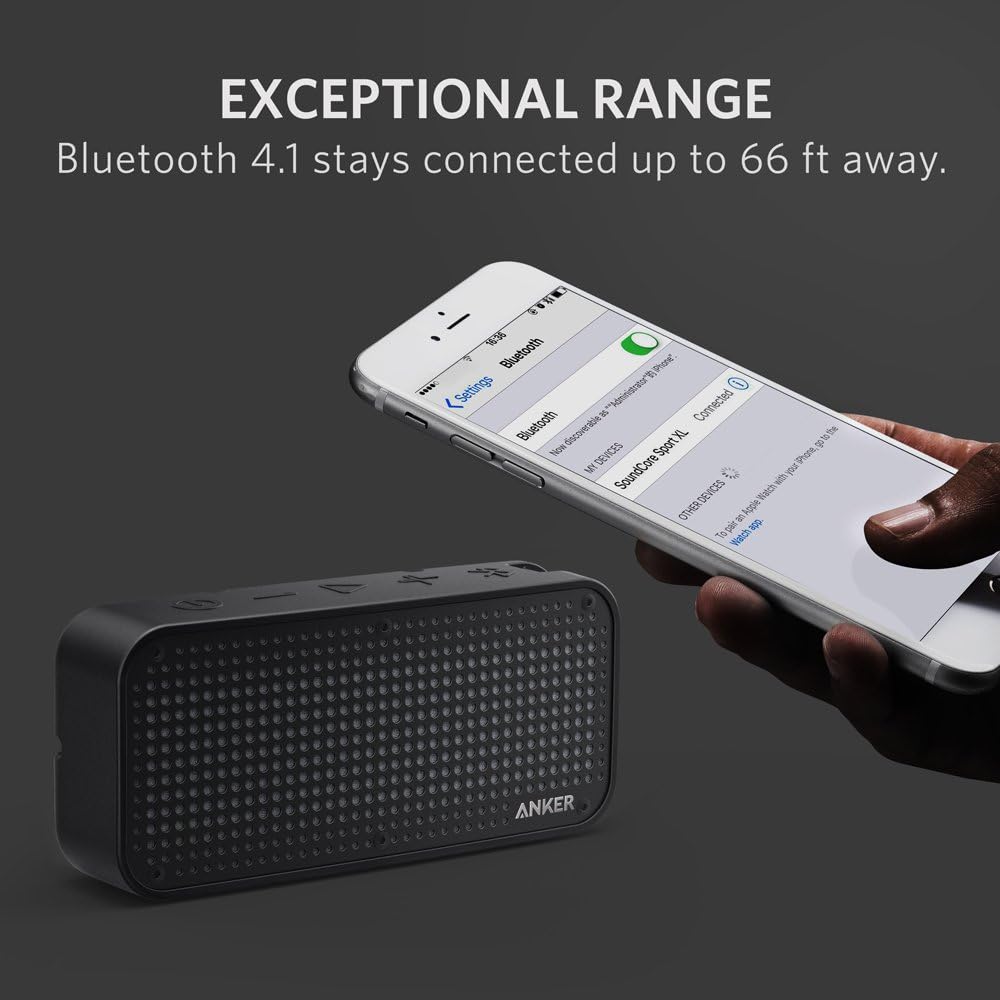
Figure 4: The speaker shown in a water environment, highlighting its IP67 waterproof rating.
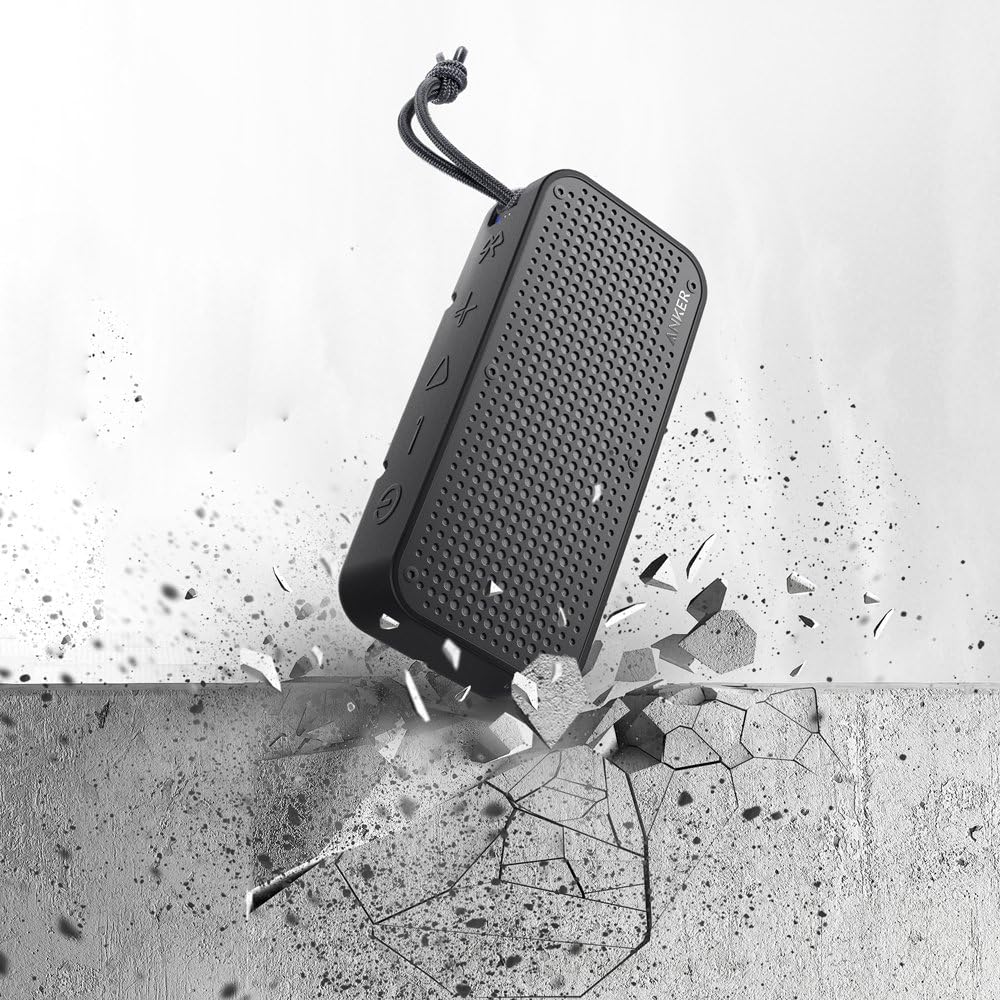
The SoundCore Sport XL features an IP67 waterproof rating, making it suitable for use near water. Its robust design also provides shockproof protection against accidental drops.

Figure 5: The speaker is depicted in a scenario illustrating its shockproof capabilities, designed to withstand impacts.
3.4 Built-in USB Charging Port

Figure 6: The speaker is shown charging a mobile phone, demonstrating its built-in USB charging capability.
A convenient USB charging port allows you to charge your mobile devices directly from the speaker's internal battery, ideal for emergencies.
4. Setup
Before first use, fully charge your SoundCore Sport XL speaker. Use the provided Micro USB cable to connect the speaker to a compatible USB power adapter (not included).
4.1 Initial Charging
Connect the Micro USB cable to the charging port on the side of the speaker. The LED indicator will show charging status. A full charge is recommended for optimal battery performance.
5. Operating Instructions
5.1 Power On/Off
- To power on: Press and hold the Power button (
 ) for 2 seconds. The LED indicator will light up.
 - To power off: Press and hold the Power button for 2 seconds. The LED indicator will turn off.
5.2 Volume Control
- Increase volume: Press the Volume Up button ().
- Decrease volume: Press the Volume Down button ().
5.3 Playback Control
- Play/Pause: Press the Play/Pause button ().
- Next Track: Double-press the Play/Pause button.
6. Bluetooth Pairing
The SoundCore Sport XL uses Bluetooth 4.1 for a stable connection up to 66 feet (20 meters).
- Power on the speaker. The Bluetooth indicator will flash blue, indicating it's in pairing mode.
- On your device (smartphone, tablet, laptop), enable Bluetooth and search for available devices.
- Select "SoundCore Sport XL" from the list of devices.
- Once connected, the Bluetooth indicator will turn solid blue.
6.1 Official Product Video: Anker Soundcore Sport XL
This video provides a general overview of the Anker Soundcore Sport XL speaker, demonstrating its features and design.
6.2 Official Product Video: The Ready-for-anything Bluetooth Speaker - Anker SoundCore Sport XL
This video showcases the ruggedness and versatility of the Anker SoundCore Sport XL, highlighting its suitability for various environments.
7. Specifications
| Feature | Detail |
|---|---|
| Model Number | A3181G11 |
| Dimensions (D x W x H) | 3.07" x 5.04" x 8.23" |
| Item Weight | 1.32 pounds (599 Grams) |
| Speaker Maximum Output Power | 16 Watts |
| Battery Capacity | 5200 Milliamp Hours |
| Playtime | Up to 15 hours |
| Wireless Communication Technology | Bluetooth 4.1 |
| Bluetooth Range | Up to 66 feet (20.12 Meters) |
| Water Resistance Level | IP67 (Waterproof) |
| Special Feature | Portable, Shockproof, Built-in Mic, USB Charging Port |
| Compatible Devices | Smartphone, Tablet, Laptop |
| Material | Plastic (or similar synthetic material) |
8. Maintenance
- Cleaning: Use a soft, damp cloth to clean the speaker. Avoid using harsh chemicals or abrasive materials.
- Storage: Store the speaker in a cool, dry place away from direct sunlight and extreme temperatures.
- Water Resistance: Ensure the charging port cover is securely closed when using the speaker near water to maintain its IP67 rating.
9. Troubleshooting
| Problem | Solution |
|---|---|
| Speaker does not power on | Ensure the battery is charged. Connect to a power source using the Micro USB cable. |
| Cannot pair with Bluetooth device | Ensure the speaker is in pairing mode (flashing blue LED). Turn off and on Bluetooth on your device. Move the speaker closer to your device. |
| No sound or low volume | Adjust the volume on both the speaker and your connected device. Ensure the speaker is not muted. |
| Poor sound quality | Move the speaker closer to your device to reduce interference. Ensure there are no obstructions between the speaker and the device. |
10. Warranty and Support
The Anker SoundCore Sport XL typically comes with a limited warranty. Please refer to the included 'Welcome Guide' or visit the official Anker website for detailed warranty information and customer support contacts.
For technical assistance or product inquiries, please contact Anker customer support.


