Introduction
The CyberPower CSB404MP6 Essential Surge Protector provides vital protection for common household and office devices such as computers and electronics. It prevents power spikes caused by storms and electrical power surges from reaching your electronic equipment. This manual provides instructions for the safe and effective use of your surge protector.
Safety Information
Please read and follow all safety instructions carefully before using this product. Failure to do so may result in damage to the unit, connected equipment, or personal injury.
- Do not use this product in wet environments.
- Do not install this device near heat-emitting appliances such as radiators or heat registers.
- Do not plug extension cords into the surge protector.
- Do not use with aquariums or other water-related products.
- Ensure the surge protector is plugged into a properly grounded outlet.
- Do not open the surge protector casing. There are no user-serviceable parts inside.
- This device is designed for indoor use only.
Product Features
The CyberPower CSB404MP6 is equipped with several features designed to protect your electronics:
- 4 NEMA 5-15R Outlets: Provides vital surge protection for sensitive home and office equipment.
- 450 Joules Protection: Offers a robust level of surge suppression.
- Automatic Shutdown: An integrated 15A illuminated circuit breaker automatically shuts off power in case of an overload, protecting connected electronics.
- EMI/RFI Filters: Filters out electromagnetic and radio frequency interference, ensuring clean power for connected equipment.
- Metal Oxide Varistor (MOV) Technology: Allows normal current to pass through while diverting surges and spikes to the ground circuit.
- 4-Foot Power Cord: Provides flexible placement options.
- Impact-Resistant Casing: Durable construction for longevity.
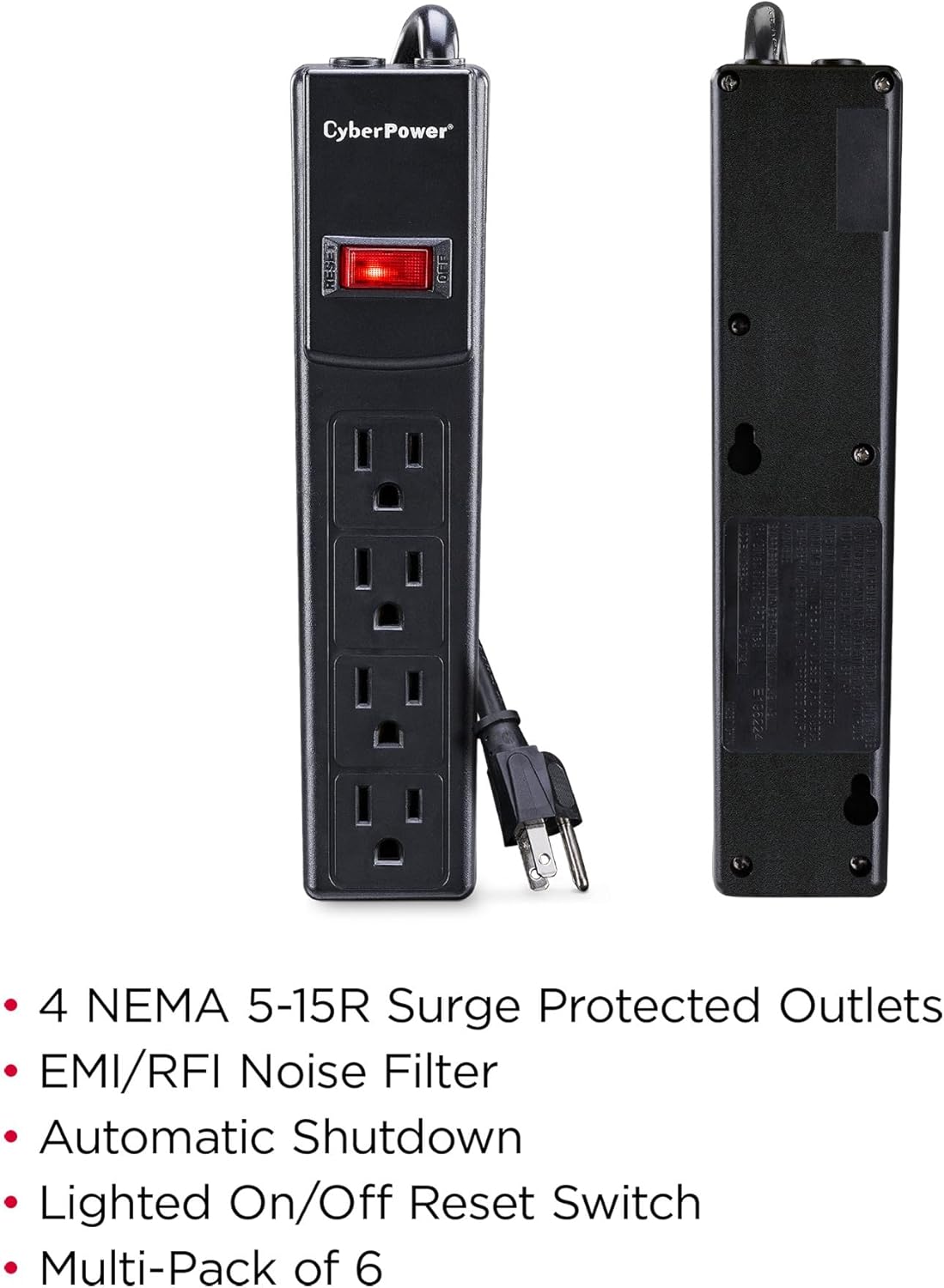
This image illustrates the CyberPower CSB404MP6 surge protector, highlighting its four NEMA 5-15R outlets, the illuminated ON/OFF reset switch, and the durable casing. The image visually reinforces the product's main attributes.
Setup Instructions
- Unpack the Surge Protector: Carefully remove the CyberPower CSB404MP6 from its packaging. Inspect the unit for any signs of damage.
- Choose a Location: Place the surge protector on a flat, stable surface or mount it to a wall using the integrated keyhole slots. Ensure the location is dry and away from direct sunlight or heat sources.
- Connect to a Wall Outlet: Plug the surge protector's NEMA 5-15P straight plug into a standard, properly grounded 3-prong wall outlet. Do not plug it into an extension cord or another surge protector.
- Connect Your Devices: Plug your electronic devices into the NEMA 5-15R outlets on the surge protector. Ensure all devices are turned off before plugging them in.
- Power On: Press the illuminated ON/OFF reset switch to the 'ON' position. The switch will light up, indicating that the surge protector is receiving power and providing protection.

This image displays the front of the CyberPower CSB404MP6 surge protector, clearly showing the four power outlets and the red illuminated ON/OFF reset switch. This view is essential for understanding how to connect devices and operate the power switch.
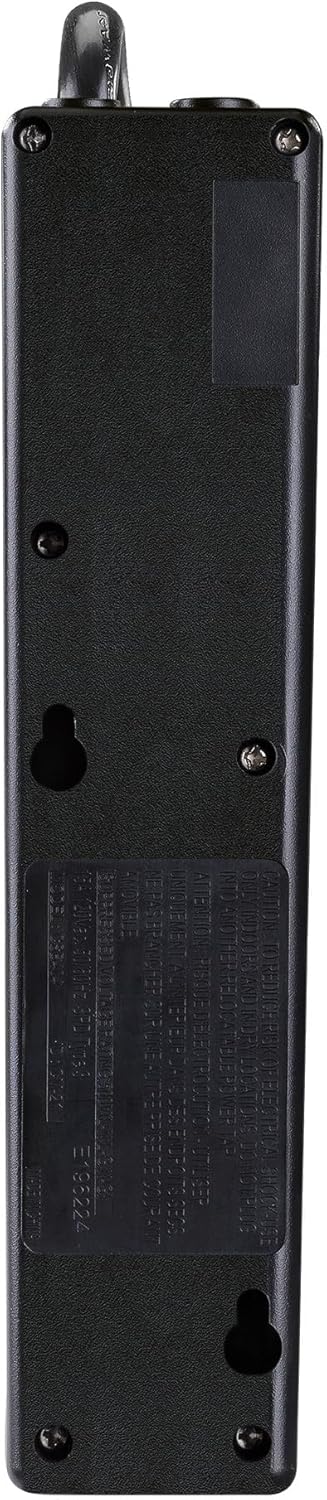
The back view of the CyberPower CSB404MP6 surge protector reveals the keyhole slots, which allow for convenient wall mounting. This feature helps in organizing cables and securing the unit in place.
Operating Instructions
- Power Indicator: The illuminated ON/OFF reset switch serves as a power indicator. When lit, the surge protector is active and providing power to connected devices.
- Circuit Breaker: The integrated 15A circuit breaker protects against overloads. If the total current draw of connected devices exceeds 15 amps, the circuit breaker will trip, and the switch will turn off.
- Resetting the Circuit Breaker: If the circuit breaker trips, disconnect some devices to reduce the load. Then, press the ON/OFF reset switch to reset the breaker and restore power.
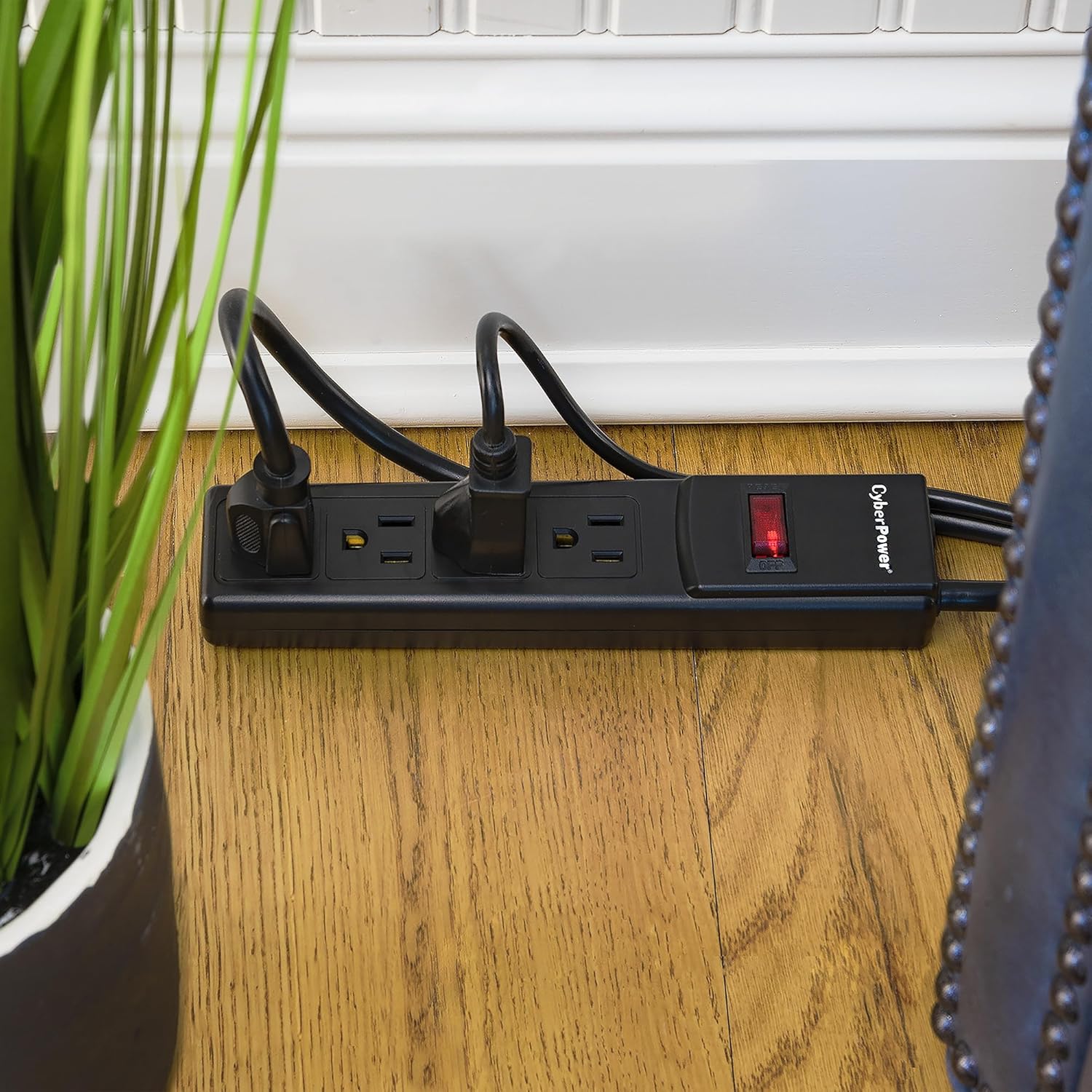
This image shows the CyberPower CSB404MP6 surge protector in an operational setting, lying flat on a floor near a wall, with devices plugged into its outlets. This demonstrates a common and practical application of the product.
Maintenance
The CyberPower CSB404MP6 requires minimal maintenance to ensure optimal performance and longevity.
- Cleaning: Periodically wipe the exterior of the surge protector with a soft, dry cloth. Do not use liquid cleaners or solvents. Ensure the unit is unplugged before cleaning.
- Inspection: Regularly inspect the power cord and the unit for any signs of damage, such as frayed wires or cracks in the casing. If damage is found, discontinue use and replace the unit.
- Overload Prevention: Avoid overloading the surge protector by not exceeding its 15A capacity. Distribute devices across multiple outlets if necessary.
Troubleshooting
If you encounter issues with your CyberPower CSB404MP6, refer to the following common problems and solutions:
| Problem | Possible Cause | Solution |
|---|---|---|
| No power to connected devices. | Surge protector is not plugged in or turned on. | Ensure the surge protector is securely plugged into a wall outlet and the ON/OFF switch is in the 'ON' position. |
| ON/OFF switch is off and will not reset. | Circuit breaker has tripped due to an overload. | Unplug some devices to reduce the load. Wait a few moments, then press the ON/OFF switch to reset. If it trips again, the load is still too high or there is a fault. |
| Devices are plugged in, but not receiving power. | Faulty device or outlet on the surge protector. | Test the device in another outlet or test another device in the surge protector's outlet. If the problem persists, the surge protector may need replacement. |
Specifications
| Specification | Detail |
|---|---|
| Model Number | CSB404MP6 |
| Brand | CyberPower |
| Total Outlets | 4 (NEMA 5-15R) |
| Surge Protection | 450 Joules |
| Voltage | 125 Volts |
| Circuit Breaker | 15 Amps |
| Power Cord Length | 4 feet |
| Product Dimensions | 21.44 x 5 x 0.25 cm (8.44 x 1.97 x 0.1 inches) |
| Weight | 340.19 g (0.75 lbs) |
| Special Feature | Surge Protection, EMI/RFI Filtering, Automatic Shutdown |
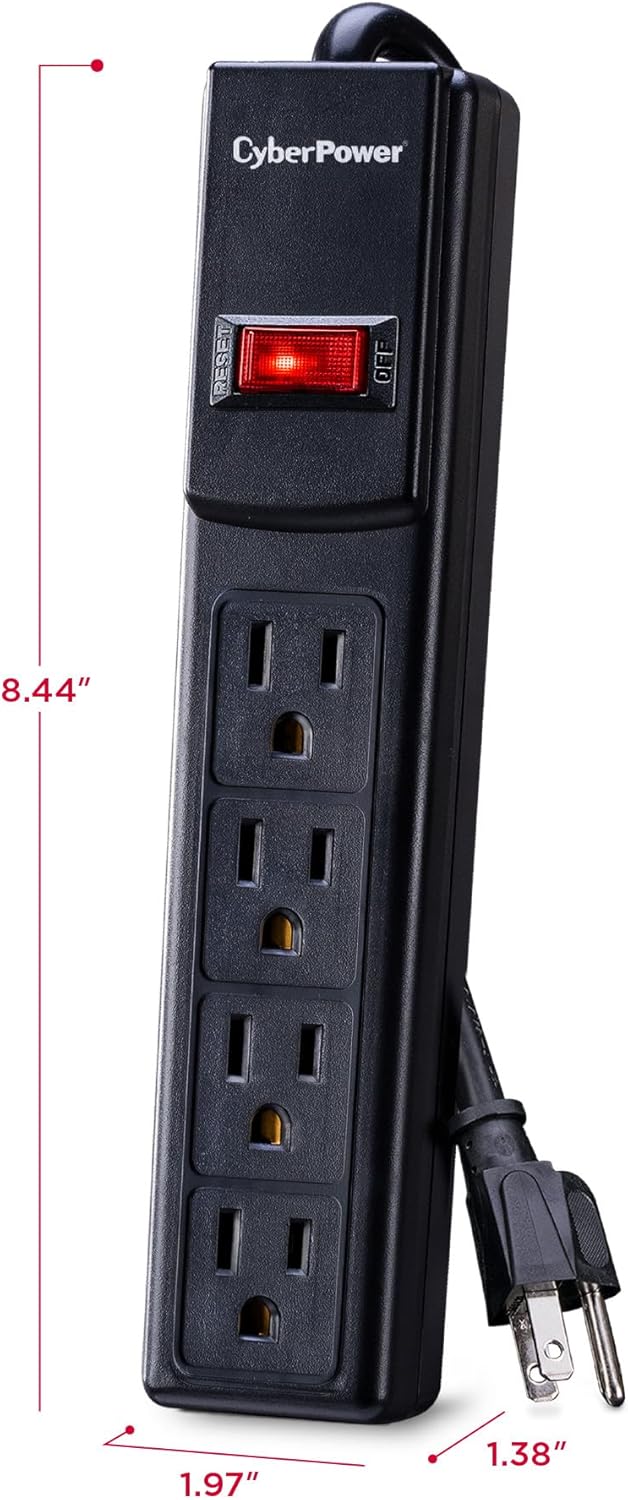
This image provides a visual representation of the CyberPower CSB404MP6 surge protector's dimensions, indicating its length and width. This information is useful for planning placement and ensuring the unit fits in the intended space.
Warranty and Support
The CyberPower CSB404MP6 Essential Surge Protector comes with comprehensive warranty coverage:
- Limited Lifetime Warranty: This product is covered by a limited lifetime warranty, ensuring protection against defects in materials and workmanship.
- Connected Equipment Guarantee: CyberPower offers a $25,000 Connected Equipment Guarantee, providing financial protection for equipment damaged by power surges while properly connected to this surge protector.
For technical support, warranty claims, or additional information, please visit the official CyberPower website or contact their customer service department. Keep your purchase receipt as proof of purchase for warranty purposes.


