
Meike MK-35mm F1.7
Meike 35mm F1.7 Manual Focus Prime Lens User Manual
Model: MK-35mm F1.7 | Brand: Meike
1. Introduction
The Meike 35mm F1.7 Manual Focus Prime Lens is a high-quality optical instrument designed for Micro Four Thirds (MFT/M4/3) mirrorless cameras. This lens offers a fixed 35mm focal length and a wide f/1.7 aperture, making it suitable for various photographic applications including portraits, landscapes, and low-light conditions. Its robust metallic construction and multi-layer coating ensure durability and optical performance by reducing flare, vignetting, and ghosting.
2. Key Features
- Large Aperture: f/1.7 for excellent low-light performance and shallow depth of field.
- Fixed Focal Length: 35mm prime lens for consistent image quality.
- Manual Focus: Provides precise control over focusing.
- Multi-Layer Coating: Nano technology multi-layer coating effectively reduces flaring, vignetting, and ghosting.
- Durable Construction: All-metallic construction for enhanced durability.
- Compact Design: Lightweight and easy to handle.
3. Camera Compatibility
This lens is compatible with Micro Four Thirds (MFT/M4/3) mount mirrorless cameras, including but not limited to:
- Panasonic: G1, G2, G3, G5, G6, G7, GF1, GF2, GF3, GF5, GF6, GM1, GM5, GM10, GX1, GX7, GX8, GH1, GH2, GH3, GH4.
- Olympus: EPM1, EPM2, E-PL1, E-PL2, E-PL3, E-PL5, E-PL6, E-PL7, E-M1, E-M5, E-M10.
4. Setup Instructions
4.1 Attaching the Lens
- Align the red dot on the lens barrel with the corresponding red dot on your camera's lens mount.
- Gently rotate the lens clockwise until it clicks into place, indicating it is securely mounted.
4.2 Camera Settings
Since this is a manual lens with no electronic contacts, you must enable the camera's setting to allow shooting without a lens attached. This setting is typically found in your camera's menu under options such as "M mode" or "Release without lens." Refer to your camera's specific user manual for exact instructions on enabling this function.
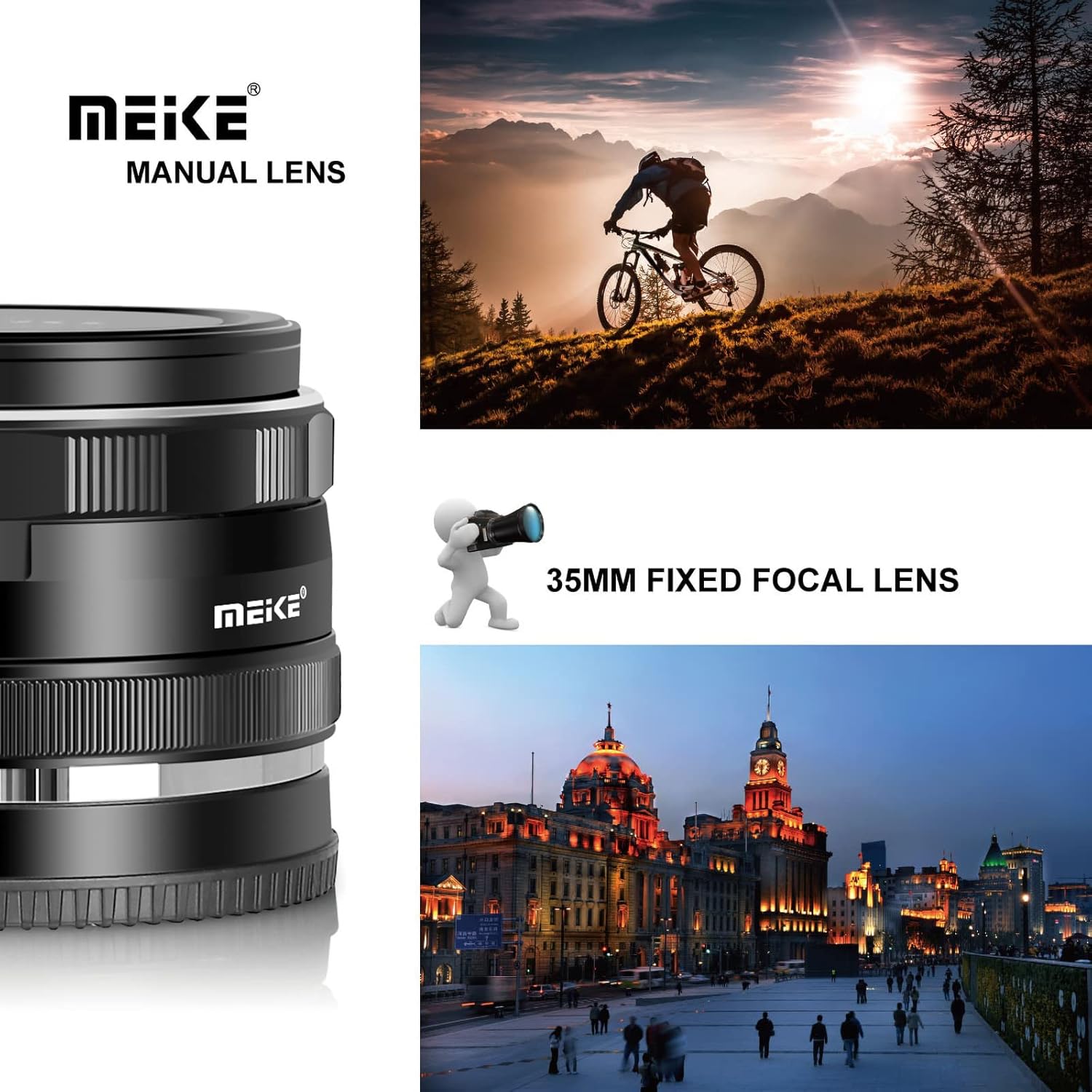
Figure 1: Meike 35mm F1.7 lens attached to a compatible mirrorless camera.
5. Operating the Lens
5.1 Manual Focus
To achieve sharp focus, rotate the focus ring located on the lens barrel. Your camera's focus peaking and magnification assist features can be highly beneficial for precise manual focusing. Adjust the focus ring until your subject appears sharp on your camera's display or through the electronic viewfinder.

Figure 2: The Meike 35mm F1.7 lens with visible focus and aperture rings.
5.2 Aperture Control
The aperture ring allows you to control the amount of light entering the lens and the depth of field. Rotate the aperture ring to select your desired f-stop (from f/1.7 to f/22). A wider aperture (smaller f-number like f/1.7) allows more light and creates a shallower depth of field, while a narrower aperture (larger f-number like f/22) allows less light and creates a greater depth of field.
Video 1: A demonstration of the Meike 35mm f1.7 lens, highlighting its physical features and how it attaches to a camera. This video provides a visual guide to handling and operating the lens.
6. Maintenance and Care
- Keep the lens caps on when not in use to protect the front and rear elements from dust and scratches.
- Use a soft, lint-free microfiber cloth and a specialized lens cleaning solution to clean the glass elements. Avoid touching the glass with your fingers.
- Store the lens in a dry, cool place, away from direct sunlight and extreme temperatures.
- Avoid exposing the lens to moisture or harsh chemicals. The lens is not water resistant.
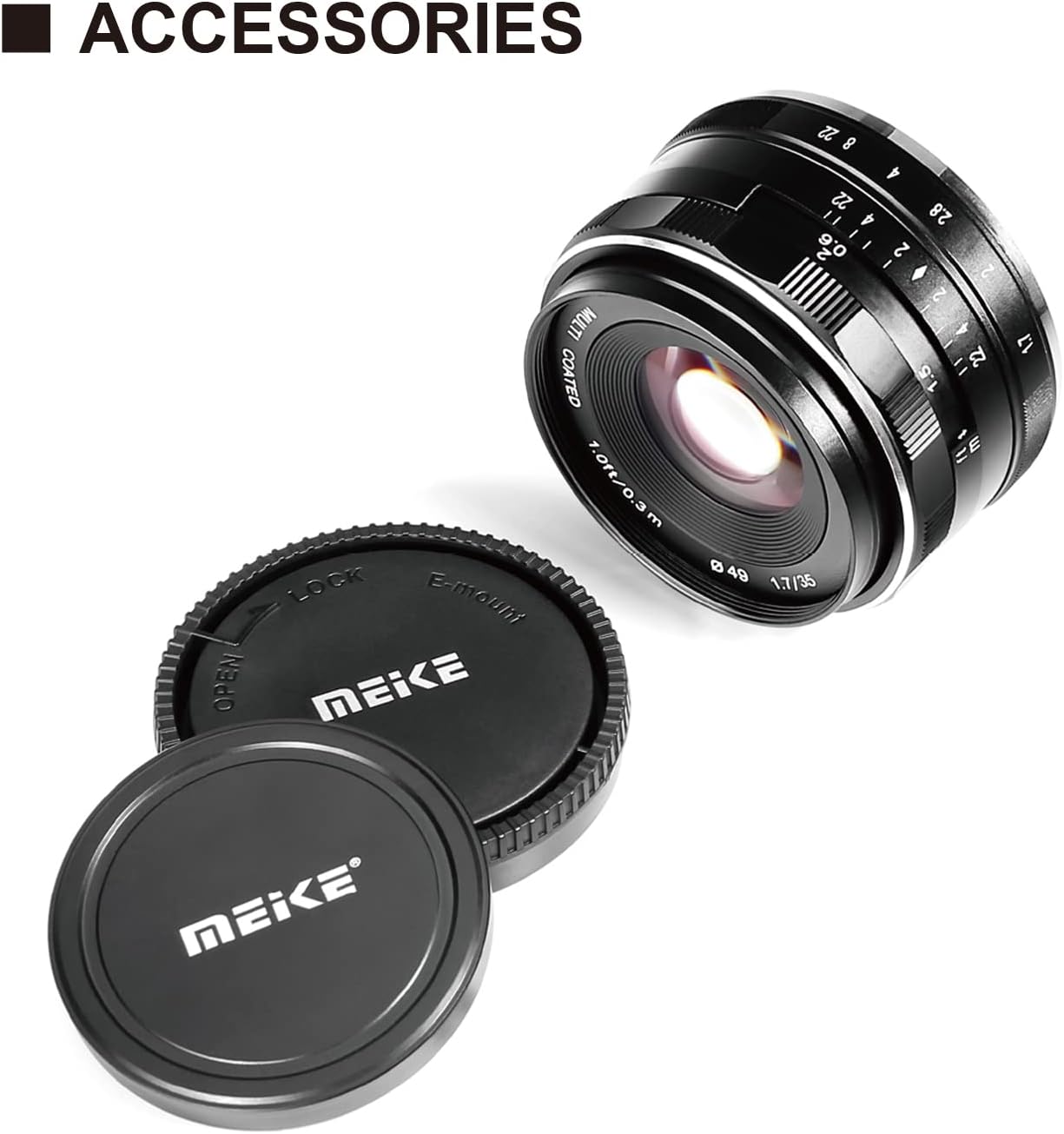
Figure 3: The Meike 35mm F1.7 lens with protective caps.
7. Troubleshooting
7.1 "Lens Not Attached" Error
If your camera displays a "Lens Not Attached" error or does not allow you to take photos, ensure that you have enabled the "Release without lens" or "M mode" setting in your camera's menu. This is a common requirement for manual lenses without electronic contacts.
8. Specifications
| Feature | Specification |
|---|---|
| Brand | Meike |
| Model Name | 35mm F1.7 |
| Lens Type | Prime lens |
| Focal Length | 35 Millimeters |
| Maximum Aperture | 1.7 f |
| Minimum Aperture | 22 |
| Focus Type | Manual Focus |
| Lens Mount | Micro Four Thirds |
| Photo Filter Size | 49 Millimeters |
| Number of Diaphragm Blades | 8 |
| Lens Coating | Nano AR Coating |
| Image Stabilization | No image stabilization |
| Item Weight | 170 Grams |
| Real Angle Of View | 40.33 Degrees |
9. Product Media
9.1 Product Images


10. Warranty and Support
For warranty information, technical support, or service inquiries, please refer to the official Meike website or contact your authorized Meike retailer. Keep your purchase receipt as proof of purchase for warranty claims.
Related documentsMK-35mm F1.7


Ask a question about this manual
Ask about setup, troubleshooting, compatibility, parts, safety, or missing instructions. Manuals+ will review the question and use this page’s manual context to help answer it.