
1. Introduction
Thank you for choosing Energizer Power+ AA NiMH rechargeable batteries. These batteries are designed to provide reliable and long-lasting power for a wide range of electronic devices. By choosing rechargeable batteries, you contribute to reducing waste and saving resources.
These batteries come pre-charged and are ready for immediate use. They can be recharged hundreds of times, offering a cost-effective and environmentally friendly power solution.
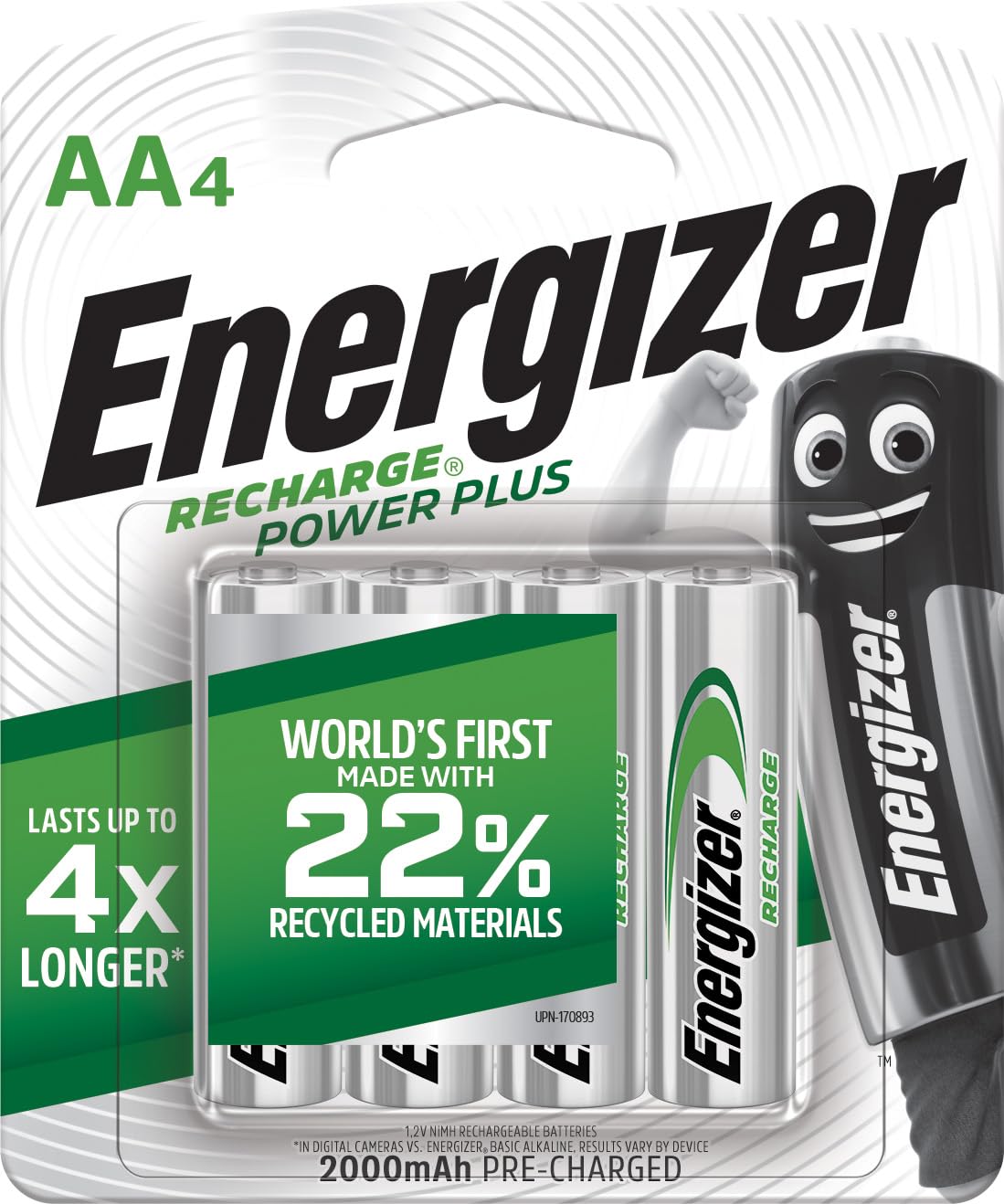
Image: A single Energizer Power+ AA NiMH rechargeable battery, illustrating its design and branding.
2. Safety Information
WARNING: Improper use of batteries may result in leakage, heat, fire, or explosion, which can cause personal injury and property damage.
- Always use a charger specifically designed for NiMH rechargeable batteries. Do not use chargers designed for other battery chemistries (e.g., alkaline, lithium-ion).
- Do not mix old and new batteries, or batteries of different types or brands.
- Do not insert batteries with incorrect polarity (+/-).
- Do not short-circuit, disassemble, or incinerate batteries.
- Do not expose batteries to water, fire, or extreme temperatures.
- Keep batteries out of reach of small children to prevent accidental ingestion.
- If battery leakage occurs, avoid contact with skin and eyes. Rinse affected areas thoroughly with water and seek medical attention.
3. Setup
Initial Use
Your Energizer Power+ AA NiMH batteries come pre-charged and are ready to use right out of the package. For optimal performance and longevity, it is recommended to fully charge them before their first extended use.
Inserting Batteries into Devices
- Identify the battery compartment of your device.
- Observe the polarity markings (+ and -) inside the compartment.
- Insert the Energizer Power+ AA batteries according to the correct polarity.
- Close the battery compartment securely.

Image: A hand inserting an Energizer AA rechargeable battery into a computer mouse, demonstrating correct battery placement.

Image: A hand inserting an Energizer AA rechargeable battery into a digital camera, showing proper battery orientation.
4. Operating Instructions
Charging Your Batteries
To charge your Energizer Power+ AA NiMH batteries, you will need a compatible NiMH battery charger (sold separately). Follow the instructions provided with your charger for safe and effective charging.
- Place the batteries into the charger, ensuring correct polarity.
- Plug the charger into a power outlet.
- Monitor the charger's indicator lights (if available) to determine charging status.
- Once charging is complete, remove the batteries from the charger.
Usage in Devices
These batteries are suitable for high-drain devices such as digital cameras, wireless gaming controllers, portable audio players, and toys, as well as everyday items like remote controls and clocks. The 2000 mAh capacity provides ample power for extended use.
5. Maintenance
- Storage: Store unused batteries in a cool, dry place, away from direct sunlight and extreme temperatures. Avoid storing them in metal containers or with other metal objects to prevent short-circuiting.
- Cleaning: If battery terminals become dirty, clean them with a dry cloth or cotton swab.
- Regular Charging: For best performance, fully charge batteries before storing them for extended periods. Even when not in use, NiMH batteries can slowly lose charge, so occasional recharging is recommended if stored for several months.
- Disposal: Do not dispose of batteries in household waste. Recycle them at designated battery collection points. Many retailers and local waste management facilities offer battery recycling programs.
6. Troubleshooting
- Batteries not charging: Ensure the batteries are correctly inserted into the charger with proper polarity. Check if the charger is plugged in and receiving power. If using an older charger, it might not be compatible with newer NiMH technologies.
- Short operating time after charging: This could indicate that the batteries are nearing the end of their lifespan or that the device is a very high-drain application. Ensure the batteries are fully charged.
- Device not powering on: Verify that the batteries are inserted with correct polarity and are fully charged. Check the device itself for any issues.
- Overheating during charging: It is normal for batteries to become slightly warm during charging. However, if they become excessively hot, immediately remove them from the charger and discontinue use. This may indicate a faulty battery or charger.
7. Specifications
| Feature | Specification |
|---|---|
| Battery Type | NiMH (Nickel-Metal Hydride) |
| Size | AA |
| Voltage | 1.2 V |
| Capacity | 2000 Milliampere Hour (mAh) |
| Model Number | ENR Power Plus NH15 2000 BP4 Pre-Ch |
| Manufacturer | Energizer |
| Product Dimensions | 3.13 x 0.59 x 4.49 inches |
| Item Weight | 0.422 ounces |
Note: Specifications are subject to change without notice.

Image: The back of the Energizer Power+ AA NiMH rechargeable battery packaging, displaying detailed product information and specifications.
8. Warranty and Support
Energizer stands behind the quality of its products. For information regarding warranty coverage, product support, or to contact customer service, please visit the official Energizer website or refer to the contact details provided on the product packaging.
You can find more information and support at the Energizer Official Website.


