1. Introduction
The Cobra ACXT645 walkie talkies are designed for reliable two-way communication in various environments. This manual provides essential information for the proper use and maintenance of your device.
The ACXT645 features a splashproof (IPX4) rating, 22 channels with 121 privacy codes, NOAA Weather Alerts, Voice-Activated Transmission (VOX), VibrAlert feedback, and a built-in LED flashlight. These features enhance usability and safety during outdoor activities or in situations requiring dependable communication.
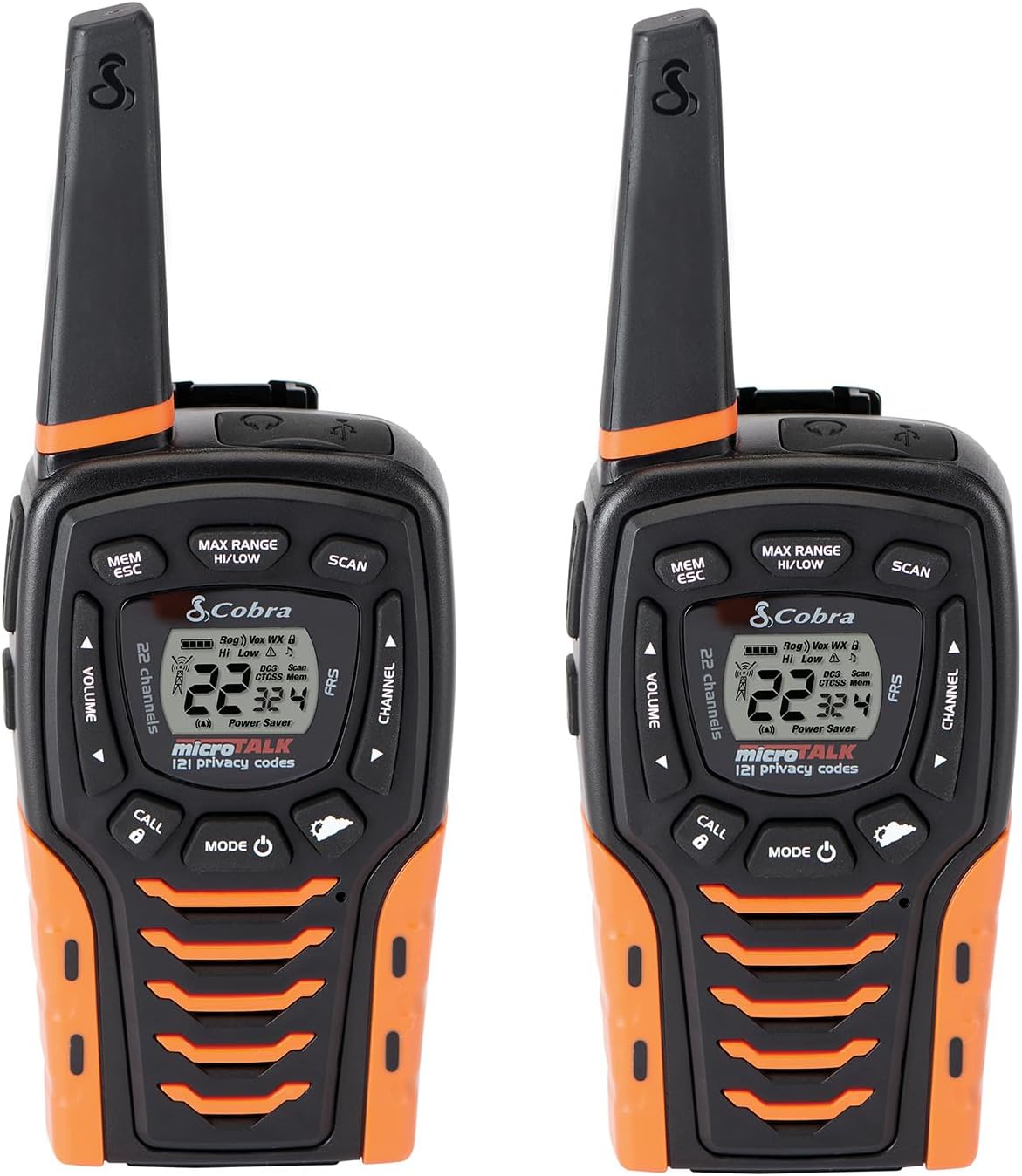
Image: Two Cobra ACXT645 walkie talkies, showcasing their design and display.
2. Package Contents
Ensure all items are present in your package:
- 2 x Cobra ACXT645 Walkie Talkies
- 2 x Belt Clips
- 2 x Rechargeable AA NiMH Batteries
- 1 x Micro-USB Cable
- 1 x Dual Dock Charger

Image: Contents of the Cobra ACXT645 package, including radios, charger, batteries, and belt clips.
3. Setup
3.1. Installing Batteries
- Remove the belt clip by releasing the belt clip latch and sliding the clip up.
- Pull up on the battery door latch to remove the battery compartment cover.
- Insert the supplied three AA rechargeable NiMH batteries, observing polarity.
- Replace the battery compartment cover and belt clip.
3.2. Charging the Radios
The radios can be charged using the included dual dock charger or directly via the Micro-USB cable.
- Using the Dual Dock Charger: Place the walkie talkies into the charging slots on the dock. Ensure they are seated correctly. The charging indicator lights will illuminate.
- Using the Micro-USB Cable: Plug the Micro-USB cable into the USB charge jack located on the radio and connect the other end to a compatible USB power source.
It is recommended to charge the batteries fully before first use. The radio can be used while being charged.
3.3. Attaching the Belt Clip
Slide the belt clip onto the designated slot on the back of the radio until it clicks into place. This allows for convenient carrying on your belt, purse, or backpack.
4. Operating Instructions
4.1. Power On/Off
Press and hold the MODE/POWER button until the display illuminates to turn the radio on. To turn off, press and hold the same button until the display turns off.
4.2. Channel Selection
Use the CHANNEL UP or CHANNEL DOWN buttons to select one of the 22 available channels. The selected channel number will be displayed on the LCD screen.
4.3. Privacy Codes (CTCSS/DCS)
The ACXT645 supports 121 privacy codes (38 CTCSS and 83 DCS codes) to help reduce interference from other users. To set a privacy code:
- Press the MODE/POWER button until the CTCSS or DCS icon flashes.
- Use the CHANNEL UP or CHANNEL DOWN buttons to select your desired privacy code.
- Press the MODE/POWER button to confirm and exit.
Both radios must be set to the same channel and privacy code to communicate successfully.
4.4. Transmitting and Receiving
- To Transmit: Press and hold the TALK button. Speak clearly into the microphone. Release the TALK button to finish transmitting.
- To Receive: The radio is always in receive mode when the TALK button is not pressed.
4.5. Volume Adjustment
Use the VOLUME UP or VOLUME DOWN buttons to adjust the listening volume. A double beep sound indicates the minimum and maximum volume levels.
4.6. NOAA Weather Channels
The ACXT645 provides 24/7 access to NOAA weather channels. To activate:
- Press the MODE/POWER button until the Weather icon appears.
- Use the CHANNEL UP or CHANNEL DOWN buttons to select a weather channel.
- Press the MODE/POWER button to confirm and exit.
4.7. Voice-Activated Transmission (VOX)
VOX allows for hands-free operation. When activated, the radio will automatically transmit when you speak. To enable/disable VOX:
- Press the MODE/POWER button until the VOX icon flashes.
- Use the CHANNEL UP or CHANNEL DOWN buttons to select ON or OFF.
- Press the MODE/POWER button to confirm and exit.
4.8. VibrAlert®
This feature provides vibrating feedback for incoming transmissions, useful in noisy environments or when discretion is required. To enable/disable VibrAlert:
- Press the MODE/POWER button until the VibrAlert icon flashes.
- Use the CHANNEL UP or CHANNEL DOWN buttons to select ON or OFF.
- Press the MODE/POWER button to confirm and exit.
4.9. LED Flashlight / SOS Function
The radio includes a built-in LED flashlight located at the bottom. To activate the flashlight, press the LED Light button. To activate the SOS function, press and hold the LED Light button for a few seconds.
4.10. Scan Function
The scan function allows you to automatically scan through all 22 channels and 121 privacy codes to find active transmissions. To activate, press the SCAN button. Press again to stop scanning.
4.11. Keypad Lock
To prevent accidental changes to settings, you can lock the keypad. Press and hold the CALL/LOCK button for two seconds. The lock icon will appear on the display. Repeat the process to unlock.
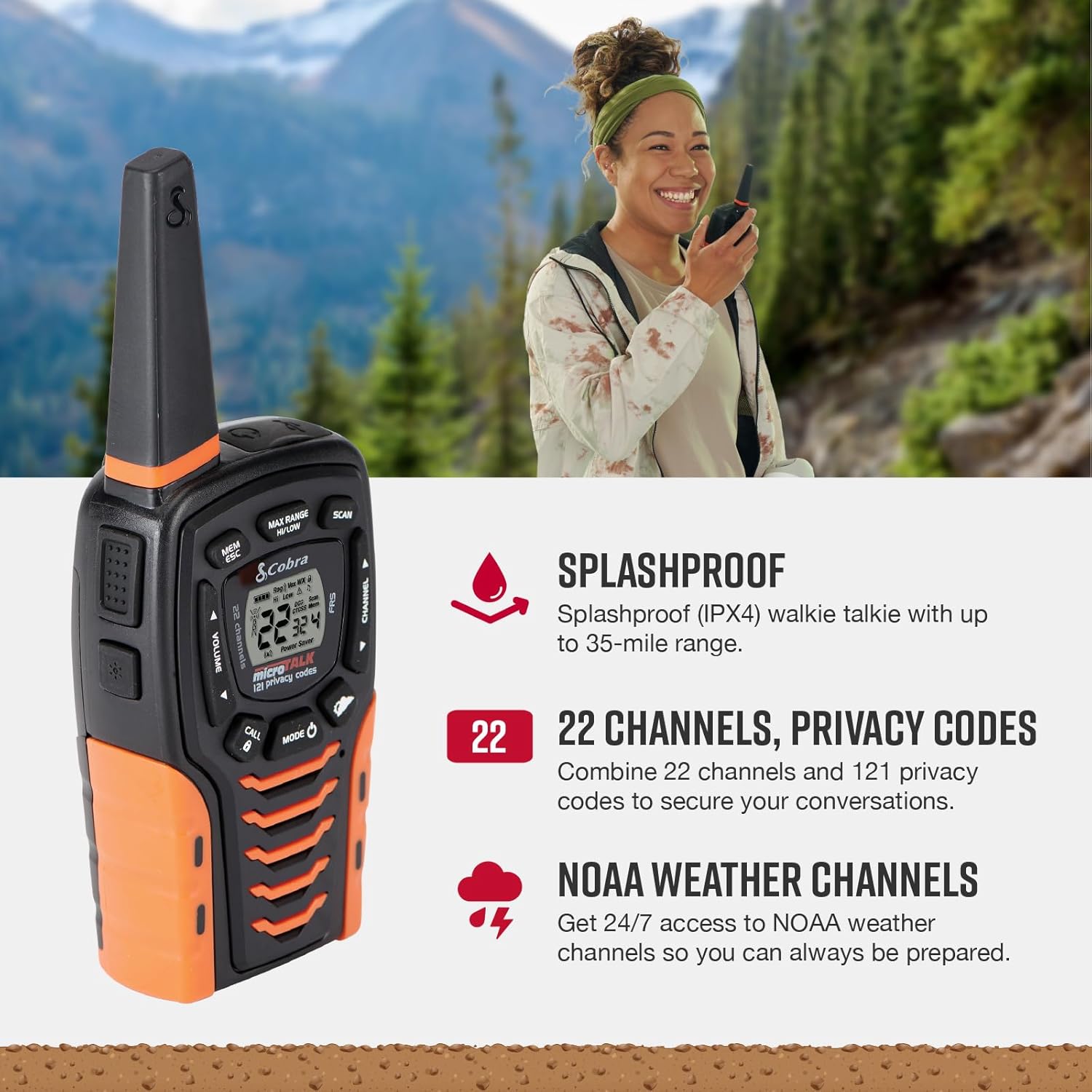
Image: Key features of the Cobra ACXT645, including splashproof design, channels, and NOAA weather alerts.
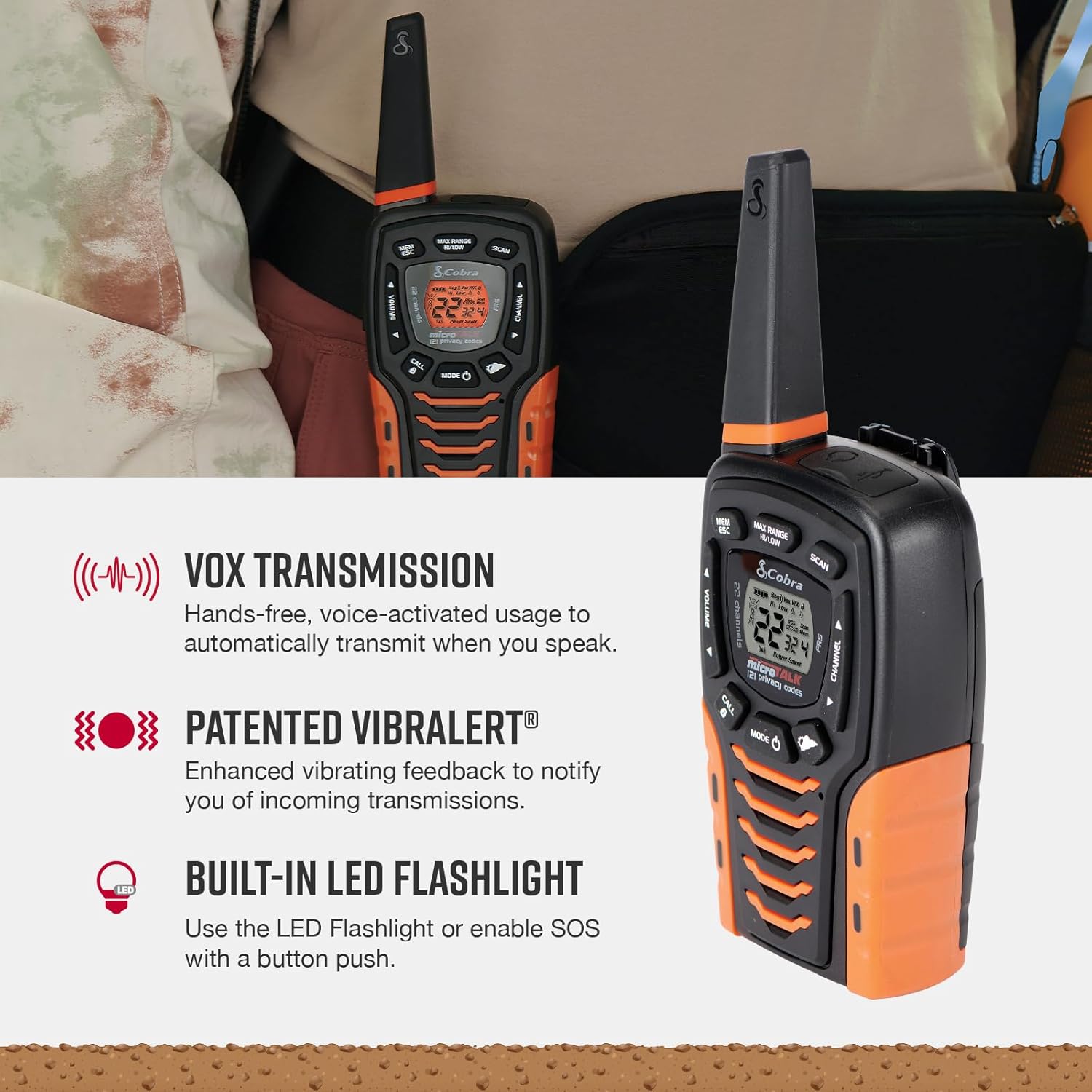
Image: Additional features like VOX, VibrAlert, and the LED flashlight on the Cobra ACXT645.
Video: A brief product overview of the Cobra ACXT645 walkie talkies, demonstrating their features and design.
5. Range Information
The maximum range of up to 35 miles is achieved under optimal conditions, such as open water or rural areas with clear line of sight. Actual usable range can vary significantly due to several factors:
- Terrain: Dense foliage, hills, and urban structures can significantly reduce range.
- Weather: Adverse weather conditions can impact signal quality and range.
- Electromagnetic Interference: Other electronic devices or radio signals can cause interference.
For communication over shorter distances or in areas with obstructions, the radio automatically switches to lower power to conserve battery life while still providing reliable communication.
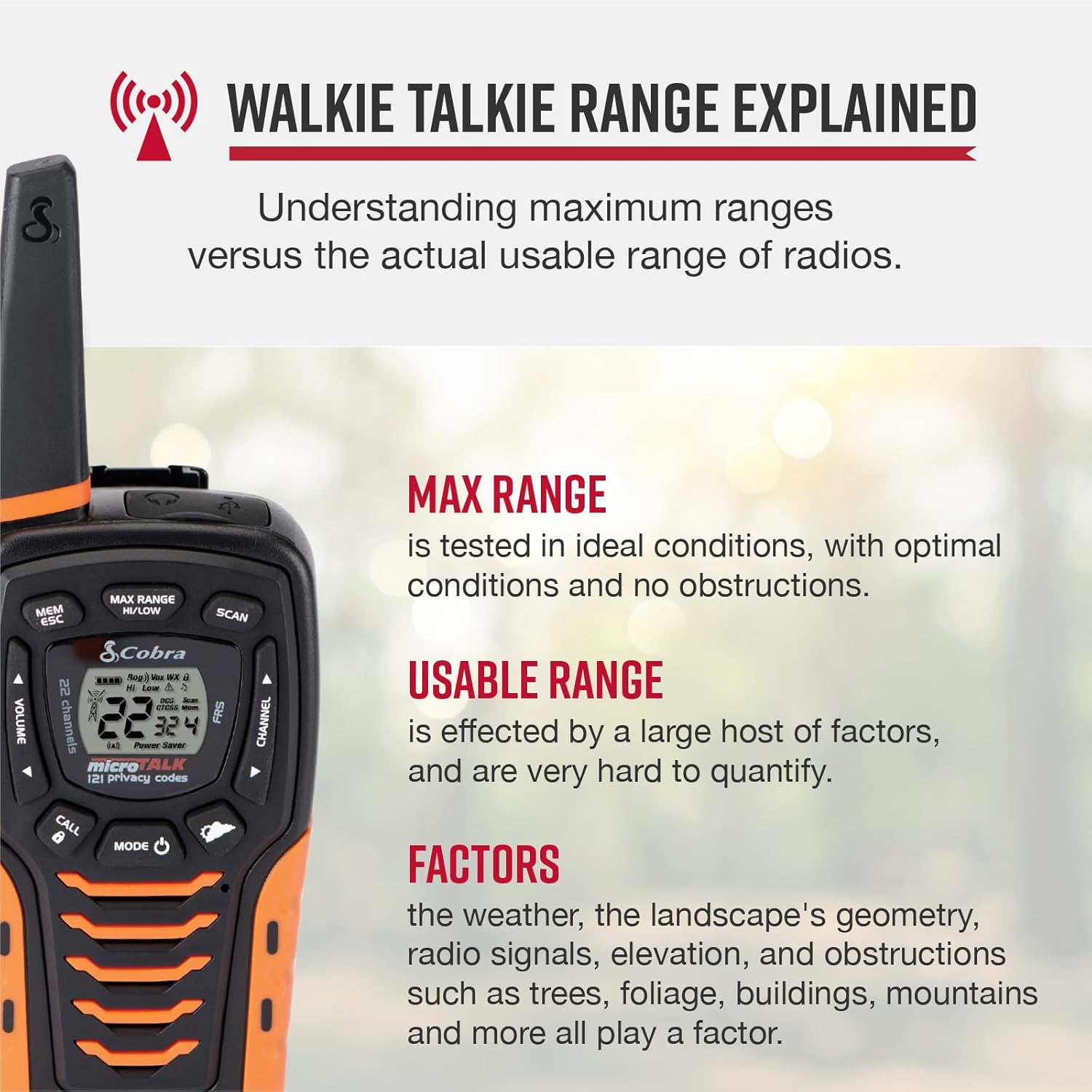
Image: Explanation of walkie talkie range, detailing factors that affect usable range.
6. Maintenance
6.1. Cleaning
Clean the radio's exterior with a soft, damp cloth. Do not use abrasive cleaners or solvents, as these can damage the unit.
6.2. Battery Care
To maximize battery life, fully charge the batteries before each use. If storing the radios for an extended period, remove the batteries to prevent leakage.
6.3. Storage
Store the radios in a cool, dry place away from direct sunlight and extreme temperatures.
7. Troubleshooting
- No Power: Ensure batteries are correctly installed and charged.
- Cannot Transmit/Receive: Verify both radios are on the same channel and privacy code. Check if the keypad lock is active.
- Poor Range/Interference: Adjust the Max Range Hi/Lo setting. Move to an area with fewer obstructions. Check for sources of electromagnetic interference.
- Static/Unclear Audio: Adjust volume. Ensure both radios are within effective range and have clear line of sight if possible.
8. Specifications
| Feature | Specification |
|---|---|
| Model Number | ACXT645 |
| Dimensions | 6.73 x 2.57 x 1.74 inches |
| Item Weight | 5.1 ounces |
| Number of Channels | 22 |
| Privacy Codes | 121 (38 CTCSS, 83 DCS) |
| Frequency Range | 400-512 MHz |
| Talking Range Maximum | 35 Miles (optimal conditions) |
| Water Resistance Level | Splashproof (IPX4) |
| Batteries | 3 AAA NiMH rechargeable (included) |
| Special Features | NOAA Weather Alerts, VOX, VibrAlert, LED Flashlight, SOS Function |
9. Warranty and Support
Cobra Electronics offers reliable communication solutions with over 50 years of proven quality. For any questions about operating or installing your new Cobra product, or to inquire about warranty service, please refer to the contact information provided in your product documentation or visit the official Cobra website.
This product is USA engineered and supported, exemplifying superior technology and craftsmanship.


