
UPBRIGHT 12V AC/DC Adapter
UpBright 12V AC/DC Adapter User Manual
For Mettler Toledo XS Series and XP Series Balance Scales
1. Introduction
This manual provides essential instructions for the safe and effective use of your UpBright 12V AC/DC Adapter. This power supply is designed to provide reliable power to compatible Mettler Toledo balance scales, including models from the XS and XP series. Please read this manual thoroughly before use and retain it for future reference.
2. Safety Information
- Electrical Shock Hazard: Do not open the adapter casing. Refer all servicing to qualified personnel.
- Dry Location Use Only: This adapter is intended for indoor use in dry environments. Do not expose to water, moisture, or high humidity.
- Proper Ventilation: Ensure the adapter has adequate ventilation. Do not cover it or operate it in an enclosed space that could lead to overheating.
- Correct Voltage: Only connect the adapter to a power outlet providing the specified input voltage (100-240V AC).
- Cable Care: Do not place heavy objects on the power cord or subject it to sharp bends. Inspect the cord for damage before each use.
- Disconnecting Power: Always grasp the plug, not the cord, when disconnecting from the power outlet.
3. Product Overview
The UpBright 12V AC/DC Adapter is a switching power supply designed for efficiency and compatibility with various Mettler Toledo balance scales. It converts alternating current (AC) from a wall outlet to direct current (DC) required by your device.

Figure 3.1: Front view of the UpBright 12V AC/DC Adapter. This image displays the main body of the adapter with its input/output specifications printed on the label, and the attached DC output cable terminating in a barrel connector.

Figure 3.2: Side view of the UpBright 12V AC/DC Adapter. This image highlights the integrated AC plug designed for standard wall outlets, along with the coiled DC output cable.
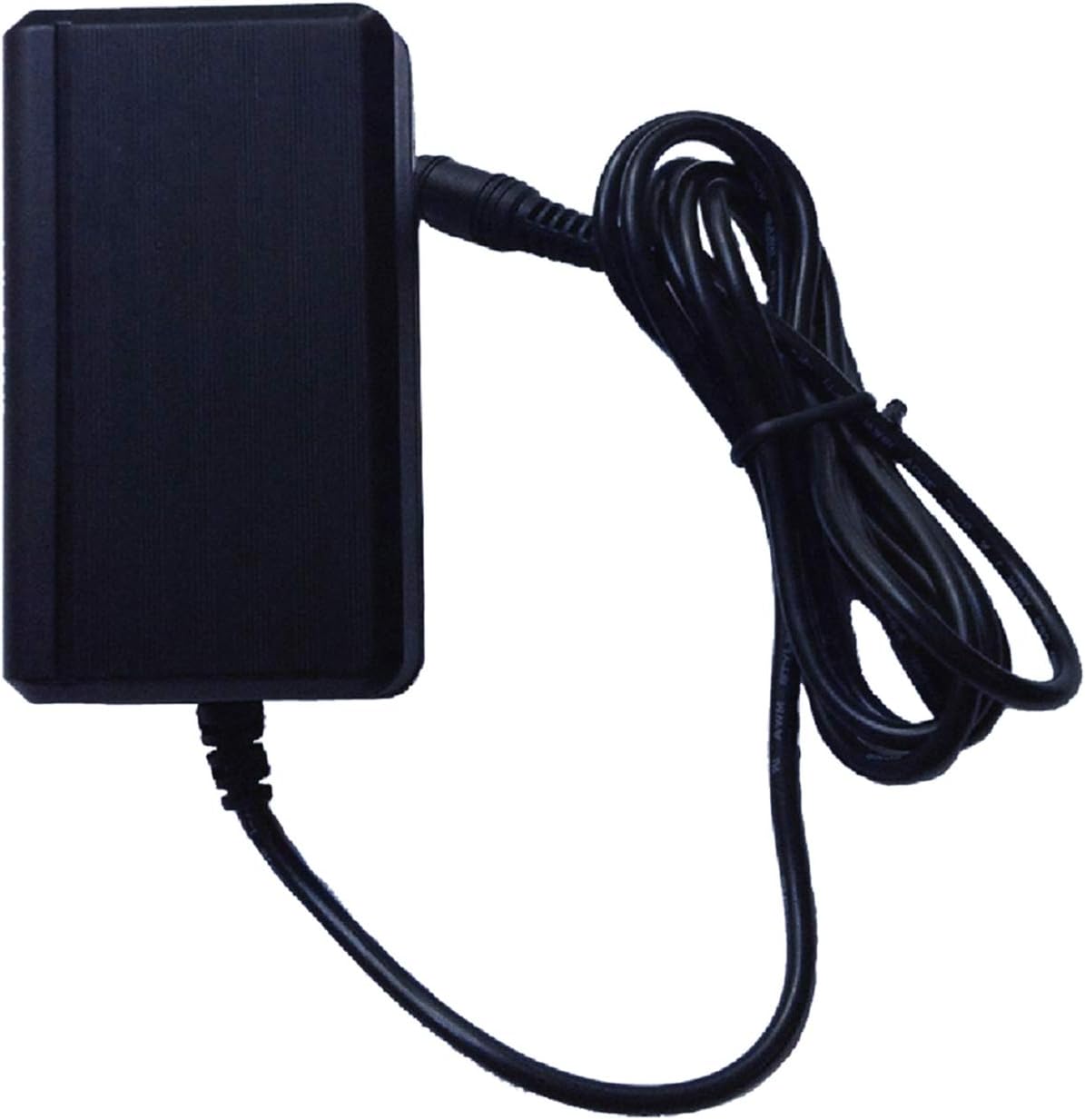
Figure 3.3: Alternative side view of the UpBright 12V AC/DC Adapter, providing a different perspective of the unit and its cable.
3.1. International Outlet Adapters
For international orders, a suitable outlet adapter may be included to ensure compatibility with local power sockets. Please use the correct adapter for your region.

Figure 3.4: Examples of common international outlet adapters (AU, EU, UK types) that may be provided with the product for regional compatibility.
4. Setup
- Verify Compatibility: Ensure your Mettler Toledo balance scale requires a 12V DC power input and has a compatible barrel connector. Refer to your scale's manual for power requirements.
- Connect to Device: Insert the barrel connector of the UpBright adapter firmly into the DC input port of your Mettler Toledo balance scale.
- Connect to Power Outlet: Plug the AC end of the adapter into a standard wall power outlet (100-240V AC, 50/60Hz). If an international adapter is provided, attach it to the AC plug before inserting it into the wall outlet.
- Power On: Once connected, your balance scale should receive power. Follow your scale's instructions to power it on.
5. Operating Instructions
The UpBright 12V AC/DC Adapter functions as a continuous power source for your Mettler Toledo balance scale. Once properly connected, it will supply the necessary power for the scale's operation.
- Ensure all connections are secure before operating your balance scale.
- The adapter is designed for continuous use within its specified operating parameters.
- If the balance scale is not powering on, check all connections and the power outlet.
6. Maintenance
The UpBright 12V AC/DC Adapter requires minimal maintenance to ensure long-term performance.
- Cleaning: Disconnect the adapter from the power outlet and the device before cleaning. Use a soft, dry cloth to wipe the exterior. Do not use liquid cleaners or solvents.
- Storage: When not in use, store the adapter in a cool, dry place away from direct sunlight and extreme temperatures. Avoid tightly coiling the cable to prevent damage.
- Inspection: Periodically inspect the adapter casing and power cord for any signs of damage, such as cuts, fraying, or discoloration. Discontinue use if damage is found.
7. Troubleshooting
7.1. No Power to Device
- Check Connections: Ensure the adapter's barrel connector is fully inserted into the device and the AC plug is securely in the wall outlet.
- Test Outlet: Plug another device into the same wall outlet to confirm it is functioning.
- Verify Compatibility: Double-check that your device's power requirements match the adapter's output specifications (12V DC).
- Inspect Adapter: Look for any visible damage to the adapter or its cable. If damaged, discontinue use.
7.2. Adapter Overheating
- Ensure Ventilation: Make sure the adapter is not covered and has sufficient airflow around it.
- Reduce Load: Confirm the connected device is not drawing more current than the adapter's maximum output (2.5A).
- If overheating persists, disconnect the adapter immediately and contact support.
8. Specifications
| Parameter | Value |
|---|---|
| Model | UpBright 12V AC/DC Adapter |
| Input Voltage | 100-240V AC, 50/60Hz |
| Output Voltage | 12V DC |
| Output Current | 2.08A - 2.5A (2080mA - 2500mA) |
| Connector Type | Barrel Connector |
| Compatibility | Mettler Toledo XS Series (e.g., XS204, XS205, XS802S, XS1003S, XS4002S, XS6001S, XS6002S, XS64), XP Series (e.g., XP204, XP504, XP4001S) Balance Scales |
9. Warranty and Support
This UpBright product comes with a limited warranty. Please refer to the warranty certificate included with your purchase for specific terms and conditions. For technical support or warranty claims, please contact your retailer or the UpBright customer service department.
Figure 9.1: Image indicating the inclusion of an UpBright Limited Warranty Certificate and a Product Warranty Seal with the purchase.
Related documents12V AC/DC Adapter

Ask a question about this manual
Ask about setup, troubleshooting, compatibility, parts, safety, or missing instructions. Manuals+ will review the question and use this page’s manual context to help answer it.