
1. Introduction
This manual provides instructions for the safe and effective use of the Satco S7095 Bayonet Bulb. This 20-watt T7 sign and indicator lamp features a candelabra base and operates at 130 volts. Please read these instructions carefully before installation and retain them for future reference.
2. Product Overview
The Satco S7095 is a clear, T7 shaped incandescent light bulb designed for various lighting applications. Its bayonet base ensures a secure fit in compatible fixtures.
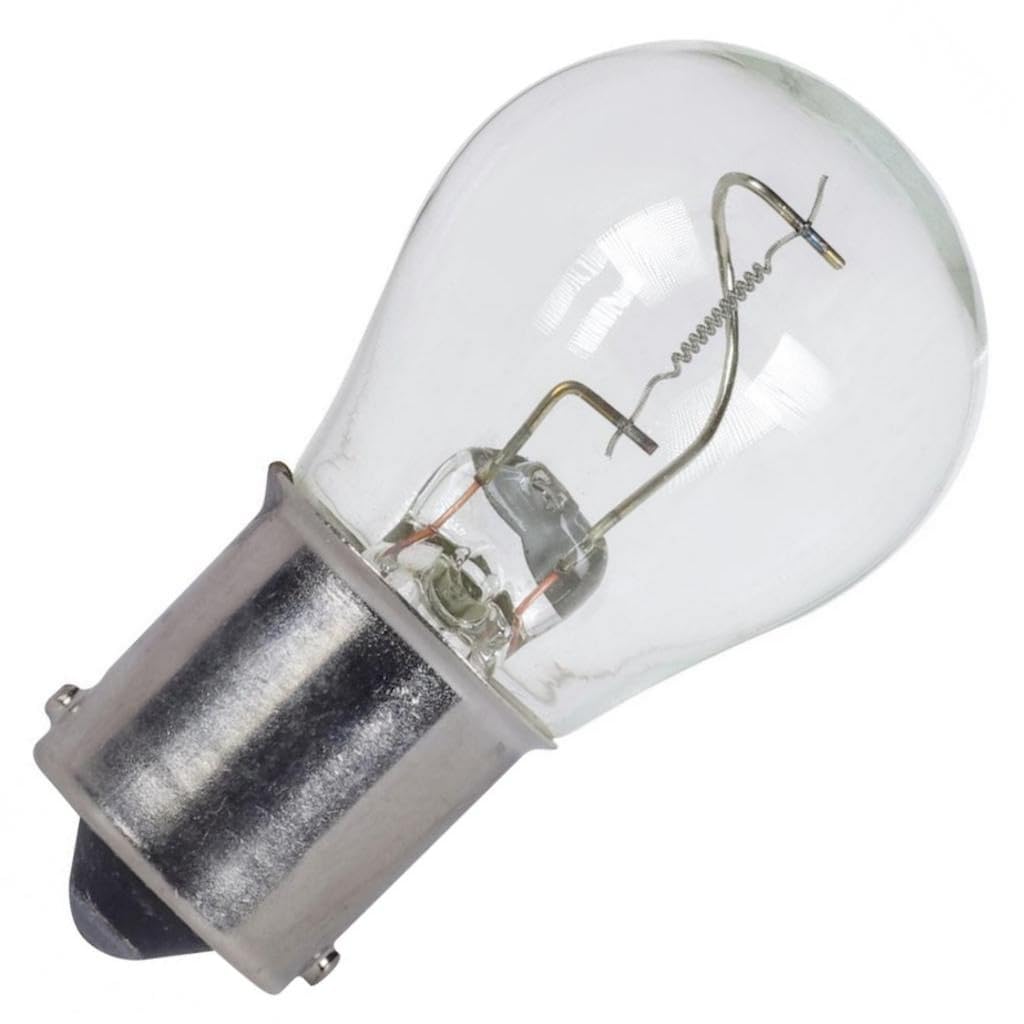
An image showing the clear glass bulb of the Satco S7095, highlighting its bayonet base and internal filament structure.
3. Safety Information
- Ensure power is off at the circuit breaker or switch before attempting installation, removal, or maintenance.
- Do not exceed the specified voltage of 130V. Using incorrect voltage may damage the bulb or fixture.
- Handle the bulb with care; glass bulbs can break if dropped or mishandled.
- Allow the bulb to cool completely before handling after use to prevent burns.
- Dispose of used bulbs according to local regulations.
4. Setup and Installation
- Turn off Power: Locate the light fixture's power source and turn off the electricity at the circuit breaker or wall switch.
- Verify Compatibility: Ensure your light fixture is designed for a bayonet base bulb.
- Insert Bulb: Align the two pins on the bulb's base with the corresponding slots in the fixture's socket.
- Secure Bulb: Gently push the bulb into the socket and twist clockwise until it locks securely into place. Do not overtighten.
- Restore Power: Once the bulb is securely installed, restore power to the fixture.
5. Operating Instructions
Once properly installed, the Satco S7095 bulb operates by simply activating the light fixture's switch. The bulb will illuminate instantly when power is supplied.
6. Maintenance
The Satco S7095 bulb requires minimal maintenance.
- Cleaning: If cleaning is necessary, ensure the bulb is cool and the power is off. Gently wipe the exterior with a dry, soft cloth. Do not use liquid cleaners or abrasive materials.
- Replacement: When the bulb reaches the end of its lifespan, turn off the power to the fixture and allow the bulb to cool completely. To remove, gently push the bulb into the socket and twist counter-clockwise. Replace with a new Satco S7095 or an equivalent bulb with matching specifications.
7. Troubleshooting
| Problem | Possible Cause | Solution |
|---|---|---|
| Bulb does not light up | No power to the fixture | Check the circuit breaker and wall switch to ensure power is on. |
| Bulb does not light up | Bulb not properly seated | Turn off power, then re-seat the bulb firmly into the socket. |
| Bulb does not light up | Bulb is burnt out | Turn off power, allow to cool, and replace the bulb with a new one. |
8. Specifications
| Brand | Satco |
| Model Name | S7095 |
| Wattage | 20 watts |
| Bulb Shape Size | T7 |
| Voltage | 130 Volts |
| Base Type | Bayonet |
| Material | Glass |
| Finish | Clear |
| Product Dimensions | 1"W x 2"H |
| Item Weight | 10 pounds |
| UPC | 045923070952 |
9. Warranty Information
The Satco S7095 bulb comes with an average rated hour limited warranty. For specific details regarding coverage, duration, and terms, please refer to the product packaging or contact Satco customer support directly.
10. Customer Support
For further assistance, technical support, or any inquiries regarding your Satco S7095 Bayonet Bulb, please visit the official Satco website or contact their customer service department.


