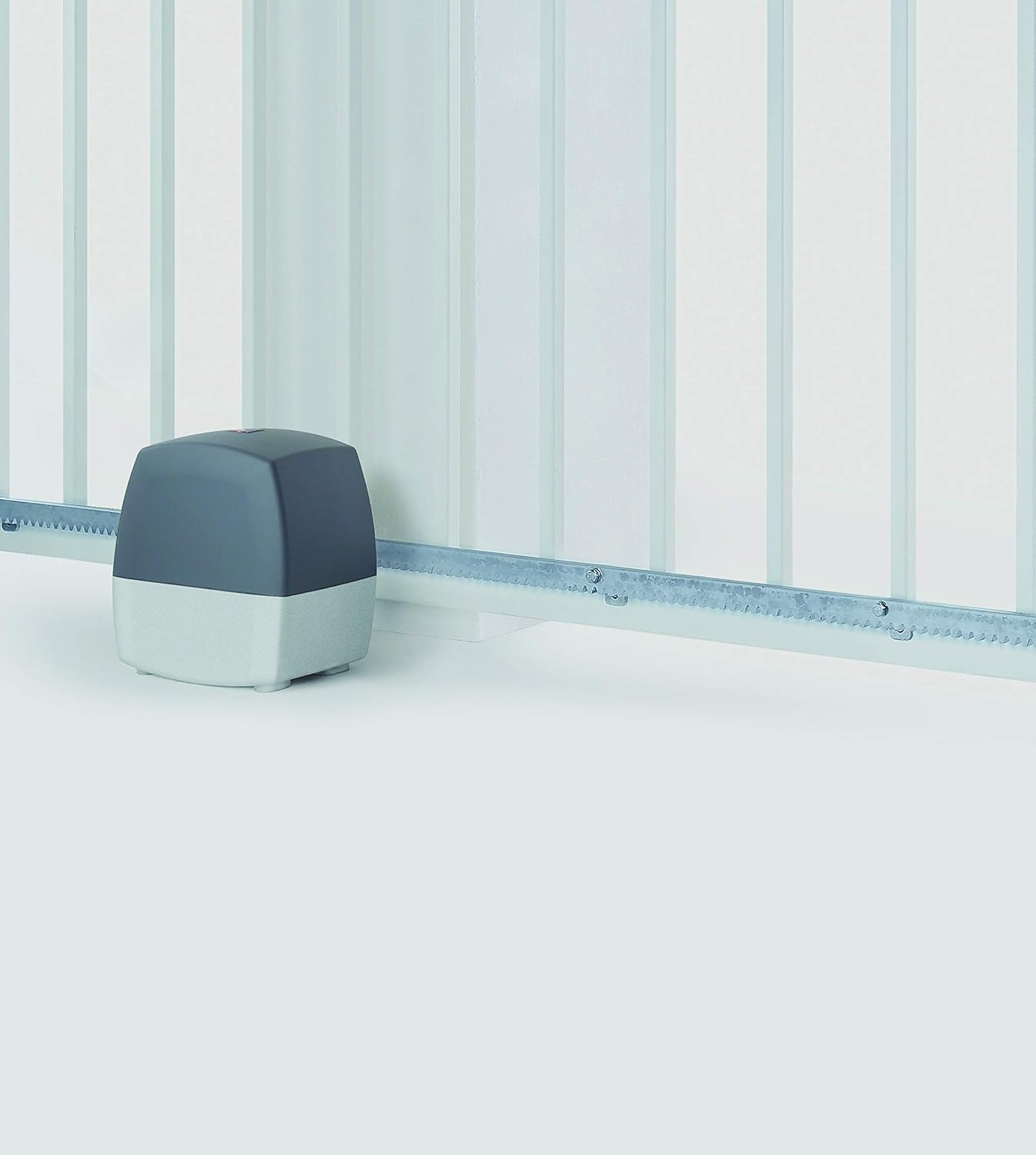
Introduction
This manual provides essential instructions for the safe and efficient operation and maintenance of your Hormann EcoStar Portronic-S 4000 sliding gate operator. Please read all instructions carefully before installation and use to ensure proper function and safety.
Important Safety Information
- Always ensure the gate area is clear of obstructions, persons, or animals before operating the gate.
- Do not allow children to play with or near the gate operator or remote controls.
- Regularly inspect the gate and operator for signs of wear, damage, or misalignment.
- In case of malfunction, disconnect power and contact qualified service personnel.
- The gate operator is designed for sliding gates up to 4 meters in length. Do not exceed this limit.
- The integrated wireless technology allows for convenient remote operation.
- The system includes safety features that automatically stop the gate if an obstacle is detected during opening or closing.
Package Contents
Your Hormann EcoStar Portronic-S 4000 sliding gate operator package includes the following items:
- 1x Hormann EcoStar Portronic-S 4000 Sliding Gate Operator
- 2x RSC 2 Handheld Transmitters (remote controls)
- Rack elements for gate installation
- Installation and operating instructions (this manual)
Setup and Installation
Installation of the Hormann EcoStar Portronic-S 4000 requires careful attention to detail and adherence to local building codes and safety regulations. It is recommended that installation be performed by a qualified professional.
- Prepare the Gate Area: Ensure the sliding gate is properly installed, moves freely, and is structurally sound. Clear any debris or obstacles from the gate's path.
- Mount the Operator: Securely mount the gate operator unit to a stable foundation next to the gate, ensuring proper alignment with the gate's movement path.
- Install Rack Elements: Attach the provided rack elements along the bottom edge of the sliding gate, ensuring they mesh correctly with the operator's drive gear.
- Electrical Connection: Connect the operator to a suitable power supply according to electrical safety standards. This typically involves wiring to a dedicated circuit.
- Limit Switch Adjustment: Adjust the limit switches to define the gate's fully open and fully closed positions.
- Remote Control Pairing: Pair the included RSC 2 handheld transmitters with the gate operator. Refer to the specific pairing instructions provided with the remote controls.
- Test Safety Features: Thoroughly test all safety features, including obstacle detection, to ensure they function correctly.
For detailed diagrams and step-by-step instructions, please refer to the separate installation guide.
Operating Instructions
The Hormann EcoStar Portronic-S 4000 offers convenient operation via the included handheld transmitters.
- Opening/Closing the Gate: Press the designated button on your RSC 2 handheld transmitter to initiate the gate's opening or closing cycle. Pressing the button again during operation will stop the gate.
- Partial Opening (Pedestrian Function): The system allows for partial opening of the gate, suitable for pedestrian access. Consult your installation guide for instructions on how to activate and use this feature with your remote control.
- Safety Stop: The gate will automatically stop and reverse if it encounters an obstruction during its travel. Ensure the path is clear before resuming operation.
Maintenance
Regular maintenance ensures the longevity and reliable operation of your gate operator.
- Monthly Inspection: Check the gate's movement for smoothness. Inspect the rack elements for wear or damage. Ensure all mounting hardware is secure.
- Clean the Operator: Keep the operator housing clean and free of dirt, dust, and debris.
- Lubrication: Periodically lubricate moving parts as recommended in the detailed installation guide.
- Professional Service: It is recommended to have the gate operator professionally inspected and serviced annually.
Troubleshooting
| Problem | Possible Cause | Solution |
|---|---|---|
| Gate does not respond to remote control. | Dead remote battery, remote out of range, operator power off, remote not paired. | Replace remote battery, move closer to operator, check power supply, re-pair remote control. |
| Gate stops unexpectedly. | Obstruction detected, limit switch issue, motor overload. | Clear obstruction, check limit switch settings, allow motor to cool, contact service if problem persists. |
| Gate moves slowly or with difficulty. | Friction in gate mechanism, worn rack elements, low power. | Lubricate gate components, inspect and replace worn rack elements, check power supply. |
If troubleshooting steps do not resolve the issue, please contact Hormann customer support or a certified technician.
Technical Specifications
- Brand: Hormann
- Model: Portronic-S 4000
- Part Number: 4511230
- Maximum Pulling Force: 600 N
- Maximum Gate Length: Up to 4 meters
- Product Dimensions: 9.96 x 7.6 x 0.01 cm (operator unit, approximate)
- Weight: 11.62 kg
- Material: Zinc, Plastic
- Color: Multi-color
- Included Components: Portronic S 4000 operator, 2x RSC 2 handheld transmitters, rack elements
- Batteries Required: No (for operator), Yes (for remote controls, not included with operator)
Warranty and Support
Hormann products are manufactured to high-quality standards. For warranty information, technical support, or service inquiries, please refer to the official Hormann website or contact your authorized dealer. Keep your proof of purchase for warranty claims.
Product Images