
1. Introduction
Thank you for choosing the TAYLOR 755841933B Glass Digital Scale. This manual provides essential information for the safe and effective use of your new scale. Please read it thoroughly before operation and retain it for future reference.
2. Safety Information
- Always place the scale on a hard, flat surface. Using it on soft surfaces like carpet may result in inaccurate readings.
- The glass platform can be slippery when wet. Ensure the surface is dry before stepping on the scale.
- Do not exceed the maximum weight capacity of 400 lbs (180 kg).
- Avoid dropping the scale or subjecting it to strong impacts, as this may damage the glass platform or internal components.
- This scale is intended for personal use only and is not a medical device.
- Keep batteries out of reach of children.
3. Package Contents
Verify that all items are present in your package:
- TAYLOR 755841933B Glass Digital Scale
- AAA Batteries (2)
- Instruction Manual (this document)
4. Setup
4.1 Battery Installation
- Locate the battery compartment on the underside of the scale.
- Open the battery compartment cover.
- Insert the two AAA batteries, ensuring the correct polarity (+ and -) as indicated inside the compartment.
- Close the battery compartment cover securely.
4.2 Initial Placement and Calibration
For accurate readings, the scale must be placed on a hard, flat, and stable surface. Avoid carpets or uneven flooring.
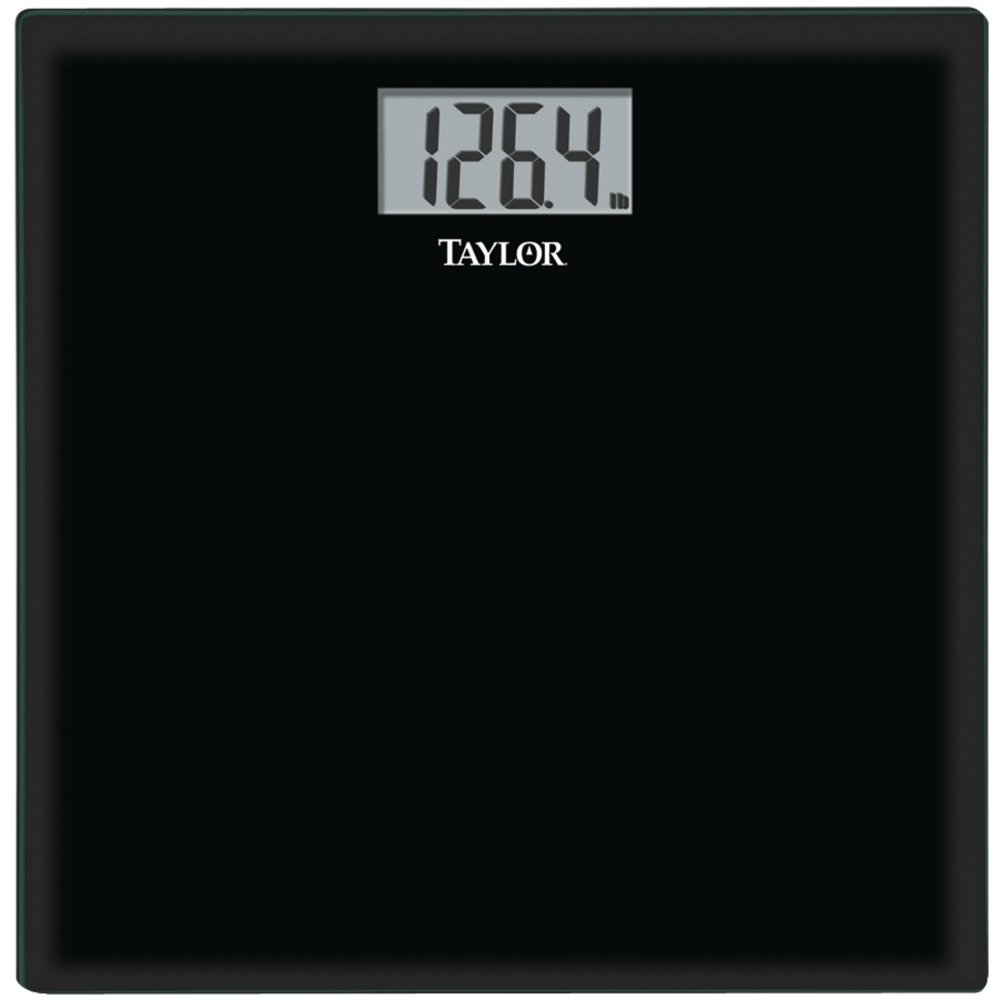
Image: The TAYLOR 755841933B Glass Digital Scale, featuring a black tempered glass platform and an LCD display. The scale is rectangular with rounded corners.
Before first use or after moving the scale, perform an initial calibration:
- Gently step onto the scale, then immediately step off.
- The display will show '0.0' or a similar reading, then turn off. This indicates the scale has calibrated.
4.3 Unit Selection (Pounds/Kilograms)
If your scale supports unit conversion, a switch or button is typically located on the underside of the scale, near the battery compartment. Press this button to toggle between pounds (lb) and kilograms (kg).
5. Operating Instructions
5.1 Taking a Measurement
- Ensure the scale is on a hard, flat surface and has been calibrated (see Section 4.2).
- Step onto the scale with bare feet, standing still and centered on the platform.
- Your weight will appear on the LCD display. The reading will flash or stabilize to indicate the final measurement.
- Step off the scale. The scale will automatically turn off after a few seconds to conserve battery life.
For consistent results, weigh yourself at the same time of day, under similar conditions.
6. Maintenance
6.1 Cleaning
To clean the scale, wipe the surface with a damp cloth and mild detergent. Do not use abrasive cleaners or immerse the scale in water. Dry thoroughly after cleaning.
6.2 Battery Replacement
When the display shows 'Lo' or becomes dim, it is time to replace the batteries. Follow the battery installation steps in Section 4.1.
6.3 Storage
Store the scale in a cool, dry place. Avoid storing it vertically for extended periods, as this may affect accuracy.
7. Troubleshooting
- No Display / Scale Not Turning On: Check if batteries are installed correctly and are not depleted. Replace batteries if necessary.
- Inaccurate Readings: Ensure the scale is on a hard, flat surface. Recalibrate the scale by stepping on and off. Avoid moving the scale between measurements.
- 'Lo' on Display: Indicates low battery. Replace the AAA batteries.
- 'Err' or 'O-Ld' on Display: Indicates the scale is overloaded. The weight capacity has been exceeded. Step off the scale immediately.
8. Specifications
| Model | 755841933B |
| Capacity | 400 lbs (180 kg) |
| Increments | 0.2 lbs (0.1 kg) |
| Display | 3.23" x 1.6" LCD |
| Platform Material | Tempered Glass |
| Platform Dimensions | 12" x 12" x 0.3" |
| Power | 2 x AAA Batteries (included) |
| Features | Auto-zero, Auto-off |
9. Warranty Information
TAYLOR products are manufactured to the highest quality standards. This scale is backed by a manufacturer's warranty against defects in materials and workmanship. Please refer to the warranty card included with your purchase or visit the manufacturer's website for specific warranty terms and conditions.
10. Customer Support
For further assistance, troubleshooting, or warranty claims, please contact TAYLOR customer support. Contact information can typically be found on the product packaging or the official TAYLOR website.


