
INNOTALK W779 Model
INNOTALK W779 Wireless Headset User Manual
Model: W779
Introduction
Thank you for choosing the INNOTALK W779 Wireless Headset. This manual provides comprehensive instructions for setting up, operating, and maintaining your new headset. Designed for professional use with Polycom VVX and Soundpoint IP phone models, this headset offers superior sound quality, extended wireless range, and comfort for all-day use.
Package Contents
Please verify that all items listed below are included in your package:
- A Charging Base
- A Headset
- Remote Answering Cord (EHS cable for Polycom)
- A Telephone Cord
- A Power Adapter
- A Headband
- A Earhook
- A Wine color Headset Cover
- A Manual (this document)
- A Quick Setup Guide
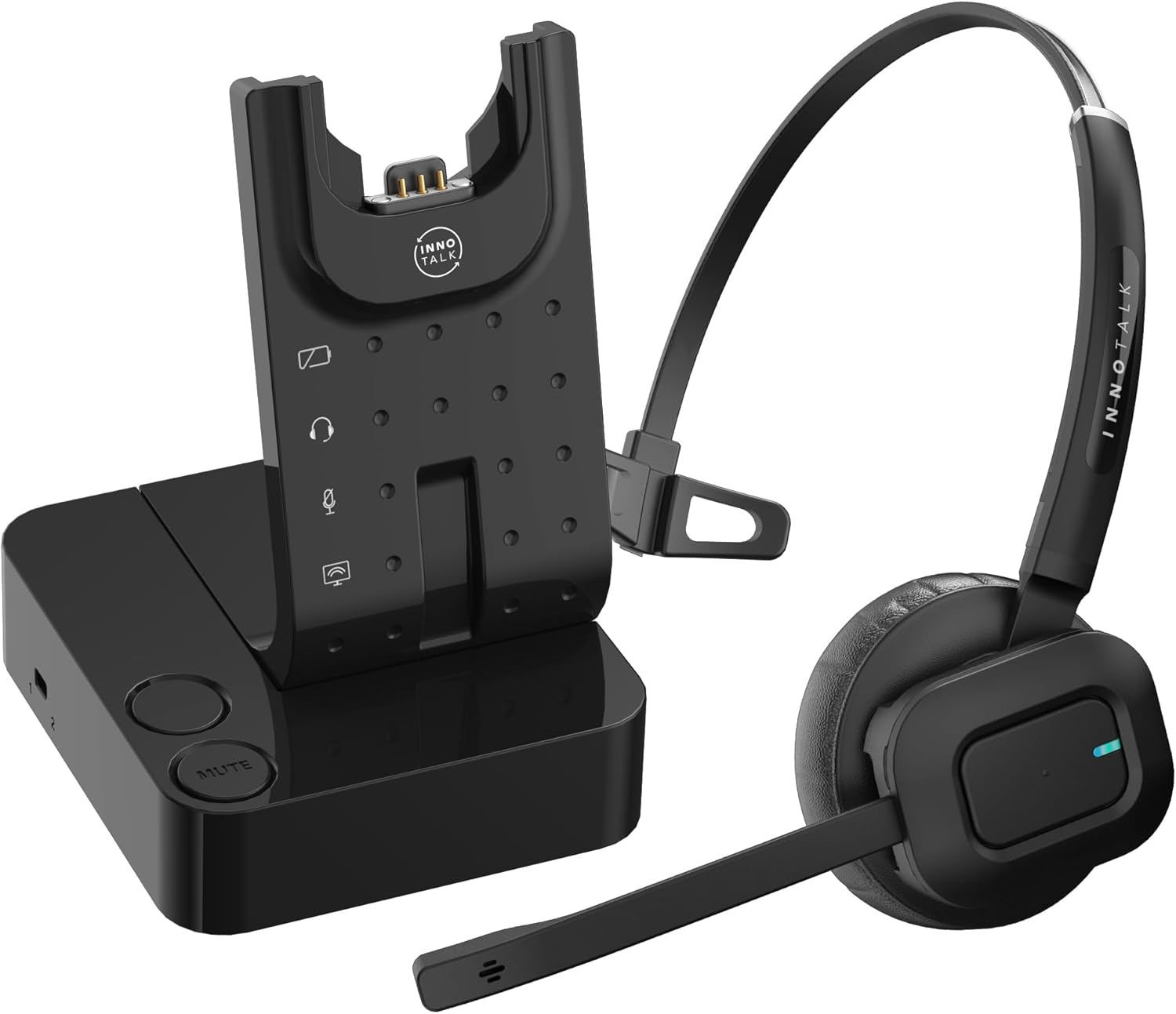
Image: The INNOTALK W779 Wireless Headset, showing the headset and its charging base.
Setup Guide
1. Connecting the Charging Base
- Connect the power adapter to the charging base and plug it into a power outlet.
- Place the headset onto the charging cradle. Ensure the headset is properly seated and the charging indicator light on the base illuminates.
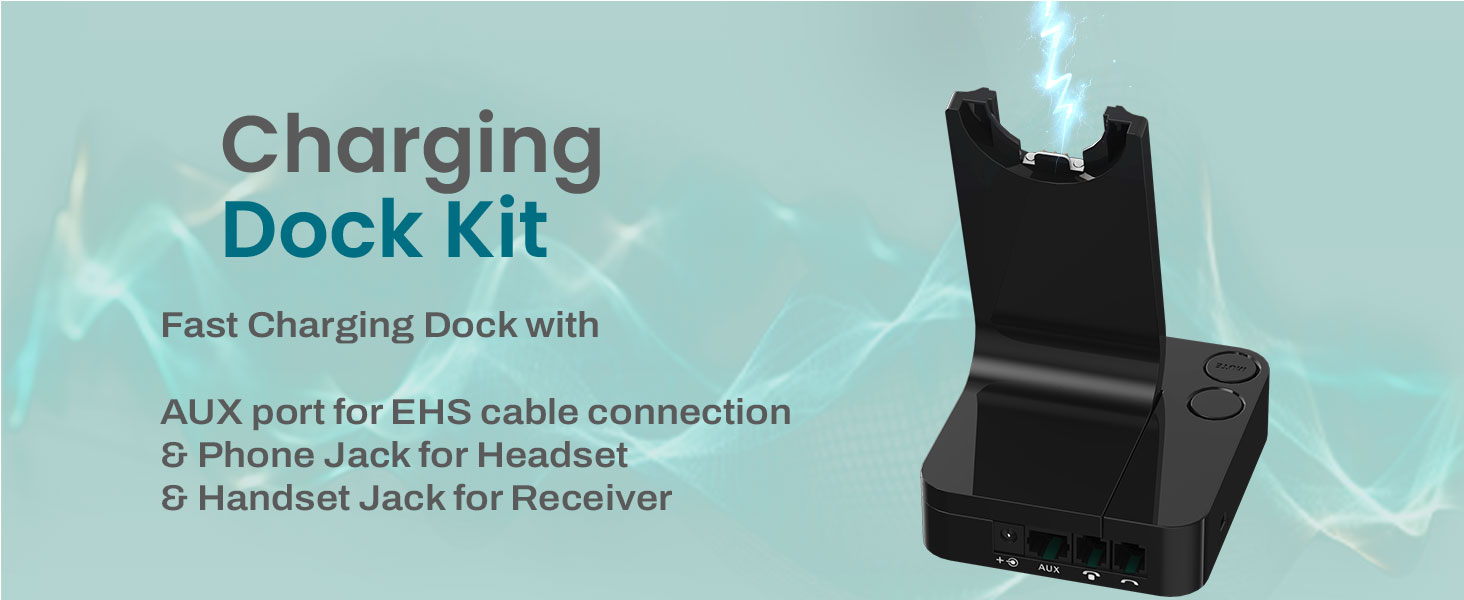
Image: Illustration of the charging dock kit, highlighting the power connection and various ports.
2. Connecting to Your Polycom Phone
The INNOTALK W779 is designed for seamless integration with Polycom VVX and Soundpoint IP phone models using the included Electronic Hook Switch (EHS) cable.
- Locate the headset port (often marked with a headset icon) and the EHS jack (often marked AUX or EHS) on your Polycom phone.
- Connect one end of the provided Remote Answering Cord (EHS cable) to the AUX port on the charging base.
- Connect the other end of the EHS cable to the corresponding EHS/AUX port on your Polycom phone.
- Connect the telephone cord from the charging base's "Phone" port to your Polycom phone's headset port.
- For other desk phone models, connect the telephone cord from the charging base's "Phone" port to the desk phone's handset port or headset port.

Image: Diagram illustrating the connection of the wireless headset base to a Polycom phone using the EHS cable.

Image: Visual guide showing compatibility with desk phones' corded handset (receiver) and RJ9 Modular Headset Jack.
Operating Instructions
Basic Call Functions
- Answering/Ending Calls: With the EHS cable connected, you can answer or end calls remotely by pressing the call control button on the headset.
- Making Calls: Dial the number on your Polycom phone. The call will automatically route to your headset.
- Mute Function: Press the mute button on the headset or the charging base to mute/unmute your microphone during a call.
- Volume Control: Use the volume buttons on the headset to adjust the listening volume.
Wireless Range and Performance
The INNOTALK W779 utilizes DECT 6.0 wireless technology, providing a stable and clear connection up to 300 feet from the charging base. This allows for mobility within your office environment while on calls.
Image: Visual representation of the 300-foot wireless range and remote answering capability.
Battery Life
The headset provides up to 12 hours of talk time and approximately 50 hours of standby time on a full charge. A full charge typically takes about 2 hours.
Noise Cancellation
Equipped with a Digital Signal Processing (DSP) noise-canceling microphone, the headset effectively reduces background noise, ensuring crystal-clear voice pickup for your callers.
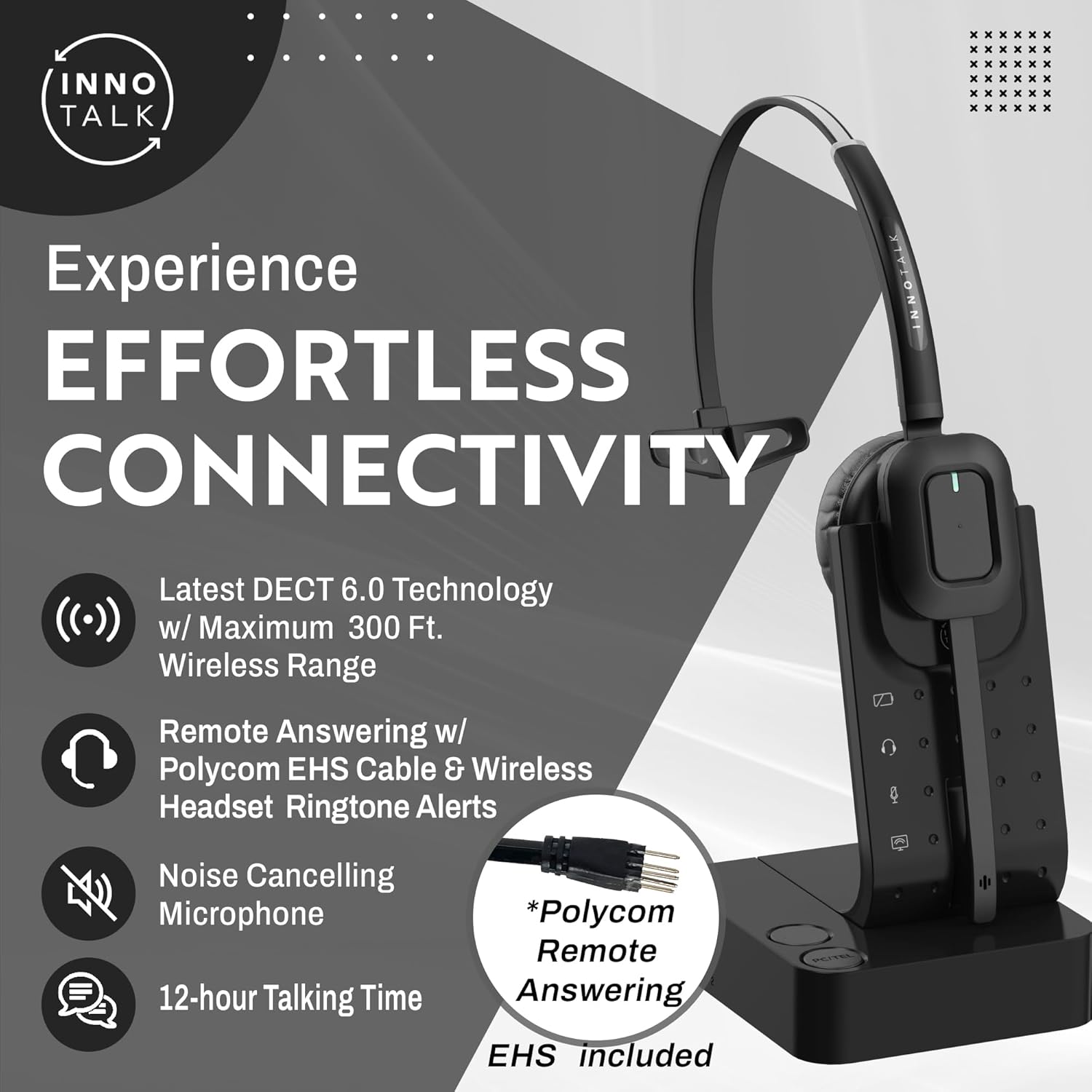
Image: Diagram illustrating how the Digital Signal Processing (DSP) noise-canceling microphone reduces background noise.
Maintenance
Cleaning
To maintain optimal performance and hygiene, regularly clean your headset and charging base. Use a soft, dry cloth to wipe down surfaces. Avoid using harsh chemicals or abrasive materials.
Battery Care
For best battery longevity, avoid fully discharging the headset frequently. Store the headset on its charging base when not in use to keep it charged and ready.
Troubleshooting
| Issue | Possible Cause | Solution |
|---|---|---|
| No sound from headset / Callers cannot hear me | Headset not powered on, not paired, mute activated, incorrect phone settings. |
|
| Static or poor call quality | Out of range, interference, low battery. |
|
| Remote answering not working | EHS cable not connected correctly, phone settings. |
|
Specifications
| Feature | Detail |
|---|---|
| Model Name | Remote Answering Feature Wireless Headset for Polycom VVX (W779) |
| Connectivity Technology | DECT 6.0 Wireless (300 feet radius) |
| Noise Control | Active Noise Cancellation (DSP) |
| Frequency Response | 1.9 GHz |
| Sensitivity | 100 dB |
| Headphones Jack | RJ9 Modular, EHS cable for Polycom |
| Compatible Devices | Poly Polycom Phone, Poly VVX models, Poly Soundpoint IP models |
| Battery Life (Talk Time) | Max 12 Hours |
| Battery Life (Standby) | 50 Hours |
| Charging Time | 2 Hours |
| Item Weight | 0.54 Kilograms (1.19 pounds) |
| Product Dimensions | 5.75 x 4 x 6.75 inches |
| Material | Plastic |
| Ear Placement | On Ear |
| Special Feature | 300 feet Wireless Radius, Remote Hook On & Off Polycom Phone |
Warranty and Support
The INNOTALK W779 Wireless Headset comes with a Professional Two Year Warranty. For technical support, warranty claims, or further assistance, please contact INNOTALK customer service or visit the official INNOTALK website.
Manufacturer: HeadsetsBank
Important Safety Information
WARNING: This product contains chemicals known to the State of California to cause cancer and birth defects or other reproductive harm.
Ask a question about this manual
Ask about setup, troubleshooting, compatibility, parts, safety, or missing instructions. Manuals+ will review the question and use this page’s manual context to help answer it.