
1. Introduction
The Walker's Ultimate Quad Connect Electronic Earmuffs provide hearing protection with integrated Bluetooth connectivity. This device is designed to reduce exposure to loud noises while allowing communication and audio playback. It features a Noise Reduction Rating (NRR) of 27dB.
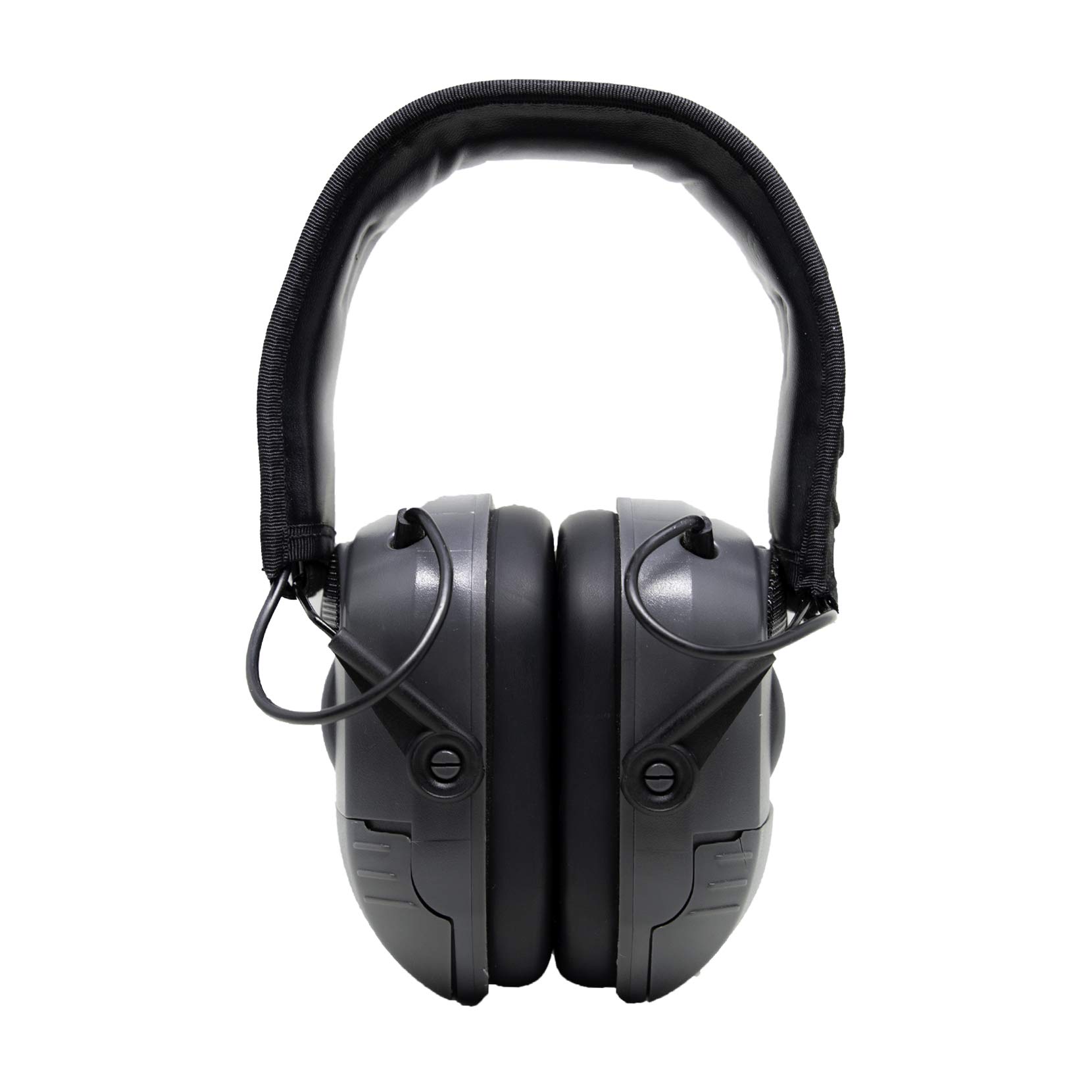
Image 1.1: Front view of the Walker's Ultimate Quad Connect Electronic Earmuffs.
2. Safety Information
- Always ensure the earmuffs are properly fitted to achieve the stated Noise Reduction Rating (NRR).
- Inspect earmuffs regularly for damage. Replace if ear cushions are cracked or worn, or if the headband is compromised.
- Do not modify the device. Unauthorized modifications may impair performance and void the warranty.
- Keep batteries away from children. If swallowed, seek immediate medical attention.
- Remove batteries during prolonged storage to prevent leakage.
3. Package Contents
Verify that your package contains the following items:
- Walker's Ultimate Quad Connect Electronic Earmuffs (1 pair)
- AAA Batteries (2 included)
4. Product Features
- Bluetooth Sync: Connects wirelessly with mobile devices.
- Integrated Communication Mic: Allows for hands-free calling.
- Call Handling: Ability to make and receive phone calls through the headset.
- Four Hi Gain Omni Direction Microphones: Enhances ambient sound awareness.
- 9x Hearing Enhancement: Amplifies low-level sounds up to 9 times.
- Independent Volume Controls: Two separate controls for left and right ear cups.
- Sound Activated Compression (SAC): Reacts in 0.02 seconds to suppress loud noises.
5. Setup
5.1 Battery Installation
- Locate the battery compartments on each ear cup.
- Gently open the battery compartment covers.
- Insert one AAA battery into each compartment, ensuring correct polarity (+/-).
- Close the battery compartment covers securely.

Image 5.1: Side view of the earmuffs, indicating the location of the battery compartment and volume control.
5.2 Adjusting Fit
For optimal hearing protection and comfort, adjust the earmuffs as follows:
- Extend the headband by pulling the ear cups downwards.
- Place the earmuffs over your ears, ensuring the ear cushions fully cover your ears and create a seal.
- Adjust the headband by sliding the ear cups up or down until a snug and comfortable fit is achieved. The headband should rest over the top of your head.
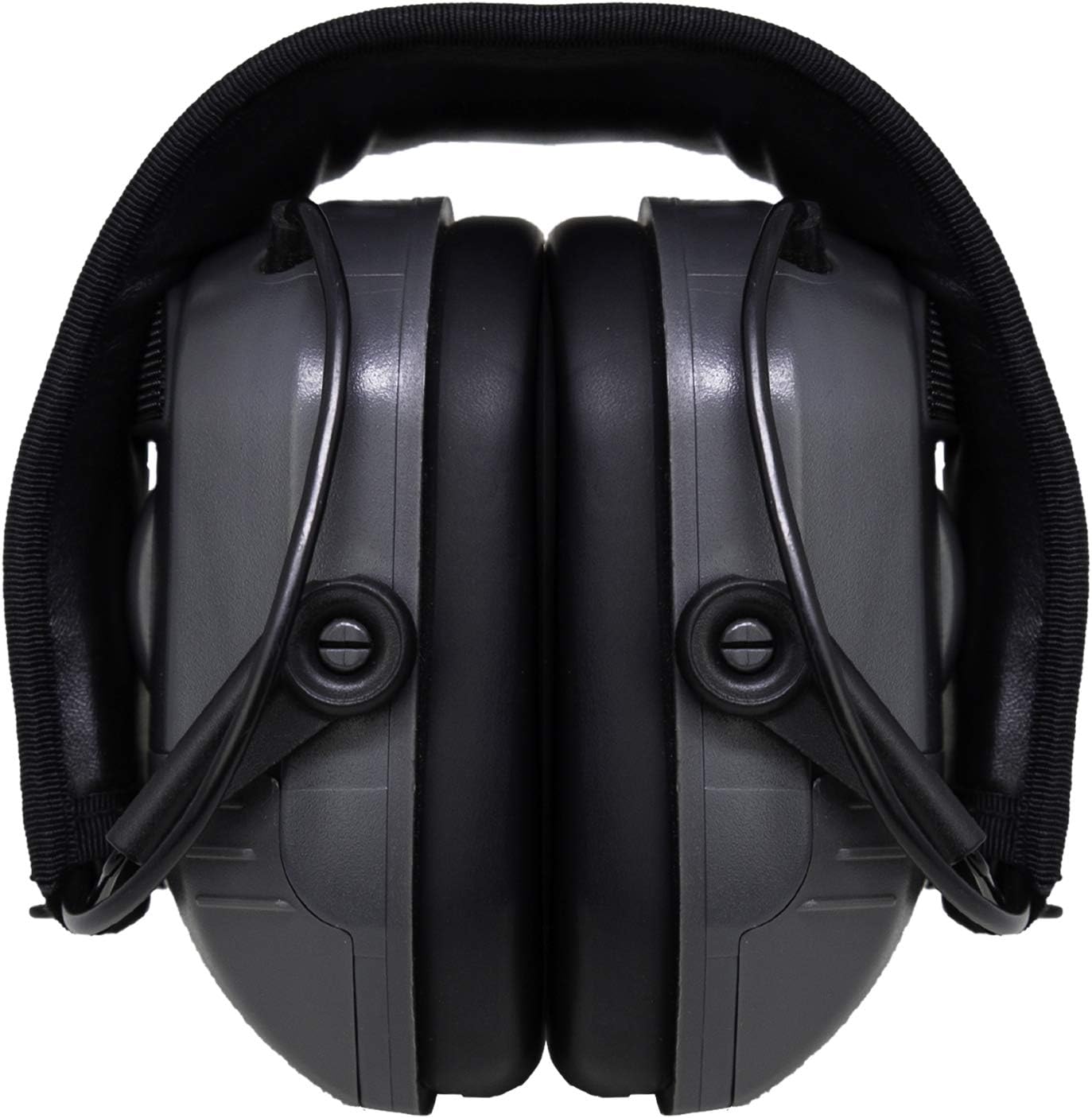
Image 5.2: Top view of the earmuffs, showing the adjustable headband.
6. Operating Instructions
6.1 Power On/Off and Volume Control
- To power on, rotate the volume control knobs located on each ear cup clockwise until you hear a click.
- Adjust the volume for each ear independently by rotating the respective knob.
- To power off, rotate the volume control knobs counter-clockwise until you hear a click.
6.2 Bluetooth Pairing
- Ensure the earmuffs are powered on.
- Activate Bluetooth on your mobile device.
- Search for available devices. The earmuffs should appear as "Walker's Quad Connect" or similar.
- Select the earmuffs from the list to pair. A confirmation tone may sound upon successful pairing.
6.3 Call Handling
- Answering a Call: Press the multi-function button (if available, or refer to specific model button layout).
- Ending a Call: Press the multi-function button again.
- Rejecting a Call: Press and hold the multi-function button for approximately 2 seconds.
6.4 Audio Playback
Once paired via Bluetooth, audio from your mobile device will stream to the earmuffs. Use your mobile device to control playback (play, pause, skip tracks).
7. Maintenance
7.1 Cleaning
Wipe the exterior surfaces of the earmuffs with a clean, damp towel. Do not immerse the device in water or use abrasive cleaners.
7.2 Storage
Store the earmuffs in a cool, dry place away from direct sunlight. Remove batteries if the device will not be used for an extended period.
8. Troubleshooting
| Problem | Possible Cause | Solution |
|---|---|---|
| No power | Dead or incorrectly installed batteries | Replace batteries or check polarity. Ensure volume knobs are turned on. |
| No sound enhancement | Volume too low; earmuffs off | Increase volume using the independent controls. Ensure earmuffs are powered on. |
| Bluetooth not connecting | Earmuffs not in pairing mode; device Bluetooth off; out of range | Ensure earmuffs are on. Turn device Bluetooth off and on. Move closer to the device. Re-attempt pairing. |
| Echo or feedback | High ambient sound amplification; improper fit | Reduce volume. Adjust earmuffs for a better seal. |
9. Specifications
- Model Number: GWP-XPMQ-BT
- Noise Reduction Rating (NRR): 27 Decibels
- Single Number Rating (SNR): 27 Decibels
- Power Source: 2 AAA batteries (included)
- Microphones: Four Hi Gain Omni Directional
- Hearing Enhancement: Up to 9x
- Sound Activated Compression (SAC) Reaction Time: 0.02 seconds
- Connectivity: Bluetooth
- Fit Type: Over-Ear
- Color: Black/Gray
- Material: Metal
- Product Dimensions: 12 x 3.1 x 2 inches
- Item Weight: 1 Pound
- Care Instructions: Wipe with clean towel
10. Warranty and Support
This product is covered by a 1-year manufacturer's warranty from the date of purchase. This warranty covers defects in materials and workmanship under normal use.
For warranty claims, technical support, or service inquiries, please contact Walker's customer support directly. Keep your proof of purchase for warranty validation.
Manufacturer: Great Lakes MP