
Introduction
This manual provides detailed instructions for the installation, operation, and maintenance of the EASYGUARD EC002-NI Smart Key Car Alarm System. This system integrates Passive Keyless Entry (PKE), remote engine start, push button start, and touch password entry for enhanced vehicle security and convenience. Please read this manual thoroughly before installation and use.
Product Features
- Passive Keyless Entry (PKE): Automatically locks/unlocks vehicle doors when the key fob is within 1-2 meters.
- Push Button Start/Stop: Allows engine ignition and shutdown with a button press.
- Remote Engine Start/Stop: Enables starting or stopping the engine remotely.
- Touch Password Entry: Provides a secure method to lock or unlock the car using a touch keypad.
- Remote Trunk Release: Opens the vehicle trunk remotely (may require an additional solenoid kit).
- Anti-Hijacking: Security feature to prevent vehicle theft.
- Panic Mode: Activates the alarm for vehicle location or emergency signaling.
- Valet Mode: Temporarily disables certain security features for service.
- Central Door Locking Automation: Automatically locks doors upon driving and unlocks upon engine shutdown.
- Automatic Window Closing: Optional feature, requires an additional window closer module.
- FSK Technology: Utilizes Frequency Shift Keying for reliable communication.
Package Contents
The EASYGUARD EC002-NI system typically includes the following components:
- Main Control Module
- Two Smart Key Fobs
- Push Start/Stop Button
- PKE Antennas
- Touch Password Keypad
- Wiring Harnesses
- LED Indicator
- Siren (if included in specific package)
- User Manual

Image: Overview of the EASYGUARD EC002-NI Smart Key Car Alarm System components, including two key fobs, the main control module, PKE antennas, wiring harnesses, the push start/stop button, and the touch password keypad.
Setup and Installation
Professional installation by a qualified car alarm installer is strongly recommended. Incorrect installation can lead to vehicle damage or system malfunction. This system is designed for DC12V petrol vehicles, including both automatic and manual transmission models.
Important Considerations:
- Immobilizer Bypass: If your vehicle has a factory OEM key fob with a chip immobilizer, an extra bypass module (e.g., ASIN: B07NSLPBG7 or B00MEHBVIC) is required.
- Steering Lock: The steering lock must be unlocked, released, or removed during installation.
- Diesel Vehicles: For diesel cars with engine cranking times exceeding 3 seconds, it may be necessary to turn on the ON dashboard first to pre-warm the spark plug before starting, or to add an extra timer delay switch.

Image: Dimensions of the EASYGUARD EC002-NI main control module, showing measurements of approximately 98mm in width, 113.5mm in length, and 28.5mm in height. This information is crucial for planning installation space.
Operating Instructions
1. Passive Keyless Entry (PKE)
With the key fob in your hand or pocket, the system will automatically unlock the vehicle doors when you approach within 1-2 meters. When you walk away from the vehicle, it will automatically lock the doors after a few seconds.
2. Push Button Start/Stop
To start the engine, ensure the vehicle is in neutral (manual transmission) or park (automatic transmission) and press the brake pedal, then press the "ENGINE START STOP" button. To stop the engine, press the button again while the vehicle is stationary.

Image: Illustration of the push start/stop button, showing its dimensions (31mm diameter, 41mm height, 56mm overall length) and color changes. The button illuminates blue when disarmed and in ACC/ON mode, and green when the vehicle is started.
3. Remote Engine Start/Stop
To remotely start the engine, press and hold the designated button on the key fob. The engine will start, allowing you to pre-cool your car in summer or pre-warm it in winter. To stop the engine remotely, press the button again.

Image: Depicts a car being remotely started by a user holding the key fob, illustrating the convenience of pre-cooling or pre-warming the vehicle.
4. Remote Trunk Release
Press the designated button on the key fob to remotely open the vehicle's trunk. An additional trunk release solenoid kit (e.g., ASIN: B00N4RP8VM) may be required for this function to operate.

Image: Shows a car's trunk opening remotely via a key fob, highlighting the convenience of the remote trunk release feature.
5. Panic Mode / Car Finding
Press the lock button on the key fob once to activate the alarm and locate your vehicle in a crowded parking area. This also serves as a panic function in emergencies.

Image: Illustrates a car alarm being activated in a parking garage, indicating the panic mode or car finding function of the system.
6. Key Fob Button Functions
The smart key fob has multiple buttons for various functions:
- Lock Button: Arm the system, lock doors, activate panic mode.
- Unlock Button: Disarm the system, unlock doors.
- Trunk/Start Button: Remote trunk release or remote engine start.

Image: Close-up of the key fob, detailing the functions of each button: Arm/Panic mode, Disarm/Unlock, and Start button/Trunk release. It also indicates a spare key blade place.
7. Touch Password Entry
Use the external touch keypad to enter a pre-programmed password to lock or unlock the vehicle, providing an alternative entry method without the key fob.
8. Valet Mode
Activate Valet Mode when leaving your vehicle with a valet or for service. This mode temporarily disables certain security features like remote start and alarm functions, while still allowing basic vehicle operation.
9. Emergency Override
In case of key fob loss or malfunction, the system includes an emergency override procedure to disarm the alarm and start the vehicle. Refer to the full installation manual for specific steps.
10. Advanced Settings
The system supports password revision and reset, parameter prolong settings, and various programming methods. These advanced configurations should only be performed by experienced installers or users familiar with car alarm systems.
Maintenance
- Key Fob Battery: The key fobs require CR2 batteries (2 included with the product). Replace batteries when the remote range decreases or the indicator light on the fob dims. It is advisable to keep spare batteries in your vehicle.
- System Check: Periodically test all functions of the alarm system to ensure proper operation.
- Cleaning: Keep the main control module, key fobs, and push button clean and free from dust and moisture.
Troubleshooting
- System Not Responding: Check key fob battery. Ensure the key fob is within range.
- Remote Start Failure: Verify vehicle is in park/neutral. Check if the hood is closed. Ensure the brake pedal is not pressed (unless required by specific vehicle wiring).
- PKE Not Working: Ensure PKE antennas are correctly installed and not obstructed. Check key fob battery.
- Alarm Triggers Randomly: Check shock sensor sensitivity settings. Inspect wiring for loose connections.
- Difficulty Starting Engine with Push Button: Ensure brake pedal is pressed. Check for any immobilizer issues (if a bypass module is installed, verify its function).
For complex issues, it is recommended to consult a professional car alarm installer or contact EASYGUARD customer support.
Specifications
| Model Number | EC002-NI |
| Item Weight | 2.42 pounds (1.1 kg) |
| Package Dimensions | 9.8 x 7.01 x 4.02 inches (24.9 x 17.8 x 10.2 cm) |
| Batteries | 2 CR2 batteries required (included) |
| Compatible Devices | Cars with 12V DC electrical systems running on gasoline (petrol), including automatic and manual transmission vehicles. |
| Maximum Range | 2 Meters (PKE) |
| Wireless Remote | Yes |
| Manufacturer | Easyguard electronics ltd |
| Date First Available | January 22, 2016 |
Warranty and Support
For warranty information, technical support, or inquiries, please contact Easyguard electronics ltd directly. You can find contact details on the product packaging or their official website.
Manufacturer: Easyguard electronics ltd
Address: 2nd floor, building 3, No.77 Caihong Road, West district, Zhongshan City, Guangdong, China
Phone: +86-760-2211-3597
Website: www.ieasyguard.com
Email: sales@ieasyguard.com
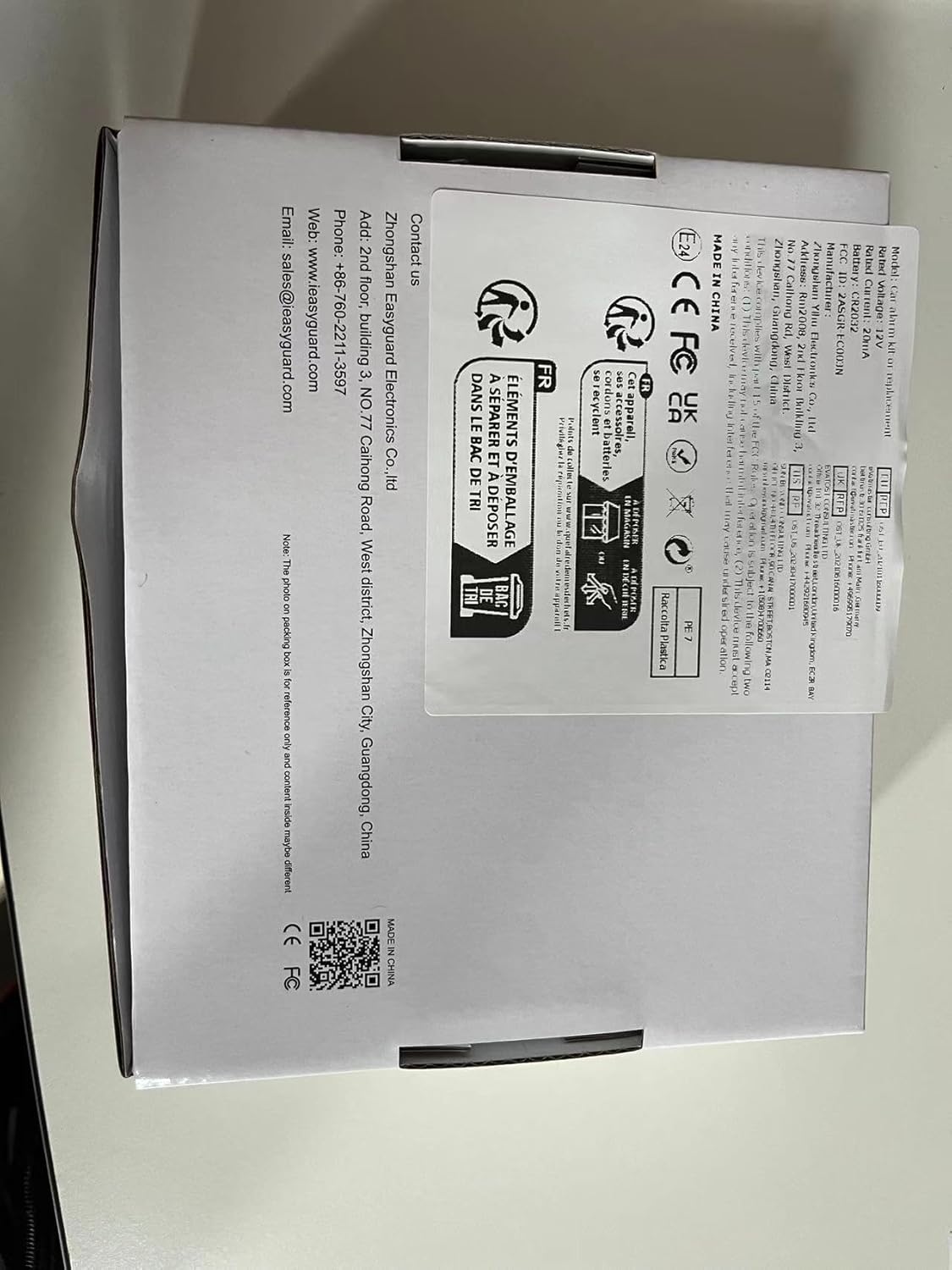
Image: The product packaging for the EASYGUARD EC002-NI system, displaying manufacturer contact details and product certifications. This information is useful for support and warranty claims.

