
Introduction
This manual provides comprehensive instructions for the installation, operation, and maintenance of your SureCall Fusion4Home Cell Phone Signal Booster. This device is designed to enhance 5G/4G LTE voice, text, and data signals for all North American cell carriers, including Verizon, AT&T, T-Mobile, and Sprint. It is suitable for homes or small offices up to 2000 sq ft, especially in areas with weak external cellular signals. The Fusion4Home incorporates 2XP technology to improve uplink transmission power, ensuring reliable connectivity.
Package Contents
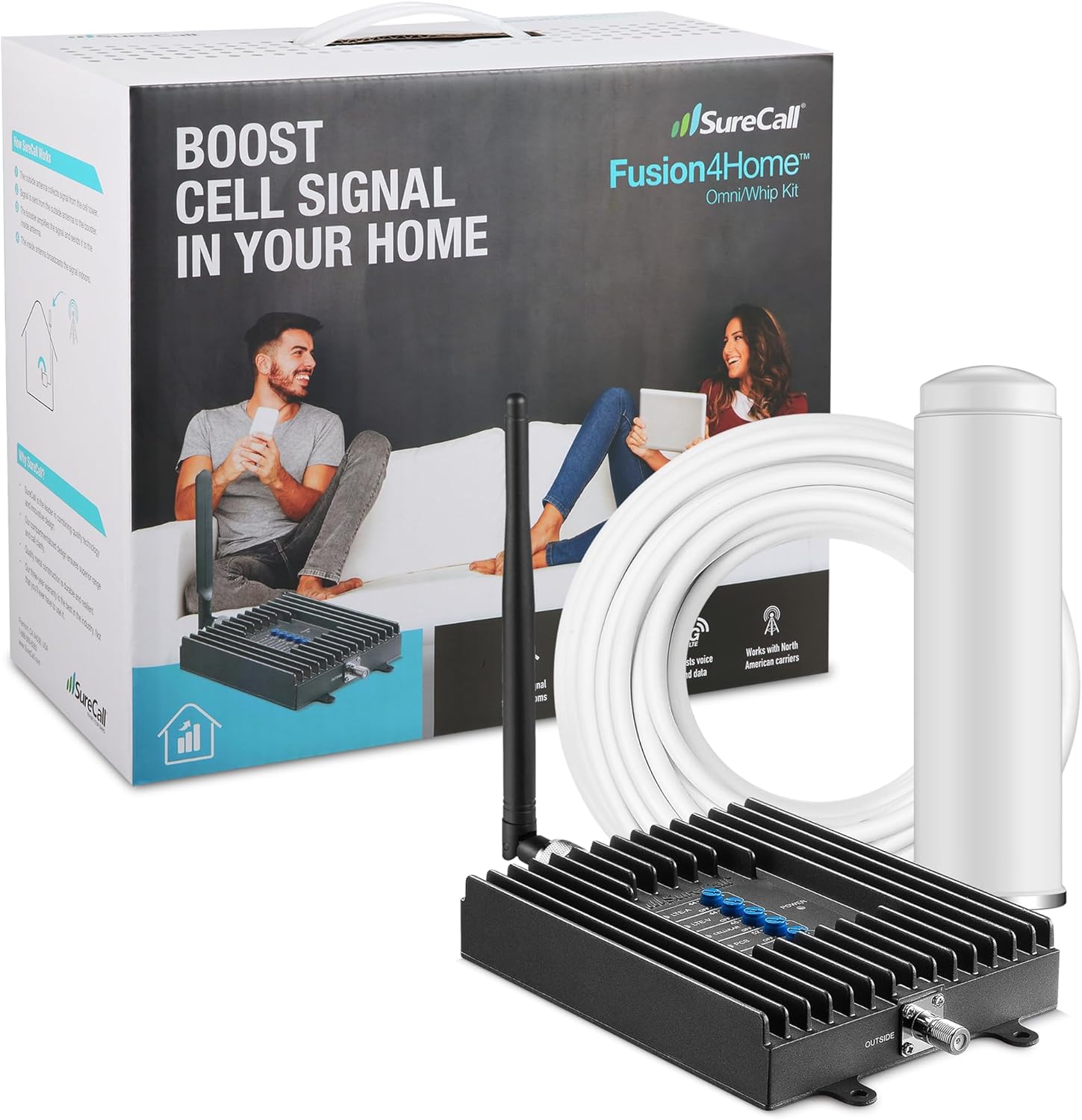
The SureCall Fusion4Home Omni/Whip Kit includes the following components:
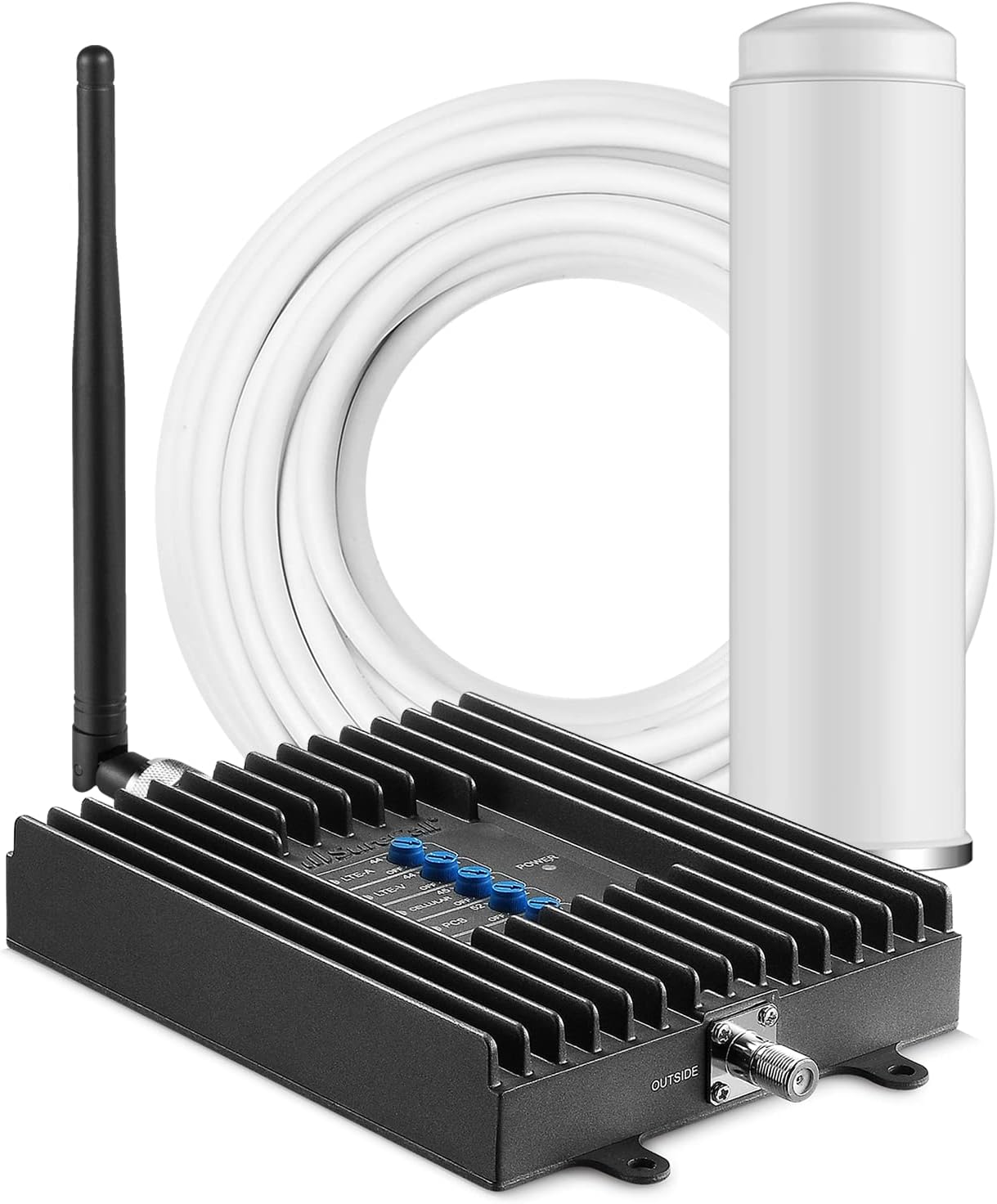
- Fusion4Home Signal Booster Unit (with integrated Indoor Whip Antenna)
- Omni Outdoor Antenna
- RG-6 Coaxial Cable (50 ft)
- Power Supply
- Mounting Kit for Outdoor Antenna (U-bolts, brackets, screws)
Setup
The Fusion4Home booster is designed for straightforward installation. The indoor antenna is integrated directly with the amplifier, simplifying the setup process.
Step 1: Locate the Nearest Cell Tower
Before installing the outdoor antenna, it is crucial to identify the nearest cell tower for your mobile service provider. This ensures optimal signal reception.
Use online resources like cellmapper.net to locate cell towers in your area. Select your provider (e.g., Verizon, AT&T) and network type (e.g., 4G-LTE) to view signal coverage maps.
Step 2: Install the Outdoor Antenna
Mount the omni outdoor antenna as high as possible on the side of the building with the best signal. Ensure a minimum of 30 feet horizontal separation between the outdoor antenna and the indoor booster unit to prevent signal interference.

Step 3: Connect Cables
Run the provided RG-6 coaxial cable from the outdoor antenna into your home. Connect one end to the outdoor antenna and the other end to the "Outdoor" port on the Fusion4Home booster unit.

Step 4: Place the Indoor Booster Unit
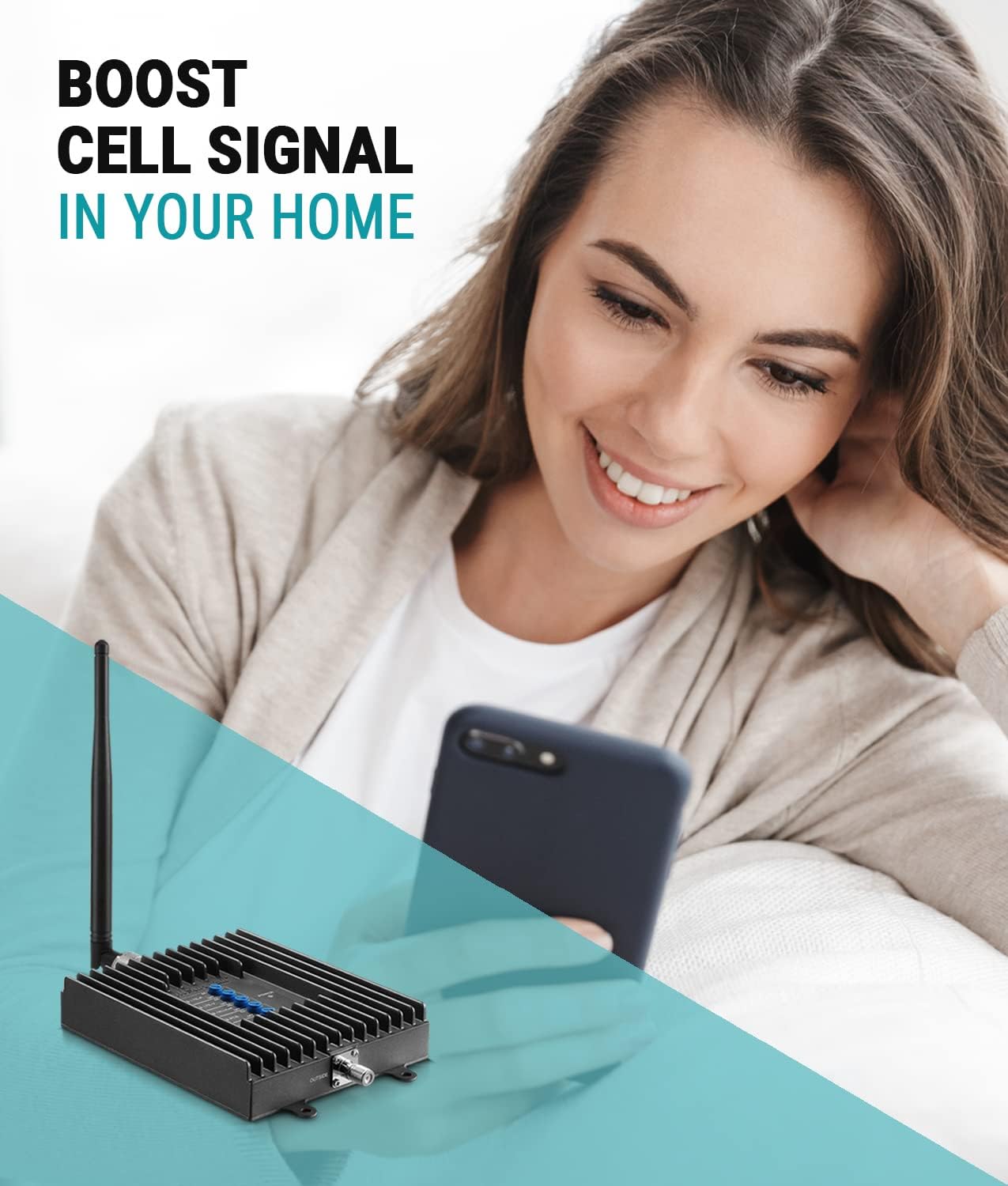
Place the Fusion4Home booster unit (with the integrated indoor whip antenna) in the central area where you desire improved signal coverage. The indoor coverage area is directly related to the existing signal strength available at the exterior antenna location.
Step 5: Power On
Connect the power supply to the booster unit and plug it into a standard electrical outlet. The unit will power on automatically.
Operating
Signal Improvement
Once powered on, the Fusion4Home booster will immediately begin amplifying available cellular signals. You should observe an increase in signal bars on your mobile device.
The 2XP technology doubles the uplink transmission power, ensuring your device maintains a strong connection even in weak signal environments.
Coverage Area
The indoor coverage area provided by the Fusion4Home varies based on the strength of the signal received by the outdoor antenna:
- 1-2 bars outside: Approximately 500 sq ft inside.
- 3-4 bars outside: Approximately 1000 sq ft inside.
- 5 bars outside: Approximately 2000 sq ft inside.
For optimal performance, ensure the outdoor antenna is positioned to capture the strongest possible signal.
Maintenance
The SureCall Fusion4Home is designed for durability and requires minimal maintenance.
- Periodically check all cable connections to ensure they are secure and free from damage.
- Ensure the outdoor antenna remains clear of obstructions (e.g., tree branches, debris) that could impede signal reception.
- Keep the booster unit clean and free from dust accumulation to maintain optimal performance.
Troubleshooting
If you experience issues with signal improvement, consider the following:
- Check Antenna Separation: Ensure there is at least 30 feet of horizontal separation between the outdoor antenna and the indoor booster unit. Insufficient separation can lead to oscillation and reduced performance.
- Verify Outdoor Antenna Direction: Re-check the direction of your outdoor antenna using cellmapper.net to ensure it is pointing towards the strongest cell tower.
- Inspect Cable Connections: Confirm all coaxial cable connections are tight and properly secured.
- Power Cycle: Disconnect and reconnect the power supply to the booster unit.
- Signal Strength: If the outdoor signal is extremely weak (less than 1-2 bars), the booster may have limited effectiveness. Consider a more powerful booster kit like the Fusion4Home Max for very weak signal areas.
For further assistance, refer to the official SureCall support resources.
Specifications
| Property | Value |
|---|---|
| Product Dimensions | 7.9 x 5 x 1.2 inches |
| Item Weight | 2.1 pounds |
| Model Number | SC-PolyH-72-ORA-Kit |
| Brand | SureCall |
| Compatible Devices | Smartphone |
| Included Components | Fusion4Home Omni/Whip Kit |
| First Available Date | October 15, 2015 |
| Coverage Area | Up to 2000 sq ft |
| Technology | 5G/4G LTE, 2XP Technology |
| Carrier Compatibility | All North American Cell Carriers (Verizon, AT&T, T-Mobile, Sprint, etc.) |
Warranty and Support
The SureCall Fusion4Home comes with an industry-best 3-year warranty.
Lifetime US-based technical support is available for any questions or assistance you may need.
This product is FCC approved.
SureCall is an American-owned and operated company based in Silicon Valley, California, and is an Authorized Verizon 5G Signal Booster Vendor.


