
Introduction
This document provides essential information for the proper setup, operation, and maintenance of your Kato N Scale 10-1329 Series 711 Type 0 Add-on 3 Car Set. This product is brand new and factory sealed, offering a detailed addition to your model railway collection.
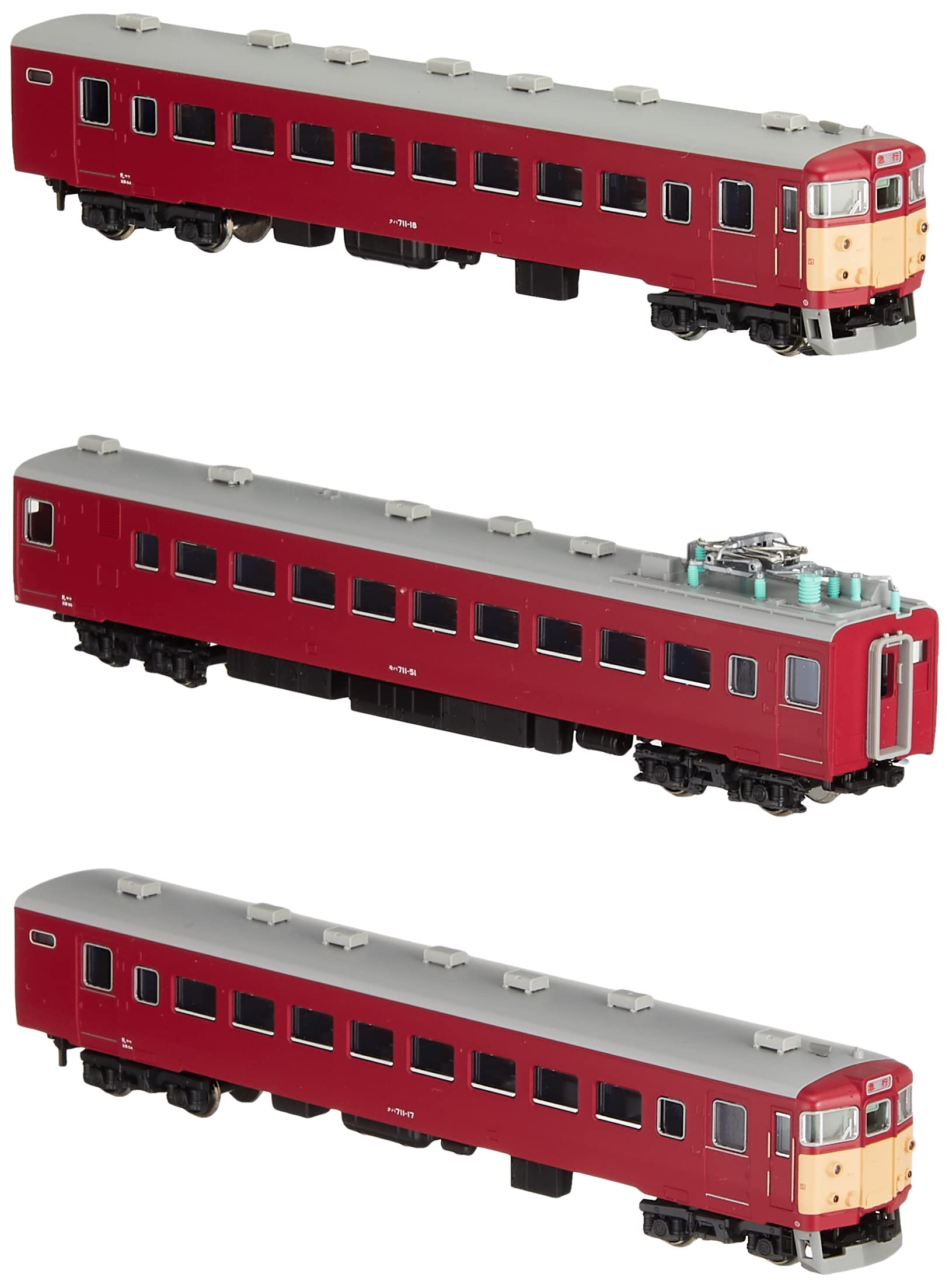
Image: Packaging for the Kato N Scale Series 711 Type 0 Add-on 3 Car Set, showing the model number 10-1329 and N-Gauge branding.
Setup
This set includes three add-on cars for your N Scale model railway. The cars are designed for easy connection and feature specific coupler types.
Connecting the Cars
The cars connect using body-mount couplers. To connect, align the couplers and gently push the cars together until they snap securely. To disconnect, gently pull the cars apart. Ensure proper alignment to avoid damage to the couplers.

Image: A single car from the Kato N Scale Series 711 Type 0 Add-on Set, illustrating its approximate length of 5.4 inches (13 cm).
Coupler Type
The cars are equipped with body-mount couplers. These couplers are integrated into the car body rather than the bogies. Please verify compatibility with your existing rolling stock before attempting to connect.
Operating Instructions
The Series 711 Type 0 cars feature directional lighting. When the train moves in one direction, the lights at the front of the leading car will be white, and the lights at the rear of the trailing car will be red. When the direction is reversed, the lighting will automatically switch, with white lights appearing at the new front and red lights at the new rear.
Some cars in the set may include an on/off switch located on the underside of the chassis to control the lights. This allows you to operate the train with or without the lights activated, depending on your preference.
Maintenance
Cleaning
To maintain the appearance of your model cars, wipe them clean with a soft, dry cloth. Avoid using harsh chemicals or abrasive materials that could damage the painted finish.
Loose Parts
Exercise caution when handling the cars, as some small components, particularly those on the roof (such as the pantograph and other details), are not permanently glued and can detach easily. Regularly inspect the models for any loose parts and reattach them carefully if necessary. Lost parts can be difficult to replace.
Troubleshooting
Coupler Incompatibility
If you experience issues connecting these cars with other rolling stock, it may be due to coupler incompatibility. The Kato Series 711 Type 0 Add-on Set uses specific body-mount couplers. Ensure your other models use compatible coupler types for seamless operation.
Lights Not Functioning
If the directional lights are not working, check the on/off switch located on the underside of the car chassis (if present) to ensure it is in the 'on' position. Also, verify that the cars are properly seated on the track and receiving power.
Detaching Components
If small parts detach from the model, carefully locate them and reattach them using a suitable model adhesive. Handle the models gently to prevent further detachment of delicate components.
Specifications
| Feature | Detail |
|---|---|
| Brand | Kato |
| Model Number | 10-1329 |
| Series | 711 Type 0 |
| Scale | N Scale |
| Number of Items | 3 cars |
| Material | Plastic, Resin |
| Color | Red |
| Finish Type | Painted |
| Item Weight | 14.4 ounces |
| Product Care Instructions | Wipe Clean |
| Additional Features | Special Set, Factory sealed |
| Model Year | 1969 |
| ASIN | B01ABSGHJ8 |
| Recommended Uses | Model Car |
| Mounting Type | Tabletop |
Warranty Information
Specific warranty details for the Kato N Scale 10-1329 Series 711 Type 0 Add-on 3 Car Set are not provided in the available product information. Please refer to the manufacturer's official website or contact their customer service for warranty inquiries.
Customer Support
For further assistance or technical support regarding your Kato N Scale 10-1329 Series 711 Type 0 Add-on 3 Car Set, please visit the official Kato website or consult your retailer. Contact information for direct customer support is not available in this manual.


